This guide is about robot vacuums and mowers specifically. For the general steps to get any 2.4 GHz-only gadget onto eero, Nest Wifi, Deco, Orbi or UniFi, see how to connect a 2.4 GHz-only device; we don't repeat the router-by-router steps here.
What robot vacuum makers say they need
Every robot vacuum maker we read asks for a 2.4 GHz network, with a few named exceptions. The table lists what each maker's own support pages say, read November 28, 2026.
| Maker | Band | Security and network type | Name, password and phone |
|---|---|---|---|
| iRobot (Roomba) | "Some robot models do not support 5GHz connectivity." Its setup page's model table marks 2.4 and 5 GHz for the Combo 10 Max, Combo j7+/j9+, Combo j5, j7/j9, s9 and i6/i7/i8, and 2.4 GHz only for others, including the Essential, i1 to i5, Combo i5, Combo i8, Combo, 900, 800 and 670/690 (note the Combo i8 differs from the i8) | "We do not support WPA3 security." A guest network "is not a recommended network"; Roomba "is designed to operate on home Wi-Fi networks that support device discovery" | With separate names, pick the one with "2G, 2GHz, or nothing extra in the name." The app flags passwords with characters it can't accept; type the password rather than paste it. Setup uses Bluetooth where possible, with location and "Precise Location" on |
| Roborock | "Our robots currently only support the 2.4GHz Wi-Fi band and do not support 5GHz at present" | WEP isn't supported; switch to WPA or WPA2 | Remove special characters "like !@#$" from the name or password; allow location, and on iOS 14 or later local network access; turn off the phone's cellular data and VPN |
| Ecovacs (DEEBOT) | "Ecovacs robots only supports 2.4GHz wireless networks" (its 2024 blog says "most of the models like DEEBOT"); robots bought in North America use channels 1 to 11 only; channel width "20 MHz or 'auto'" | No hidden network "during and after network configuration"; no "web page authentication" networks; Wi-Fi isolation off (it notes some guest networks turn it on); IPv4 required | Turn off the phone's mobile data; no VPN or proxy; disable MAC filtering for setup, then add the robot's address; repeaters must use the main network's name and password |
| eufy (RoboVac) | "RoboVacs only work with 2.4GHz networks"; its troubleshooting page adds "(L60 can support 5 GHz)" | "WPA/WPA2, WEP"; 802.11b "Not recommended" | Separate the bands and use 2.4 GHz; check capital letters in the name and password; turn on airplane mode with Wi-Fi only; allow location, with precise location on |
| Dreame | "Our robot vacuum only supports 2.4G, so it is recommended to turn off dual-band merging" | No hidden names; no networks that "require web authentication"; check that the router isn't blocking new devices or MAC addresses | Letters and numbers only, avoiding special characters; "Networking does not support VPNs or proxy servers"; allow location |
Shark's support pages didn't load for us on November 28, 2026 (two attempts at SharkNinja's own support site), so we have no Shark requirements to report; check the network section of your model's page on SharkNinja's support site.
eufy explains the 2.4 GHz choice in its own words: the robot receives small commands relayed through eufy's cloud, "The 2.4GHz band has a bigger effective range than 5GHz," and "Speed in this kind of communication is less important." iRobot also lists the ports its robots use, including TCP 443 and TCP 8883, and names "firewalls, ad blocker, VPN, etc." as things to check if the robot can't reach its service.
What robot mower makers say they need
Mower makers also ask for 2.4 GHz, but mowers differ from vacuums in two ways: several use cellular as well as or instead of Wi-Fi, and wire-free models depend on satellite positioning (RTK) that has nothing to do with your router. What each maker's pages say:
| Maker | Wi-Fi | Cellular, Bluetooth and positioning |
|---|---|---|
| Husqvarna Automower | "Frequency band: 2.4 GHz only. 5 GHz networks are not supported"; its troubleshooting page (which shows 14/05/2026) adds 6 GHz. "SSID must be visible (not hidden)"; "Strong Wi-Fi signal at the charging station (Wi-Fi-only models)" | Husqvarna lists Wi-Fi-only models (such as the 310E NERA and 312V), Wi-Fi plus cellular models (such as the 430X NERA and 450X NERA), and cellular-only models (the 435X AWD and 435X AWD NERA). It says "Other Automower® models do not have Wi-Fi hardware capability." Bluetooth pairing comes first, and Husqvarna says Wi-Fi-only models keep Bluetooth control within 30 m |
| Segway Navimow | "The mowers do not support 5GHz at the moment"; no special characters in the name; password "no longer than 64 characters" (Navimow Academy, July 18, 2026) | "Navimow mowers also support 4G and Wi-Fi"; you can switch to 4G in the app. The phone should be "within three meters of the mower" for Bluetooth. The charging station passes reference-antenna data to the mower for positioning |
| Mammotion (Luba, Yuka) | "Luba only supports the 2.4GHz WiFi connection" | Mammotion's 4G guide (July 1, 2026) lists a built-in 4G module for the LUBA 3 AWD, LUBA mini 2 AWD, LUBA 2 AWD X, LUBA mini AWD and YUKA, with a paid subscription after the included period and no option to use your own SIM. It also describes network RTK over 4G "without the need to install any physical RTK base stations" |
| Worx Landroid | Worx's pages disagree: its Vision setup page says "Landroid Vision works with 2.4GHz/5GHz Wi-Fi signal," while its requirements page says "Connect to a 2.4GHz network (required for connection)." Use your main secured network, not a guest one, and avoid special characters such as "!" in the password | The Find My Landroid module for Landroid Vision (WA0856) "Tracks Landroid Vision GPS location through a constant 4G connection" and, Worx says, "eliminates the need to rely on Wi-Fi connectivity to support Landroid Vision operability," with one year of service included |
What cellular means for your Wi-Fi: on a mower that has it, Wi-Fi becomes the backup or the cheaper path rather than the only one. Husqvarna says its Wi-Fi plus cellular models switch "to mobile network automatically" when Wi-Fi drops, and Navimow says switching between 4G and Wi-Fi "takes 1-2 minutes." Cellular plans are set by the maker; we don't cover prices here.
Why setup fails
Setup fails when the robot can't join the network the app hands it, and the makers name the same causes again and again:
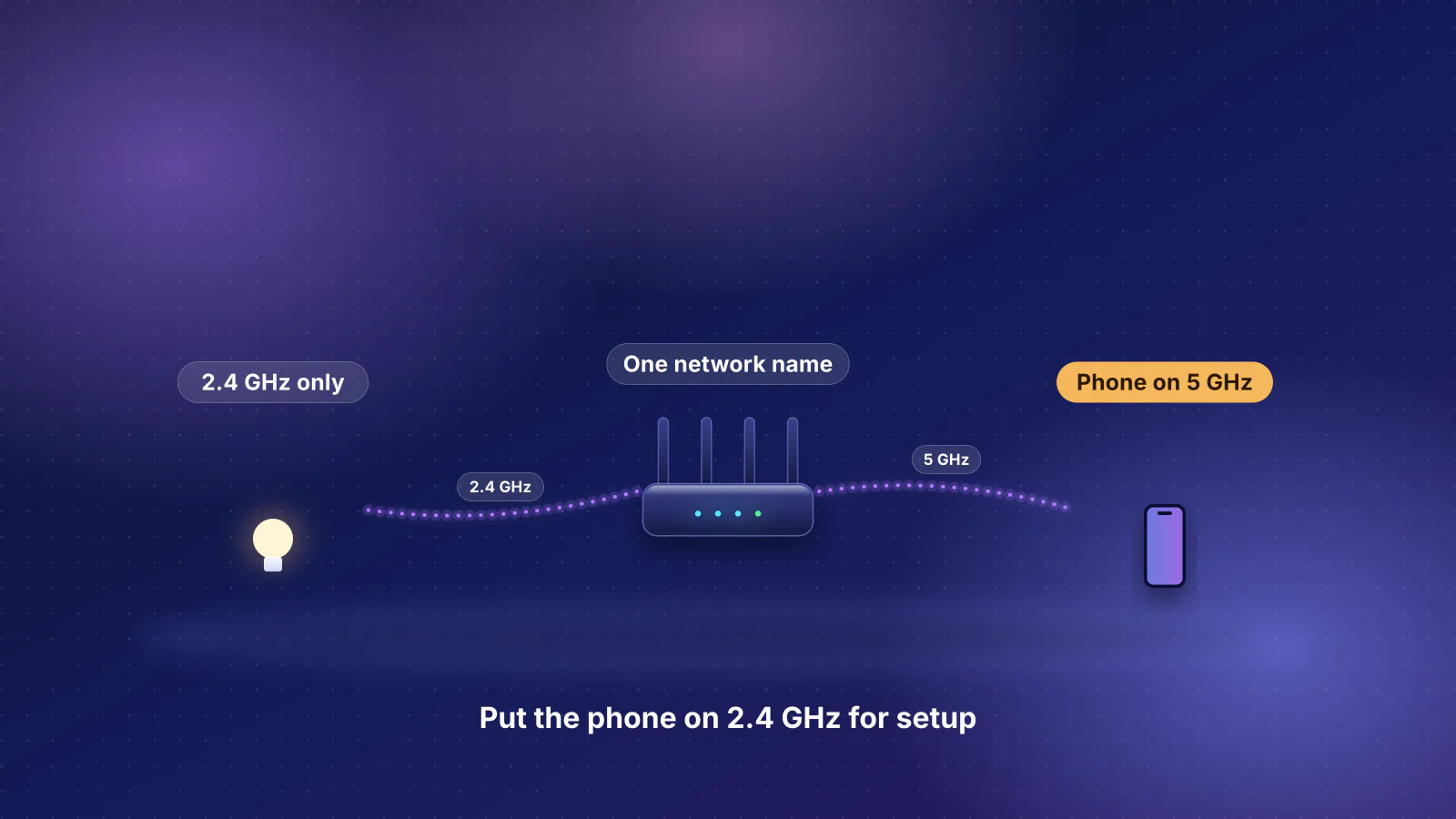
- The robot is 2.4 GHz only and the phone is on 5 GHz. Ecovacs and eufy both ask for the phone to be on the 2.4 GHz network when setup starts. iRobot says that on mesh systems "2.4GHz and 5GHz are typically combined, making the distinction more challenging." Ecovacs suggests telling the phone to ignore the 5 GHz network for the moment. Why the phone ends up on 5 GHz under one shared name is explained in one network name and band steering.
- A combined name, handled differently by each maker. Roborock says to try the combined name first and ask your provider or router maker to separate the bands if that fails; Dreame recommends turning off "dual-band merging"; Ecovacs's network page tells you to turn on "Band steering" or "dual band in one." Follow your own maker's advice, because they don't agree.
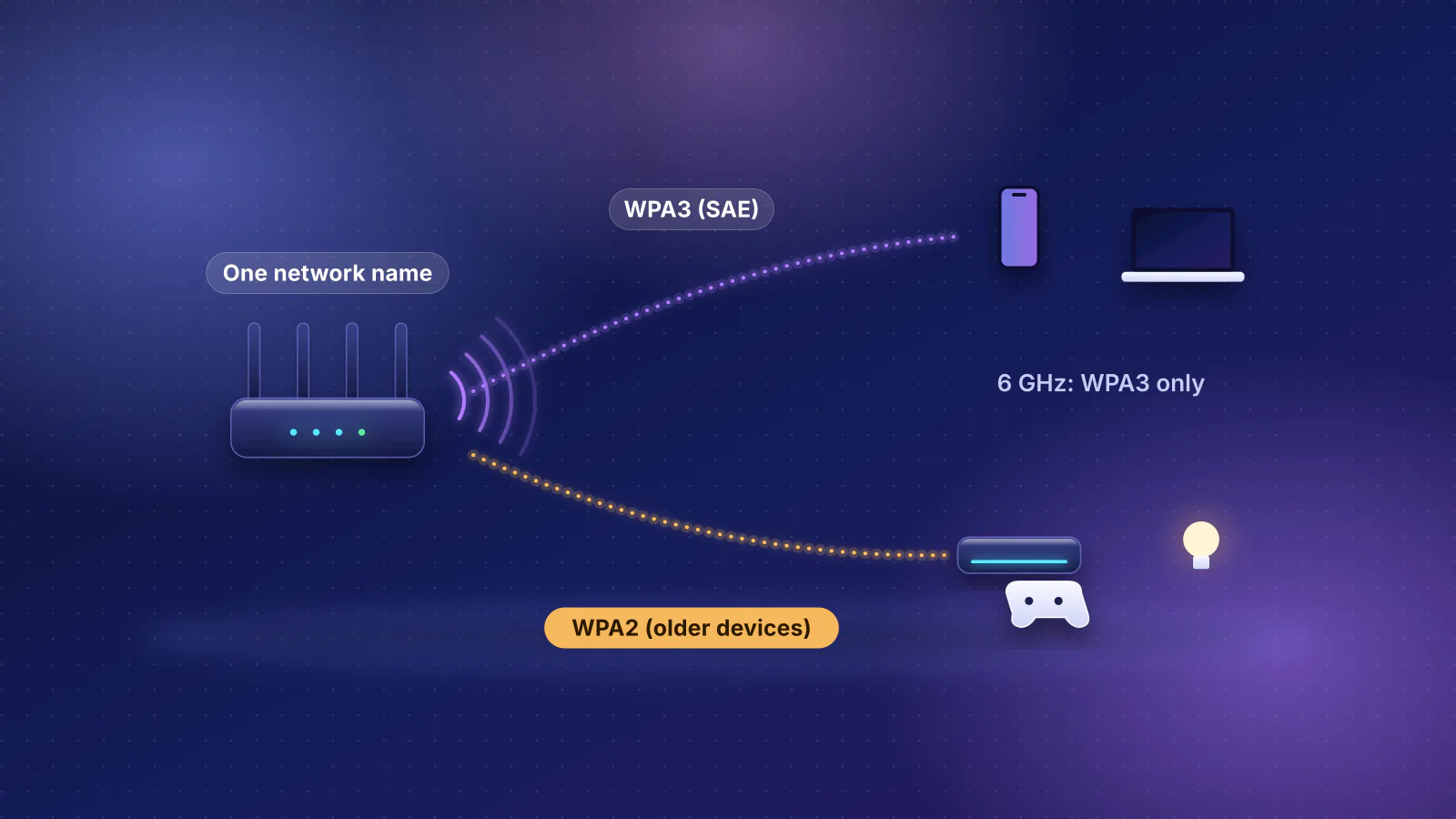
- The security mode. iRobot doesn't support WPA3; Roborock doesn't support WEP; eufy lists WPA/WPA2 and WEP. If your router is set to WPA3 only, WPA3 and older devices explains transition mode and when a separate network is cleaner.
- The wrong kind of network. Hidden names (Ecovacs, Dreame, Husqvarna), guest networks (iRobot, Worx) and networks with a sign-in web page (Ecovacs, Dreame) are all out. A guest network with client isolation also stops the app finding the robot; Ecovacs asks for Wi-Fi isolation to be off.
- Characters in the name or password. Roborock, Dreame, Navimow and Worx all warn about special characters; iRobot's app tells you if a character isn't accepted. Changing the network name or password affects every device, so try the other causes first.
- The phone itself. A VPN (Roborock, Ecovacs, Dreame), mobile data left on (Roborock, Ecovacs, eufy), or location, Bluetooth or local network permission switched off for the app (iRobot, Roborock, eufy, Dreame, Navimow). None of the robot makers' pages we read mention the phone's private Wi-Fi address setting; if you suspect it, private addresses and disconnects covers it.
- Router filters. MAC address filtering (Ecovacs, Dreame), a firewall or parental controls (Worx), and, for iRobot, blocked ports.
Why a vacuum drops in some rooms and a mower at the far end of the yard
A robot that joined fine and then drops off is usually leaving the area where the signal is good enough. Both kinds of robot move, which most smart home devices don't.
- The vacuum. iRobot asks for the dock "as close to the router as possible" and in "an area of the home with a strong Wi-Fi signal"; Dreame asks for "a strong Wi-Fi signal." The dock is where setup happens, but the robot then cleans the far bedroom, under beds and behind sofas. Rooms that are weak for your phone are weak for the vacuum too; measuring signal room by room shows how to find them. On mesh systems, a robot that holds on to a distant node as it moves is a roaming problem, covered in why devices stick to the wrong mesh node.
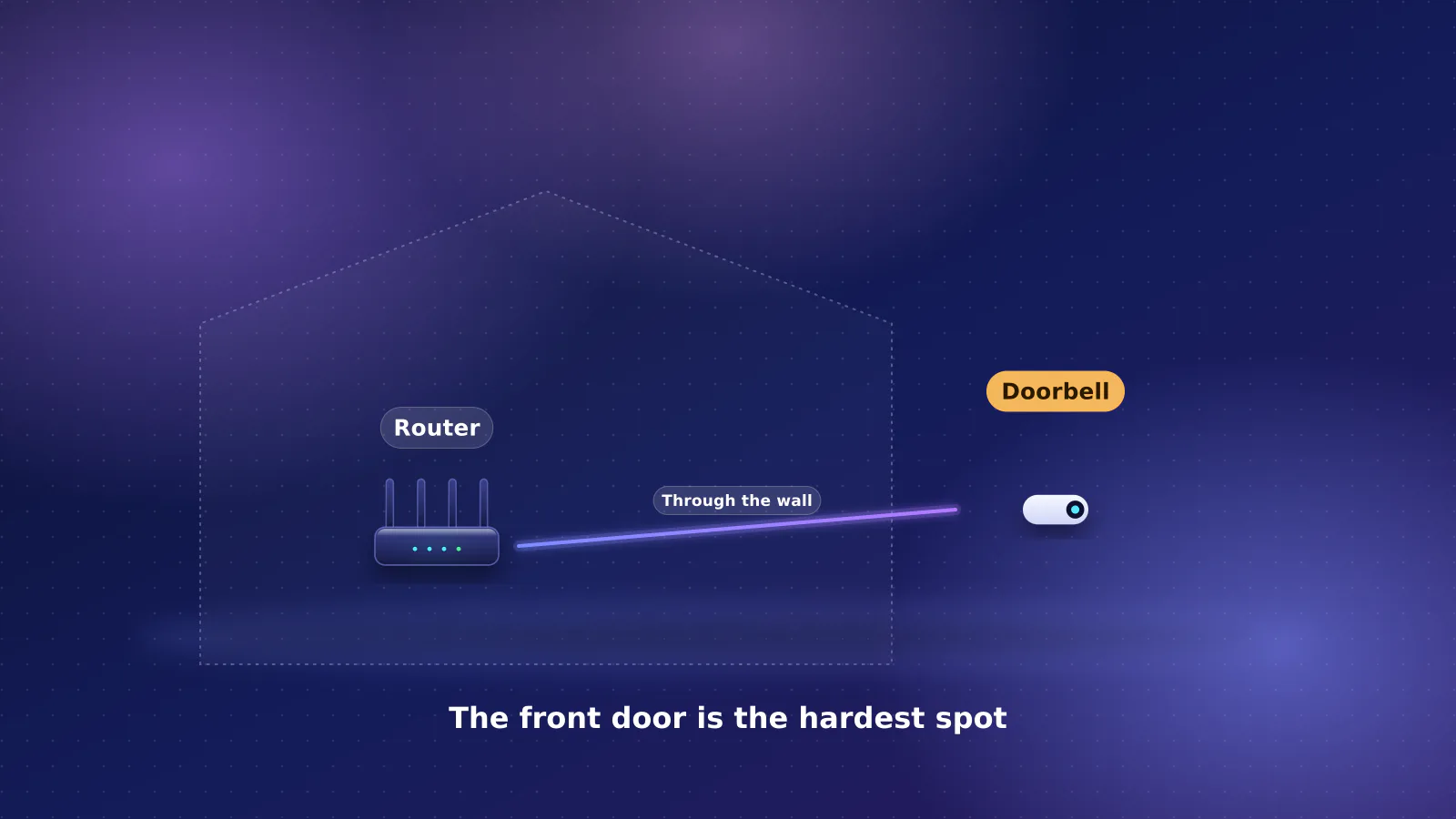
- The mower. It works outdoors, through an exterior wall and across open lawn. Husqvarna lists "Weak signal or mower out of range" among the common causes and suggests router placement near windows facing the lawn, away from "thick walls, metal objects or other electronics." Worx says to make sure the signal "covers the whole mowing area," and that app commands sent while Landroid Vision is in a poor-signal area "will only be executed when Landroid Vision returns to an area with good signal." It's the same edge-of-coverage problem a garage opener has, one more wall further out; why garage openers go offline covers the indoor side of it.
- Positioning isn't Wi-Fi. Navimow says trees or a roof between the antenna and the sky cause positioning errors and missed sections, and that a weak Wi-Fi signal or internet problem can also make the mower "leave some areas of the lawn." Mammotion says its RTK reference station "must be in an open area to receive satellite signals," at least 3 meters (10 feet) from any wall or tree. If the mower drops out under trees but your Wi-Fi reaches there, the satellite view is the more likely cause.
- Phone and app Bluetooth to the robot for setup (iRobot, Husqvarna, Navimow, Mammotion), then Wi-Fi or the internet for control
- Robot vacuum or mower 2.4 GHz radio on most models; some mowers also have 4G
- Distance, interior walls, the exterior wall and the lawn Where drops start: the far rooms for a vacuum, the far end of the yard for a mower
- Router or nearest mesh node A visible 2.4 GHz network in a security mode the robot accepts, not a guest or sign-in network
- Internet and the maker's cloud Needed for app control on most robots; iRobot lists the ports it uses
A safe check before you change anything
This check changes nothing on the robot or the router. It's an exercise for you to run; RouterHaus hasn't run it in any home or yard.
- Read the robot's own spec. The maker's page or the app's device page says whether your model supports 5 GHz (iRobot's setup page has a model table; eufy names the L60).
- See which network the phone is on, and turn off its VPN and mobile data for the test, as Roborock and Ecovacs advise.
- Note the app's error message. A band or network-name message points to the band; a timeout or wrong-password message after the band is right points to the security mode, characters or signal. Worx's "Wi-Fi Connected timeout" entry lists a wrong password, weak signal or security settings.
- Stand where the robot struggles (the far room, or the far end of the lawn) with the phone on the same network, and load a web page. Navimow suggests confirming the phone "can connect to the same WiFi network from the Navimow i2 AWD's location." On an Automower, the app shows the mower's own Wi-Fi signal under More, Settings, Automower Connect.
- Try a phone hotspot, if the maker suggests it (Worx, Navimow, Mammotion and Dreame do). If the robot joins the hotspot but not your Wi-Fi, a setting on your network is blocking it.
| What you found | What it means | Go to |
|---|---|---|
| Robot is 2.4 GHz only; phone is on 5 GHz or a merged name | The usual setup mismatch | Fixes 1 and 2 |
| Joins a phone hotspot but not your Wi-Fi | A setting on your network: security mode, hidden name, guest or isolation, MAC filter, firewall | Fix 3 |
| Joined fine, drops in certain rooms | Coverage or mesh roaming in those rooms | Fix 4 |
| Phone page stalls at the far end of the lawn, or the mower's signal reads weak | The yard is past your coverage | Fixes 4 and 5 |
| Wi-Fi is fine where the mower stops, but it's under trees or beside a wall | Probably satellite positioning, not Wi-Fi | The maker's RTK or antenna placement guidance |
The fixes, in order
Start with what costs nothing and is easy to undo, and change one thing at a time.
- Set up near the router. iRobot says to put the dock close to the router; Husqvarna says to place the mower near the router; Mammotion says you can drive Luba near the router for a firmware update; Worx wants the mower docked with at least 50% battery. Restart the robot, the router and the phone first, as Roborock and Husqvarna suggest.
- Get the phone onto 2.4 GHz for setup. Use the separate 2.4 GHz name if your router has one, or follow your maker's advice for a merged name (row by row above). Worx suggests temporarily disconnecting repeaters, which "often use a 5GHz signal." The steps for pausing or splitting bands on each mesh system are in how to pause or split the bands.
- Clear the setting your maker names. WPA2 or a transition mode the robot accepts instead of WPA3 only or WEP; a visible name; your main network rather than a guest or sign-in network; isolation and MAC filtering off for setup. Worx's expert page also lists DHCP on, 2.4 GHz mode b/g/n mixed and 20 MHz channel width; Ecovacs lists channels 1 to 11 in North America. If you'd rather keep robots apart from your computers, a separate IoT network is covered in giving devices their own 2.4 GHz network.
- Improve signal where the robot works. For a vacuum, a mesh node you already own moved toward the rooms where it drops. For a mower, Husqvarna suggests router placement near windows facing the lawn, or Wi-Fi extenders or mesh systems, and says "Make sure any extender or mesh system supports 2.4 GHz," with extenders "designed for outdoor use" outdoors. Which of extender, mesh node or wired access point suits your home is in extender vs mesh vs access point.
- On a mower with cellular, use it. If the yard can't be covered, Navimow says you can switch to 4G in settings, Husqvarna's dual models switch on their own, and Mammotion says that if the 4G service lapses, the mower still works but reverts to Wi-Fi or other available connections. That can be cheaper than outdoor Wi-Fi for one device; the subscription terms are the maker's.
What works without Wi-Fi or the cloud
Most of these robots still clean or mow without Wi-Fi, but app control, schedules on some models and remote alerts stop. What the makers document:
| Maker | What its pages say |
|---|---|
| Roborock | The robot "can operate without Wi-Fi and perform full-home cleanups, spot cleanups, and return to the dock with the push of a button," and handles basic voice commands; Wi-Fi "unlocks advanced features such as scheduled cleaning, selection of suction power strength." |
| Husqvarna Automower | When Wi-Fi drops, Wi-Fi-only models lose remote control, smart home functions and firmware downloads, and keep Bluetooth within about 30 m. Boundary-wire installations: "Automower® continues mowing normally." EPOS wire-free installations: "Automower® stops and searches for a signal." Reference-station models (it names the Aspire R6, 312V and 308V) stop, because Wi-Fi carries the link to the station. AI vision models continue briefly, then stop if Wi-Fi isn't restored. |
| Mammotion | Bluetooth alone covers boundary creation, no-go zones, channels and manual control. Wi-Fi is needed for remote status, starting, pausing or ending a job, sending Luba to recharge, and app settings. Initial setup, log feedback and firmware updates need both. |
| Worx | Worx's setup page recommends keeping Landroid Vision connected to the internet over Wi-Fi to get full functionality and software updates; the pages we read don't say whether Landroid keeps mowing its schedule without one. Its Find My Landroid module is sold to remove the need to rely on Wi-Fi. |
| iRobot, Ecovacs, eufy, Dreame | We couldn't find (or, for iRobot, couldn't load) a page describing offline operation for these makers on November 28, 2026. Check your model's manual for what the buttons on the robot do. |
Most of these robots are controlled through the maker's cloud, so an internet outage looks the same as a Wi-Fi drop to the app. For the whole-home picture, and a test that takes the internet away to see what still works, see what still works when the internet goes down.
When new equipment is justified
If the robot joins near the router and the phone test shows good signal where it works, buy nothing: the fix is a setting. Equipment is justified when:
- The far end of the lawn has no usable signal after moving the router and any node you already own, and the mower needs Wi-Fi to keep working (an EPOS or reference-station Automower, for example). A mesh node or access point on the house side of the wall facing the yard, or an outdoor-rated unit on that wall, is the change. Which outdoor units exist, their weather and heat ratings, and how to cable them are in our backyard Wi-Fi guide and its cabling section; we don't repeat the datasheets here.
- The vacuum drops in rooms your phone also struggles in, and no node you own can be moved to cover them. A node between the router and those rooms is the change; a new router in the same spot leaves the same distance and walls, so in our reasoning it is a weaker bet.
- Your router can't offer what the robot needs: no visible 2.4 GHz network, no WPA2 or transition mode, and no way to set up a separate network. That's rare; try a separate 2.4 GHz network first.
- The yard is too big to cover with Wi-Fi for one device. A mower with built-in cellular, or the maker's 4G module, may be the smaller change; the maker's own page says what it adds and what the service requires.
When the yard has a pool or other outdoor devices too, plan one outdoor unit for all of them rather than a separate fix for each.
When to get professional help
The settings and checks above are yours to try and undo. Get help when the fix is physical: running Ethernet to an exterior wall so an access point can face the yard, mounting an outdoor unit, or adding an outlet where a node needs to sit (a licensed electrician's job). For a mower's boundary wire, RTK station placement or a cellular module, the maker's support or dealer is the right first call; Husqvarna says its Automower Connect Kit is installed by a dealer. When the network job needs hands on site, RouterHaus can connect you with a licensed contractor through a consultation request.
Frequently asked questions
Why won't my robot vacuum connect to my Wi-Fi?
The makers' most common causes are a 2.4 GHz-only robot meeting a 5 GHz or merged network name, the phone being on 5 GHz during setup, WPA3 or WEP security, a hidden, guest or sign-in network, special characters in the name or password, and a VPN or mobile data left on the phone. Roborock, Ecovacs and Dreame all say their robots are 2.4 GHz only.
Do robot vacuums work on 5 GHz Wi-Fi?
Some do. iRobot's setup page lists 5 GHz support for some Roomba models, such as the i6/i7/i8, s9, j7/j9 and Combo 10 Max, and eufy says its L60 can use 5 GHz. Roborock, Ecovacs and Dreame say their robots support 2.4 GHz only. Check your model's page before you change router settings.
Why does my robot mower lose Wi-Fi at the far end of the yard?
It's outdoors, past at least one exterior wall, and moving away from the router. Husqvarna lists weak signal or being out of range as a common cause and suggests placing the router near windows facing the lawn or adding a Wi-Fi extender or mesh system that supports 2.4 GHz, with extenders designed for outdoor use outdoors. Under trees, positioning rather than Wi-Fi may be the problem.
Will my robot mower keep mowing if the Wi-Fi goes down?
It depends on the model. Husqvarna says boundary-wire Automower models keep mowing, wire-free EPOS models stop and search for a signal, and its Wi-Fi plus cellular models switch to the mobile network automatically. Mammotion says Bluetooth still covers manual control and mapping, while starting jobs from the app needs Wi-Fi.
Does a robot vacuum work without Wi-Fi?
Roborock says its robots can run full-home and spot cleanups and return to the dock with the buttons, without Wi-Fi; scheduled cleaning and suction settings need Wi-Fi. For other makers, check the manual for what the buttons on the robot do.
Sources
Read on November 28, 2026. Pages without a date are marked undated.
- iRobot: Setting up your Wi-Fi connected robot with the iRobot HOME app (undated)
- Roborock: Our robot, 2.4G vs 5G Wi-Fi band support (undated)
- Roborock: What should I do when Wi-Fi connection fails or robot shows as offline in app? (undated)
- Roborock: Can the robot vacuum work without Wi-Fi? (undated)
- Ecovacs: Network requirements for DEEBOT to connect to the ECOVACS HOME app (updated March 12, 2024)
- Ecovacs: Configuring your WiFi router to work for your Deebot (undated)
- Ecovacs: Mesh Wi-Fi connection help (undated)
- Ecovacs: How do robot vacuums work with 5GHz? (June 7, 2024)
- eufy: Which Wi-Fi networks does RoboVac support? (undated)
- eufy: Why Wi-Fi RoboVacs do not support 5GHz Wi-Fi connection (undated)
- eufy: General troubleshooting when RoboVacs do not connect to WiFi (undated)
- Dreame support: robot vacuum Wi-Fi setup troubleshooting FAQ (no title or date shown on the page; described from its contents)
- Dreame support: robot vacuum network pairing tips (no title or date shown on the page; described from its contents)
- Husqvarna: How to connect your Automower robotic lawn mower to Wi-Fi (undated)
- Husqvarna: Troubleshooting Wi-Fi issues on Automower robotic lawn mowers (page shows 14/05/2026, unlabelled)
- Segway Navimow: Navimow app not connecting, Bluetooth, Wi-Fi and 4G fixes (July 18, 2026)
- Segway Navimow: Why is my Navimow missing some areas? (July 9, 2026)
- Segway Navimow: What should I do if my Navimow i2 AWD cannot connect to a WiFi network? (January 13, 2026)
- Mammotion: What should I do if Luba does not connect to the WiFi connection? (undated)
- Mammotion: When will Bluetooth and WiFi connection be needed and how to use them (undated)
- Mammotion: 4G service guide (July 1, 2026)
- Mammotion: How to install RTK reference station (undated on the page)
- Worx: Requirements for the Wi-Fi setup, Landroid Vision (undated)
- Worx: Connecting Landroid Vision to the internet (undated)
- Worx: Network troubleshooting guide for Landroid connection (undated)
- Worx: Landroid Vision error "Wi-Fi Connected timeout" (undated)
- Worx: Find My Landroid for Landroid Vision (WA0856) (undated)