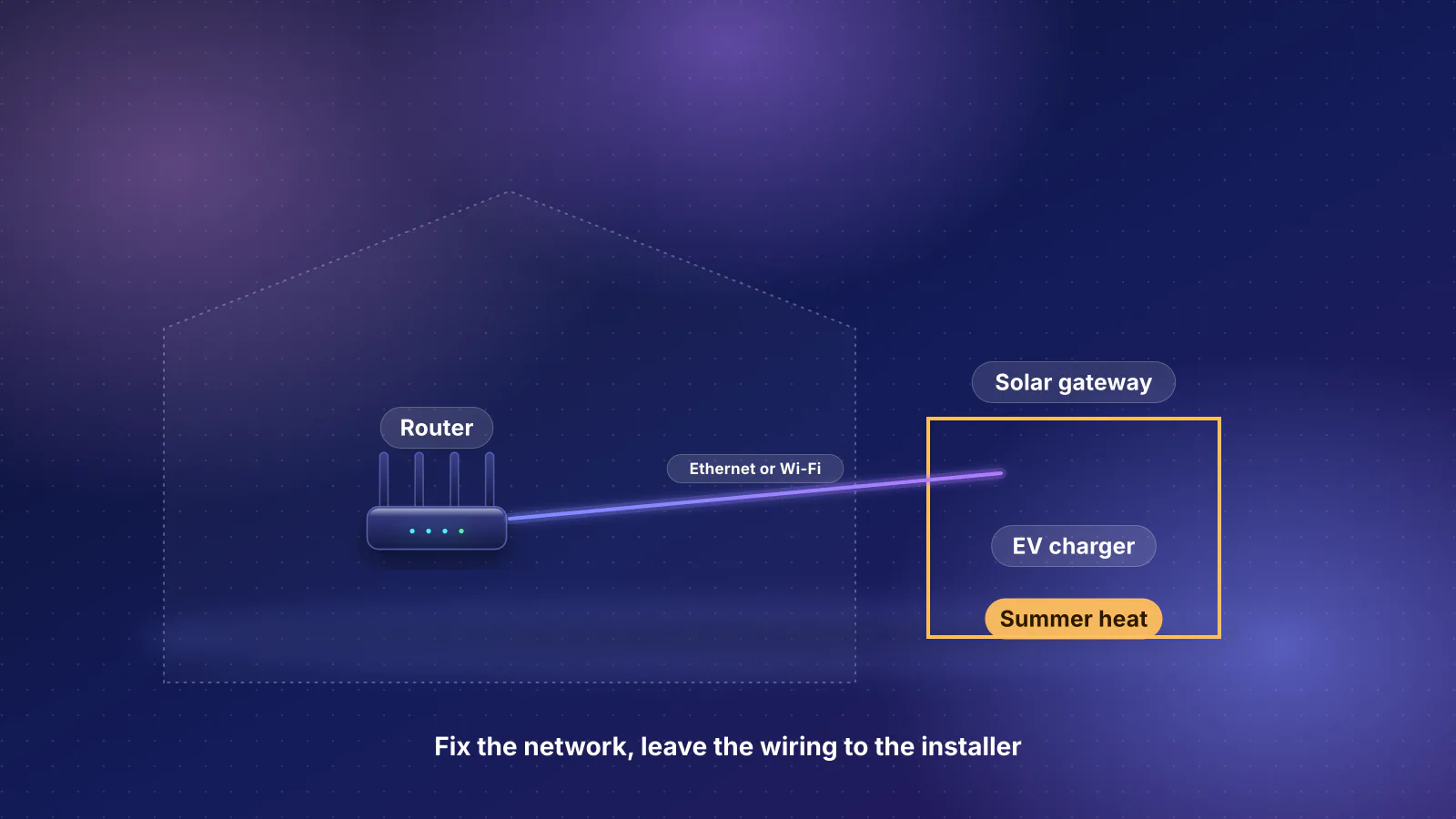
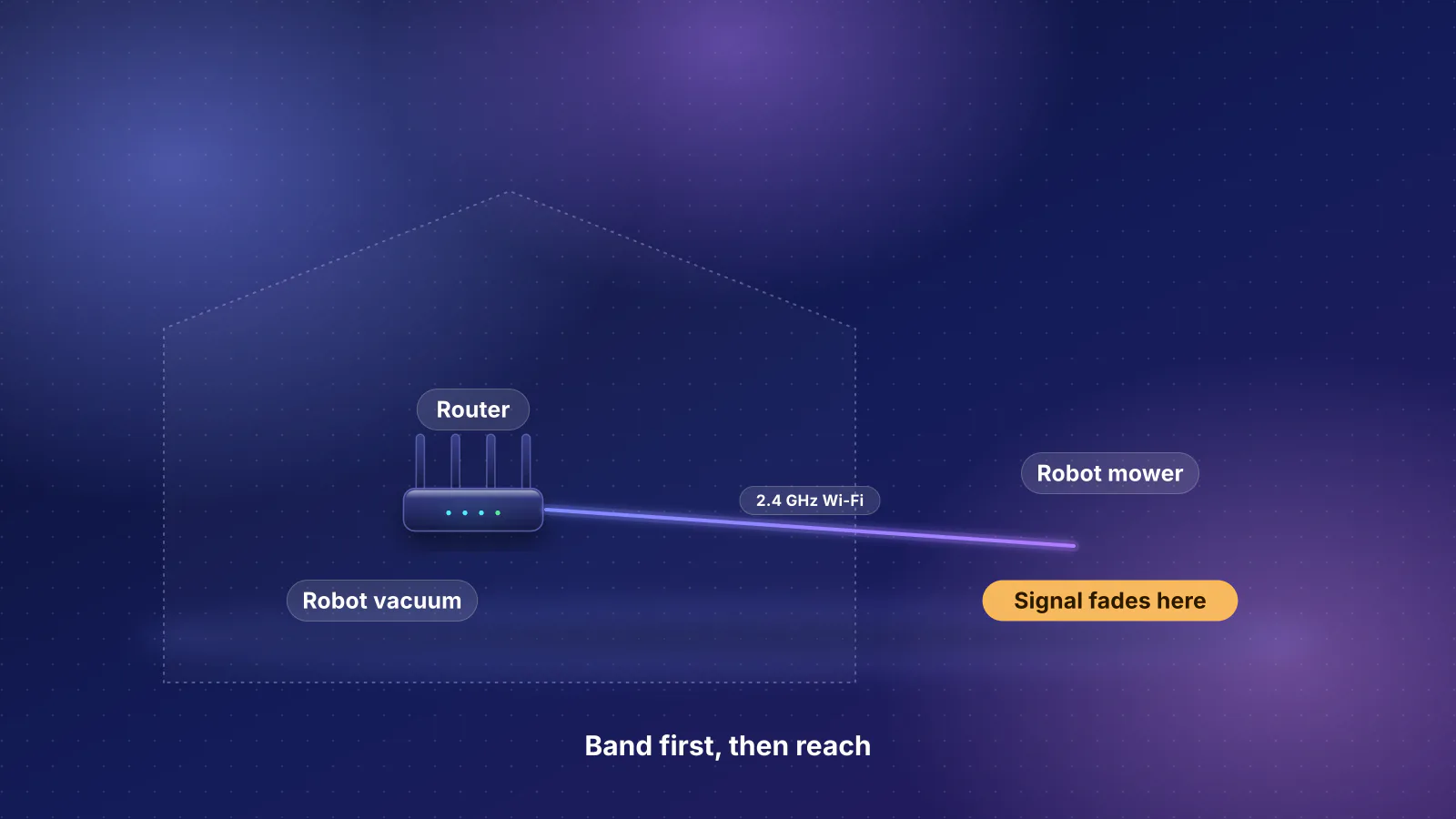
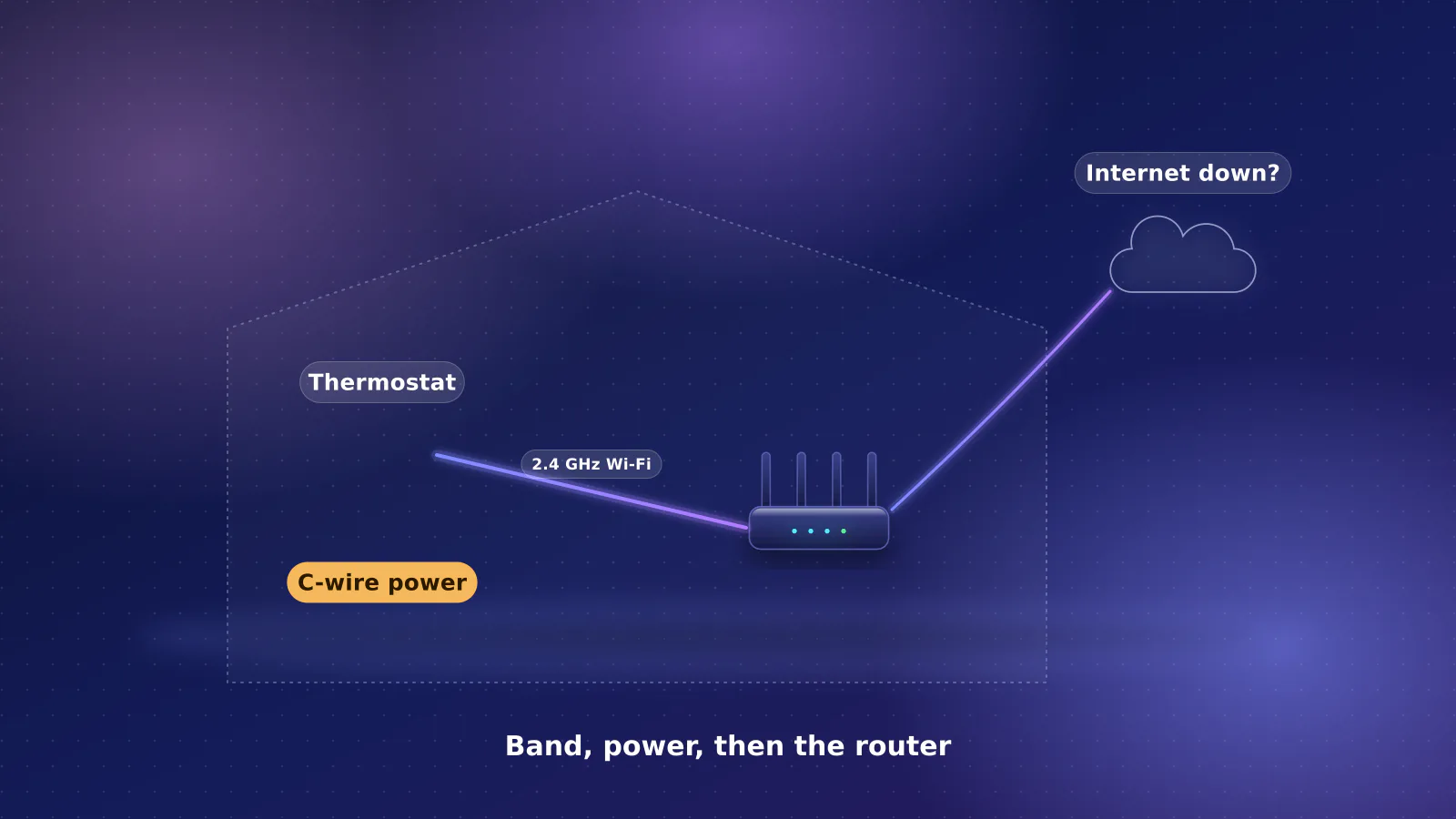
What a smart opener needs from your Wi-Fi
A smart garage opener is either an opener with Wi-Fi built in or an add-on hub that you wire or pair to the opener you have. Either way, the part with the Wi-Fi radio sits in the garage, on or near the opener, and it has to reach your router through the house wall. If the opener simply won't join a router that puts both bands under one name, how to connect a 2.4 GHz-only device covers the setup fixes, router by router.
What each maker lists, read November 28, 2026:
| Maker and product | Band and Wi-Fi standard | Security | Signal and placement |
|---|---|---|---|
| Chamberlain Group myQ (Chamberlain and LiftMaster openers, Smart Garage Control and Hub) | "myQ devices only work on 2.4GHz"; router must support "802.11 b/g/n"; "Routers configured for 802.11ac-only operation" not supported | "WPA2 Personal or WPA3 Personal" (WPA3 only "when the myQ device is running compatible firmware"); enterprise modes unsupported | "75% or more" in the garage (Smart Garage Control page); hub "within 50 feet of your Wi-Fi router" (Hub FAQ); mount it 4 to 6 feet from the opener |
| Genie Aladdin Connect | "uses the 2.4 GHz channel"; the compatibility guide lists 802.11 b/g/n routers as compatible and 802.11 b or b/g as not | The FAQ says the device "will support WPA, WPA2 and WPA3"; the compatibility guide lists WEP as not compatible | "-65 dBm (2 bars) in the garage"; hub "less than 30ft from the garage door opener" and "within 5ft" of an outlet |
| Tailwind iQ3 2.0 | "802.11 b/g/n", "2.4GHz" | Spec table: "WEP, WPA/WPA2/WPA3, TKIP" | Not stated on the product page |
| Meross MSG100 | "IEEE 802.11 b/g/n, 2.4GHz" | "64/128 bit WEP, WPA-PSK/WPA2-PSK"; "Does not support Enterprise Wi-Fi" | "make sure your wifi strength is acceptable near your garage door"; the MSG200HK page mentions an "external antenna which can better receive WiFi signals" |
Chamberlain's network requirements page adds conditions that catch people out: the network has to be visible ("SSID Broadcast enabled"), DHCP has to be on, "TCP Port 8883" has to be open, and hidden, business, school and guest networks aren't supported. It also says MAC address filtering may block the device. If your router is set to WPA3 only, check your opener's support before you change anything; WPA3 and older devices explains the transition setting.
An add-on hub or Wi-Fi in the opener
The two designs put the radio in slightly different places, and that matters for signal.
- Wi-Fi built into the opener. The radio is in the motor unit. Chamberlain says a Wi-Fi capable opener carries a "Powered by myQ" logo or a Wi-Fi symbol on its label, and that a "myQ logo only" label with no Wi-Fi symbol means it isn't Wi-Fi capable. For setup it says to "Stand within 3 feet of the opener." You can't move the radio, so the signal has to come to the motor.
- An add-on hub. Chamberlain's Smart Garage Control and Hub, Genie's Aladdin Connect, the Tailwind iQ3 and Meross's openers sit beside the opener you already have, and use a sensor on the door to report whether it's open (Genie's product page is inconsistent about which door sensor goes with the current kit, so check the listing). Because the hub is a separate box, you have some say over where it goes: Chamberlain says to "Avoid mounting directly on the opener or metal surfaces" and to "Maintain line of sight when possible."
Add-ons also have to match the opener. Chamberlain says the Smart Garage Control works with openers "manufactured after 1993" that use "photoelectric sensors that do not shut off." Genie says Aladdin Connect is compatible with most openers "made after 1993 that include safety sensors," with Series III Genie openers needing an adapter. Meross says its opener works with Chamberlain, LiftMaster and Craftsman openers but "needs an extra accessory," and sends US and Canada buyers to its compatibility guide.
- Wall button, remotes and keypad Wired or radio links straight to the opener; no Wi-Fi involved
- Opener or add-on hub in the garage 2.4 GHz radio on the garage ceiling, plus a door sensor for an add-on
- The garage wall and the distance to the router Where many dropouts start: the edge of coverage, behind the garage wall
- Your router or nearest mesh node Has to offer a visible 2.4 GHz network with a security mode the opener accepts
- Modem, the internet and the maker's cloud Needed for the app away from home, alerts and voice or partner integrations
Why garage openers go offline
The makers' own troubleshooting pages point to the same few causes:
- Weak signal at the garage. Chamberlain calls a weak signal "one of the most common causes of connection issues" and lists thick walls, metal objects and large appliances near the router among the things to avoid. Chamberlain's point that garages sit at the edge of coverage means the signal crosses most of the house and then the garage wall; how stucco, block and other building materials affect Wi-Fi is in our wall materials guide.
- The hub mounted in the wrong spot. Chamberlain's hub guidelines say "Too close = signal interference" and "Too far = potential connection issues," hence its 4 to 6 foot spacing from the opener. Its range page gives a Wi-Fi hub "Up to 150 feet (typically 50 to 100ft) inside a home" from the router.
- Mesh steering. Chamberlain's router compatibility page lists the eero 6+ and Pro 6E (firmware v7.3.3-2) with "Devices may disconnect frequently," because Client Steering can send myQ devices to nodes that are too far away. Its fix, as worded: "For the best experience, please contact your ISP and ask them to disable Client Steering." For the TP-Link Deco M4 (v4.6) it says myQ devices "may experience frequent disconnects until the Beamform setting is disabled."
- A changed router, name or password. A new router or a new Wi-Fi password leaves the opener looking for the old network. Replacing a router without re-pairing devices covers keeping the same name, password and band settings so the opener rejoins on its own.
- The path to the maker's servers. Chamberlain's LED guide separates "The hub was previously connected to Wi-Fi but has lost connection" (blinking blue and green) from "The hub is connected to the router but cannot reach the myQ server" (blinking green). The second points to an internet outage, a firewall or a blocked port, not to Wi-Fi.
- Batteries in the door sensor. Chamberlain lists "Cold weather may have drained the sensor battery" among the causes of a close error in the app.
Chamberlain's first step when an opener that was working is now offline is to "try power cycling the opener and router first." Note too that "Chamberlain Group Technical Support does not troubleshoot routers," so router settings are a matter for the router's maker or your provider.
Heat in an Arizona garage
The radio has to live in the garage, so its temperature rating matters. Makers publish very different figures for add-on hubs:
| Product | Operating temperature the maker publishes |
|---|---|
| Chamberlain Smart Garage Control (MYQ-G0401-ES) | "-4° to 149° F (-20° to 65° C)" |
| Tailwind iQ3 2.0 | Control module and power supply each "-20C to 45C" (-4 to 113 °F) |
| Meross MSG100 | "0°C~40°C (32°F~104°F)" |
| Genie Aladdin Connect | Not stated on the product page, FAQ or compatibility guide we read |
For openers with Wi-Fi built in, we didn't find an operating temperature on the Chamberlain Group support pages we read; check the manual for your model.
For comparison, the National Weather Service's July 2026 summary for Phoenix Sky Harbor gives a normal (1991 to 2020) July average high of 106.5 °F, a July 2026 average high of 108.3 °F and a record high of 117 °F on July 24. Those are outdoor air temperatures at the airport, not garage temperatures, and RouterHaus hasn't measured a garage. Set side by side (our comparison, not the makers'): the normal July high is above Meross's 104 °F top figure, the record is above Tailwind's 113 °F, and both are below Chamberlain's 149 °F. Why an unconditioned garage is unlikely to stay below the outdoor high, and what to do about a modem or router on the garage wall, is covered in our router overheating guide's Arizona garage section.
If the opener drops only on summer afternoons and recovers in the evening, heat is worth suspecting alongside signal; the maker's support can say what its unit does when it's too hot.
What still works without Wi-Fi or the internet
The opener itself doesn't need Wi-Fi. The wall button, remotes and keypad talk to it directly, and Wi-Fi only adds the app, alerts and integrations. What the makers document:
| Feature | What the makers say | Needs |
|---|---|---|
| Wall control | Chamberlain, for a myQ app outage: press the main button on the wall control, which is "connected to the garage door opener directly by a wire." | Power to the opener |
| Remote and car buttons | Chamberlain: stand within "20 feet of your garage door" with a remote already programmed. For a car's HomeLink buttons it says "For most HomeLink programming, you will need a functioning remote control." | Power to the opener |
| Outside keypad | Chamberlain: enter your "4-digit PIN," then press Enter. | Power to the opener; keypad battery |
| App at home, internet down | Tailwind: "Tailwind will still allow you to control the door as long as your phone is on your Home WiFi network." Meross: "When the internet is down, you can still control your devices in home network via Meross app." We didn't find a local mode on Chamberlain's or Genie's pages; Chamberlain's hub guide says remotes and keypads still work while the hub is off Wi-Fi. | Your router and Wi-Fi up |
| App away from home, alerts, voice and partners | All go through the maker's cloud; Chamberlain's LED guide treats being unable to "reach the myQ server" as a connection fault. | The full chain, including the internet |
| Power cut | Chamberlain lists "There is a power outage" as a reason to use the emergency release, and warns: "ONLY use the emergency release when the garage door is fully CLOSED, if possible" and "If the springs are weak or broken, the door may fall rapidly and without warning." | Your hands, with Chamberlain's warnings in mind |
For the wider question of which smart home devices keep working offline, and a test for the whole house, see our take-the-internet-away test. If the garage is also how you get into the house, a smart lock on the inside door has its own offline rules: what still works when a smart lock is offline.
A safe check in your own garage
This is an exercise for you to run; RouterHaus hasn't run it in any garage. It changes nothing on the opener.
- Close the garage's house door and stand where the hub is, or under the opener's motor for a built-in Wi-Fi opener. The signal you need is the one there, with the house door shut as it usually is.
- Turn off cellular data on your phone and make sure it's on the network the opener uses (the 2.4 GHz name if your router splits them).
- Read the signal. Count your phone's Wi-Fi bars, or use your router or mesh app if it shows a device's signal. Compare with the makers' figures: Genie's "two bars (-65dbm)" and Chamberlain's "75% or more." Phones show bars differently, so treat this as a rough read.
- Load a web page on the phone from the same spot. Bars with no data, or a page that stalls, means the link is weaker than the bars suggest.
- Note the opener's or hub's light and look it up in the maker's LED guide. On myQ products, blinking blue and green means it lost Wi-Fi; blinking green means it reached the router but not the myQ server.
- Repeat on a summer afternoon if the dropouts come and go with the heat.
| What you saw | What it means | What to do |
|---|---|---|
| Strong signal, page loads, opener still offline | Not coverage: settings, a changed password, mesh steering or the maker's servers | Power cycle the opener and router; check the router settings in the next section; check the maker's status or support |
| One bar or none, or the page stalls | The garage is at or past the edge of coverage | Move the hub if you can; then a node or extender between router and garage (next section) |
| Good signal with the house door open, weak with it shut | The house-to-garage wall and door are doing the blocking | Put a node on the house side of that wall, close to it |
| myQ light says it reached the router but not the server | Internet outage, firewall or a blocked port | Check your internet; Chamberlain lists TCP port 8883 as required |
| Drops only on hot afternoons | Possibly heat, if signal is fine | Compare the unit's published range with the garage; ask the maker's support |
The changes, in order
- Move what can move. For an add-on hub, try a spot within the maker's distance from the opener that's off the opener and off metal, with a clearer line toward the house. Chamberlain also suggests moving the router closer to the garage, out in the open and elevated; Genie says the same about keeping the router "out in the open, not hiding behind any furniture, cabinets, or a TV."
- Check the router settings the makers list. A visible 2.4 GHz network, WPA2 or a WPA3 mode your device supports, DHCP on, no MAC filtering that excludes the opener, and for myQ TCP port 8883 not blocked. Chamberlain suggests channels 1, 6 or 11 if you're troubleshooting, but says most customers should leave channels on Auto.
- For setup only, split or pause the bands. Chamberlain says you can split the bands into two names in your router or mesh app and "combine them again after the opener connects." Meross suggests turning off 5 GHz "during the setup of Meross smart devices, then turn it back on again."
- On a mesh system, look at steering. Chamberlain names eero Client Steering and Deco M4 Beamforming in its compatibility notes; for eero it says to "contact your ISP and ask them to disable Client Steering." Change one setting at a time, and change it back if it makes no difference.
- Put a node between the router and the garage. Chamberlain recommends a mesh node "between the router and the garage," and warns: "Do not place the extender in the same location as the myQ device if that area already has a weak signal." An extender or node has to sit where it still gets a good signal from the router; inside the garage is usually too far. Which of extender, mesh node or wired access point fits your home is in extender vs mesh vs access point.
Platform integration, as each maker states it
Whether an opener shows up in Apple Home, Google Home, Alexa or another platform is set by the maker, and makers change it. What their own pages said when we read them on November 28, 2026:
| Maker | What its page says |
|---|---|
| Chamberlain Group myQ | Its supported partners page lists IFTTT, Ring, Apple Watch, Amazon Key, Walmart+ InHome, several car makers, Vivint, Alarm.com, Resideo Total Connect and professional integrations such as Control4 and Crestron, among others. It lists Google Home, Samsung SmartThings, Hubitat, Thread, Matter and Apple HomeKit among unsupported integrations, and says "You cannot control your myQ devices directly from the Apple Home app or with Siri voice control." It also says "Chamberlain blocks unauthorized or unapproved third-party integrations to protect customer safety and ensure that only trusted platforms can control garage access." The page carries no date. |
| Genie Aladdin Connect | The product page lists "Amazon Alexa, Google Assistant, Samsung SmartThings, Alarm.com, Clare Controls, Brilliant Smart Home Systems, Control4" among others. Genie's partners post dated December 4, 2020 lists a similar set. |
| Tailwind iQ3 2.0 | The product page lists Apple HomeKit, Amazon Alexa, Google Home and Assistant, SmartThings, IFTTT, Home Assistant and others, and "a local control API allowing you to create your own integrations." It doesn't mention Matter. |
| Meross MSG100 | "Works with Apple HomeKit, Siri, Amazon Alexa, and Google Assistant." The page doesn't mention SmartThings or Matter. |
Check the maker's current page before you buy for a particular platform. To see whether your other devices work with the platform you use, the smart home compatibility checker lets you add them; if you're still choosing a platform, the smart home platforms record lists each one's hubs and controllers.
Safety features the makers document
Closing a door you can't see is the part of a smart opener that the makers treat most carefully, and none of the steps in this guide involves changing it.
- Warning before a remote close. Chamberlain says the Smart Garage Hub beeps when closing the door because of "safety regulation UL 325 to alert bystanders that the garage door is about to close." Meross says the MSG200HK's "built-in sound alarm makes closing the door safer."
- Safety sensors are a requirement, not an option. Chamberlain's add-on needs working photoelectric sensors; Genie says "DO NOT install this product on garage door openers made prior to 1993 without safety sensors" and not "on one piece doors," and warns that its system "is designed for unattended operation. The door could move unexpectedly."
- Sensor faults show up in the app. Chamberlain says the opener's lights "flash 10 times" for a safety sensor problem and lists blocked or misaligned sensors among causes of a close error.
If the safety sensors are blocked, misaligned or faulty, fix or replace them; don't work around them to get the app to close the door.
When new equipment is justified
If the check shows a good signal and the opener stays online after a power cycle, buy nothing. Equipment is justified when:
- The garage gets no usable signal after moving the hub and the router, and no node you already own reaches it. Then a mesh node on the house side of the garage wall, or a wired access point, is the change. Our reasoning: a new router in the same spot leaves the same distance and the same wall, so it is a weaker bet.
- Your router can't offer what the opener needs: no visible 2.4 GHz network, no WPA2 or supported WPA3 mode, or settings Chamberlain lists as incompatible that you can't change. Try a separate 2.4 GHz network on the router you have first.
- The add-on's rated range doesn't fit your garage, for example a 104 °F top figure against Phoenix summers. Choose a different add-on rather than run one outside its rating.
- Your opener has no working safety sensors or predates the makers' cut-off. Chamberlain lists openers made after 1993 with photoelectric sensors as compatible, and Genie says not to install its add-on on pre-1993 openers without safety sensors. If yours doesn't qualify, that's when a new opener is justified.
- You need a platform your maker says it doesn't support. An add-on that lists that platform is a smaller change than a new opener, if it's compatible with yours.
When to get professional help
The checks and settings above are yours to do and undo. Get help when the fix is physical: running Ethernet so an access point can sit near the garage, or adding an outlet where a node needs to sit on the house side of the garage wall (a licensed electrician's job). Garage door springs, cables, track and the opener's safety sensors are a job for a garage door technician, not a network one; Chamberlain's own warning about weak or broken springs is a good reason not to improvise. When the network job needs hands on site, RouterHaus can connect you with a licensed contractor through a consultation request.
Frequently asked questions
Why does my myQ garage door opener keep going offline?
Chamberlain names a weak signal as one of the most common causes, and garages are often at the edge of coverage. It also lists mesh settings (eero Client Steering, which it says to ask your ISP to disable, and Deco M4 Beamforming), a 5 GHz-only network and blocked TCP port 8883. Power cycle the opener and router first, then check the signal where the hub sits.
Do smart garage door openers work on 5 GHz Wi-Fi?
Not the ones we read. Chamberlain says myQ devices only work on 2.4 GHz, Genie says Aladdin Connect uses 2.4 GHz, and Tailwind and Meross list 2.4 GHz for the iQ3 2.0 and MSG100. Chamberlain notes that mesh systems often merge both bands under one name; for setup you can split the bands, or pause 5 GHz as Meross suggests.
Will my garage door open if the Wi-Fi or internet is down?
Yes, with the wall button, a programmed remote within range or the keypad, which Chamberlain lists for a myQ outage. Tailwind and Meross say their apps still work on home Wi-Fi when the internet is down. The app away from home and alerts need the internet.
Can a smart garage hub handle an Arizona garage in summer?
It depends on the model's published range. Chamberlain rates its Smart Garage Control to 149 °F, Tailwind the iQ3 2.0 to 45 °C (113 °F), and Meross the MSG100 to 104 °F. The National Weather Service's normal July high at Phoenix Sky Harbor is 106.5 °F, measured outdoors, not in a garage.
Does myQ work with Apple Home or Google Home?
Chamberlain's partners page, read November 28, 2026, lists Google Home and Apple HomeKit as unsupported or discontinued and says myQ can't be controlled from the Apple Home app or Siri. It lists partners such as IFTTT, Ring, Amazon Key and several car makers.
Sources
Read on November 28, 2026. Pages without a date are marked undated.
- Chamberlain Group support, undated: myQ Wi-Fi network requirements and router settings, Router compatibility with myQ Wi-Fi devices, How to improve your Wi-Fi signal, Unable to connect the Wi-Fi garage door opener to home Wi-Fi, Unable to connect a Smart Garage Hub or Smart Garage Control to home Wi-Fi, How to connect a myQ Wi-Fi garage door opener to Wi-Fi, Range of myQ devices and Smart Garage Hub FAQs
- Chamberlain Group support, undated: How to open the garage door during a myQ app outage, How to manually open or close a garage door, How to resolve a Close error in the myQ app and myQ integrations: supported partners and platforms
- Chamberlain: Smart Garage Control (MYQ-G0401-ES) product page (undated)
- Genie: Aladdin Connect smartphone enabled garage door controller (undated), Aladdin Connect FAQs (undated), Aladdin Connect compatibility guide (undated), How to improve Wi-Fi signal in your garage for your Aladdin Connect (December 16, 2021) and Aladdin Connect smart home partners (December 4, 2020)
- Tailwind: iQ3 2.0 2nd generation smart garage door controller (undated)
- Meross: Smart Garage Door Opener, MSG100 (undated), Smart Garage Door Opener, MSG200HK (undated) and FAQ: 2.4GHz and 5GHz Wi-Fi with the same name (undated)
- National Weather Service Phoenix: July 2026 climate summary for Phoenix Sky Harbor