Streaming
The best network setup for Apple TV 4K and several streaming TVs
Apple TV 4K network specs by model, what 4K streaming really needs, the router settings Apple recommends, and a layout for two to four TVs.
Sourced specs · Explained picks
Answer a few questions and get router picks sized to your home, devices and internet plan, with the reasons spelled out.
Specs checked against each manufacturer's own pages. No paid placement.
From a few questions to a router you understand.
Home size, floors, walls, internet plan and what matters to you. Every question is optional.
See the best overall, best value and premium options with reasons, then compare up to four side by side.
Follow the guides, or request a consultation for a plan made for your home or office.
The finder's best overall pick for three common homes. Your answers may lead somewhere else.
Apartment or condo
$209.99 manufacturer price
Two-story family home

About $300 for 2 units
Some specs are medium-confidence; see the product page sources.
See all picks for this homeGaming on multi-gig fiber
$299.99 manufacturer price
Recently updated guides
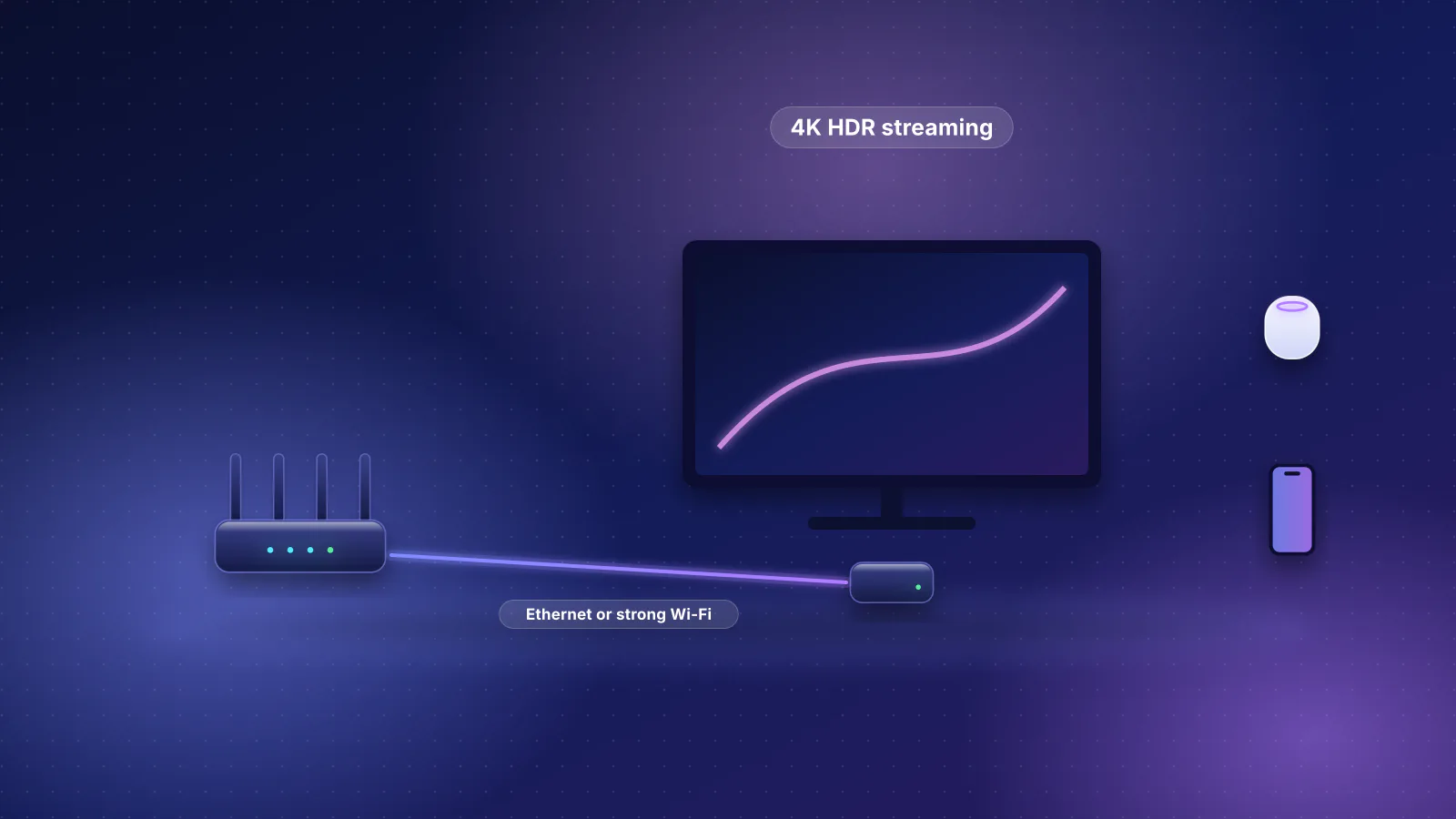
Streaming
Apple TV 4K network specs by model, what 4K streaming really needs, the router settings Apple recommends, and a layout for two to four TVs.
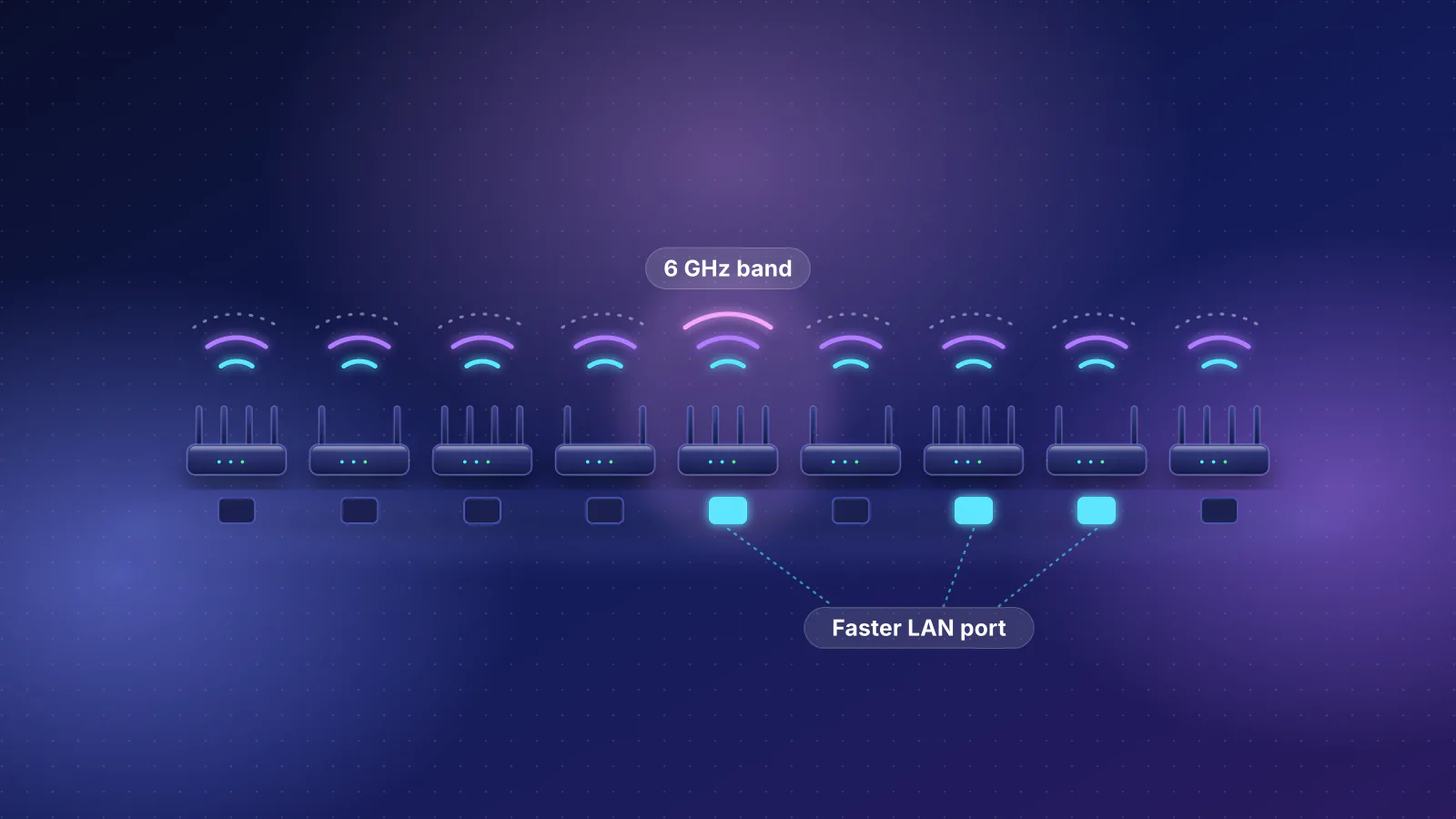
Wi-Fi 7
All nine sub-$200 Wi-Fi 7 routers in our catalog, the gaps in each, and which ones matter for your plan and devices.
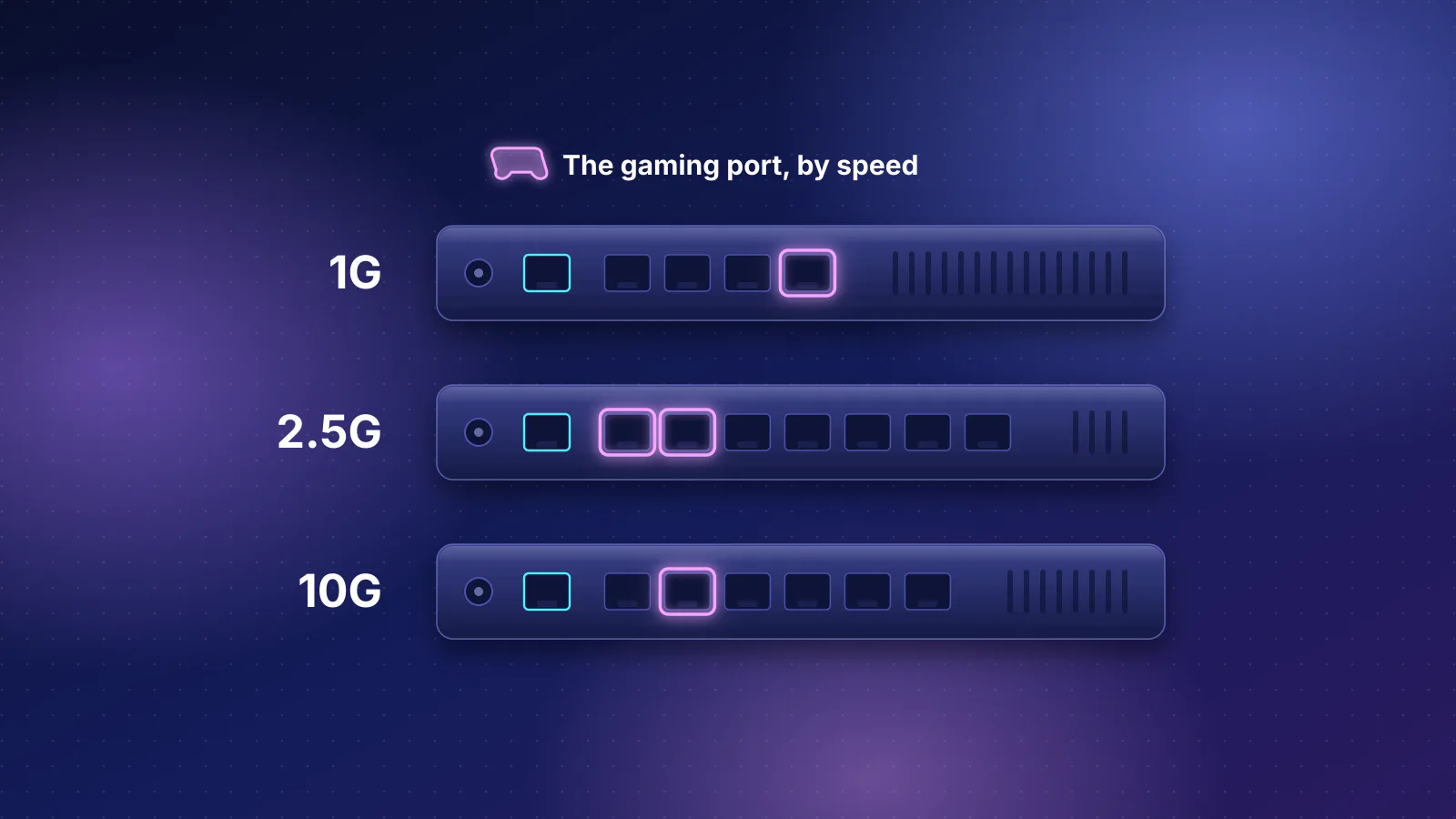
Gaming
Every gaming-branded router in our catalog side by side on published specs, with cheaper non-gaming routers that match them.
Multi-floor roaming, separate networks for guests and devices, multi-gig wiring and access point placement.
Something else? Ask us and we'll answer by email.
An independent site that helps homeowners and small businesses choose and set up Wi-Fi: a router finder built on specs sourced from manufacturers, plain-English guides, and paid network consulting.
Through paid consultations. We may later add affiliate links to retailers or clearly labeled ads; neither would change how the router finder ranks products.
No. The ranking rules never read affiliate or store data, and they are published on our How we recommend page. A product with an affiliate link ranks exactly as it would without one.
Start with the router finder if your home is typical. Consider a consultation for very large homes, block or brick homes with several floors, multi-gig wiring, or separate networks for devices and guests.
Not always. Wi-Fi 7 helps most when you have Wi-Fi 7 devices, a busy network or an internet plan above 1 Gbps. For a small home on a 500 Mbps plan, a good Wi-Fi 6 or 6E router is often enough.
As a rule of thumb, one access point covers about 1,800 sq ft with drywall walls, less with plaster or block walls, and multi-floor homes over about 1,200 sq ft usually need one per floor. If you need more than one, a mesh system linked by Ethernet works best.
We plan networks and can visit homes in the Phoenix metro. Physical installation is quoted separately and done by you or a qualified installer where local licensing requires it.