The short version
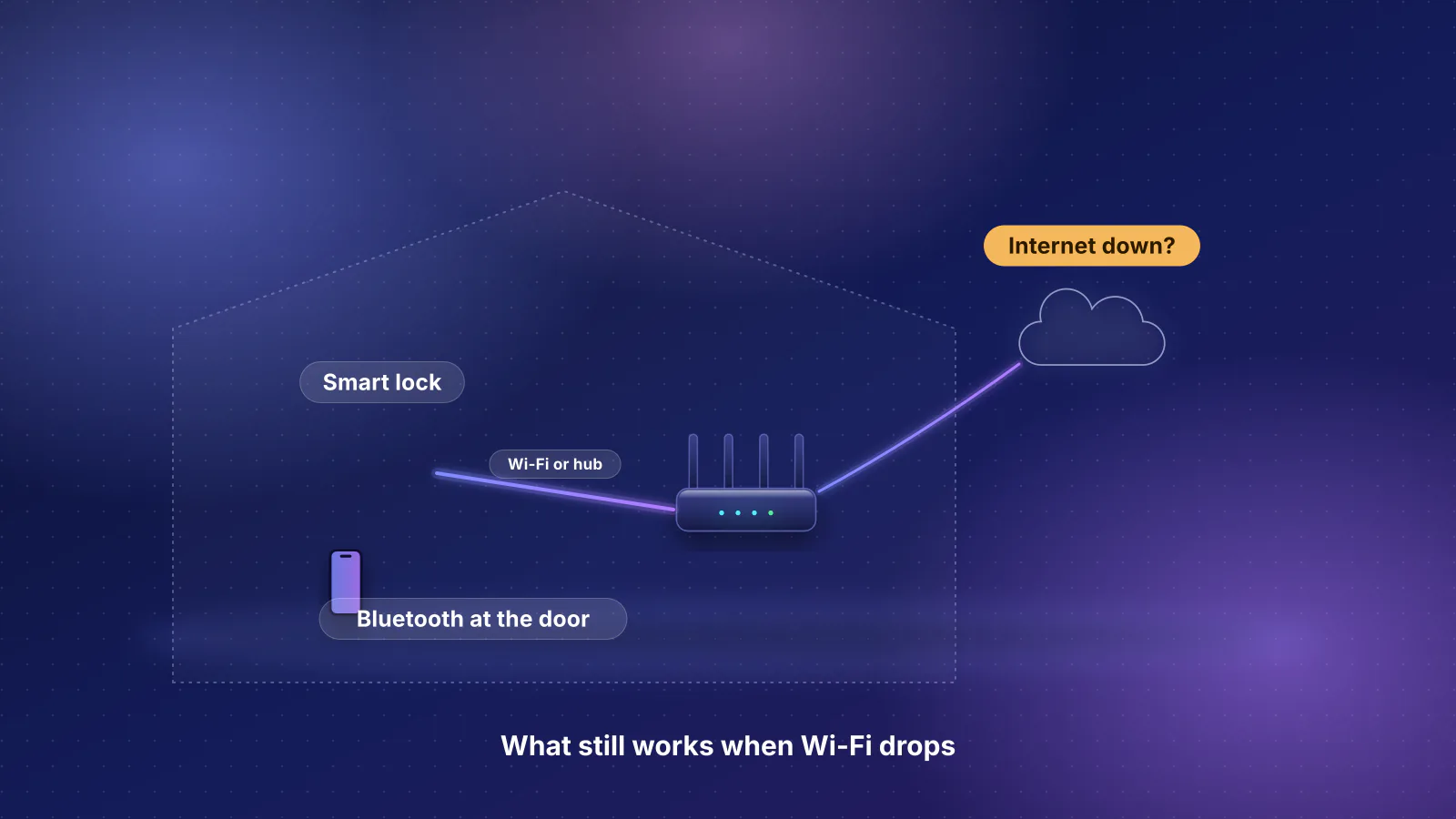
- Local means the command never leaves your home. Cloud means it goes out to a maker's server and back. Only the first is built to work through an internet outage.
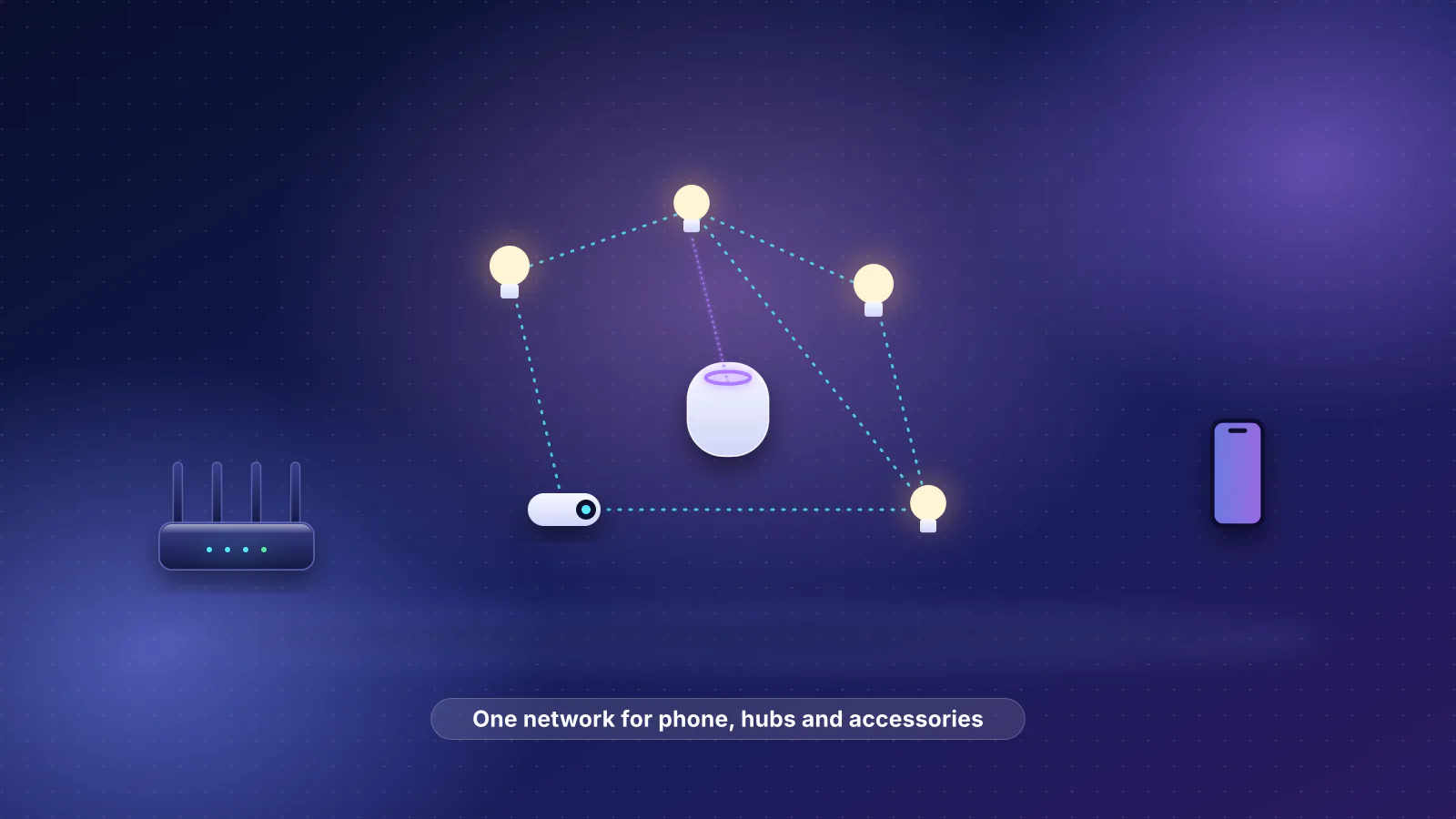
- Matter is designed to be local. Google and the Connectivity Standards Alliance (CSA), which runs Matter, both say so, but you still need a hub at home.
- Remote access needs the internet. With your line down, devices that depend on it can't be reached from outside the house.
- Automations depend on where they run. Google and SmartThings both document that a rule runs on the hub only when every part of it can run locally.
- Devices linked through a maker's account are cloud devices. Google says they can "show as offline, even when powered on" when the partner's servers are unreachable.
- The test is one cable. Unplug the cable from your modem to your router, leave everything powered, and try each device.
Local control and cloud control
Every smart home command takes one of two paths. On the local path, your phone, a switch, a speaker or a hub's timer sends it across your home network to the device. On the cloud path, it goes out through your internet line to the maker's servers and back. Both look the same in an app until the internet goes down.
Google's developer documentation puts it in network terms: a device that is "present on the local network and connected to the internet" is online; one that is "present on the local network but isn't connected to the internet" is local-only. A local-only device can still take local commands. A device whose only route is a cloud service can't.
- The device A light, plug, sensor or lock on Wi-Fi, Thread, Zigbee or Z-Wave
- Hub, bridge or border router An Apple home hub, Google hub, Echo, SmartThings hub or Hue Bridge; automations that run locally run here
- Your router Carries every local command between your phone, the hub and Wi-Fi devices; it has to stay powered
- Modem, ONT or gateway Your provider's box: the point where the test below cuts the line
- The internet and the maker's cloud Needed for remote access, devices linked through a maker's account and, depending on the maker, voice and cloud camera features
Two things follow. First, a router that loses power takes local control down with it, because Wi-Fi devices and hubs talk through it. Second, the same device can be local in one app and cloud in another. A Matter plug added to a hub is local; the same plug controlled through its maker's own app may not be.
What each platform documents about working offline
Here is what each platform's own pages say, read on November 27, 2026. Where they don't say, we say so.
Matter and Thread
The CSA's Matter FAQ answers the remote question directly: "Matter is a local connectivity technology, so Matter-only devices require an internet-connected controller", meaning a speaker or hub at home, for control from outside. It adds that some Matter devices "may also have a direct connection to the internet", so the maker's app can reach them from away. The same FAQ describes Thread as enabling "local communication without Wi-Fi dependency", and the Thread Group says Thread networks "have no single point of failure and include the ability to self-heal." Thread devices still need a border router to reach your phone and hub; how that works, and what goes wrong, is in fixing unreliable Thread networks.
Apple Home
Apple says to "set up a home hub to control smart accessories remotely, share access with others, and automate accessories", and its automation guide lists "Set up a home hub" before you begin. Its security guide says that in a home with a hub, members "can send commands to accessories through the hub". That is as far as the pages we read go: we couldn't find an Apple page that says which Home features keep working with the internet down, so treat Apple Home as something to check with the test below rather than assume. Which Apple devices act as home hubs and border routers is in our Apple Home, Matter and Thread guide.
Google Home
Google is the most specific. Its help page says Matter commands given at home are carried out "without the need to connect to the cloud over the internet", while away from home "these commands are carried out by connecting to the cloud over the internet". A second page, "Prepare your smart home for Matter", lists which Google speakers, displays, Nest Wifi Pro and Google TV Streamer models act as Matter hubs, and which of those also have Thread.
Google's developer documentation spells out what a hub does when it loses cloud access:
- A starter-triggered automation "runs only if it is eligible for local execution", and only if Google Home "synced it from the cloud to the hub before the hub lost cloud connectivity."
- "Every device the automation uses must be locally reachable from the hub."
- Automations created or edited while the hub is local-only "take effect after it reconnects to the cloud."
- "If the hub reboots while local-only, local execution resumes only after the hub reconnects to the cloud." A power blip during an internet outage can therefore stop local automations until the line returns.
- Commands to a device group of Matter devices are "dispatched locally without requiring internet connectivity", but creating, renaming or deleting a group needs the cloud.
Google's outage page also warns against resetting during an outage: devices "cannot complete setup, refresh security tokens, or re-authenticate while services are disrupted." It doesn't say whether voice commands work with your home internet down, and we couldn't find a Google page that does.
Amazon Alexa
Amazon's developer documentation (last modified November 4, 2026) says connecting a device to Alexa over Matter "allows Alexa to control your device locally, reducing latency and improving reliability". The page is written for device makers. One of its connection types adds a Matter connection to devices that already reach Alexa through the maker's cloud integration, which Amazon calls an add-on, and "enables Alexa to control your device locally during Internet outages or when your add-on isn't available". The Echo device acts as "the Matter administrator", and the page lists Echo and eero models that support Matter. A 2022 Amazon developer blog on its Local Adapter Platform says that for partner devices built on it, "If the customers' internet connectivity is down, they can still use Alexa to control their smart devices."
Amazon also has a customer help page titled "What is Local Voice Control?". We couldn't open it, so this guide doesn't describe what it covers; read it before relying on voice in an outage.
Samsung SmartThings
SmartThings documents local execution through its Edge drivers. Its developer pages say hub-connected devices use "the Matter, Zigbee, Z-Wave, or LAN protocols" and that Edge drivers "enable Hub Connected Devices to run locally on the Hub." For automations, "when possible, Rules execute locally on a Hub", but "all Device features and services involved in the Rule must support local execution"; otherwise the rule runs in the SmartThings Cloud. Devices that reach SmartThings "through a third-party cloud using SmartThings Schema" are what SmartThings calls Cloud Connected Devices.
SmartThings gives one way to check a device: in the app, open the device, tap More Options, and "Edge-enabled devices will list Driver as an option." The pages we read don't say how to tell whether a given routine runs locally.
Philips Hue
The Hue Bridge runs its own Zigbee network for the lights and "must be hardwired to your router to function", Philips Hue says. Its accounts page says that whatever permissions you hold, "you'll always be able to control the lights", "even when the internet is down", while "Out of home control" needs a Hue account and a Bridge. The pages we read don't say whether automations stored on the Bridge keep running offline. Without a Bridge, Hue says Bluetooth control is limited to "up to 10 bulbs", with "no automations".
Home Assistant
The Home Assistant project says it "runs on your own hardware in your home, so it can keep working when the internet is down." Its FAQ says Zigbee, Z-Wave, Matter, Thread and ESPHome devices keep working and automations keep running, while devices that need a vendor's cloud can't be reached during an outage. Home Assistant Cloud features, including remote access and its Apple Home, Google Home and Alexa integrations, need the internet. By default, its remote access page says, you can only reach Home Assistant "from your local network".
Cameras, doorbells and other devices
Cameras are where cloud dependence shows most, because live view, recording and alerts may all go through a service. What some makers document:
| Device | What the maker says happens offline |
|---|---|
| Google Nest cameras and doorbells | Offline (Google: "not connected to the internet"), a camera "can't stream live video" or save to the cloud. Listed models, including Nest Cam (battery) and Nest Doorbell (battery), store events in internal memory, "up to one hour of events", and upload them when they reconnect. |
| Reolink PoE cameras and NVRs | With a router but no internet, Reolink's table (the page is undated; read November 27, 2026) lists local live view and playback on the home network and recording to SD card as working; remote access, push notifications and email alerts as not. |
| Google Nest thermostat | Google's page on an offline thermostat says "you can't use the app to control it", but "you can still use the thermostat itself to set the temperature." |
| Chamberlain myQ garage openers | For a myQ app outage, Chamberlain points to the wall control, a programmed remote within 20 feet, or the keypad. |
Alarm systems aren't covered here; what yours does in an outage is for its maker's documentation and your monitoring provider. For camera upload needs, see security camera bandwidth.
How to tell a local device from a cloud one
Before running any test, the way a device was added usually tells you its path:
| How it's connected | Likely path | Where that comes from |
|---|---|---|
| Added with a Matter code to a hub | Local at home; remote through the hub's cloud | CSA Matter FAQ; Google Home Help; Amazon developer docs |
| Zigbee or Z-Wave device paired to a hub (Hue Bridge, SmartThings hub, Home Assistant) | Local through the hub, where the hub runs it locally | Philips Hue; SmartThings Edge documentation; Home Assistant FAQ |
| Added by linking the maker's account to Google Home, Alexa or SmartThings | Cloud: depends on the maker's servers | Google's outage page; SmartThings Schema documentation |
| Only works in the maker's own app | Depends on the maker; check its support pages, then test | Varies (Reolink and Nest, above, differ) |
Google's outage page offers a related check for partner devices: open the partner's own app and confirm whether you can "control your device locally".
A safe check: take the internet away and try everything
This is an exercise for you to run at home; RouterHaus hasn't run it on any equipment. It shows what your own mix of devices does, which no maker's page can. It cuts the internet but leaves your router, Wi-Fi and hubs powered, like an ordinary provider outage.
- Pick a quiet time, tell the household and keep it short. Cloud alerts and remote access stop while the cable is out.
- List what you'd want to work in an outage: lights, locks, the garage, the thermostat, a camera, a routine you rely on.
- Find the right cable. It's the one between your provider's modem, ONT or gateway and your own router's internet (WAN) port. If the provider's box is your only router, there's no such cable; leave its fiber, coax or phone line alone and use the next real outage instead. Not sure which box is which? See modem, router, gateway and ONT explained.
- Put your phone on home Wi-Fi with cellular data off, so the app can only use your home network.
- Unplug that one cable and wait a few minutes for apps to notice.
- Try each item the way you normally would: the app at home, a voice command, the physical switch or button, and a time-based or sensor-triggered automation. Open each camera's live view. Note what works and what each app shows.
- Don't reset, re-pair, unlink or restart anything while the line is out. Google says devices can't re-authenticate during a disruption, and that a Google hub that reboots while local-only doesn't resume local automations until it reconnects.
- Plug the cable back in and check that everything comes back. Google says the Nest cameras it lists upload stored events once they reconnect.
Record it in a simple table. The rows below are illustrative examples of the format, not results:
| Device | App at home | Voice | Automation | Physical control |
|---|---|---|---|---|
| Illustrative: kitchen lights | Illustrative: works | Illustrative: fails | Illustrative: works | Illustrative: works |
What each result means
| What you saw | What it means | What to do |
|---|---|---|
| Works from the app and automations fire | The device and its automations run locally through a hub | Nothing; keep the hub and router powered |
| Works in one app (Apple Home, Google Home, Alexa) but not in the maker's own app | The ecosystem reaches it locally, likely over Matter; the maker's app goes through its cloud | Use the app that works locally for anything you need in an outage |
| The app shows it offline, but the wall switch, keypad or button still works | App control is cloud-only; the device itself is fine | Keep the physical control usable; consider a local connection path (below) |
| The app works but voice fails | That voice command needed the internet | Check the assistant's own help pages (Amazon has one on Local Voice Control); use the app or switch in an outage |
| Manual control works, the automation doesn't | The automation runs in the cloud: a feature in it can't run locally (SmartThings), or it isn't eligible or wasn't synced (Google) | Rebuild it around local triggers and devices on the same hub |
| Camera live view fails at home | Viewing goes through the service; Google says offline Nest cameras can't stream live video | Check whether the model records locally (Nest internal memory, SD card, NVR) |
| Every Wi-Fi and hub device fails at once | More than the internet changed: the router or Wi-Fi went down, or you pulled the wrong cable | Check the router still has power and Wi-Fi; repeat with only the WAN cable out |
| Something stays offline after the cable goes back | It may just be slow to reconnect | Give it time, then try power-cycling that device before any factory reset |
The changes that make an outage matter less
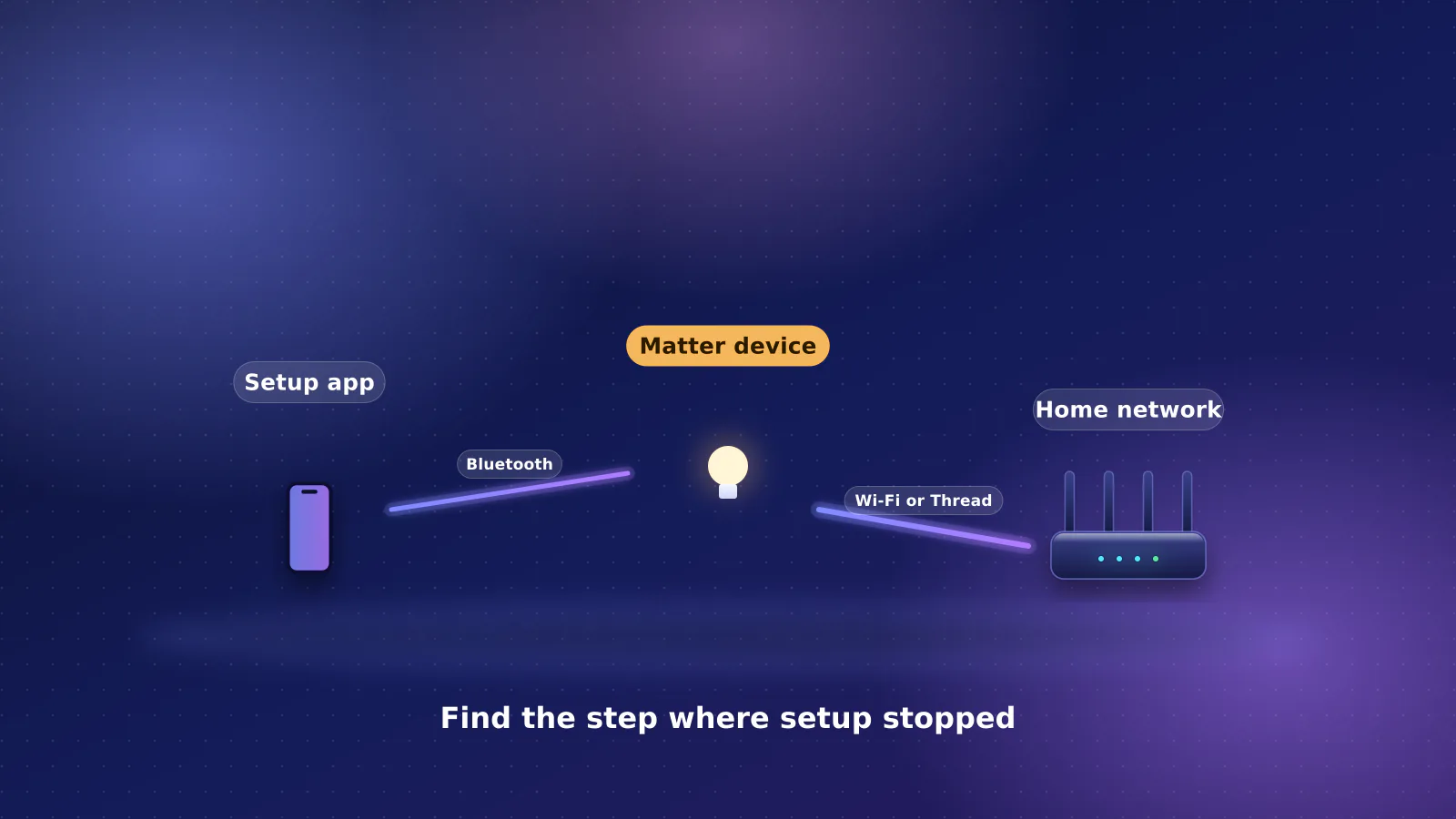
- Prefer the local connection. If a device supports Matter, adding it to your hub with its Matter code gives you a local path, and Matter's multi-admin feature lets you add it to more than one app (see multi-admin: one accessory, several apps). If setup fails, Matter device won't pair goes through the causes. On SmartThings, a device that lists Driver runs on an Edge driver.
- Build automations from local parts. Triggers and devices that live on the same hub keep the rule eligible to run locally. SmartThings and Google both document that one cloud-only piece sends the whole rule to the cloud or stops it from running locally.
- Keep hubs on your main network and wired where the maker asks. The Hue Bridge must be wired to the router. Hubs and border routers need to be on the same network as the phones and devices that use them; if you've split the network into VLANs, read HomeKit and Matter across VLANs first. For placement, see how many border routers, and where.
- Keep the router and hubs powered. A power cut is a different outage: it stops the local network too, and Google documents that a hub rebooting without the internet doesn't resume local automations until the line returns. A UPS on the modem, router and main hub can keep them running through a short cut; sizing is in what size UPS you need.
- Keep a physical way in. A wall switch, a lock's keypad or key, the garage wall button or remote; Chamberlain lists the garage ones for a myQ outage.
When new equipment is justified
The hubs and devices you have are often enough. Buying something is justified when:
- The ecosystem you use has no hub. Apple's remote control and automations need a home hub, and Google's Matter setup needs a Matter-enabled hub. You may already own one: check the maker's list before buying.
- A device you need in an outage has only a cloud path and its maker's pages show no Matter support or hub connection, now or in a firmware update. Replacing it with one that can connect locally is the fix.
- You need recording during an outage and the camera stores video only in the cloud. A model the maker documents as recording locally (internal memory, SD card or an NVR) is the change.
- You need to reach the house remotely during a provider outage. Local control doesn't need the internet, but remote access does, so the fix is a second internet connection, ideally on a different technology; see dual-WAN and 5G/LTE failover.
If the test showed that everything you care about works locally, buy nothing.
When to get professional help
The test and most of the changes above you can do and undo yourself. Help is worth it when the network needs physical work, like a cable run so a hub can sit centrally or moving the router and hubs onto one battery, or when local control has to work across a segmented network. When the job needs hands on site, RouterHaus can connect you with a licensed contractor through a consultation request.
Frequently asked questions
Do Matter devices work without the internet?
At home, they're designed to: Google says Matter devices work locally over your home network, and the CSA calls Matter a local connectivity technology. You still need a hub or speaker at home as the controller.
Can I control my smart home remotely when my internet is down?
No. The CSA says Matter-only devices need an internet-connected controller for control away from home. Remote access during a provider outage needs a second internet connection.
Will my automations still run during an internet outage?
Only the ones that run locally. Google runs automations that are eligible for local execution and were synced before the outage, and SmartThings runs a rule on the hub only if every feature in it supports local execution. The unplug test shows which of yours do.
Does Alexa work without the internet?
Amazon's developer pages say Matter lets Alexa control a device locally, and that partner devices on its Local Adapter Platform can be controlled when the internet is down. For voice, read Amazon's Local Voice Control help page and test before relying on it.
Will my security cameras record if the internet goes down?
It depends on the model. Google says listed Nest cameras and doorbells store up to one hour of events and upload them later, but can't stream live video offline. Reolink lists SD card recording and live view on the home network as working for its PoE cameras without internet.
Sources
Read on November 27, 2026.
- Connectivity Standards Alliance: Matter FAQ
- Thread Group: Thread benefits
- Apple Support: Set up your HomePod, HomePod mini, Apple HomeView, or Apple TV as a home hub (November 12, 2026)
- Apple Support: Create scenes and automations with the Home app (September 15, 2025)
- Apple Platform Security: HomeKit communication security
- Google Home Help: Set up, manage, and control Matter-enabled devices with Google Home
- Google Home Help: Prepare your smart home for Matter
- Google Home Developers: Connectivity on Android (last updated November 10, 2026)
- Google Home Help: Check status and outages for Google Home, Nest and services
- Google Home Help: Learn how Nest cameras store recorded video
- Google Home Help: Troubleshoot an offline Nest camera or doorbell
- Google Home Help: Troubleshoot your offline Nest thermostat
- Amazon Alexa developer documentation: Connect your device to Alexa with Matter (last modified November 4, 2026)
- Amazon Alexa developer blog: Why Amazon smart lighting partners like Yeelight are integrating the Local Adapter Platform (May 27, 2022)
- SmartThings Developers: Get started with Hub Connected Devices, Rules and The architecture of SmartThings
- SmartThings Support: Edge drivers for new devices FAQ
- Philips Hue: How to connect the Hue Bridge to Wi-Fi, What is the Hue Bridge? and Philips Hue accounts
- Home Assistant: Does Home Assistant work without an internet connection? and Remote access to Home Assistant
- Reolink Support: Can Reolink PoE cameras and PoE NVRs work without internet? (undated; read November 27, 2026)
- Chamberlain Group Support: How to open the garage door during a myQ app outage (undated; read November 27, 2026)