6 GHz
Why your iPhone won't connect to 6 GHz Wi-Fi, and how to fix it
A symptom-by-symptom fix order for iPhones that won't use a router's 6 GHz band, based on Apple's documented join and roaming rules.
Topic
Why a strong router still leaves weak rooms, how far each band reaches, and how phones choose where to connect.
Most Wi-Fi complaints are about coverage and consistency, not peak speed: a room where video stalls, a phone that clings to a distant mesh unit, a new 6 GHz network that a device won't join. These are physics and configuration problems, and each has a cause you can check.
This topic explains how walls, floors and building materials weaken each band, how devices decide when to roam, and what to change first: placement, wiring, then equipment.
From the catalog
16 of 30 current access points in our catalog have a 6 GHz radio. The lowest-priced:
| Model | Wi-Fi | Uplink | Manufacturer price |
|---|---|---|---|
| TP-Link EAP772 | Wi-Fi 7 | 2.5 Gbps | $204.99 |
| Ubiquiti U7 Pro (U7-Pro) | Wi-Fi 7 | 2.5 Gbps | $208 |
| Ubiquiti U7 Pro Wall (U7-Pro-Wall) | Wi-Fi 7 | 2.5 Gbps | $219 |
| Ubiquiti U7 Pro XG (U7-Pro-XG / U7-Pro-XG-B) | Wi-Fi 7 | 10 Gbps | $219 |
| TP-Link EAP773 | Wi-Fi 7 | 10 Gbps | $224.99 |
| EnGenius ECW516L | Wi-Fi 7 | 2.5 Gbps | $299 |
| Ubiquiti U6 Enterprise (U6-Enterprise) | Wi-Fi 6E | 2.5 Gbps | $307 |
| Ubiquiti U7 Pro Max (U7-Pro-Max) | Wi-Fi 7 | 2.5 Gbps | $307 |
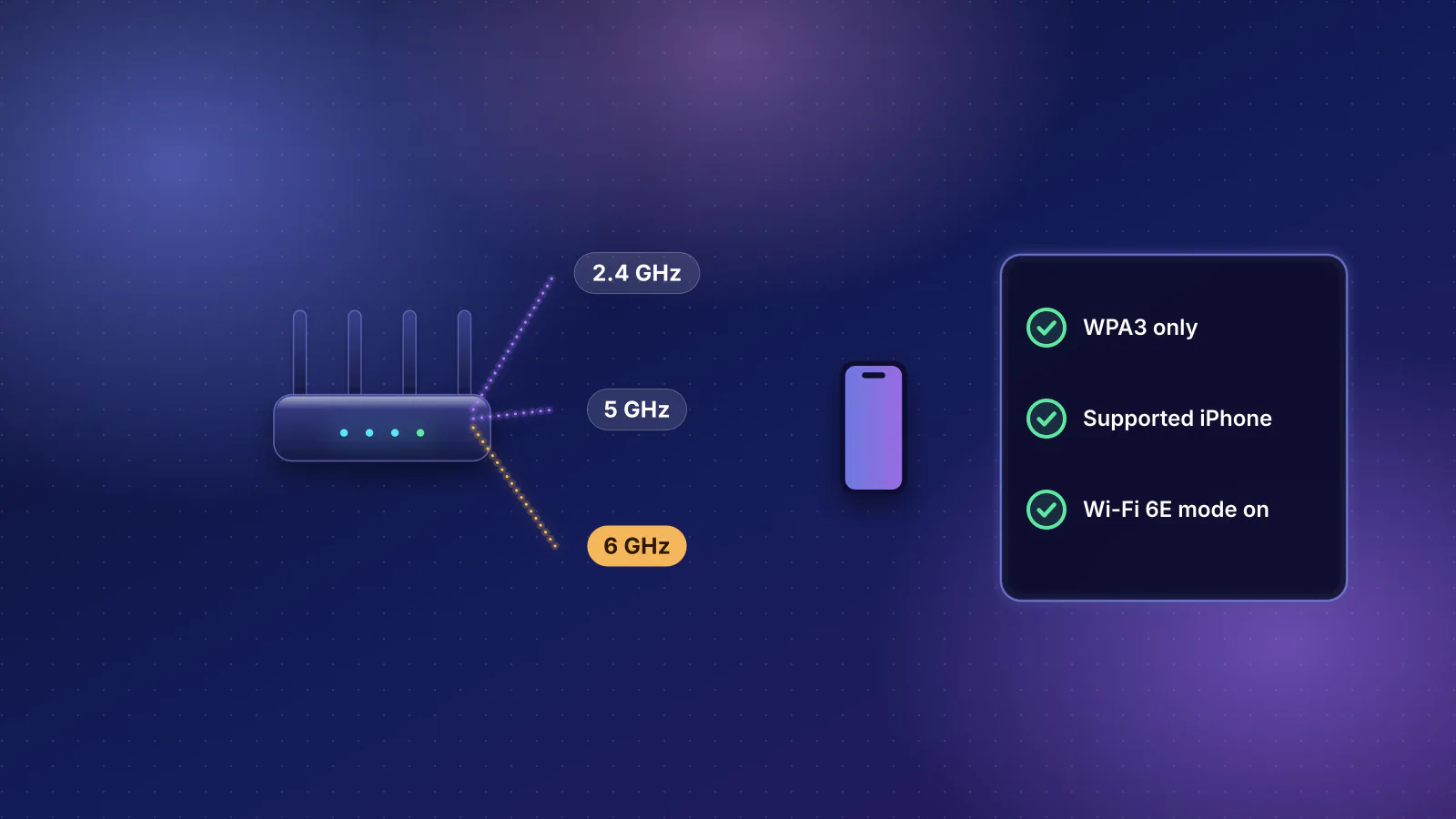
6 GHz
A symptom-by-symptom fix order for iPhones that won't use a router's 6 GHz band, based on Apple's documented join and roaming rules.
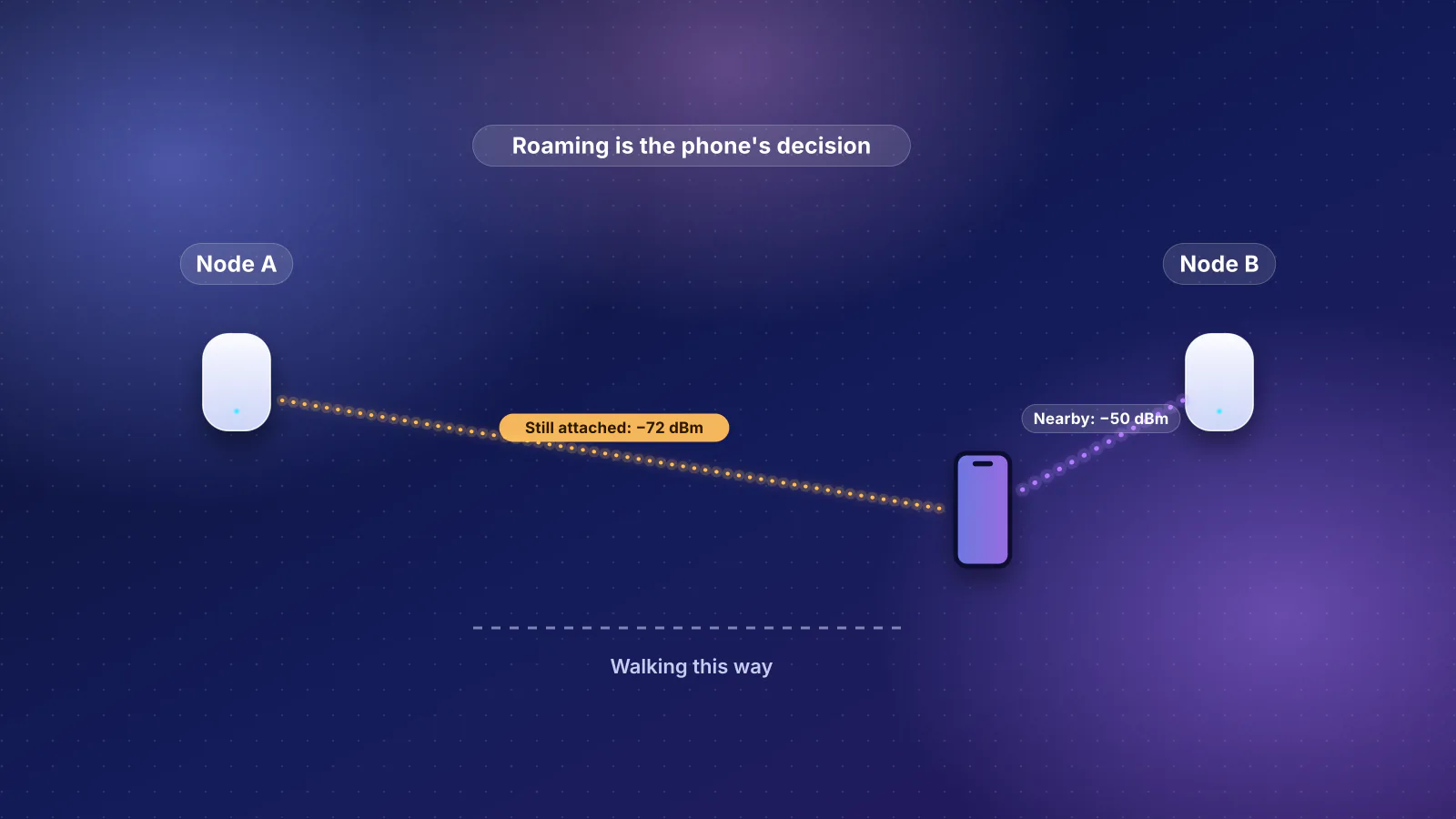
Mesh
Why phones and laptops cling to a distant mesh node, the roaming rules each platform documents, the settings each mesh maker offers, and a walk test that points to the fix.
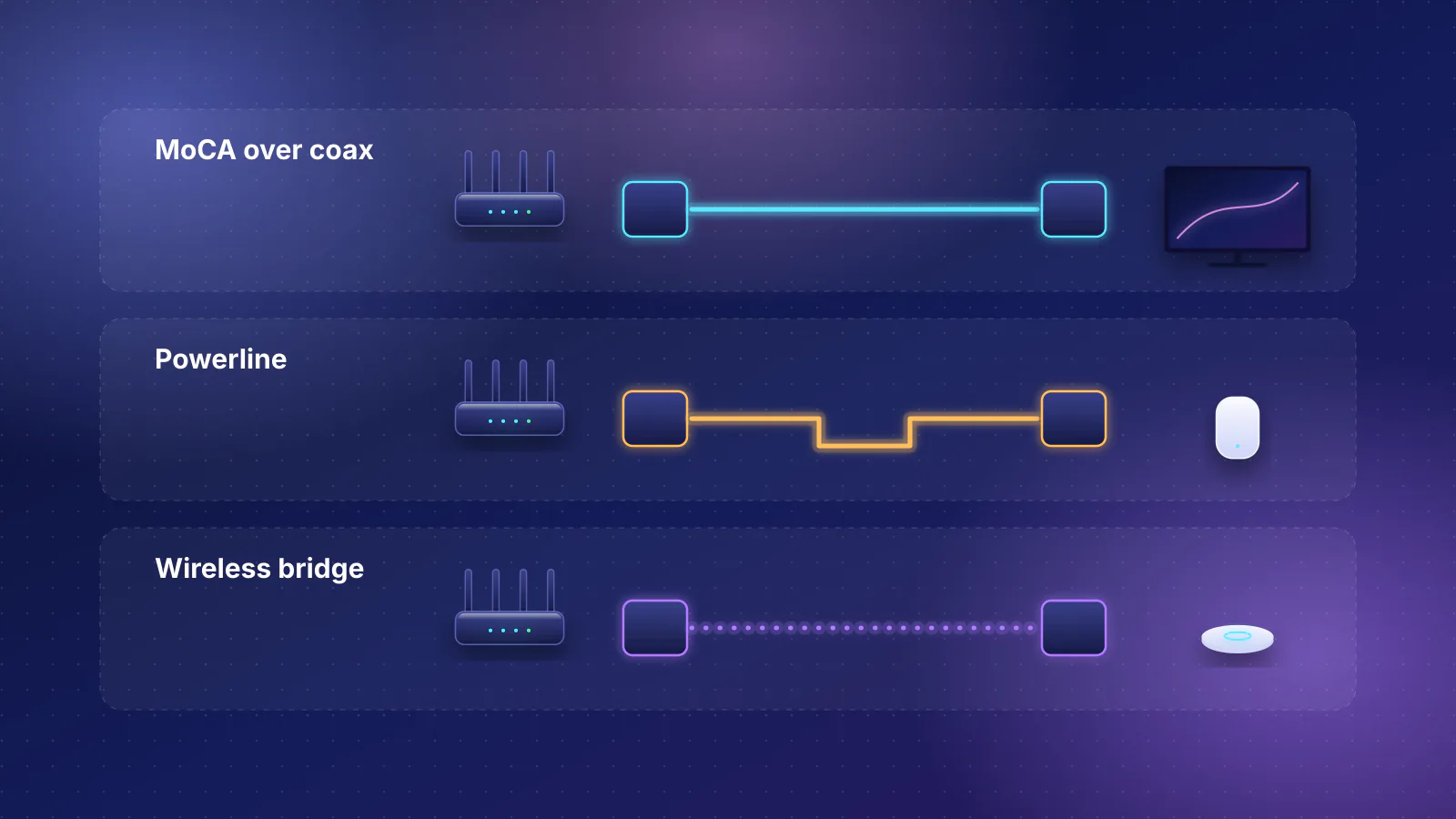
MoCA
MoCA, powerline or a wireless link in place of Ethernet: a decision table, a coax checklist and the makers' speed claims, labeled by what they measure.
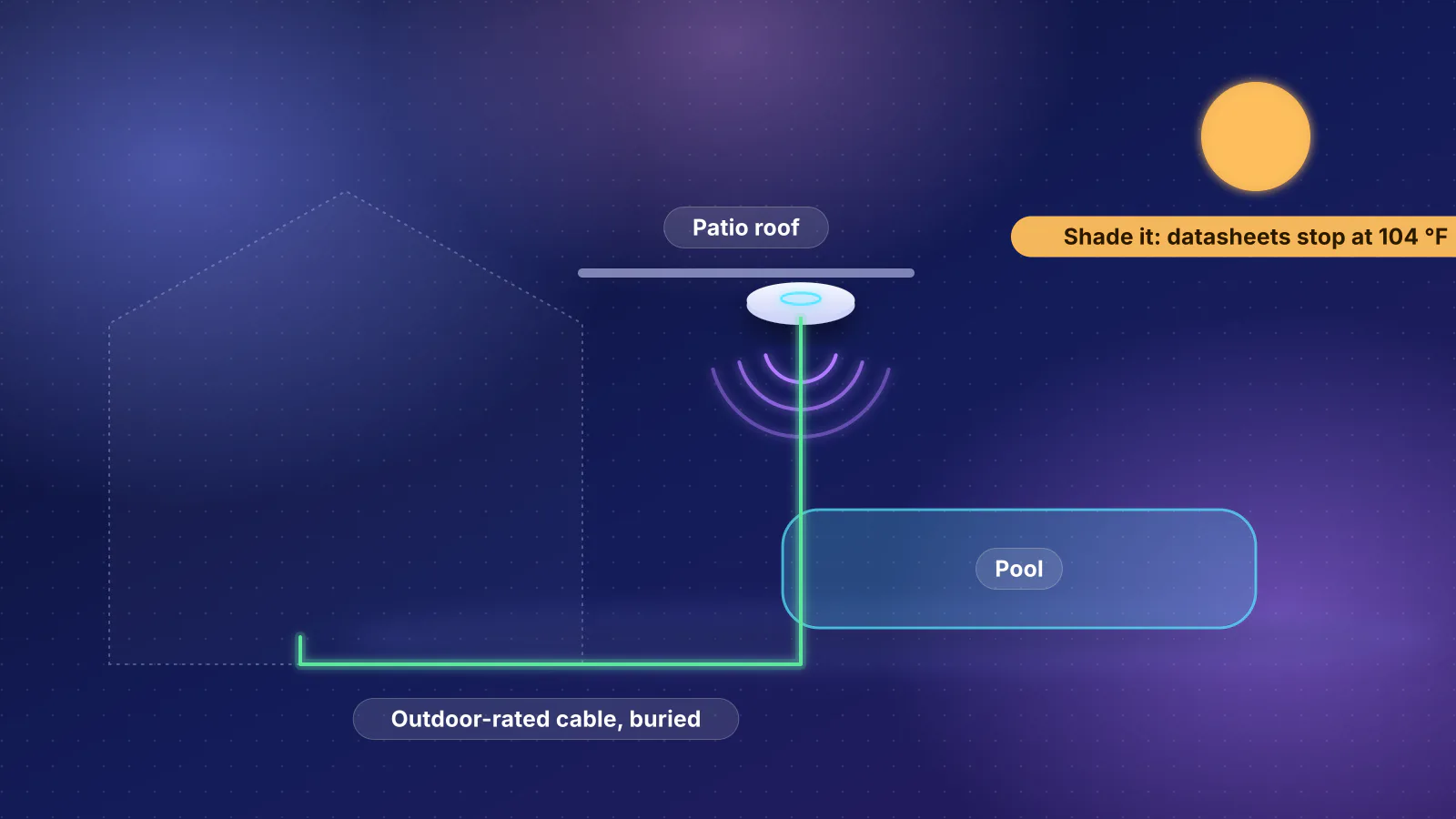
Outdoor Wi-Fi
A decision table for yards, pools and outbuildings, outdoor units' IP and heat ratings from datasheets, the FCC's 6 GHz outdoor rule, and a mounting and cabling checklist.
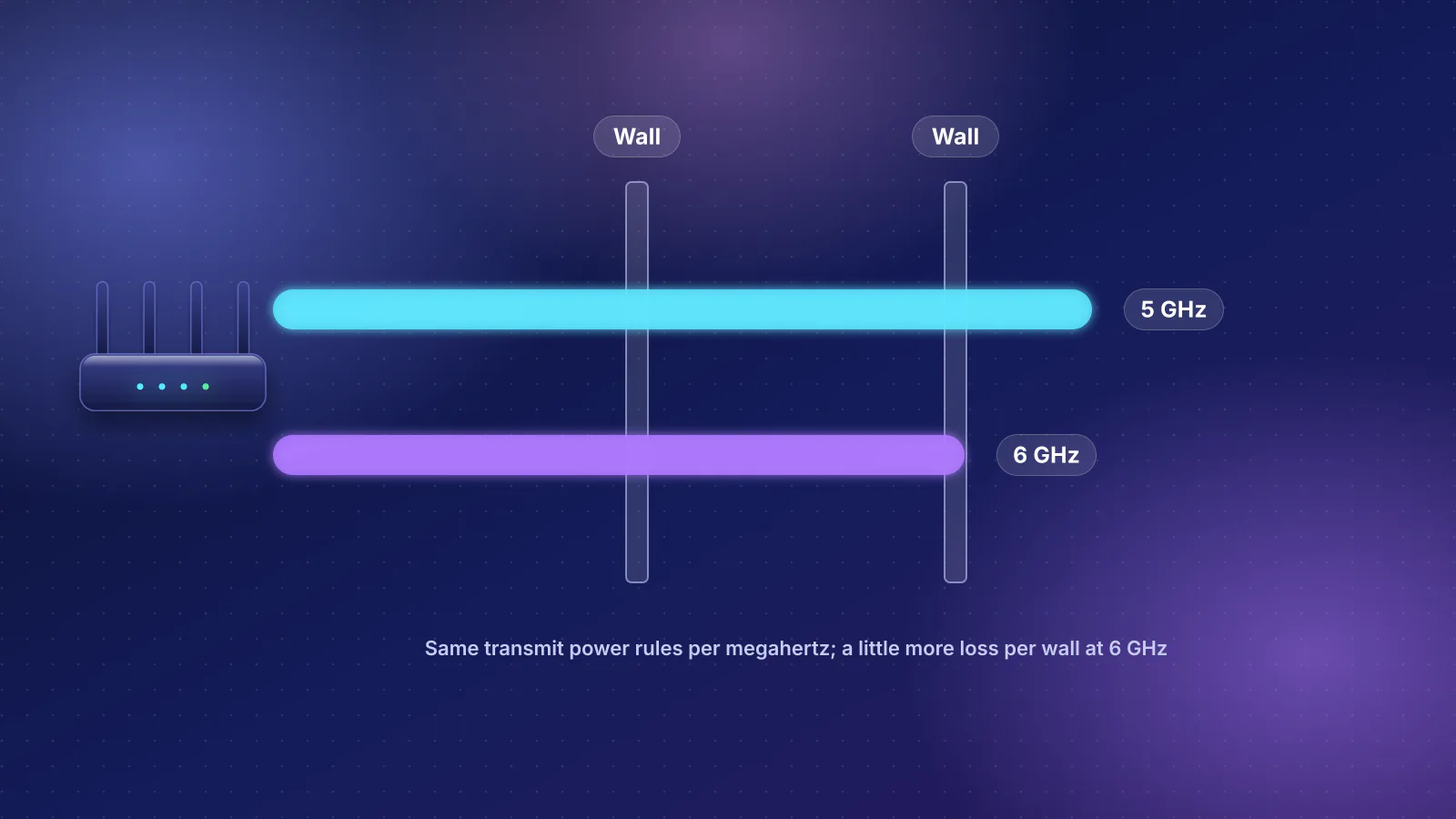
6 GHz
Why 6 GHz reaches less far than 5 GHz: the free-space physics, FCC power limits by channel width, client power, measured wall losses and a worked link budget.
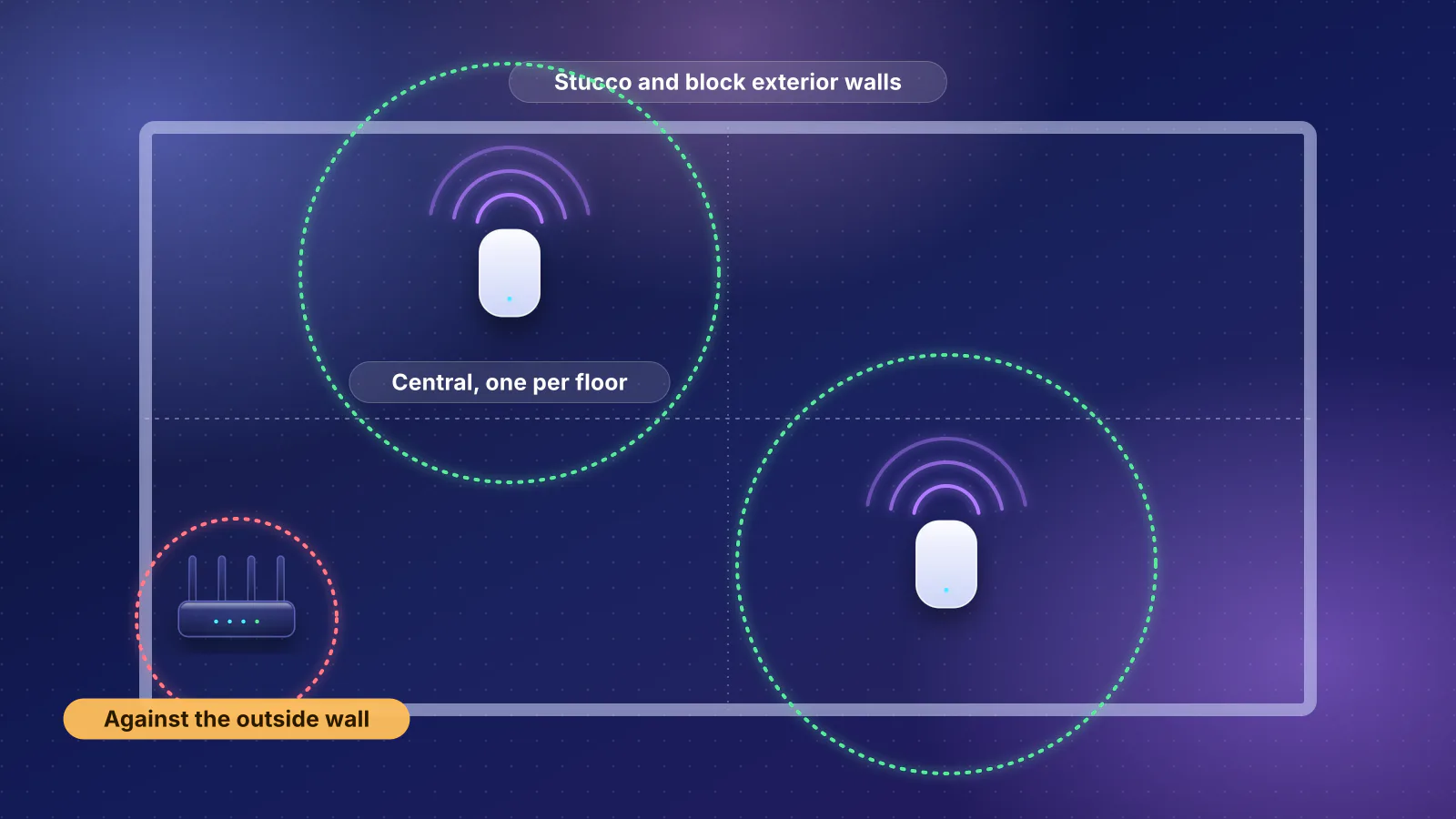
Wi-Fi coverage
What block, stucco over lath, floors and low-E glass do to Wi-Fi, and where mesh units or ceiling access points go in a two-story stucco house.
Planned for this topic. Each article is published only after it has been fact-checked and approved.