_(45096474951).jpg)
Guide
Move with your network
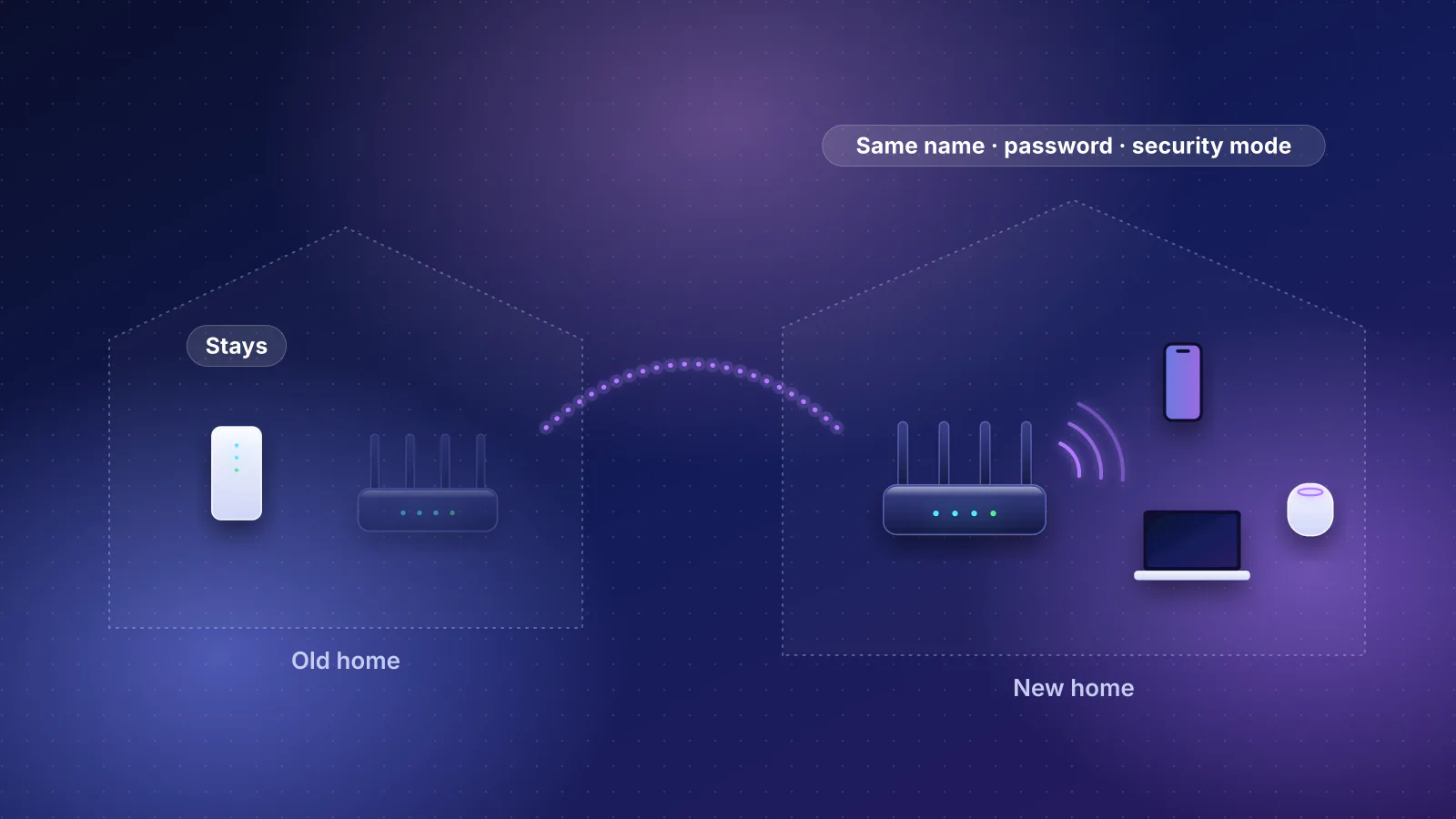
What moves with you, what stays with the provider, and how to get every device back online without setting it up again.
Topic
Dozens of small devices, mostly on 2.4 GHz, many rarely updated. How to keep them connected and kept apart.

Smart-home problems are rarely about speed. They come from devices that only use 2.4 GHz Wi-Fi, from weak signal at doors, garages and yards, from mesh systems steering devices between units, and from devices that stop getting security updates long before they stop working.
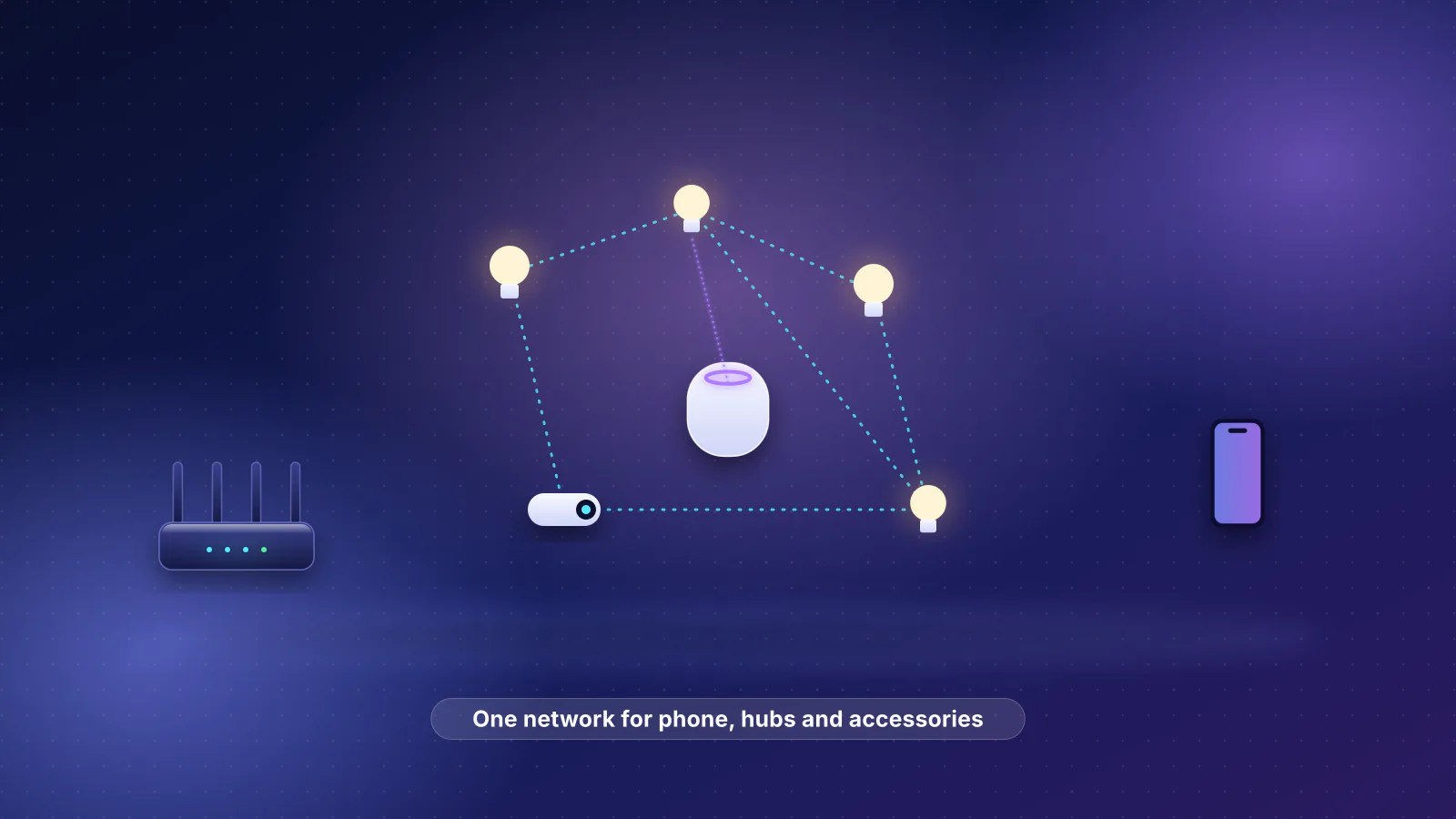
Matter devices connect over Wi-Fi, Ethernet or Thread. Thread devices need a Thread border router, a role some smart speakers, hubs and routers fill.
From the catalog
12 current routers and mesh systems in our catalog document both. The lowest-priced:
| Model | Wi-Fi | Manufacturer price |
|---|---|---|
| MikroTik hAP be lite (A42G-HbeP) | Wi-Fi 7 | $79 |
| MikroTik hAP ax S (E62iUGS-2axD5axT) | Wi-Fi 6 | $79 |
| MikroTik hAP ax² (C52iG-5HaxD2HaxD-TC) | Wi-Fi 6 | $99 |
| MikroTik hAP ax³ (C53UiG+5HPaxD2HPaxD) | Wi-Fi 6 | $139 |
| MikroTik Chateau PRO ax (H53UiG-5HaxQ2HaxQ) | Wi-Fi 6 | $199 |
| GL.iNet Flint 3 (GL-BE9300) | Wi-Fi 7 | $209.99 |
| Synology WRX560 | Wi-Fi 6 | $219.99 |
| ASUS RT-BE86U | Wi-Fi 7 | $269.99 |

Guide
What moves with you, what stays with the provider, and how to get every device back online without setting it up again.
Smart home
How Apple Home, Matter and Thread fit together, which Apple devices do what, and the router settings that cause No Response.
Streaming
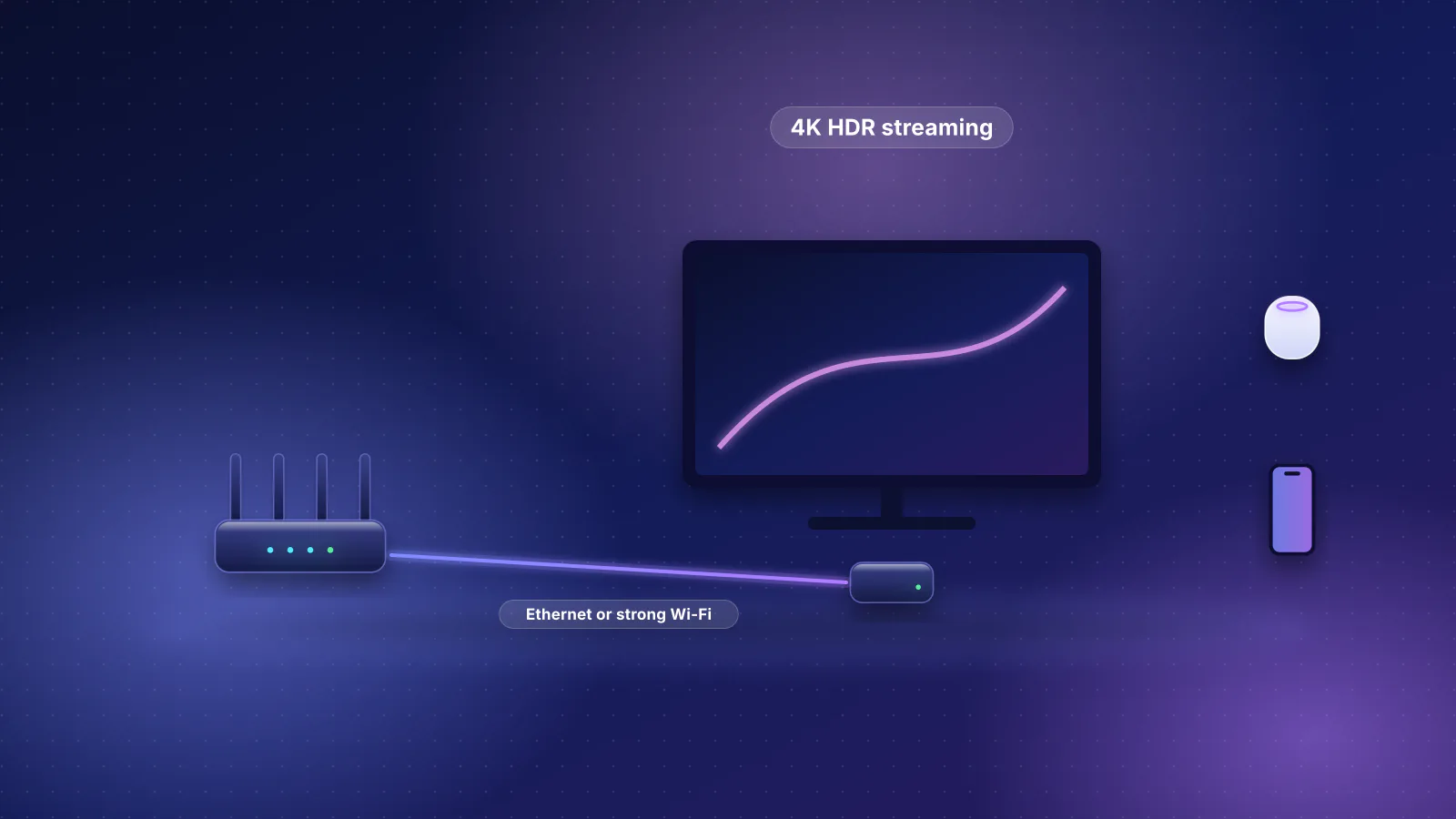
Apple TV 4K network specs by model, what 4K streaming really needs, the router settings Apple recommends, and a layout for two to four TVs.
Bandwidth
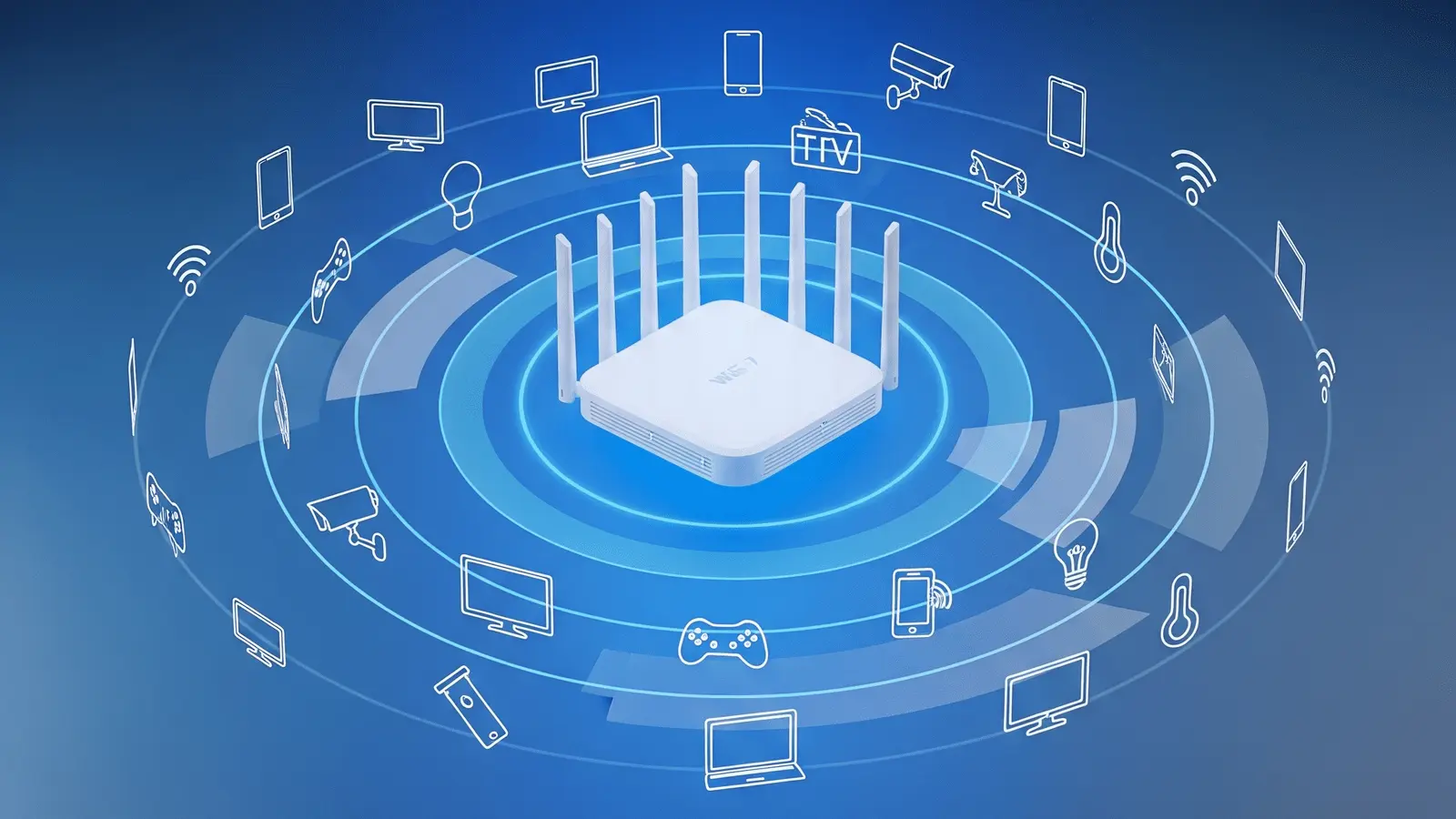
Wi-Fi capacity is shared airtime. Here’s how to keep calls and streams smooth when dozens of devices are online.
Planned for this topic. Each article is published only after it has been fact-checked and approved.