Choose the link by distance and line of sight
The route a cable would take and whether the two buildings can see each other decide most of the choice. This article is about that link between buildings. For sizing Wi-Fi inside the outbuilding, our home-type plans have a casita section, and for a mesh hop versus a bridge in general, see the wireless section of MoCA vs powerline vs bridge.
| Link | Distance, as the source states it | Works without a trench | Works without a clear view | Avoids a metal path between buildings |
|---|---|---|---|---|
| Copper Ethernet in conduit | 100 m channel, including cords source 1 | No | Yes | No: plan surge protection and grounding source 2 |
| Fiber with media converters or SFP | Set by the module; Ubiquiti's 1G BiDi single-mode pair lists 3 km source 8 | No | Yes | Yes, if the cable is all-dielectric source 2 |
| Point-to-point bridge | 500 m (Ubiquiti UBB) to 1 km (TP-Link EAP211-Bridge KIT, MikroTik Cube Pro) source 9 source 10 source 11 | Yes | No | Yes: no link cable between buildings |
| Wi-Fi from the house (outdoor unit or mesh node) | Short; for high-speed 5 GHz, eero recommends its Outdoor 7 within 50 feet of the closest indoor eero source 13 | Yes | Partly: obstructions cost signal | Yes |
Read it as a sequence: if the route is well under 100 m and you can trench, copper or fiber in conduit; if it's longer, or the buildings sit on separate electrical services and you'd rather not join them with copper, fiber; if you can't trench and the buildings can see each other, a bridge. If TV coax already runs to the outbuilding, MoCA is a fourth option, covered in the same MoCA guide.
- Router or main switch in the house Indoors; the link starts from a free port
- The link between buildings Copper in conduit (100 m channel), fiber with a converter at each end, or a bridge with a radio on each building
- Switch in the outbuilding PoE if it powers an access point or a bridge radio
- Access point or wired mesh node Makes the Wi-Fi inside the casita, garage or shop
- Phones, laptops, cameras and tools The only wireless hop if the link is cable
Copper Ethernet: up to 100 m, with surge protection
Copper works for a building within 90 m along the cable route, provided the cable is rated for the ground and the run is protected at both ends. Fluke Networks sets out the limit as "The 100m distance limitation for a 4-connector channel that includes a 90m permanent link and 5m of patch cable at both ends" source 1. The 90 m is the installed cable from wall to wall; measure the route the trench would follow, plus the rise inside each building, not the straight line across the yard. For runs past 100 m, Fluke's options include a new telecommunications room, an extender device, fiber or extended-distance cabling, and it says extended-distance cabling "is technically a non-standard-compliant approach" source 1.
The catch is that copper connects the two buildings electrically. Ubiquiti describes electrostatic discharge as the result of "a voltage difference between two physically connected points" and recommends shielded cable outdoors and Ethernet surge protectors source 4. Aginode's earthing guide says "Installing copper LAN cables between buildings also requires surge suppressors in case of lightning strikes," and that "The potential difference between two separate earthing points can give rise to harmful currents" source 2. Leviton's residential installer guide says "Do not run open wiring between structures where it may be exposed to lightning without proper protection" and that "All outside wiring must be equipped with properly grounded and listed signal circuit protectors" source 5.
So a copper link is cable plus protection at each building entry, with the shield and protectors grounded as the protectors' makers and your electrician specify. How outdoor units are cabled and grounded at the wall is in the outdoor Wi-Fi cabling section.
Fiber: longer runs and no copper between buildings
Fiber is the wired choice when the run is past copper's limit or when you want no metal path between the buildings. Aginode, a structured-cabling maker, "recommends fibre optic cabling as a safer alternative between buildings," because fiber with dielectric armour "will not propagate unwanted currents since there are no metallic conductors" source 2. Clearfield, a fiber maker, notes that "Optical fiber cable in general is composed of all-dielectric materials" and lists "Lightning immunity" among fiber's advantages source 3.
"All-dielectric" matters when you choose the cable. Some outdoor fiber has metal in it: Clearfield says a cable may include "a metallic strength member, metallic tone wire, or metallic armor," and, quoting the 2014 edition of NEC (NFPA 70) Article 770, explains when those metal parts have to be grounded or interrupted source 3. Corning's ALTOS outdoor range, for example, comes in all-dielectric and armored versions for "duct, buried, or aerial outdoor applications" source 6. An armored cable is tougher in the ground but brings back a metal path; whether that's acceptable, and how it's grounded, is the electrician's call.
Fiber needs a device at each end to turn light back into Ethernet:
- A media converter. TP-Link's Omada MC220L has one SFP slot and one gigabit RJ45 port, takes multi-mode or single-mode SFP modules, and says "Maximum transmission distance depends on the inserting SFP module." It runs from an external power adapter, 1.7 W maximum, and is rated 0 to 50 °C (32 to 122 °F) source 7.
- An SFP slot on a switch or router you already have. Then you need only the modules and the fiber. A free SFP slot at each end is the case where fiber costs the least extra hardware.
- Matched modules. Ubiquiti's 1G bidirectional single-mode module runs on single-mode fiber over a simplex LC connector, lists 3 km (1.9 mi), and transmits at 1310 nm on one end and 1550 nm on the other; Ubiquiti sells it in a 2-pack source 8. The fiber type (single-mode or multimode) and connector have to match the modules at both ends.
A point-to-point bridge: no trench, but a clear view
A bridge is a pair of directional radios, one on each building, that carry the network like a cable; it fits when digging is impractical and the two mounting points can see each other. What the makers list, read November 28, 2026:
| Kit | Range the maker lists | Radios and rates | Ports and power |
|---|---|---|---|
| Ubiquiti UniFi Building Bridge (UBB) | "500 m (1,640 ft)" | 60 GHz "1.7 Gbps"; 5 GHz backup "866.6 Mbps (BW80)" | One GbE RJ45; PoE, 11 W maximum including the PoE adapter; -40 to 70 °C source 9 |
| Ubiquiti Building Bridge XG | "500+ m (1,640+ ft)" | 60 GHz "6 Gbps"; 5 GHz 866.6 Mbps | One GbE RJ45 and one 1/10G SFP+ source 9 |
| TP-Link Omada EAP211-Bridge KIT | "Up to 0.62 mi (1 km)"; the footnote says coverage "is calculated based on laboratory testing" and "Actual coverage is not guaranteed" | 5 GHz "Up to 867 Mbps" | Three gigabit ports; 802.3af PoE, 24 V passive PoE or 12 V DC; preconfigured to pair source 10 |
| MikroTik Wireless Wire Cube Pro | "as far as 1 km" | 60 GHz with an "automatic 5 GHz backup connection"; 5 GHz 433 Mbit/s | One gigabit port; PoE in (802.3af/at); a preconfigured pair source 11 |
Three things the makers' own words make clear:
- A clear view is the requirement. Ubiquiti's UISP alignment guide says "For best performance, install as high up as possible, with a line of sight free from obstructions," and that its planning tool "does not account for trees, buildings, or other obstructions; only ground elevation," so those have to be judged from satellite images or on site source 12.
- 60 GHz trades weather for speed. MikroTik says its 60 GHz link "can sometimes struggle during bad weather conditions," and its kit has an "automatic 5 GHz backup connection" source 11. The backup radio is slower, so plan for the 5 GHz figure if the link has to stay usable in a storm.
- One port may not be enough. The UBB and the Cube Pro have one Ethernet port each, so the far end needs a switch for more than one wired device. Each radio also needs an outdoor cable and PoE from inside its building, with the protection in the copper section above.
eero's Outdoor 7 is a different case: it extends an eero network rather than acting as a separate bridge. eero says it "does not need to be in direct line of sight with another indoor eero unit"; "to ensure high speed connectivity on 5 GHz," eero recommends installing it "within 50 feet of the closest indoor eero," and with several Outdoor 7 units, each can be within 1000 feet of the next outdoor one; it still advises avoiding obstructions such as patio furniture, trees or vehicles source 13.
Which cable goes in the ground
Use cable whose maker rates it for the way it will be installed: in conduit, buried directly, or outdoors above ground. The labels sound alike and mean different things:
| Cable (example) | What the maker says |
|---|---|
| Belden Datatuff OSP6U, gel-filled Cat6 | Gel-filled and "Fully Water Blocked"; "Suitable for burial or use in outdoor wet locations," but "Not recommended for Direct Burial applications without additional crush and impact protection," which Belden says would include armoring or "installation in conduit"; "Sunlight Resistant (Black Jacket Only)"; Belden recommends an entrance point where it transitions indoors source 14 |
| TrueCable Cat6 outdoor, unshielded | "Not rated for direct burial"; for above-ground use with a UV-resistant jacket; TrueCable's FAQ says it's "designed for outdoor use only" but that "you may bring it from outside into your structure up to 50 feet before it must be terminated or transitioned to an appropriate indoor cable type" source 15 |
| TrueCable Cat6 gel-filled direct burial | "Suitable for direct burial with or without conduit"; gel-filled core for waterproofing source 16 |
| Corning ALTOS outdoor fiber | For "duct, buried, or aerial outdoor applications," in all-dielectric and armored versions source 6 |
Two makers' "outdoor" cables, then, differ on burial, and one gel-filled cable still wants conduit. Conduit is also what lets you change your mind: Leviton recommends "a pull string inside each run of conduit to assist in future cable installations" and says not to exceed "a 40% fill rate" source 5. A conduit with a pull string can take fiber later if a copper run proves too long or too exposed.
What the electrician and your jurisdiction decide
The trench, the conduit, grounding and surge protection are set by local code and the people who apply it, not by a network guide. This article gives no code advice. Here is what to ask them about:
- Burial depth and conduit type. Set by your jurisdiction's adopted code; your electrician or building department can tell you what applies and whether the work needs a permit.
- Sharing a trench or conduit with power. Leviton's guide says "Never place communications wire in any conduit, box, channel, duct" or other enclosure containing power or lighting circuits source 5. If power to the outbuilding is going in anyway, ask the electrician how the network conduit should be laid alongside it.
- Grounding and surge protection at each building. For copper, Leviton calls for "properly grounded and listed signal circuit protectors" on outside wiring source 5; for fiber with metal parts, Clearfield points to NEC Article 770 source 3. Where the protectors go and how they're bonded is the electrician's decision.
- Mounting a bridge. A mast or a roof mount raises its own questions about the roof and grounding of the mount; ask the installer.
- Locating buried utilities. The US Department of Transportation's pipeline safety office says every state has a one-call center and requires by law that you call "48 to 72 hours before digging," that 811 reaches the one-call center in most areas, that "There is no cost to you," and that "Every digging project requires that you call the one-call center before digging" source 17.
Whole-home surge protection is also an electrician's decision.
What to put in the detached building
The link ends in a switch, and the switch feeds whatever makes Wi-Fi in the building: an access point, or a mesh node wired back to the main system.
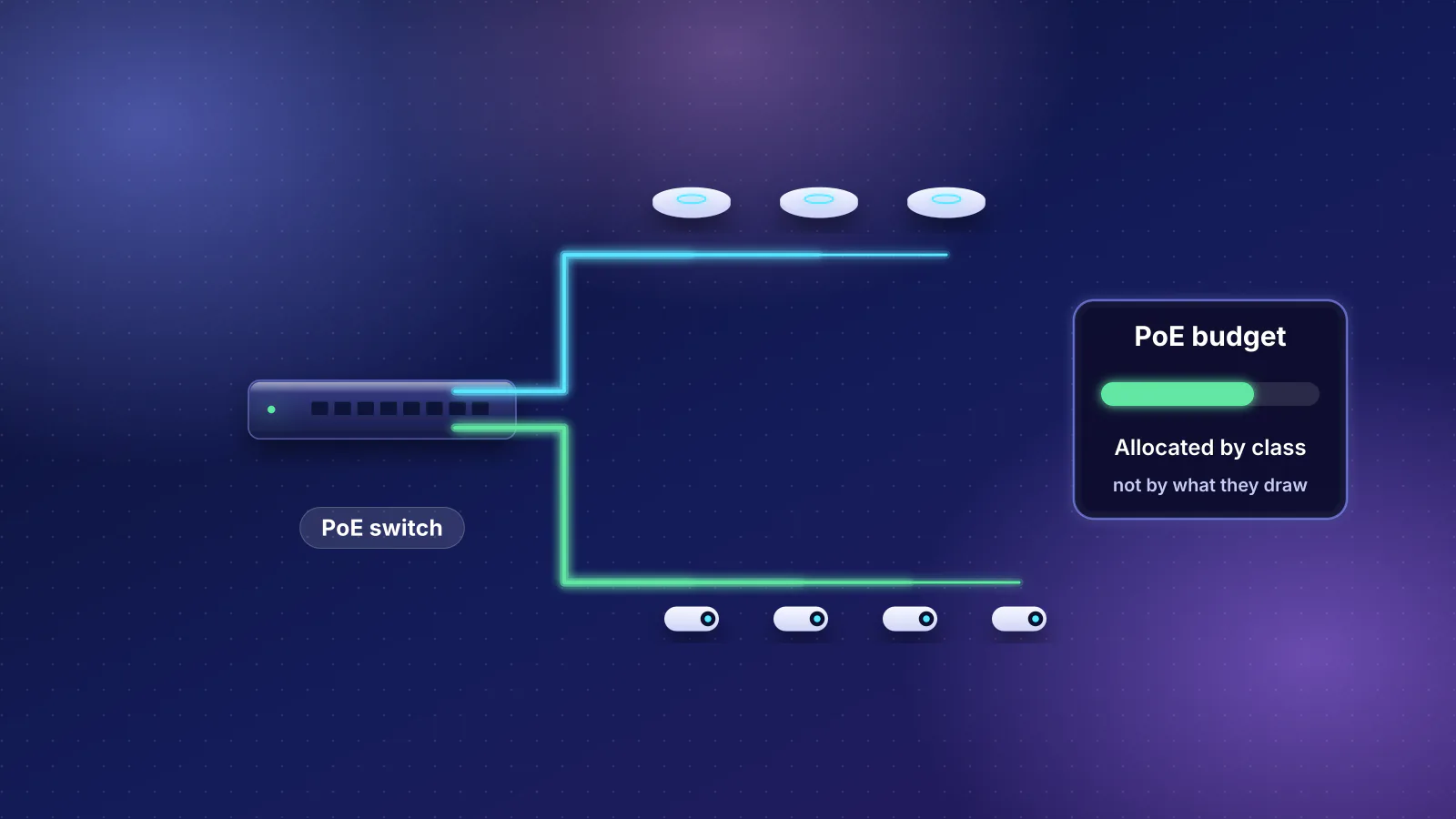
- A switch, PoE if it powers anything. A small PoE switch can power a ceiling access point, a camera or the outbuilding's bridge radio; size it with our PoE planning guide. An unmanaged switch is enough for one network; carrying a separate network (a VLAN) for a shop or guest casita over the same link needs a managed switch.
- An access point or a wired mesh node. If the house runs mesh, a node of the same system on the cable keeps one network name and roaming, provided the system supports wired backhaul. Which of the two fits is in extender vs mesh vs access point.
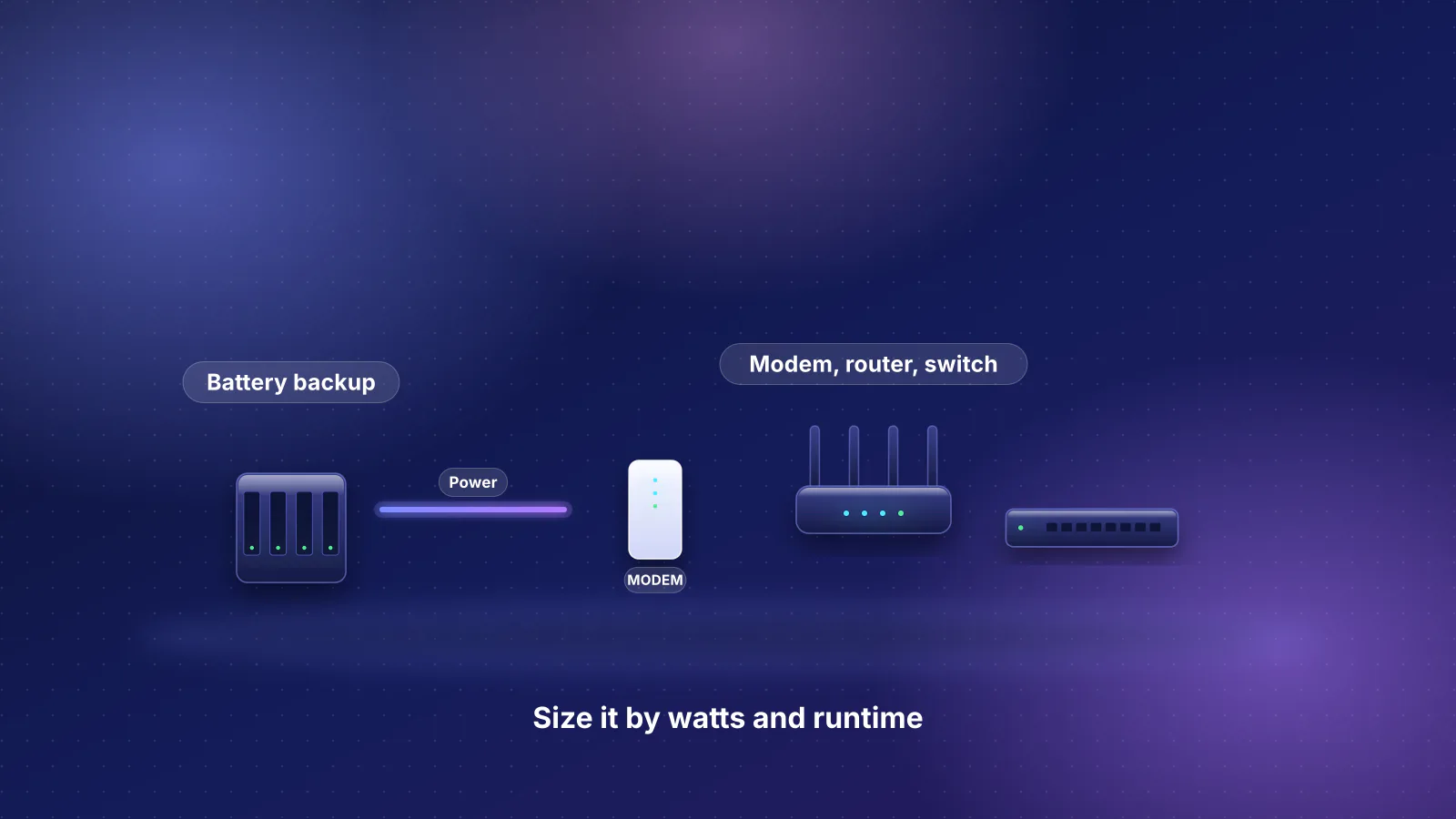
- Power that stays on. The switch, media converter and radios all need outlets in the outbuilding. A small UPS keeps the link up through short outages; our UPS guide shows how to add up the load.
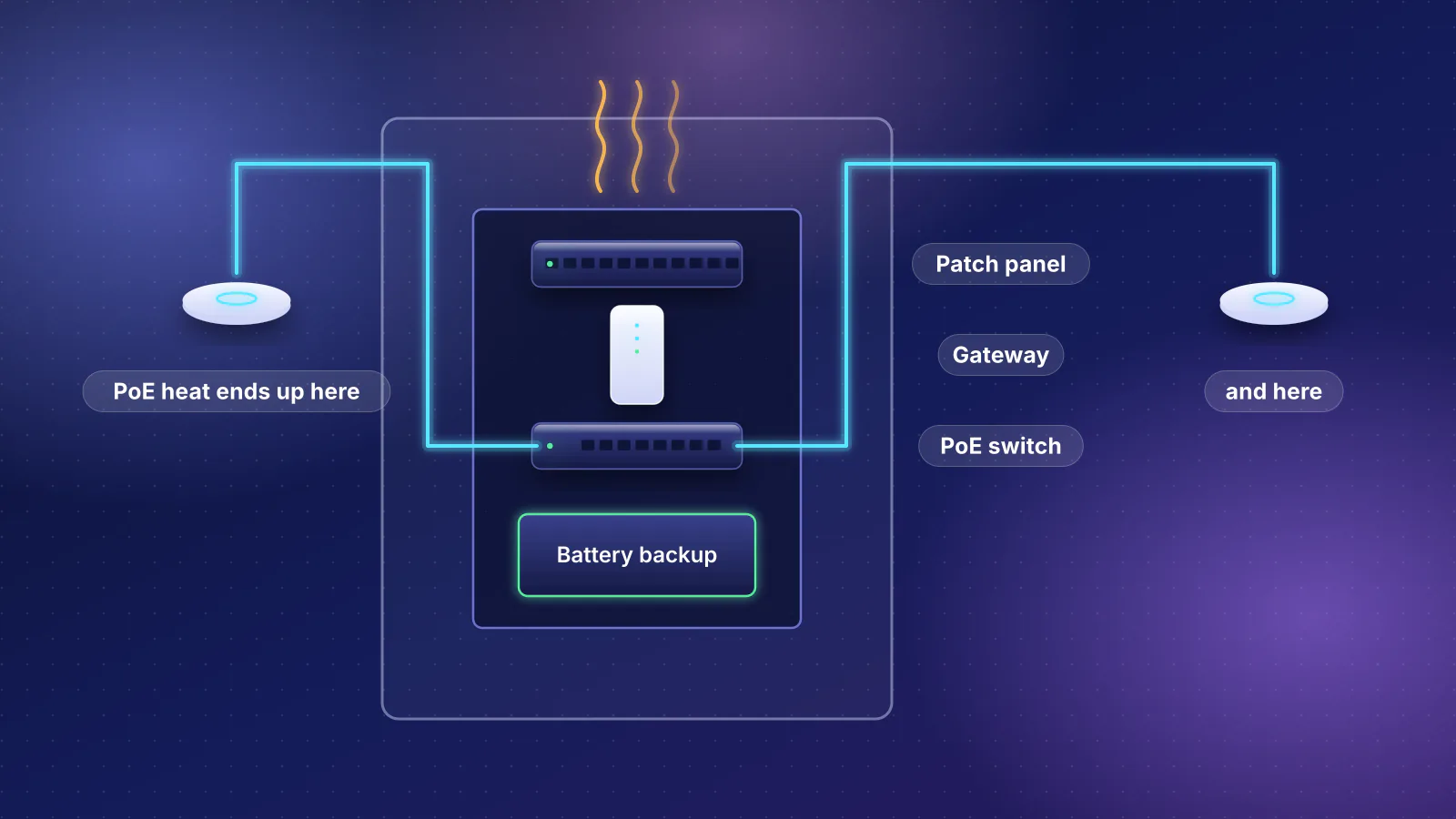
Heat, if the building isn't cooled. Ratings differ: TP-Link rates the MC220L converter to 50 °C (122 °F) source 7, Ubiquiti its BiDi module to 70 °C (158 °F) source 8, the UBB and EAP211-Bridge KIT list 70 °C (158 °F) at the top of their operating ranges source 9 source 10, and MikroTik gives 70 °C as the top of the Cube Pro's "Tested ambient temperature" source 11. For Arizona readers, the National Weather Service's July 2026 summary for Phoenix Sky Harbor gives a normal (1991 to 2020) July high of 106.5 °F and lists a daily record high of 117 °F on July 24 source 18. Those are outdoor air temperatures at the airport, not readings inside a garage or shop, which RouterHaus hasn't measured. Check each box's published range against the building.
A safe check before you choose
These checks tell you which link is realistic without digging, climbing or opening anything electrical. This is an exercise for you to run; RouterHaus hasn't run it at any property.
- Measure the route, not the gap. Pace or tape the path a trench would actually follow, around paths, driveways and planting beds, and add the rise to where the equipment sits at each end. Compare it with the 90 m permanent link.
- Look for a spare conduit, from the outside. Some properties have an empty conduit stubbed up near the house and the outbuilding. Look for a capped pipe or a pull string at both ends. Don't open the electrical panel, a junction box or any conduit that carries power to find out: if a conduit has power wiring in it, Leviton says communications wire doesn't go in it source 5. Ask an electrician to confirm what a pipe is before anything is pulled through it.
- Check the view from where radios would mount. From a window or the ground at each likely mounting spot, can you see the other spot with no tree, roofline, carport or shade structure in between? Repeat on a satellite map, which shows the trees and buildings Ubiquiti says its planning tool ignores source 12, and remember that trees grow.
- Test the Wi-Fi you already have in the outbuilding. Stand inside with the door shut, turn off cellular data and load a few pages or run a speed test from the spot you'd use.
| What you found | What it means | What to consider |
|---|---|---|
| Wi-Fi from the house already works well inside | The link exists | Buy nothing; revisit only if what you do there changes |
| Route under 90 m and a trench is possible | Copper or fiber both work | Copper in conduit with protection at each end, or fiber to avoid the metal path |
| Route over 90 m | Past copper's channel | Fiber, or a bridge if the view is clear |
| An empty conduit with a pull string | Possibly no trench needed | Have an electrician confirm it carries no power, then use it for copper or fiber |
| No trench possible, clear view between buildings | A bridge fits | Compare kits by range, port count and backup radio |
| No trench, no clear view | No good option yet | Ask about raising a mount above the obstruction, or plan a trench when other work allows it |
Plan the job, in order
Once the check points to a link, the work runs in this order, and the steps that touch the ground or electrical work belong to licensed professionals.
- Decide the link and the speed. A link faster than gigabit only pays off if you'll move large files there or your internet plan is faster than 1 Gbps; otherwise gigabit equipment is enough.
- Pick the far-end equipment first. The switch, access point or mesh node decides how many ports and how much PoE you need, and whether an SFP slot is already there for fiber.
- Have utilities marked. Call 811, or your area's one-call center, 48 to 72 hours before any digging source 17.
- Agree the trench, conduit and protection with the electrician. Depth, conduit type, the building entry points, grounding and surge protectors, and any permit.
- Lay conduit with a pull string, then pull cable rated for it. Leave the pull string in for the next cable source 5.
- For a bridge, mount, power and align one side at a time. Ubiquiti's guide says "Only attempt to align one side of the link at a time" source 12; the TP-Link kit has app-guided alignment source 10.
- Check that it worked. Plug a laptop into the far-end switch and run a speed test, then test Wi-Fi inside the building. For copper, an installer's cable test confirms the run passes.
When new equipment is justified
If the Wi-Fi from the house already does what you need in the outbuilding, buy nothing. New equipment is justified when:
- The building has no usable signal and you'll actually use it there: a home office, a guest casita, cameras or a shop that needs a connection for tools.
- The route is past 90 m, so copper isn't an option and fiber or a bridge is the change.
- Your existing switch or router has no free port or SFP slot to start the link from.
- The outbuilding needs Wi-Fi inside, which the link alone doesn't provide: then one access point or mesh node is usually the whole purchase there.
Our reasoning, not a maker's: a bigger router in the house is a weaker bet for a detached building, because the signal still has to cross two exterior walls and the yard.
When to get professional help
Bring in licensed help for anything in the ground, on the roof or on the electrical system: trenching, conduit, building entries, grounding and surge protectors, power for the outbuilding, and a mast or roof mount for a bridge. Fiber termination and cable certification are also installer work. Hiring a low-voltage installer covers what to put in the scope, and what drives structured wiring cost explains how such jobs are priced. When the job needs hands on site, RouterHaus can connect you with a licensed contractor through a consultation request.
Frequently asked questions
How far can I run Ethernet cable to a detached garage?
Copper Ethernet is specified for a 100 m channel, which Fluke Networks describes as a 90 m permanent link plus 5 m of patch cable at each end. Measure the route the cable would follow, including the rise at each building. Past that, use fiber or a point-to-point bridge.
Is fiber better than Ethernet between two buildings?
For long runs, or to avoid a copper path between buildings, often yes. Aginode recommends fiber between buildings because all-dielectric fiber has no metallic conductors to carry current between two buildings' earthing points. It needs a media converter or SFP slot at each end. For a short run with proper surge protection, copper in conduit also works.
Do wireless bridges need line of sight?
The point-to-point kits do, in practice. Ubiquiti's alignment guide asks for a line of sight free from obstructions and a high mount, and its planning tool ignores trees and buildings. eero says its Outdoor 7 doesn't need direct line of sight to an indoor eero, but recommends it within 50 feet of the closest indoor eero for high-speed 5 GHz, and away from obstructions.
Can I bury regular outdoor Ethernet cable?
Check the maker's rating. TrueCable's outdoor Cat6 is not rated for direct burial, its gel-filled cable is, and Belden says its gel-filled OSP6U needs crush and impact protection such as conduit. Burial depth and conduit are set by your local code, so ask a licensed electrician.
Sources
Read on November 28, 2026. Pages without a date are marked undated.
- Fluke Networks: Extending and testing cable runs beyond 100 meters (October 8, 2020)
- Aginode: Earthing guide (PDF) (copyright 2024)
- Clearfield: To ground, or not to ground fiber optics? (November 11, 2016, later reviewed)
- Ubiquiti help center: Protecting against electrostatic discharge (undated)
- Leviton: Basic residential installer guide (PDF) (undated)
- Corning: ALTOS cables (April 22, 2026)
- TP-Link Omada: MC220L Gigabit SFP media converter (undated)
- Ubiquiti tech specs: 1G bidirectional single-mode optical module (undated)
- Ubiquiti: Building Bridge (UBB) tech specs (undated) and Building Bridge XG datasheet (copyright 2022)
- TP-Link Omada: EAP211-Bridge KIT product page (undated) and datasheet (PDF) (copyright 2025)
- MikroTik: Wireless Wire Cube Pro (undated)
- UISP help center: Antenna alignment for outdoor wireless links (undated)
- eero support: What is point-to-point (P2P)? (undated)
- Belden: Datatuff OSP6U Category 6 OSP cable (revision dated 2025)
- TrueCable: Cat6 outdoor Ethernet cable, unshielded (undated)
- TrueCable: Cat6 gel-filled direct burial Ethernet cable, unshielded (undated)
- US DOT Pipeline and Hazardous Materials Safety Administration: Call before you dig (undated)
- National Weather Service Phoenix: July 2026 climate summary for Phoenix Sky Harbor (PDF)