Structured wiring
Hiring a low-voltage network installer: scope, quotes and questions to ask
A written scope you can copy, questions and red flags, how to compare quotes, and how licensing works in Arizona and elsewhere.
Topic
Where cables go, what the closet needs, what installation costs, and how to hire someone to do it.
Wired connections are the most reliable way to give a home fast, consistent Wi-Fi: an access point or mesh unit with its own cable doesn't spend wireless airtime relaying traffic to the next unit, so all of it goes to the devices it serves. The hard part is getting the cable there, which is easy while walls are open and slower, but usually possible, in a finished home.
This topic covers the physical side of a home network: which rooms get drops, how to route cable through an existing house, what a network closet needs for power and heat, what installation costs and how to judge a quote.
From the catalog
22 current PoE switches in our catalog. The lowest-priced, with the power budget their makers publish:
| Model | Fastest port | PoE budget | Manufacturer price |
|---|---|---|---|
| NETGEAR GS305P | 1 Gbps | 63 W | $69.99 |
| Zyxel XMG-105HP | 10 Gbps | 70 W | $99.99 |
| TP-Link SG2008P | 1 Gbps | 62 W | $114.99 |
| Ubiquiti Switch Lite 8 PoE (USW-Lite-8-PoE) | 1 Gbps | 52 W | $120 |
| NETGEAR GS108PP | 1 Gbps | 123 W | $139.99 |
| Zyxel GS1915-8EP | 1 Gbps | 60 W | $149.99 |
| Zyxel XMG-108HP | 10 Gbps | 100 W | $149.99 |
| Ubiquiti Switch Lite 16 PoE (USW-Lite-16-PoE) | 1 Gbps | 45 W | $219 |
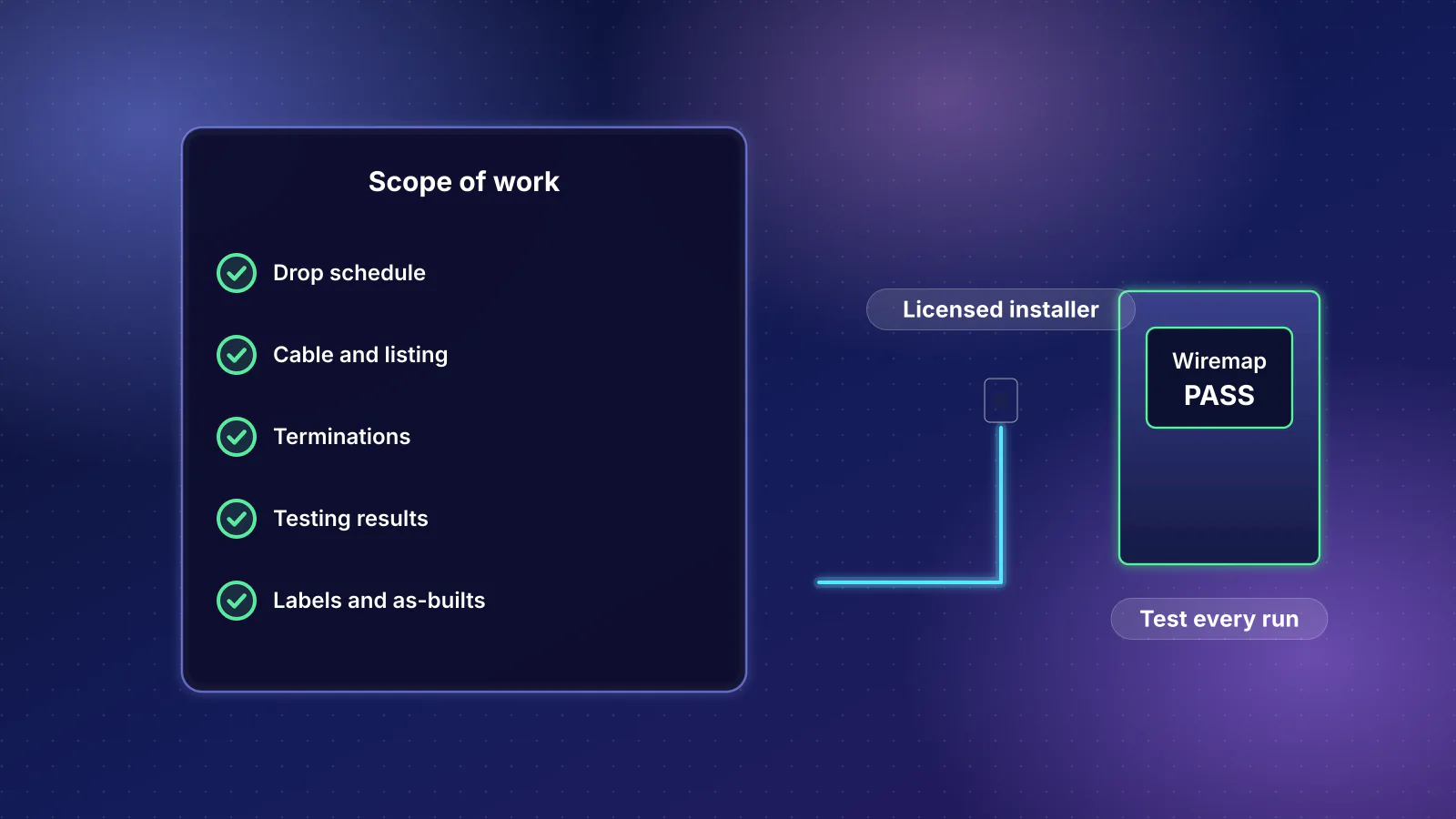
Structured wiring
A written scope you can copy, questions and red flags, how to compare quotes, and how licensing works in Arizona and elsewhere.
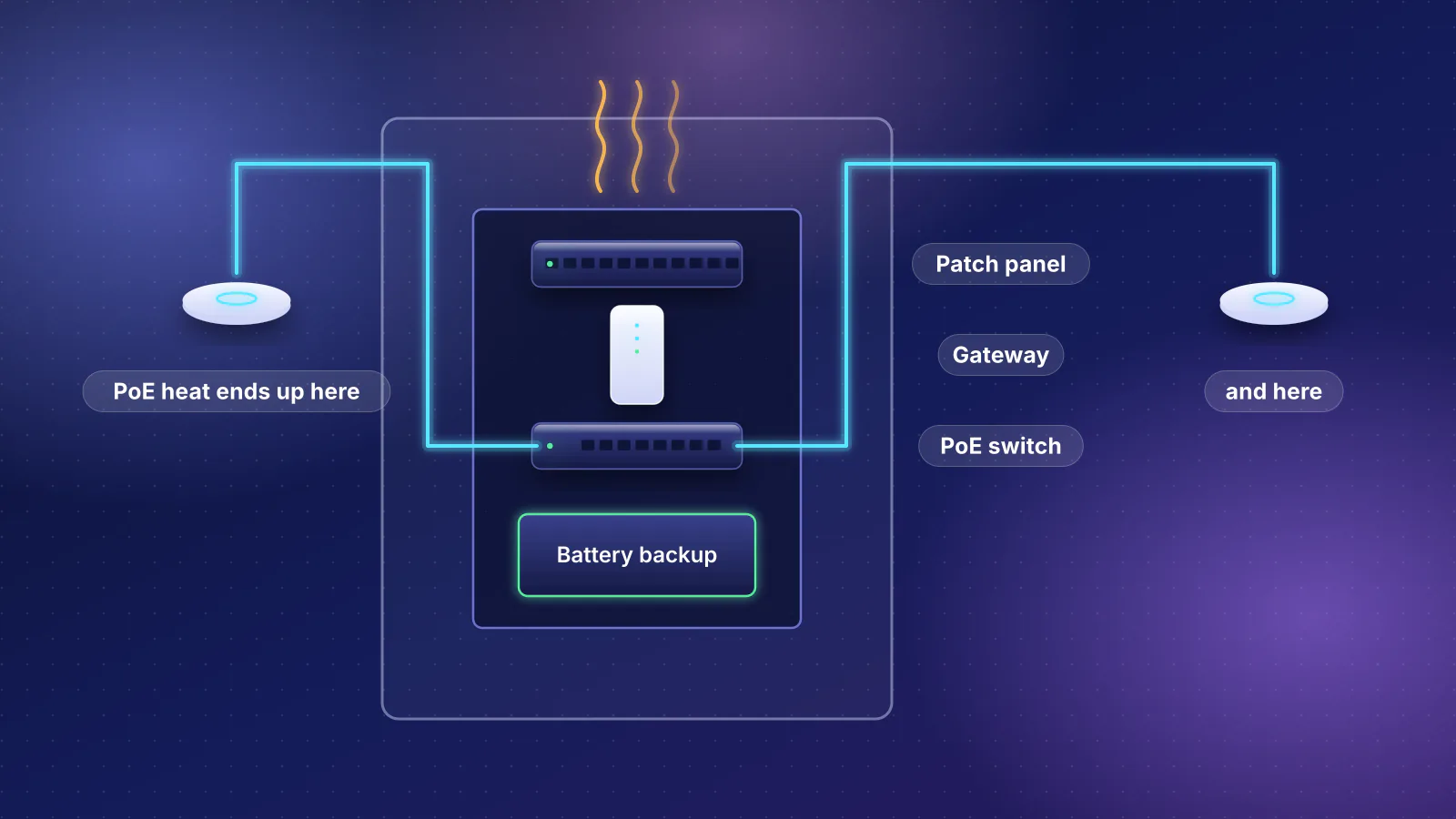
Network closet
A heat worksheet, UPS runtime from a maker's chart, what fits a can or a wall rack, and why the garage and attic are out.
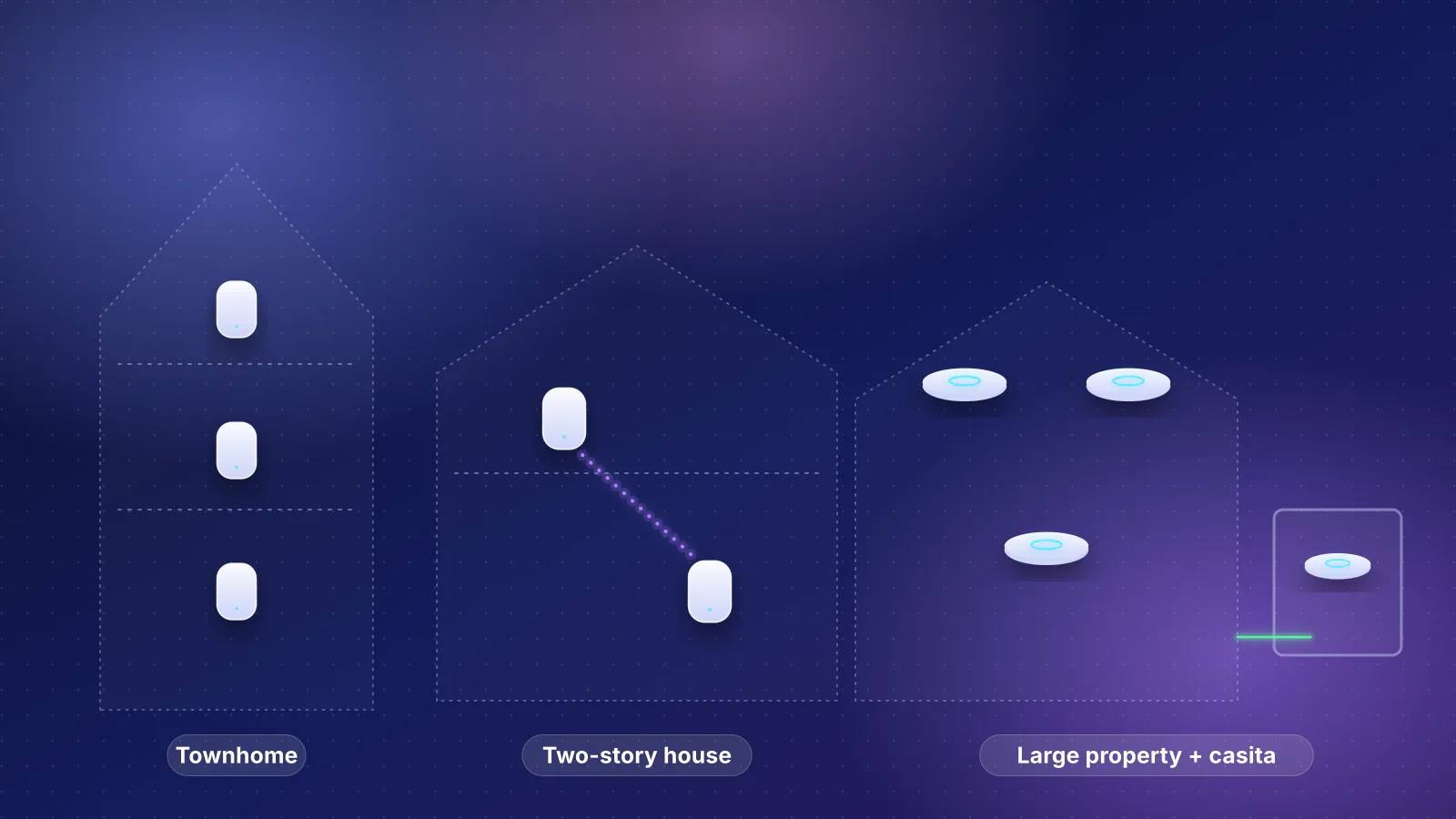
Network design
Three home types, three planner runs: the equipment, the totals, where each unit goes and which cables to run.
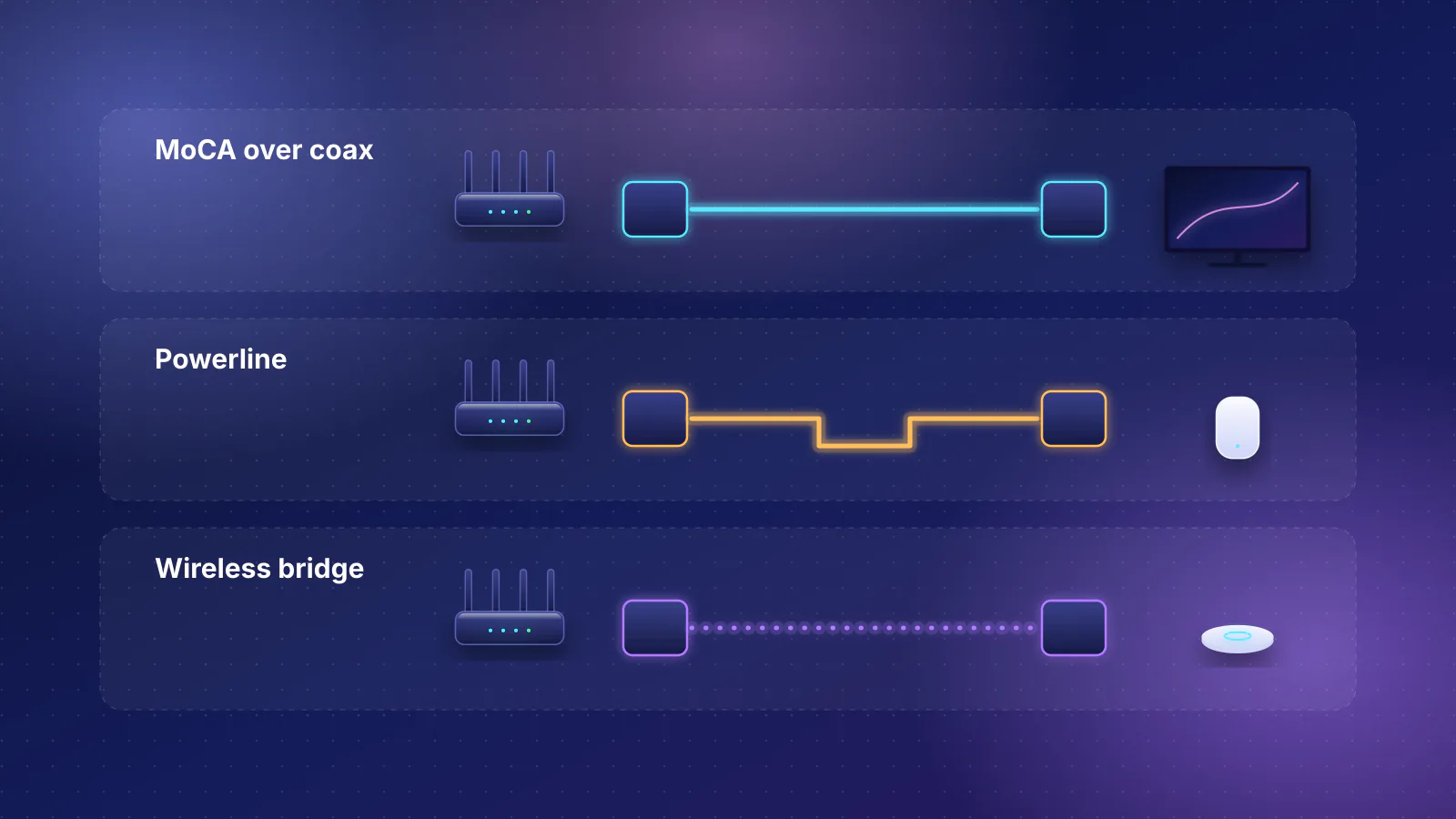
MoCA
MoCA, powerline or a wireless link in place of Ethernet: a decision table, a coax checklist and the makers' speed claims, labeled by what they measure.
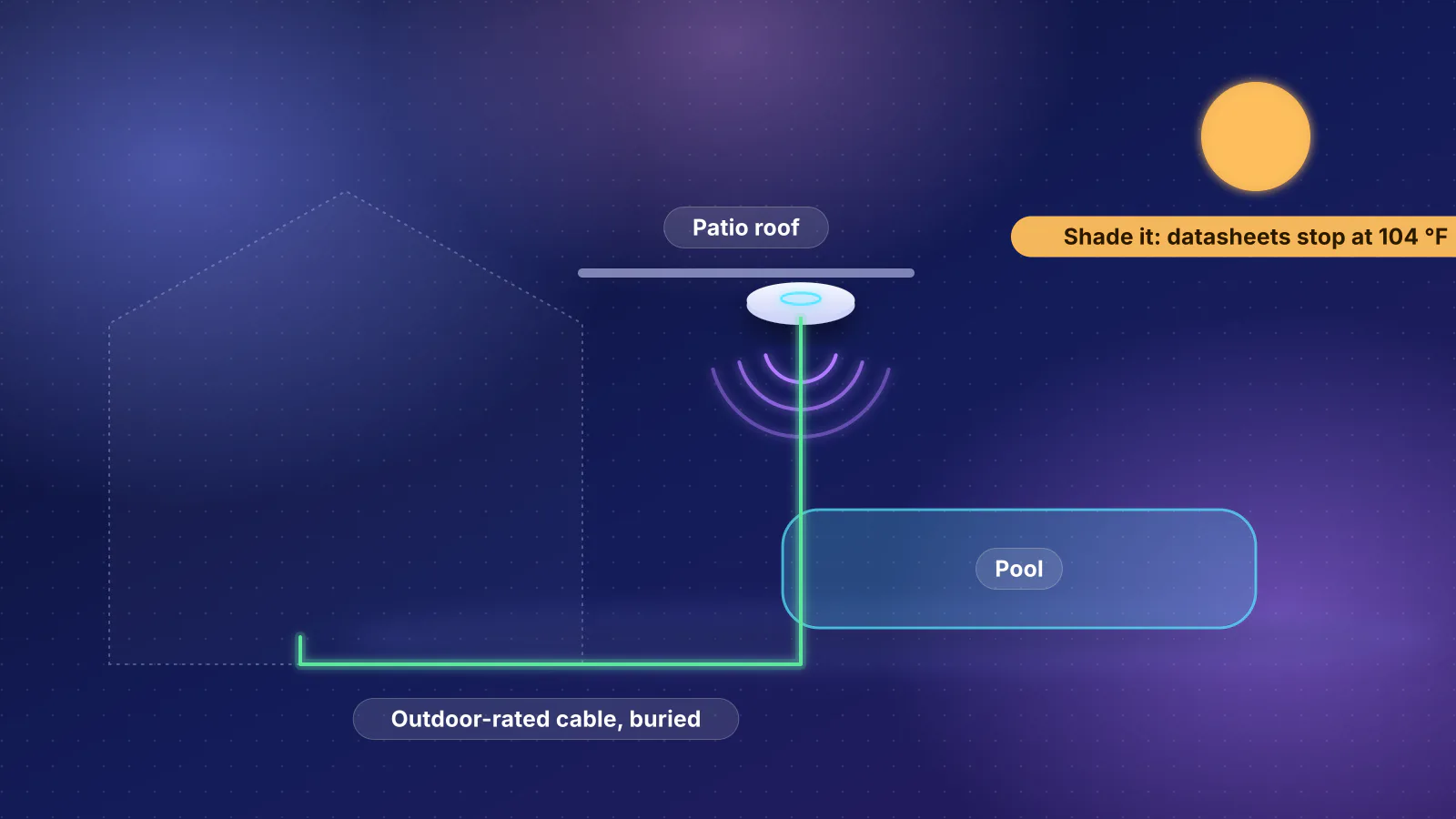
Outdoor Wi-Fi
A decision table for yards, pools and outbuildings, outdoor units' IP and heat ratings from datasheets, the FCC's 6 GHz outdoor rule, and a mounting and cabling checklist.
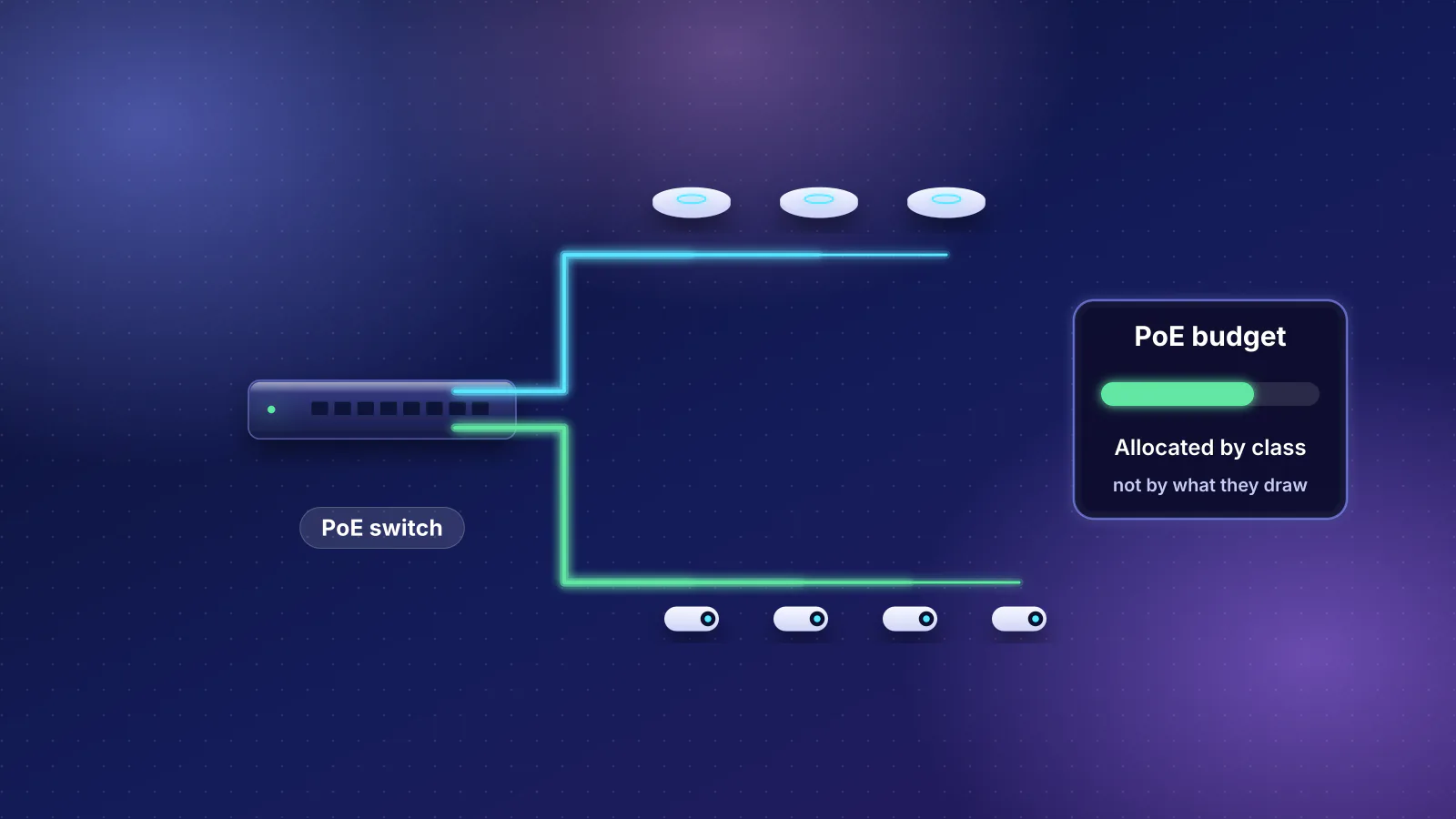
PoE
A PoE budget worksheet, the IEEE class table, cable loss and two worked builds with Wi-Fi 7 access points and cameras against real switch budgets.
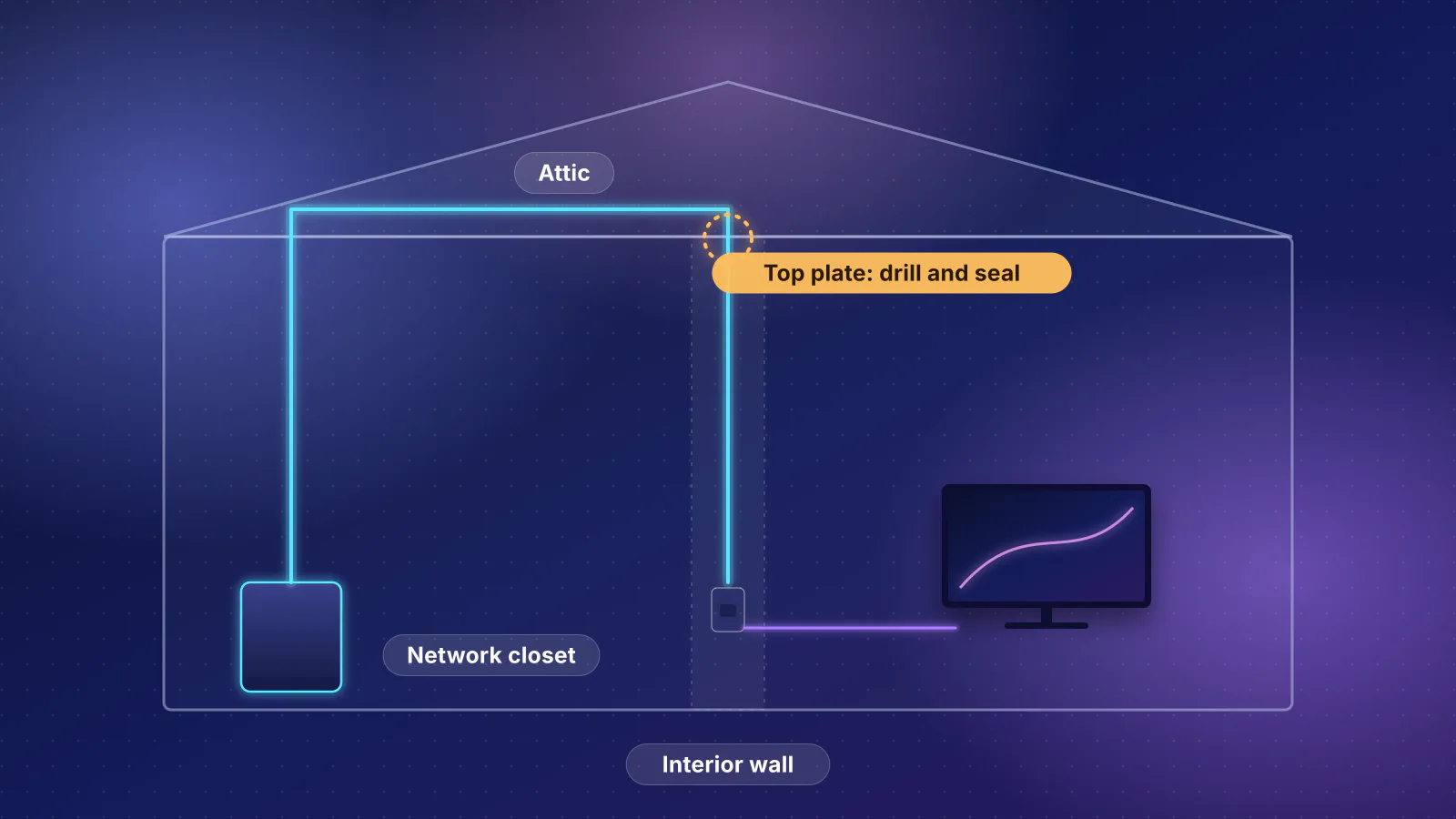
Ethernet
Attic drops, crawlspace runs, stacked closets, old coax and phone runs, and raceway: which route fits your house, and what code says about the holes.
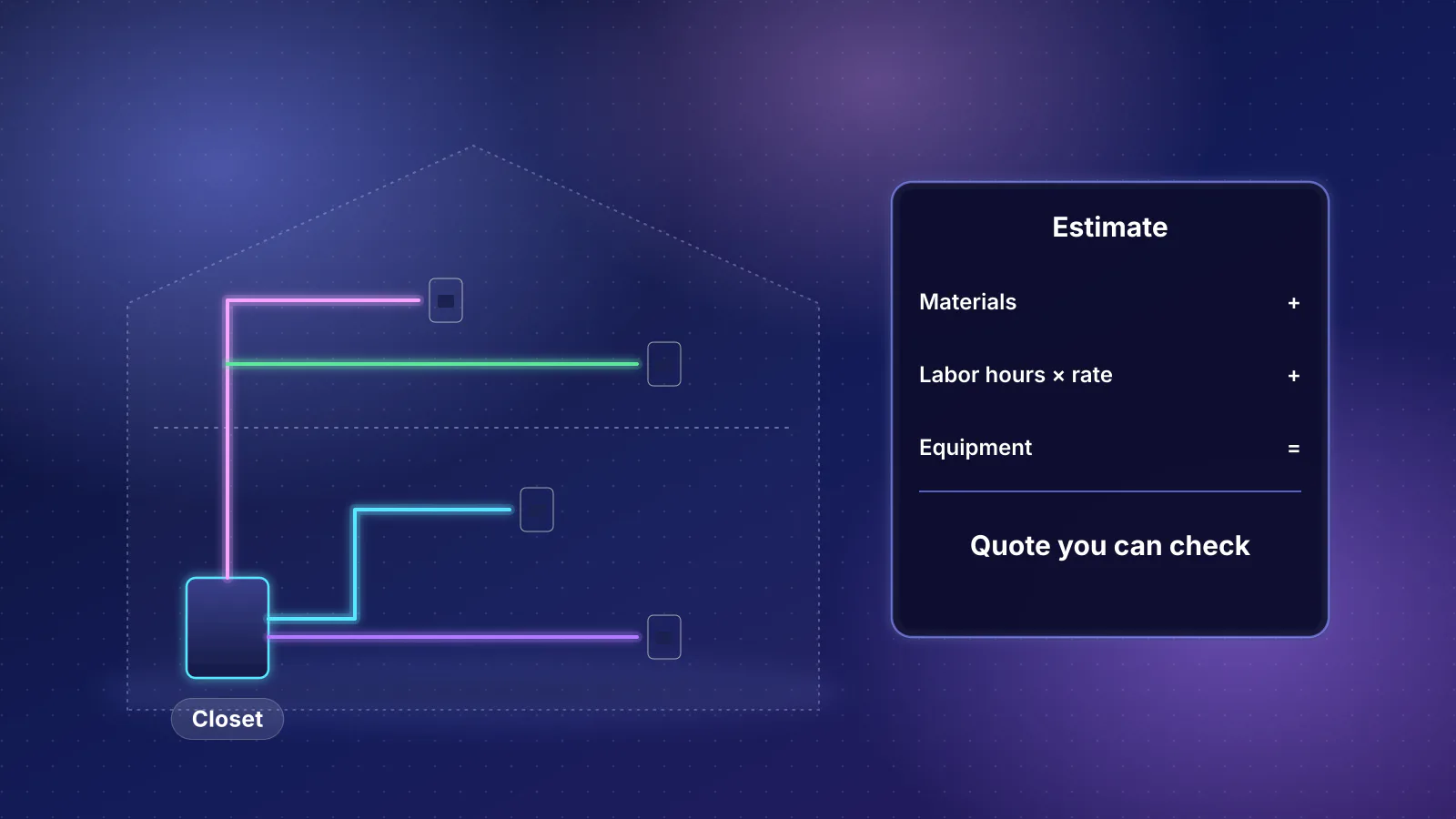
Structured wiring
A transparent worksheet for estimating and comparing home Ethernet wiring quotes, with a worked 3,000 sq ft example.
Wi-Fi coverage
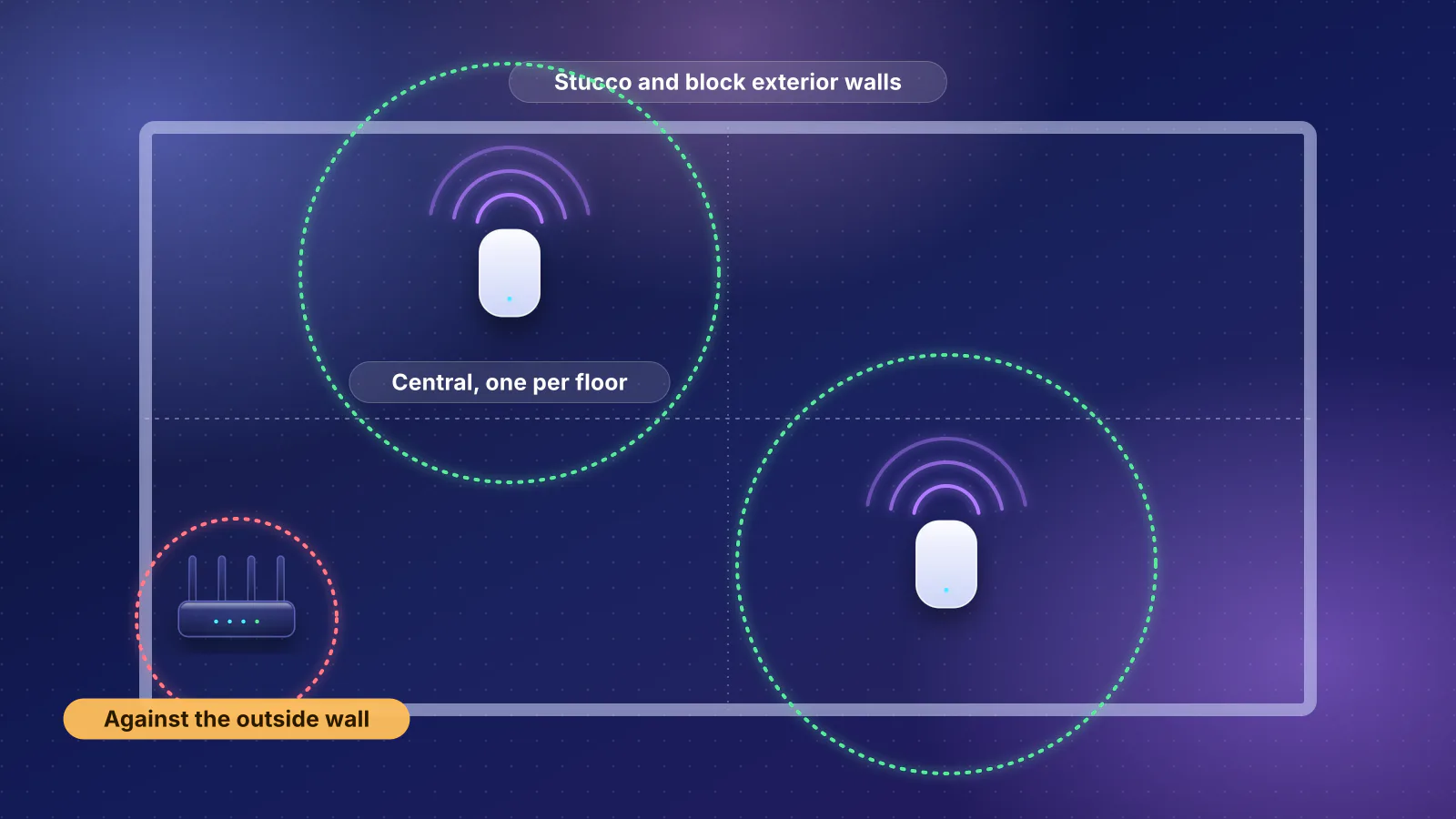
What block, stucco over lath, floors and low-E glass do to Wi-Fi, and where mesh units or ceiling access points go in a two-story stucco house.
Planned for this topic. Each article is published only after it has been fact-checked and approved.