The short version
- eero is built to be the simplest to run: mesh units you manage only from a phone app, with a built-in SQM switch and the clearest update promise of the three (security updates through at least October 31, 2031 for its current Wi-Fi 7 models). It has no VPN server and no VLANs of your own, and security, ad blocking and content filters need eero Plus ($9.99 a month or $99.99 a year).
- ASUS packs a full feature set into a conventional router: a local web interface plus an app, free AiProtection security, a WireGuard or OpenVPN server, and, on supported models with current firmware, an isolated IoT network and VLANs. AiMesh lets you mix models, with caveats. ASUS publishes support end dates only under Singapore's labelling scheme, where some models also sold in the US end in December 2027; it doesn't say whether those dates apply elsewhere.
- UniFi (Ubiquiti) splits the network into a gateway, switches and access points run from a controller you host yourself, with VLANs, a VPN server and no subscription for core features. It rewards Ethernet cabling and some networking knowledge, and Ubiquiti doesn't recommend its Smart Queues on connections of 300 Mbps or faster.
- The main caveat: all three sell Wi-Fi 7 hardware at overlapping prices. Choose by how you want to manage the network for the next five years, not by the speed on the box.
Three ways to run a home network
The three brands aren't three versions of the same product:
- eero sells mesh units that each act as router or extender, set up and managed from the eero app. Wired ceiling units and a PoE gateway extend the same system.
- ASUS sells conventional routers (and ZenWiFi mesh kits) with a full web interface. AiMesh joins compatible ASUS routers into one mesh. A separate ExpertWiFi line adds gateways and access points for wired installs.
- UniFi separates the jobs. A gateway routes and firewalls, PoE switches power access points over the network cable, and access points provide Wi-Fi. A controller manages everything; it's built into UniFi's Cloud Gateways, including the Wi-Fi models Ubiquiti sells as all-in-one routers, which can be the first piece of a larger system.
Here's what each documents, checked October 21, 2026:
| eero | ASUS | UniFi | |
|---|---|---|---|
| Management | Mobile app only; no web or desktop interface | Local web interface and ASUS Router app | Local web interface or UniFi app; remote access optional |
| Paid add-ons | eero Plus: $9.99/month or $99.99/year | None for AiProtection security and parental controls | Optional CyberSecure: from $99 per gateway, billed yearly |
| VLANs and IoT separation | ISP VLAN tagging only; guest network | IoT network and VLANs on supported models with firmware 3.0.0.6.102 or later | Virtual networks (VLANs) with isolation on UniFi gateways |
| Bufferbloat control | SQM toggle (not in bridge mode) | Adaptive QoS, Traditional QoS, bandwidth limiter; not documented as SQM | Smart Queues, recommended only below 300 Mbps |
| VPN server | None (passthrough only) | WireGuard, OpenVPN, IPsec, PPTP | WireGuard, OpenVPN, L2TP, Teleport |
| Published update policy | Dated security-update guarantee per model | EOL list; dated support only for Singapore | "Vintage" and "Legacy" statuses, no dates |
| Wired expansion | Wired backhaul; PoE gateway and PoE access points | Wired AiMesh backhaul; ExpertWiFi PoE gateway | PoE switches and access points are the core design |
What the hardware costs
For each ecosystem, the table lists three current Wi-Fi 7 products with a catalog price that can each run a home network on their own (travel routers left out): the lowest-priced, the lowest-priced with a 6 GHz radio (for UniFi, all three of its Wi-Fi 7 all-in-ones have one, so all three are listed) and the highest-priced single unit. eero's PoE 7 ceiling unit costs the same as the Max 7. ASUS's lowest price, for the RT-BE55, is one our catalog hasn't re-confirmed.
| Product | Internet port | Fastest LAN port | Maker's routing, plan or wired-speed figure | Price |
|---|---|---|---|---|
| eero 7 (1-pack) Mesh system · Wi-Fi 7 |
2.5 Gbps | 2.5 Gbps | Not published | $169.99 Manufacturer store price, checked October 20, 2026 |
| eero Pro 7 (1-pack) Mesh system · Wi-Fi 7 |
5 Gbps | 5 Gbps | 5 Gbps | $299.99 Manufacturer store price, checked October 20, 2026 |
| eero Max 7 (1-pack) Mesh system · Wi-Fi 7 |
10 Gbps | 10 Gbps | Not published | $599.99 Manufacturer store price, checked October 20, 2026 |
| ASUS RT-BE55 Router · Wi-Fi 7 |
2.5 Gbps | 1 Gbps | Not published | $129.99 Manufacturer price (not re-confirmed), checked October 20, 2026 |
| ASUS TUF Gaming BE9400 (TUF-BE9400) Router · Wi-Fi 7 |
2.5 Gbps | 2.5 Gbps | Not published | $279.99 Manufacturer store price, checked October 20, 2026 |
| ASUS GT-BE19000AI Router · Wi-Fi 7 |
10 Gbps | 10 Gbps | Not published | $899.99 Manufacturer store price, checked October 20, 2026 |
| Ubiquiti UniFi Express 7 (UX7) Router · Wi-Fi 7 |
10 Gbps | 2.5 Gbps | Not published | $219.00 Manufacturer store price incl. US store surcharge (list $199.00), checked October 20, 2026 |
| Ubiquiti UniFi Dream Router 7 (UDR7) Router · Wi-Fi 7 |
10 Gbps | 2.5 Gbps | Not published | $307.00 Manufacturer store price incl. US store surcharge (list $279.00), checked October 20, 2026 |
| Ubiquiti UniFi Dream Router 5G Max (UDR-5G-Max) Router · Wi-Fi 7 |
10 Gbps | 2.5 Gbps | Not published | $549.00 Manufacturer store price incl. US store surcharge (list $499.00), checked October 20, 2026 |
Prices overlap: each brand's Wi-Fi 7 range starts between $129.99 and $219 per unit. The difference is what you buy next. An eero home grows by adding eeros. An ASUS home usually starts with one strong router and adds AiMesh nodes. A UniFi home grows by adding access points and switches, which assumes you can run cable. For full setups at different budgets, see home network setups by budget.
How you manage it
eero is managed only in the eero mobile app. eero says the network "cannot be configured through a program or web browser using Windows, Linux, or Intel-based Mac machines"; Apple-silicon Macs can run the iPad app. Setup needs an internet connection. That's the trade for its simplicity: there's no web page to fall back on.
ASUS routers have both a full web interface on your network and the ASUS Router app, and AiMesh can be managed from either, including firmware updates for every node at once. The VLAN and VPN-server steps ASUS documents use the web interface.
UniFi runs its controller on your own hardware. Ubiquiti's local-management guide covers managing a network from a browser or the UniFi app on the same network, for internet outages "or for customers who prefer a fully airgapped setup without any cloud management", with a default local username of admin for local-only deployments. Remote management through a Ubiquiti account is optional. Ubiquiti's guide doesn't say whether a console's first-time setup can skip the account.
What costs extra
eero includes, without a subscription: speed tests, device blocking and pausing, profiles, WPA3, guest Wi-Fi, a network health check and automatic software updates. eero Plus ($9.99 a month or $99.99 a year, for Wi-Fi 6 or later eeros) adds ad blocking, content filters, active threat protection, activity history, remote network access, a Guardian VPN client app, Malwarebytes antivirus, 1Password and identity protection. Dynamic DNS also needs eero Plus. Over five years, the annual plan adds $499.95 (arithmetic: 5 × $99.99).
ASUS calls AiProtection "a subscription-free, built-in network security solution", with malicious-site blocking, two-way intrusion prevention and parental controls, and its AiMesh page describes it as "lifetime free". ASUS notes that "feature support may vary by model".
UniFi documentation for VLANs, the VPN servers and Smart Queues mentions no subscription. The paid extras Ubiquiti's store offers with its gateways are optional: CyberSecure by Proofpoint, which adds threat signatures to the gateway's intrusion detection, from $99 per unit billed annually, and an extended replacement plan (UI Care).
IoT separation and VLANs
Putting cameras, plugs and TVs on their own network keeps a compromised gadget away from your laptops. Keep Apple Home and Matter accessories, their hubs, and TVs you AirPlay or cast to on the same network as the phones that control them, unless the router carries discovery between networks; see our Apple Home and Matter network guide. This is where the three differ most.
- eero lists VLAN tagging only for internet providers that require it, not for dividing your own network. Its documented separation is the guest network.
- ASUS offers an IoT Network under Guest Network Pro (renamed Network in newer firmware), from firmware 3.0.0.6.102_34312. By default it uses the same subnet as your main network; ASUS says to turn that option off "to create a dedicated IoT Network". A separate VLAN page assigns VLAN IDs and access ports, on the models ASUS lists as supported, such as the RT-BE86U and RT-BE88U; many other Wi-Fi 7 models aren't on that list. ASUS's VLAN article (last updated May 2025) still describes the required firmware as "an early stages beta".
- UniFi creates virtual networks on its gateways with a VLAN ID, subnet, DHCP, isolation and content filtering per network, and assigns devices by Wi-Fi network or switch port.
Bufferbloat control and VPN server
SQM (smart queue management) keeps latency low when the connection is busy; see bufferbloat and SQM. eero has an SQM toggle under Advanced networking, but it's unavailable when eero runs in bridge mode behind another router (see bridge mode vs IP passthrough). UniFi's Smart Queues is designed for connections under 300 Mbps, and Ubiquiti says: "We do not recommend enabling Smart Queues for ISP connections that provide 300 Mbps or higher speeds." ASUS documents Adaptive QoS (priority by application type), Traditional QoS (minimum and maximum bandwidth per service) and a per-device Bandwidth Limiter, but its documentation doesn't describe any of them as SQM, so our catalog lists SQM as not published for ASUS models.
VPN server (to reach your home network from outside): eero "doesn't currently offer network-wide VPN support"; it passes VPN traffic through, and eero Plus includes a Guardian VPN client for up to five devices, which is a privacy service, not a way into your home. ASUS routers run WireGuard, OpenVPN, IPsec and PPTP servers. UniFi gateways run OpenVPN, WireGuard and L2TP servers, plus Teleport, a one-click WireGuard-based option through Ubiquiti's WiFiman app.
Updates and how long support lasts
A router you keep for five years needs security patches for five years. The three publish very different commitments:
- eero guarantees security updates for at least five years from when you bought a device new on eero.com or Amazon, or until a stated date if later; bought elsewhere, the stated date applies. For the eero 7, Pro 7, Max 7, PoE 7, Outdoor 7 and PoE Gateway, that date is October 31, 2031. Devices keep working after updates end.
- ASUS keeps an end-of-life list of models "no longer manufactured or updated with firmware". The only dated commitment RouterHaus found is for Singapore's Cybersecurity Labelling Scheme, where ASUS lists end-of-support dates and says "extended support may be provided after the stated date". Examples: RT-BE86U, RT-BE88U, RT-BE92U, ZenWiFi BT8 and BD4 on December 30, 2027; TUF-BE9400 and GT-BE19000AI on February 11, 2029; GT-BE98 on December 30, 2026. ASUS labels these dates "only for Singapore" and doesn't say whether units sold in the US follow them.
- Ubiquiti sorts old products into "Vintage" (no longer made, but still getting "critical bug fixes and security updates") and "Legacy" (no longer receiving updates). It doesn't publish dates in advance.
Only eero gives a US buyer a date to plan around. That doesn't mean ASUS or UniFi hardware stops being patched sooner; it means you can't check in advance.
Growing the network
eero: any eero works with any other; you need one gateway eero with an Ethernet port, then add units wirelessly or wire them together. For wired installs, eero sells ceiling and wall units powered over Ethernet and a PoE gateway without Wi-Fi.
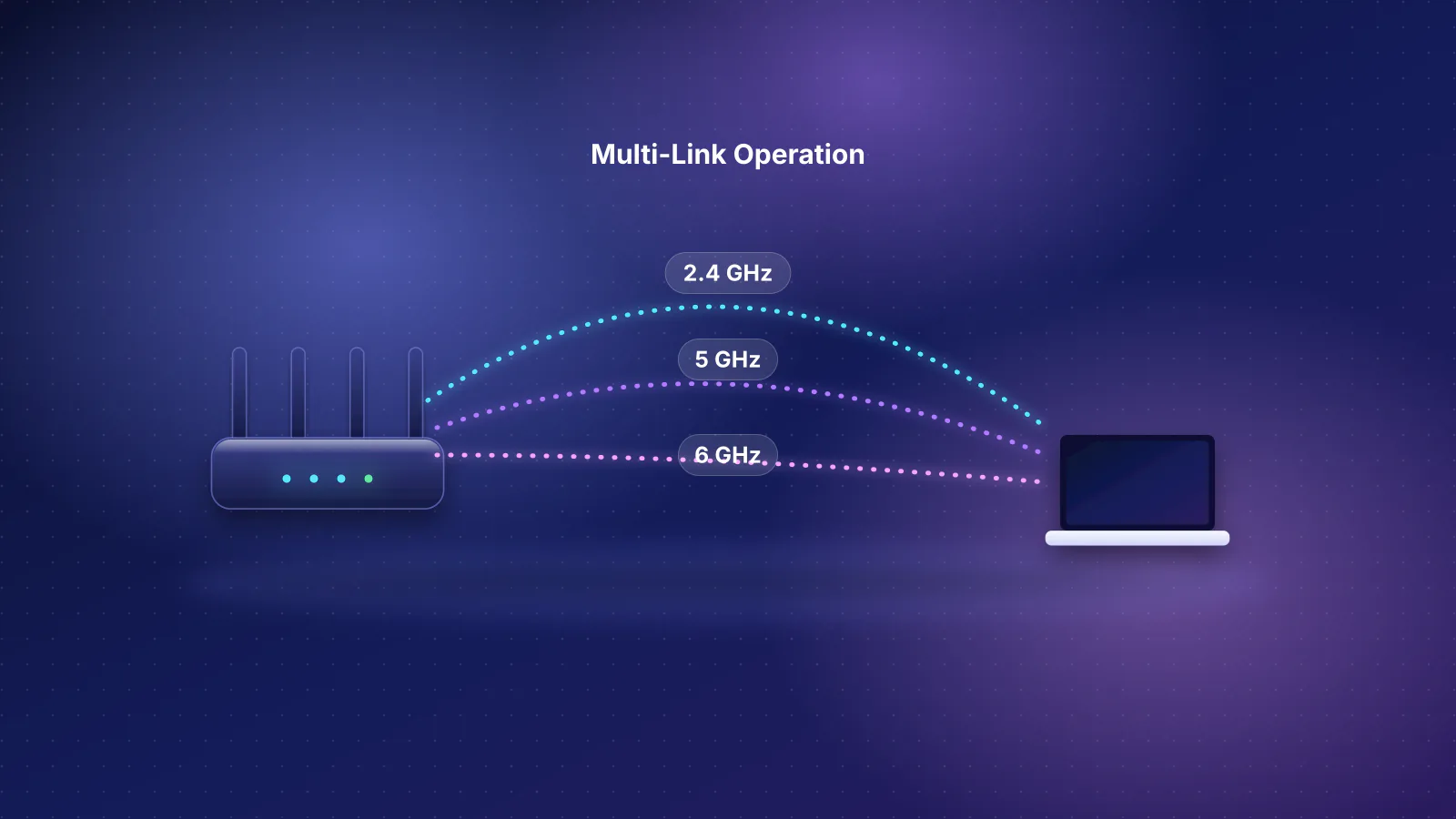
ASUS: AiMesh lets you "mix different AiMesh-compatible routers" and set backhaul per node, wired or wireless. ASUS's own caveats: the best experience is five routers (one main plus four nodes); with Wi-Fi 7 multi-link operation (MLO) on, older nodes without MLO don't broadcast 6 GHz; and only the first Wi-Fi 7 node can use MLO backhaul, with the same model. For wired access points, ASUS's ExpertWiFi line is a separate family with its own app.
UniFi: access points connect to switches by Ethernet and take power over the same cable. They can also mesh wirelessly, but Ubiquiti says each wireless hop "reduces throughput by at least 50%" and recommends at most two hops. Ubiquiti sells the UniFi Express 7 as a cloud gateway with "effortless mesh expansion with additional nodes", in single units or packs, and lists both gateway and access-point modes in its specs.

If you plan to wire access points, compare the cost of the box that runs them. This table lists each brand's lowest-priced current gateway (no Wi-Fi) in our catalog that can power access points itself; for UniFi, among gateways with the controller built in (the controller-less Gateway Fiber costs the same):
| Product | Internet port | Fastest LAN port | Maker's routing, plan or wired-speed figure | Price |
|---|---|---|---|---|
| eero PoE Gateway Gateway (no Wi-Fi) · no Wi-Fi |
10 Gbps | 10 Gbps | Not published | $499.99 Manufacturer store price, checked October 20, 2026 |
| ASUS ExpertWiFi EBG19P Gateway (no Wi-Fi) · no Wi-Fi |
1 Gbps | 1 Gbps | Not published | $179.99 Manufacturer store price, checked October 20, 2026 |
| Ubiquiti UniFi Cloud Gateway Fiber (UCG-Fiber) Gateway (no Wi-Fi) · no Wi-Fi |
10 Gbps | 10 Gbps | Not published | $307.00 Manufacturer store price incl. US store surcharge (list $279.00), checked October 20, 2026 |
Per the catalog: eero's PoE Gateway has eight 2.5 Gbps PoE ports sharing 100 W and can power up to eight eero PoE 6 units; ASUS's ExpertWiFi EBG19P has eight gigabit PoE+ ports sharing 123 W; UniFi's Cloud Gateway Fiber has a 30 W PoE budget, enough for one U7 Pro access point (21 W maximum) but not two, so a UniFi install with more access points adds a PoE switch. Arithmetic with catalog prices (Ubiquiti's US store including its surcharge, before tax and shipping, checked October 20, 2026): a Cloud Gateway Ultra ($142), a UniFi Switch Lite 8 PoE ($120) and two U7 Pro access points ($208 each) come to $678 before cabling, and the two access points' 42 W combined maximum draw fits the switch's 52 W PoE budget. Counted the way our planner sizes PoE, by class at the switch (30 W per PoE+ port), they need 60 W, more than 52 W, and Ubiquiti doesn't say which way the switch allocates (arithmetic). For the planning side of a wired build, see what to pre-wire in a new home.
What each does worst
- eero: no browser or local management, no VPN server, no VLANs for your own devices, and the security and filtering features are in eero Plus. There's little to tune.
- ASUS: features depend on model and firmware version, so a capability on one router may be missing on the next, and VLANs still rest on firmware ASUS called beta. Its QoS isn't documented as SQM. Dated support commitments are published only for Singapore, where several models also sold in the US end in 2027.
- UniFi: it assumes cable runs, PoE and some networking knowledge; Wi-Fi-only UniFi homes rely on meshing. Smart Queues isn't recommended at 300 Mbps and above, and Ubiquiti publishes no support dates. Access points need a controller, built into Cloud Gateways but not into every UniFi gateway.
Which fits you
| You are | Usual best fit | Why | Watch out for |
|---|---|---|---|
| A beginner who wants it to work | eero | App setup, any eero adds coverage, SQM is one switch, dated update guarantee | eero Plus cost if you want filtering or threat blocking |
| A family that wants set-and-forget with controls | eero, or ASUS if you won't pay a subscription | eero is simplest; ASUS includes security and parental controls free | ASUS documents its advanced settings for the web interface |
| A tinkerer with one or two floors | ASUS | Local web interface, WireGuard server, IoT network and VLANs on supported models, AiMesh to grow | Check that your model and firmware list the features you want |
| A prosumer or home office that can run cable | UniFi | Local controller, VLANs, VPN server, PoE access points, no subscription for core features | Smart Queues on fast plans; no published support dates |
Two other things change the answer. If your home can't be wired and needs three or more nodes, read mesh or a single router and why mesh doesn't automatically fix coverage first: backhaul matters more than the brand. If you work from home on a VPN, see the work-from-home network guide. And if your devices are mostly Wi-Fi 6, the Wi-Fi 7 features that separate the top models matter less; Wi-Fi 7 MLO explained covers what it changes.
Frequently asked questions
Can I mix eero, ASUS and UniFi in one mesh?
No. Each brand's mesh only coordinates its own units. You can run one brand's equipment as plain access points behind another brand's router, for example eero in bridge mode, but you lose that system's routing features such as eero's SQM, and roaming between brands isn't coordinated.
Do I need a Ubiquiti account to run UniFi?
Ubiquiti documents local management from a browser or the UniFi app on your own network, including fully airgapped setups without cloud management, and remote access through a Ubiquiti account is optional. Its guide doesn't say whether a console's first-time setup can skip the account, so check before you buy if that matters to you.
Do I need eero Plus?
No. eero works without it and includes guest Wi-Fi, device pausing, profiles, WPA3, SQM and automatic updates. eero Plus adds ad blocking, content filters, threat protection, remote network access, Dynamic DNS and bundled apps such as a VPN client and antivirus.
Can UniFi work without running Ethernet everywhere?
Yes, through wireless meshing: Ubiquiti sells the UniFi Express 7 in packs for mesh expansion. But Ubiquiti also says each wireless hop cuts throughput by at least half and recommends no more than two hops, so UniFi suits homes where at least some cable can be run.
Which brand updates its routers longest?
Only eero publishes a date US buyers can check: security updates through at least October 31, 2031 for its current Wi-Fi 7 models, or five years from purchase if later and bought new on eero.com or Amazon. ASUS publishes dates only for Singapore's labelling scheme, and Ubiquiti publishes statuses without dates.
Sources
Read on October 21, 2026.
- eero: eero Plus (features and prices)
- eero: What is the eero App?
- eero: What advanced features does eero support?
- eero: What is Smart Queue Management (SQM)? and Does eero support VPNs?
- eero: Software security updates
- eero: Are all eeros the same? and Can I connect my eeros with Ethernet?
- ASUS: AiProtection and What is AiMesh
- ASUS: How to set up an AiMesh system (web GUI) (node count and MLO notes)
- ASUS: How to set up IoT Network (Guest Network Pro) and What is VLAN and how to set it up
- ASUS: Introduction and settings of QoS
- ASUS: How to set up a WireGuard VPN server
- ASUS: End-of-life product list and Duration of security update support (only for Singapore)
- Ubiquiti: UniFi local management
- Ubiquiti store: CyberSecure by Proofpoint and UniFi Express 7 (mesh expansion, UI Care and CyberSecure add-ons)
- Ubiquiti: UniFi Express 7 tech specs (gateway and AP modes)
- Ubiquiti: Creating virtual networks (VLANs)
- Ubiquiti: UniFi Gateway Smart Queues
- Ubiquiti: Introduction to VPNs and WireGuard VPN server
- Ubiquiti: Vintage and legacy products
- Ubiquiti: Considerations for optimal wireless mesh networks and Optimizing WiFi connectivity (wireless hops)
- RouterHaus catalog (models, ports, PoE budgets and prices)