The short version
- Bufferbloat is delay added by an oversized queue at the slowest link in your connection, usually your provider's line. Ping is fine when the line is quiet and jumps when someone uploads or downloads.
- Test it under load, not idle: Waveform's bufferbloat test, Speedtest's download and upload ping, or Apple's responsiveness test (RPM).
- The fix is smart queue management (SQM) on the router that routes your connection: it caps speed slightly below the real line rate so the queue forms in your router, then keeps it short with fq_codel or CAKE. OpenWrt starts at 90% of measured speeds.
- The cost is throughput: by OpenWrt's overhead formula, a 90% setting shows up as about 85 to 86% of your old speed-test result at best, and some routers' processors can't shape fast plans at all.
- SQM can't fix weak or crowded Wi-Fi, congestion inside your provider's network, or the distance to the game server. Device and app "priority" (most router QoS) isn't the same thing.
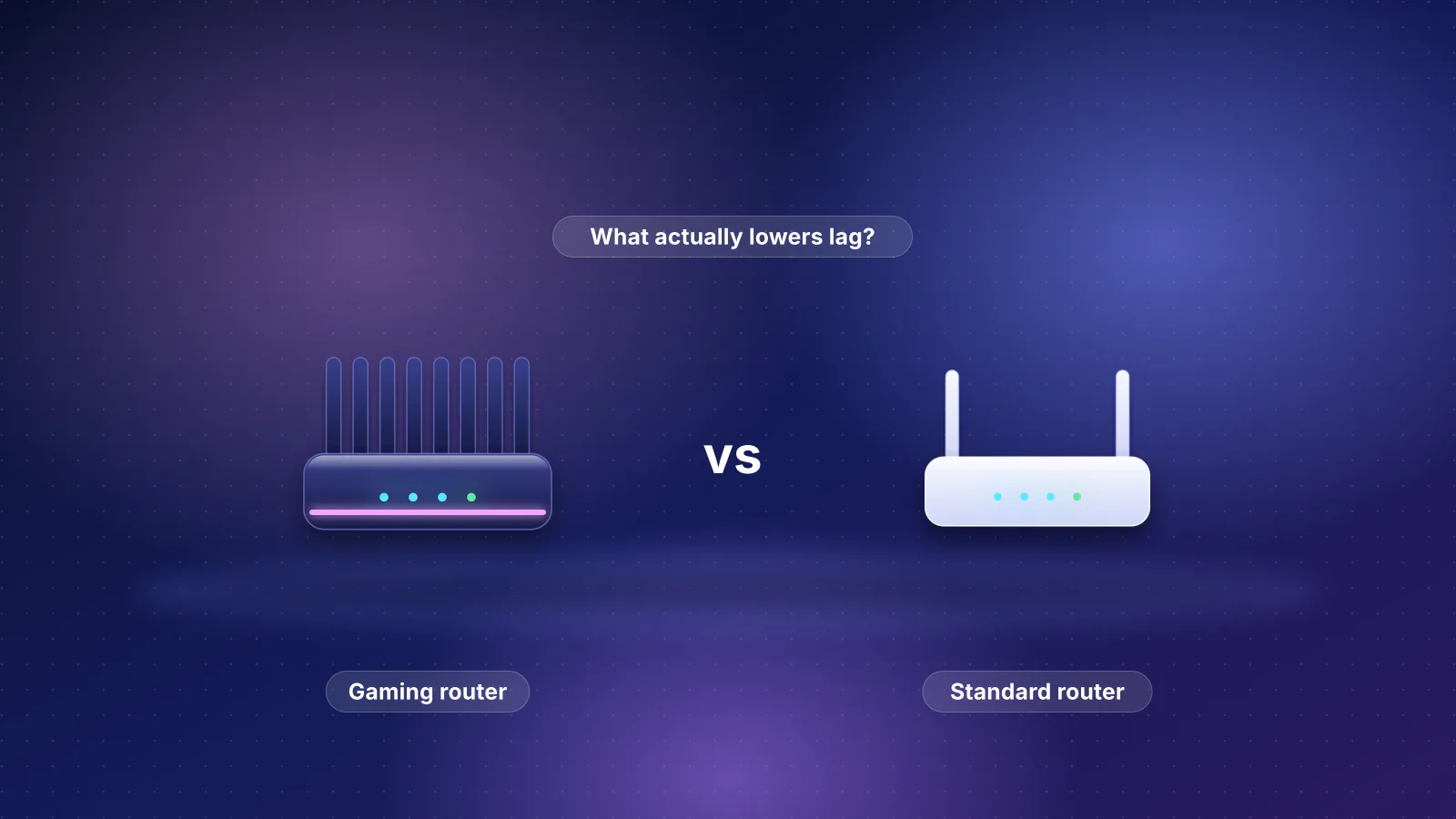
This expands the SQM step in our 10-minute low-lag fix. Choosing hardware? See gaming routers vs standard routers.
What bufferbloat is
Routers, modems and provider links all have buffers that hold packets arriving faster than they can leave. The CoDel specification (RFC 8289) says buffers "exist to absorb the packet bursts that occur naturally", and a queue that persists is tolerable only "as long as it does not exceed some target delay". Bufferbloat is when a device is "prone to buffering an excessive number of packets in transit", in the words of the IETF's responsiveness draft.

The queue that matters forms at the bottleneck, the slowest link on the path: in most homes the modem's upload queue, and a queue on the provider's side for downloads. When a bulk transfer fills it, each small game packet waits behind it. RFC 9330, the IETF's L4S architecture, notes that "spikes of hundreds of milliseconds are not uncommon, even with state-of-the-art Active Queue Management".
- Console or PC Wired, 1 Gbps or faster
- Your router LAN and WAN ports faster than the plan
- Modem and provider link Plan speed: the queue fills here
- Provider network and internet Usually faster than your plan
- Game server Distance sets the floor
How to test for it
An ordinary ping test measures the line while it's quiet, exactly when bufferbloat doesn't show. You need a test that loads the line and measures latency at the same time:
| Tool | What it reports | How to read it (the tool's own guidance) |
|---|---|---|
| Waveform bufferbloat test (web) | Latency idle, during a download and during an upload; a letter grade | Graded on the larger increase: A+ under 5 ms, A under 30, B under 60, C under 200, D under 400, F 400 ms or more. Worse than B "may affect video calls, gaming". |
| Speedtest by Ookla (Android and iOS apps) | Idle, download and upload ping ("loaded latency") | High idle ping: an overall latency problem. High download or upload ping: contact your router maker or provider. |
Apple Network Responsiveness (networkQuality on macOS Monterey or later; a diagnostics profile on iOS 15 or later) | Round-trips per minute (RPM) under working conditions | Low, Medium or High. Low means FaceTime or gaming "might be unreliable" while another device downloads. |
RPM is 60,000 divided by the round trip in milliseconds, so higher is better. The IETF draft (version 09, July 2026, a working-group draft, not a standard) sets four categories; Apple doesn't publish the numbers behind its labels.
| Round trip under load | RPM (arithmetic) | IETF draft category |
|---|---|---|
| Under 10 ms | Over 6,000 | Excellent |
| 10 to 60 ms | 1,000 to 6,000 | Good |
| 60 to 200 ms | 300 to 1,000 | Fair |
| Over 200 ms | Under 300 | Poor |
- Pause backups, sync and downloads everywhere first, as Waveform and OpenWrt advise.
- Test from a wired computer. If Wi-Fi is the slower link, Waveform says, "the wifi will become the source of the bloat".
- Read upload and download separately. They're different queues. In the user example on OpenWrt's SQM page, a cable line added 38 ms during upload but 18 ms during download.
- Repeat over Wi-Fi where you play. Clean wired and bloated Wi-Fi puts the queue in your Wi-Fi, which SQM won't fix (see what SQM can't fix). Note the numbers for a before-and-after comparison.
How SQM fixes it
- It moves the bottleneck into your router. SQM can't manage a queue inside your modem, so it shapes traffic a little below line speed. OpenWrt: "you need take control of the bottleneck link away from the ISP and move it into the router so it can be fixed. You do this by entering link speeds that are a few percent below the actual speeds."
- It gives each flow its own queue. FQ-CoDel (RFC 8290) spreads connections over 1,024 queues by default, and a flow that keeps its queue empty effectively gets priority. The RFC says DNS, interactive SSH and VoIP "tend" to qualify, though how little a flow must send "depends on both the egress link speed and the number of concurrent flows". A game sends far less than a download, so it usually has the better chance.
- It keeps each queue short. CoDel (RFC 8289) drops or ECN-marks packets when the shortest wait stays above a 5 ms target for a 100 ms interval, and "requires no configuration in normal Internet deployments".
fq_codel or CAKE? CAKE, built for home gateways, adds "bandwidth shaping with overhead compensation for various link layers" and "both per-flow and per-host queueing fairness", so one device running many downloads can't crowd out the rest. It costs more processor: OpenWrt calls CAKE "the preferred queue discipline" and fq_codel "a faster, albeit less comprehensive option" (one user got about 15% more throughput from fq_codel on a processor-limited router), and Firewalla says CAKE "may use significantly more CPU". Use CAKE unless your router can't reach your plan's speed with it.
Setting the speed limits
This setting decides whether SQM works: too high and the queue stays in the modem, too low and you give away speed. OpenWrt says to enter "90% of the results you tested", then raise the values "until bufferbloat latency occurs, then go back to a slightly lower value". Its details page adds two other rules of thumb (85% of advertised speed, or 95% of a measured test) and warns that some cable providers "trick speed tests by adding 10% over-provisioning for the first 10 seconds". Makers disagree:
| Source | What it tells you to enter |
|---|---|
| OpenWrt SQM guide | 90% of measured speeds, then raise until bloat returns and back off |
| GL.iNet (firmware 4.9 to 4.10) | "Match them to your actual internet bandwidth"; 4.11 and later can fill them from a built-in speed test |
| pfSense (Netgate) limiter recipe | "Set equal to WAN download bandwidth (confirm via speed test first)"; if bloat remains, "the bandwidth values may be higher than the circuit is capable of delivering" |
| Firewalla | No rate limit needed on gigabit plans; on slow links, a limit at "90% or 95% of your max bandwidth" |
| UniFi Smart Queues | Upload and download values (no percentage given); not recommended at 300 Mbps or more |
| eero SQM | An on/off switch; eero describes no speed setting |
Whatever the system, the shaper must not exceed what the line delivers. Since one speed test can read high, starting at 90% and tuning with a loaded-latency test is the safer approach.
Link-layer overhead
Your provider's link adds framing to every packet. If SQM doesn't count it, small packets (games, calls, ACKs) are undercounted and the queue creeps back into the modem. OpenWrt's starting values, minimum packet size (mpu) in brackets:
| Connection | Link layer | Overhead (mpu) |
|---|---|---|
| Cable (DOCSIS), shaped below 760 Mbps | Ethernet | 22 (64) |
| Cable (DOCSIS), shaped at 760 Mbps or above | Ethernet | 42 (84) |
| Fiber | Ethernet | 44 (84) |
| VDSL | Ethernet | 34 (68), or 26 without PPPoE |
| Other DSL | ATM | 44 (96) |
| Not sure | Ethernet | 44 (96) |
When unsure, "it's better to overestimate": too much costs a little throughput, too little brings the latency back.
What it costs in speed
OpenWrt notes the settings "are gross rates which include overhead, so measured speedtests will be a bit lower", and gives a formula for IPv4 TCP: shaper rate × (1,500 − 40) ÷ (1,500 + overhead). Applied to a 90% setting (our arithmetic; the formula gives the best case):
| Speed test before SQM | Shaper at 90% | Overhead | Speed test after, at best |
|---|---|---|---|
| 500 Mbps down (cable) | 450 Mbps | 22 | About 432 Mbps (86%) |
| 20 Mbps up (cable) | 18 Mbps | 22 | About 17 Mbps (86%) |
| 940 Mbps (gigabit fiber) | 846 Mbps | 44 | About 800 Mbps (85%) |
Real results vary. One user's report on OpenWrt's wiki, a 500/35 Mbps cable plan whose provider over-provisions: download went from 532 to 495 Mbps (93%) and upload from 37 to 28 Mbps (76%), while added latency under load fell from +18 ms down and +38 ms up to zero, with idle ping unchanged at 12 ms.
The processor limit
OpenWrt: "SQM is performed on the CPU, as such slower devices may be unable to keep up with your full internet bandwidth." SQM also switches off the hardware shortcuts behind headline speeds: OpenWrt says it "is incompatible with hardware flow offloading", GL.iNet's SQM "cannot work with Network Acceleration", and ASUS says its Bandwidth Limiter and NAT Acceleration "cannot work at the same time". GL.iNet warns SQM "on high-speed connections may reduce peak throughput"; Ubiquiti doesn't recommend Smart Queues at 300 Mbps or more, without saying why. On a fast plan, run a speed test with SQM on: if the router can't shape near your plan's speed, you choose between steady latency and full speed. If only one direction bloats, OpenWrt and pfSense let you set each direction separately.
Variable connections. On 5G home internet or satellite, a fixed limit is either too high or too low as the line speed moves. GL.iNet's Cake Autorate "reduces or raises CAKE bandwidth in real time based on probe RTT", and MikroTik documents CAKE's autorate-ingress for connections "that can fluctuate wildly".
Why priority QoS isn't the same thing
Most router "QoS" decides who goes first; SQM decides how long anyone waits. ASUS says QoS ensures "bandwidth for high-priority tasks and applications", TP-Link's GE800 manual says it lets you "prioritize connection of specific devices for a set duration", and NETGEAR's Dynamic QoS "resolves traffic congestion when different demands are competing for limited Internet bandwidth". None of them documents fq_codel, CAKE or a queue-delay target. These features ask for your internet bandwidth for the same reason SQM does (NETGEAR: "so that Dynamic QoS can perform bandwidth allocation and traffic prioritization"), but their rules set the order, not how long a queue may grow. Priority can sit on top of SQM, as Firewalla's Smart Queue rules and CAKE's DiffServ tiers do; it isn't a substitute. More in our gaming router comparison.
Turning it on, by system
From each maker's documentation, checked October 21, 2026. SQM must run on the device that routes your connection, with all traffic passing through it; a router in bridge or access-point mode can't shape the line (bridge mode vs IP passthrough).
- eero: app, Settings, Advanced networking, SQM, toggle on. eero warns "you may see slower performance on certain devices"; not available in bridge mode or on eero Business. No speed setting or algorithm is documented, so retest under load.
- UniFi gateways: enable Smart Queues and enter upload and download values. Ubiquiti pitches it "for those with low-bandwidth internet connections (<300 Mbps)".
- OpenWrt: install
luci-app-sqm; in Network, SQM QoS, enable it on the WAN interface, enter 90% of measured speeds, choose cake withpiece_of_cake.qos, and set the overhead from the table. Keep hardware flow offloading off. OpenWrt 25.12 adds a multi-core CAKE, "a work in progress with limited device support". - GL.iNet (firmware 4.9 or later): Flow Control, SQM; enter or measure bandwidth and choose cake (recommended) or fq_codel. It can't run with GL.iNet's QoS or in Drop-in Gateway mode, and some models lack the memory.
- Firewalla: Smart Queue on the box's main page (or the auto-configuration wizard); choose FQ_CoDel or CAKE. Not available in Bridge Mode.
- MikroTik RouterOS: CAKE and FQ-CoDel are queue types (RouterOS 7.1 and later), with overhead keywords such as
docsis; MikroTik documents the parameters, not a home walkthrough. - pfSense: Netgate's recipe creates FQ_CODEL limiters (Firewall, Traffic Shaper, Limiters) applied with a floating rule on the WAN.
Routers with documented SQM
The RouterHaus catalog records SQM only when the maker documents it. As of October 21, 2026, 44 of its 143 products have documented SQM, 98 have no maker statement either way ("Not published"), and one, GL.iNet's Slate AX, is documented as lacking it. The split is by brand, not price:
| Maker | Catalog products with documented SQM | What the maker calls it | Algorithms documented |
|---|---|---|---|
| eero | 9 of 9 | SQM | Not stated |
| Ubiquiti (UniFi) | 15 of 15 | Smart Queues | Not stated in the help article |
| GL.iNet | 6 of 7 | SQM | cake, fq_codel |
| Firewalla | 6 of 6 | Smart Queue | FQ_CoDel, CAKE |
| MikroTik | 5 of 5 | Queue types | CAKE, FQ-CoDel |
| Netgate (pfSense) | 3 of 3 | Limiters | FQ_CODEL |
| ASUS, TP-Link, NETGEAR, Linksys, D-Link, Synology, MSI, Google, Wyze | 0 of 98 | QoS, Adaptive QoS/QoE, Dynamic QoS and similar priority features | Not published |
"Not published" doesn't mean a router can't reduce bufferbloat, only that you'd be relying on a test after purchase. These are the catalog's home Wi-Fi 7 routers and mesh systems with documented SQM:
| Product | Internet port | Fastest LAN port | Maker's routing, plan or wired-speed figure | Price |
|---|---|---|---|---|
| MikroTik hAP be lite (A42G-HbeP) Router · Wi-Fi 7 |
2.5 Gbps | 1 Gbps | 1.4 Gbps | $79.00 List price, checked October 20, 2026 |
| eero 7 (1-pack) Mesh system · Wi-Fi 7 |
2.5 Gbps | 2.5 Gbps | Not published | $169.99 Manufacturer store price, checked October 20, 2026 |
| GL.iNet Flint 3e (GL-BE6500) Router · Wi-Fi 7 |
2.5 Gbps | 2.5 Gbps | Not published | $179.99 Manufacturer price (not re-confirmed), checked October 20, 2026 |
| GL.iNet Flint 3 (GL-BE9300) Router · Wi-Fi 7 |
2.5 Gbps | 2.5 Gbps | Not published | $209.99 Manufacturer store price, checked October 20, 2026 |
| Ubiquiti UniFi Express 7 (UX7) Router · Wi-Fi 7 |
10 Gbps | 2.5 Gbps | Not published | $219.00 Manufacturer store price incl. US store surcharge (list $199.00), checked October 20, 2026 |
| eero Pro 7 (1-pack) Mesh system · Wi-Fi 7 |
5 Gbps | 5 Gbps | 5 Gbps | $299.99 Manufacturer store price, checked October 20, 2026 |
| Ubiquiti UniFi Dream Router 7 (UDR7) Router · Wi-Fi 7 |
10 Gbps | 2.5 Gbps | Not published | $307.00 Manufacturer store price incl. US store surcharge (list $279.00), checked October 20, 2026 |
| Firewalla Orange Router · Wi-Fi 7 |
2.5 Gbps | 2.5 Gbps | Not published | $429.00 Manufacturer store price, checked October 20, 2026 |
| eero Max 7 (1-pack) Mesh system · Wi-Fi 7 |
10 Gbps | 10 Gbps | Not published | $599.99 Manufacturer store price, checked October 20, 2026 |
Check the processor limit against your plan first: Ubiquiti's 300 Mbps guidance covers the UniFi models, GL.iNet's high-speed warning its routers. The router finder's SQM filter lists every catalog product with documented SQM.
What SQM can't fix
- Wi-Fi. If your Wi-Fi is slower than your plan, the queue forms in the access point instead, as Waveform notes. Researchers who added Wi-Fi queueing and airtime fairness to the Linux kernel reported "an order of magnitude reduction in latency under load" in their testbed, a separate fix from SQM. The practical answer is a cable or a stronger link: see Ethernet vs Wi-Fi for gaming and why range matters.
- Congestion past your line. SQM controls your queue only; RFC 9330 lists "network interconnections, e.g., some public Internet exchange points" among other places queues build.
- Distance. The ITU's planning value for optical fiber is 5 microseconds per kilometer one way, so each 1,000 km of cable adds about 10 ms to a round trip (arithmetic).
- A bad line. SQM can't repair a noisy connection or failing modem. If idle ping is high too, Ookla suggests testing another device, restarting the router and moving it somewhere central.
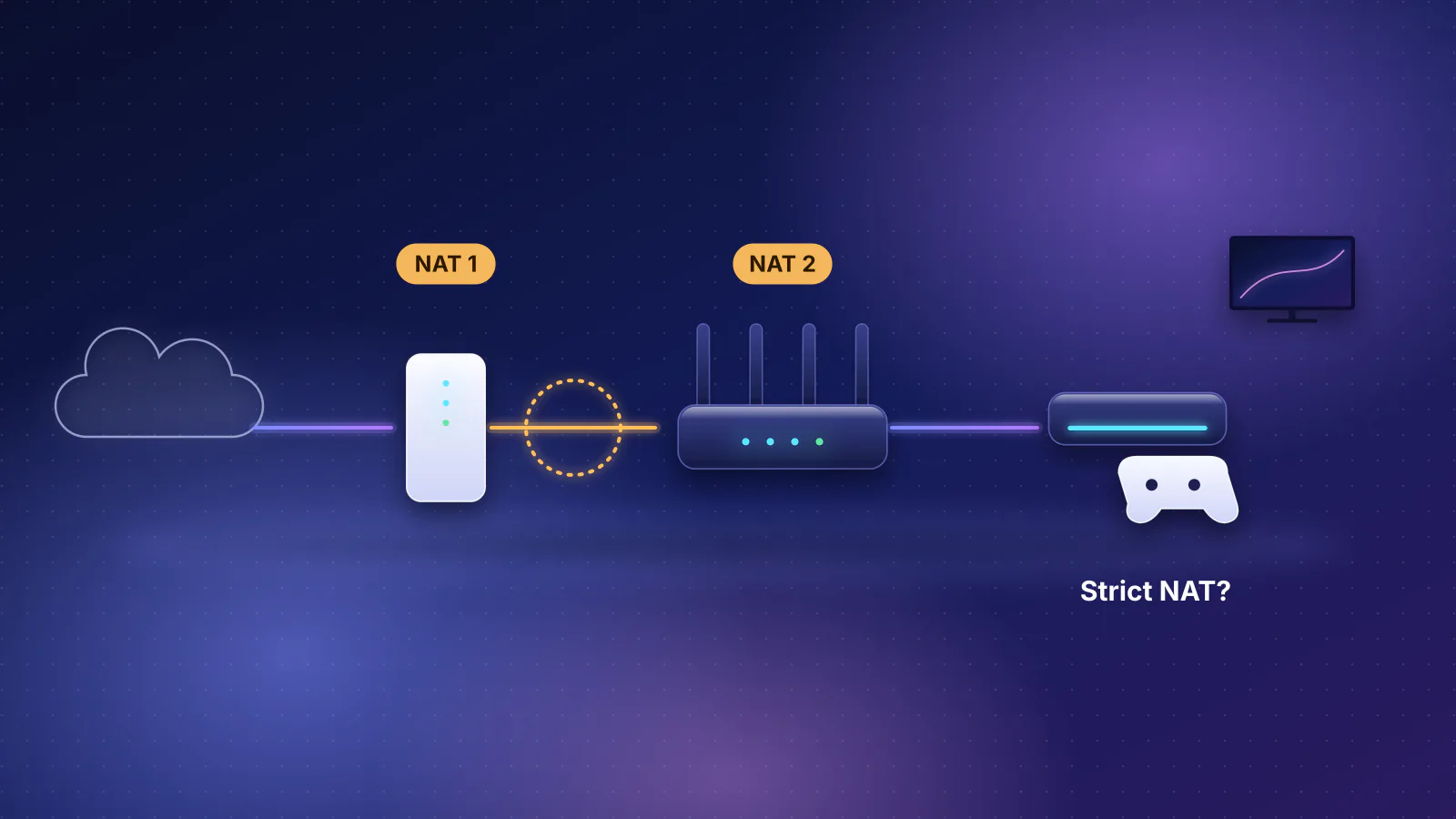
- NAT problems. Strict NAT types come from address translation, not queues: see double NAT symptoms.
L4S: what's coming
L4S ("Low Latency, Low Loss, and Scalable Throughput") has the network mark packets early with ECN so senders slow down smoothly. RFC 9330 (January 2023, Informational) targets queuing delay "less than 1 millisecond (ms) on average and less than about 2 ms at the 99th percentile", against "5-20 ms on average" with today's best classic AQMs such as FQ-CoDel; RFCs 9331 and 9332 are Experimental. It needs three things. The app must support it: Apple says its QUIC "fully supports L4S", FaceTime supports it, and "L4S may not be enabled for all users". The bottleneck must run an L4S queue, while Apple notes "most bottleneck links use a traditional tail-drop queue". And your provider must deploy it: Comcast announced a low-lag Xfinity service on "open standard" technology in January 2025 (trade press identified it as L4S), with the rollout expanding to cities such as Atlanta, Chicago and San Francisco, and says "When fully deployed it will be available to all Xfinity Internet customers"; the release lists no current coverage.
Our reasoning from RFC 9330, not a documented test: because SQM makes your router the bottleneck, your router's queue, not the provider's, would handle L4S traffic, and none of the router documentation cited here mentions L4S. That's no reason to wait: RFC 9330 says L4S "is intended to complement these AQMs and should not distract from the need to deploy them as widely as possible".
Frequently asked questions
Will SQM lower my ping?
Only your ping under load. The idle round trip to a server is set by distance and your provider's network; SQM removes the extra delay that appears when the line is busy.
Why did my speed test drop more than 10% after setting 90%?
The shaper counts gross bytes, including the overhead you entered, while a speed test counts only data received, so 90% lands nearer 85% at best. A much bigger drop can mean the router's processor can't keep up.
Does SQM work if my router is behind the provider's gateway?
Yes, if your router is routing (not in access-point or bridge mode) and every device connects through it, even with double NAT. Devices on the gateway's own ports or Wi-Fi bypass your shaper and can still fill the line, so move them behind your router.
Is a bufferbloat grade of B good enough for gaming?
Waveform says A+ to B should stay responsive when busy, but a B can still mean close to 60 ms added under load. For competitive games, tune toward A if your router supports SQM.
Do I need SQM on every mesh unit?
No. It runs where the internet connection enters your network, on the main router. Delay inside the mesh is a Wi-Fi issue.
Sources
Read on October 21, 2026.
- RFC 8289: Controlled Delay Active Queue Management (CoDel)
- RFC 8290: The Flow Queue CoDel Packet Scheduler and Active Queue Management Algorithm (FQ-CoDel)
- RFC 9330: Low Latency, Low Loss, and Scalable Throughput (L4S) Internet Service: Architecture; RFC 9331 and RFC 9332
- IETF: Responsiveness under Working Conditions (draft-ietf-ippm-responsiveness-09, July 2026)
- Høiland-Jørgensen, Täht and Morton: Piece of CAKE: A Comprehensive Queue Management Solution for Home Gateways (2018)
- Høiland-Jørgensen et al.: Ending the Anomaly: Achieving Low Latency and Airtime Fairness in WiFi (USENIX ATC 2017)
- OpenWrt: SQM (Smart Queue Management) and SQM details
- Waveform: Bufferbloat and Internet Speed Test
- Ookla: Introducing a better measure of latency
- Apple Support: Test Wi-Fi networks with Apple Network Responsiveness
- Apple Developer: Testing and Debugging L4S in Your App
- Comcast: Comcast Introduces Nation's First Ultra-Low Lag Xfinity Internet Experience (January 29, 2025); trade press: RCR Wireless News: Comcast touts 'ultra-low lag' (January 29, 2025)
- eero: What is Smart Queue Management (SQM)?
- Ubiquiti: UniFi Gateway - Smart Queues
- GL.iNet: SQM (router docs 4)
- Firewalla: Smart Queue
- MikroTik RouterOS: CAKE and Queues
- Netgate pfSense: Configuring CoDel Limiters for Bufferbloat
- ASUS: Introduction and settings of QoS on ASUS Router and Adaptive QoS - Bandwidth Limiter
- TP-Link: Archer GE800 user guide (V1.6, PDF)
- NETGEAR: What is Quality of Service (QoS) on my NETGEAR router? and How do I enable Dynamic QoS on my Nighthawk router?
- ITU-T Recommendation G.114: One-way transmission time (2003), Table A.1
- RouterHaus catalog data (features.sqm field)