The short version
- Bridge mode turns the provider's gateway into a plain modem: it stops routing, turns off its private Wi-Fi, and your router gets the public internet address.
- IP passthrough keeps the gateway routing, but it copies its public address to one device you choose, usually your router.
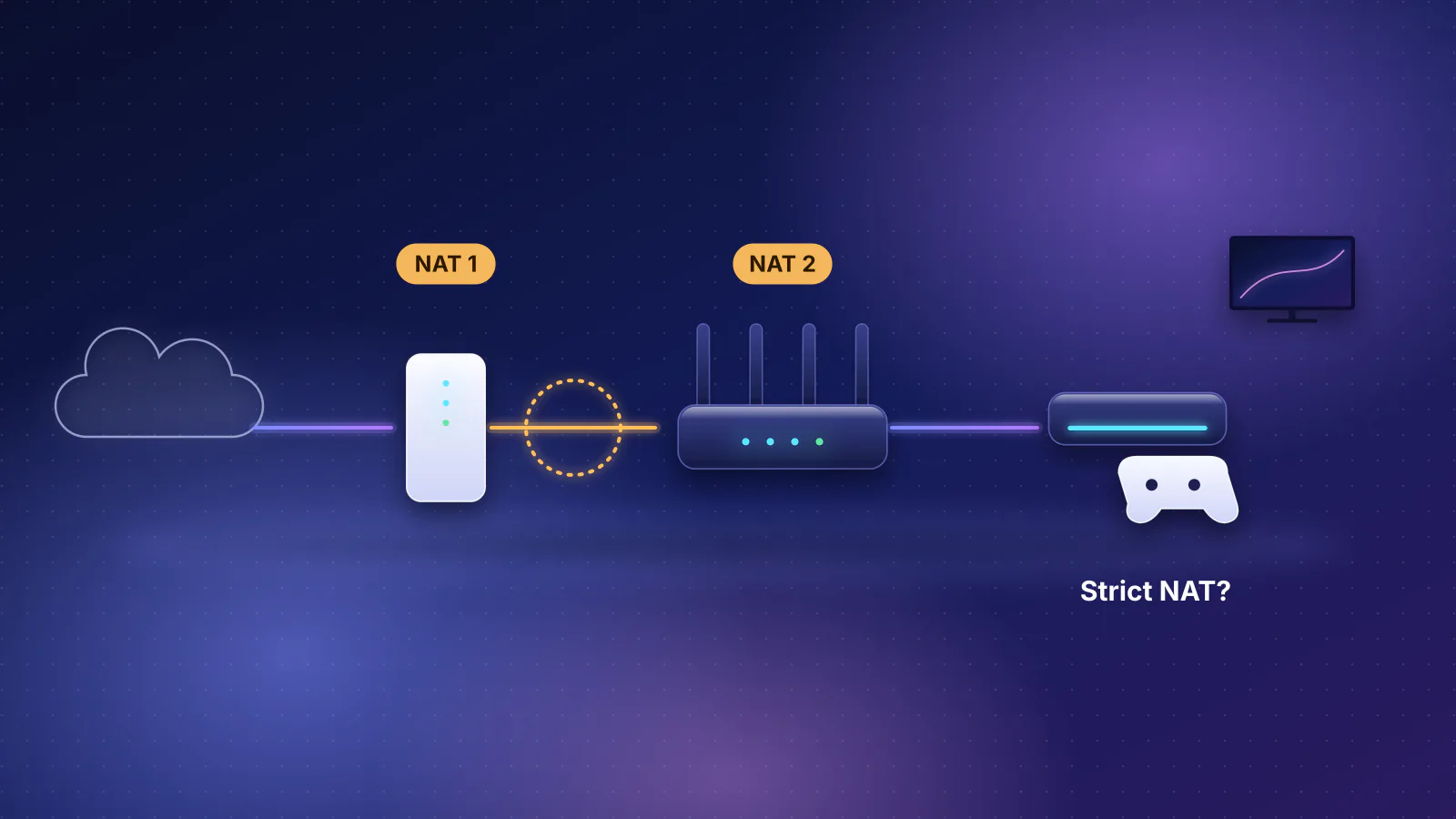
- Both avoid most double NAT problems inside your home. Bridge mode is simpler; passthrough is what you use when the provider requires its gateway to stay in charge, as AT&T does. Neither removes NAT on the provider's side: Starlink's default plan uses carrier-grade NAT, and T-Mobile's gateway can't forward ports or change NAT type.
- If your gateway supports neither, run your own router or mesh in access-point mode instead.
What bridge mode does
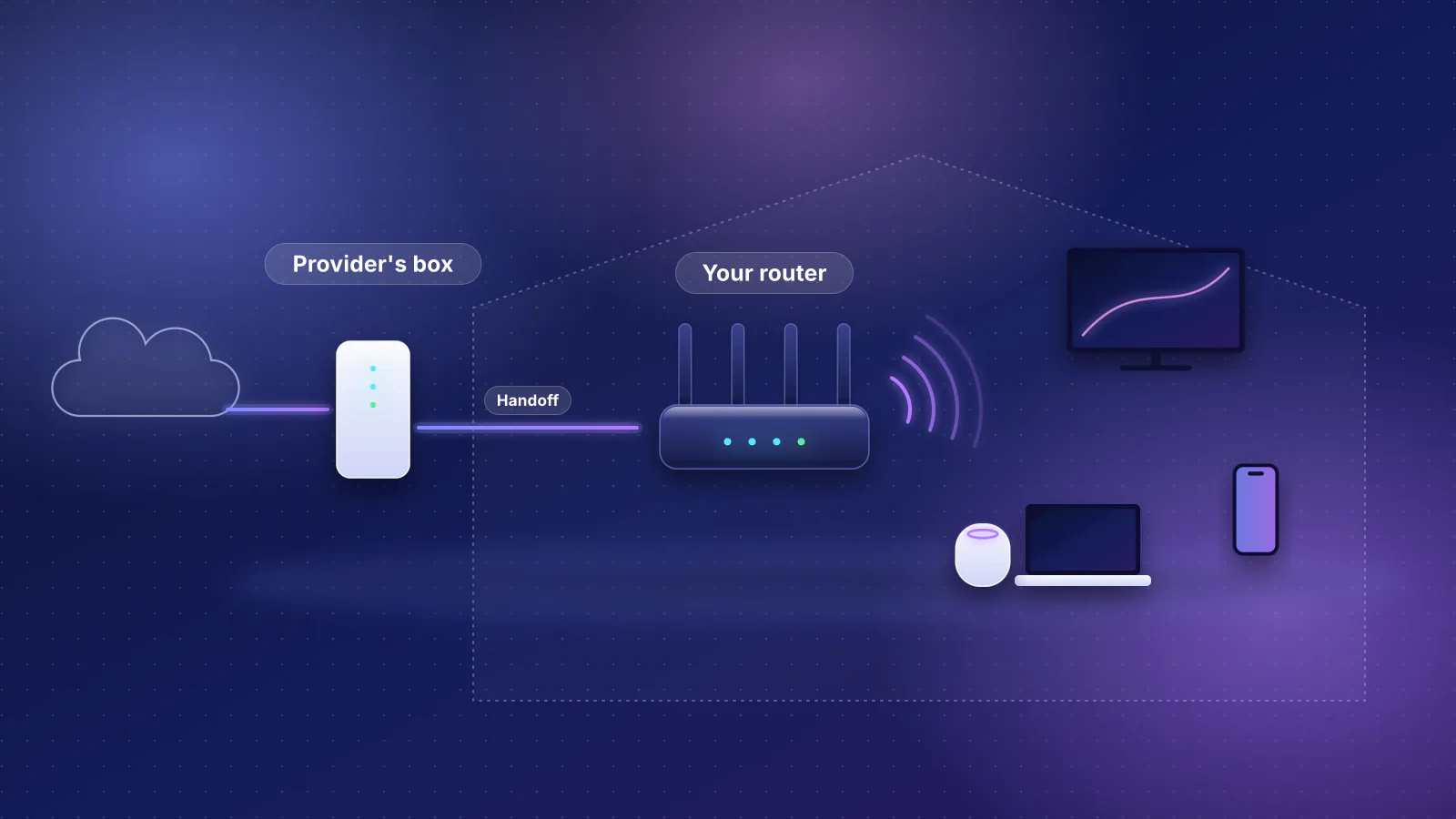
A gateway normally does three jobs: it connects to the provider, it routes (giving your devices private addresses and translating them to one public address), and it broadcasts Wi-Fi. In bridge mode it keeps only the first job. Xfinity's support article quotes the warning its gateway shows: "Enabling Bridge Mode will disable Router functionality of Gateway and turn off the private WiFi network." Cox's bridge-mode article quotes the same warning for its Panoramic gateway.

Your router then receives the public address directly, runs the only firewall and DHCP server on the network, and provides all the Wi-Fi. On Xfinity, "only one device can be connected to the gateway while in Bridge Mode", so move everything else behind your router. Xfinity's public hotspot stays on: "Enabling Bridge Mode doesn't disable the Xfinity WiFi Home Hotspot feature."
What you give up: the provider's Wi-Fi features. On Xfinity, bridge mode means you "won't be able to manage and personalize your network or use WiFi Extenders", and it can't be enabled once xFi extenders are activated; CyberSecure isn't available either. GFiber notes its mesh extenders and Wi-Fi are disabled in bridge mode.
What IP passthrough does
With passthrough, the gateway still authenticates with the provider and still routes. It assigns its public address to one device you pick, so that device behaves almost as if it were connected directly. AT&T's 2012 business-DSL guide describes it this way: the gateway "terminates the DSL, authenticates with the network (Receives a WAN IP) and shares that IP address with a single device". The same guide says the gateway keeps translating addresses (PAT) for every other device on its network. AT&T's current steps for its BGW210 and BGW320 fiber gateways set the passthrough device by its MAC address, and its business support notes that "Placing a device in passthrough mode will remove firewall protection provided by the AT&T gateway."
Verizon's Internet Gateway (used for 5G Home) works differently: passthrough runs only on the LAN2 port, "All Wi-Fi radios are automatically turn off", and "Internet access is no longer available through Wi-Fi or the LAN1 Ethernet port."
Practical consequences: plug only your router into the gateway, turn off the gateway's Wi-Fi if it's still on, and expect the gateway to stay in the traffic path. Because it's still there, its own limits still apply; AT&T's guide, for example, notes that the gateway rejects sessions that conflict with ones it's already tracking.
Side by side
| Bridge mode | IP passthrough | Access-point mode (fallback) | |
|---|---|---|---|
| Who routes | Your router | Gateway, but your router gets the public address | Gateway |
| Double NAT in your home | No | Usually no | No (your router doesn't route) |
| Gateway Wi-Fi | Private Wi-Fi off automatically (Xfinity's and Cox's public hotspots stay on) | Depends on the gateway: off automatically on Verizon's; turn it off yourself on AT&T's | Turn it off yourself |
| Other devices on the gateway | Lose service (Xfinity allows only one device on a bridged gateway) | Still routed by the gateway on AT&T; no internet on Verizon's LAN1 | Work normally |
| Your router's firewall, VPN, SQM, VLANs | All available | All available | Limited (the gateway routes) |
| IPv6 | Varies and is mostly undocumented by providers; check that your router shows an IPv6 prefix | Handled by the gateway | |
| Provider Wi-Fi features (extenders, app) | Lost | Usually lost or pointless | Partly kept |
Which providers support which
From each provider's support documentation, checked October 21, 2026. "Not documented" means we found no official page either way.
| Provider | Bridge mode | IP passthrough | Notes |
|---|---|---|---|
| Xfinity | Yes: 10.0.0.1, Gateway > At a Glance | Not documented | Router on any gateway Ethernet port. Or skip the gateway and use your own modem from Xfinity's list, except on X-Class (symmetrical) tiers, which need Xfinity's gateway. |
| Cox (owned by Charter, Spectrum's parent, since August 2026) | Yes, with limits | Not documented | Cox says bridge mode isn't compatible with fiber service or MoCA-based services. Charter says existing Cox customers won't see pricing or service changes unless they ask for them; we found no page on whether Cox's bridge-mode rules will change. |
| Spectrum | Usually unnecessary | Not documented | Standard installs use a separate modem; your router plugs into it. |
| AT&T Fiber | No (802.1X gateway authentication) | Yes | BGW210/BGW320: set Allocation Mode to Passthrough and enter your router's MAC address. The gateway stays. |
| Verizon Fios | Not documented | Not documented | Your router connects to the ONT's Ethernet port instead; see the ONT note in our guide. Fios TV needs the Verizon router's coax connection. |
| Verizon 5G Home (Verizon Internet Gateway) | Via passthrough | Yes | Verizon's article is titled "Verizon Internet Gateway - Configure IP Passthrough / Bridge Mode". Router on LAN2; the gateway's Wi-Fi and LAN1 port no longer provide internet. |
| GFiber (formerly Google Fiber) | Yes, in the gFiber app | Not documented | "Most gFiber customers do not need to use Bridge Mode"; plug into the Fiber Jack. When bridging, connect to the gFiber router's 10 Gbps LAN port, and check that your router's WAN port can match your plan (see routers for multi-gig fiber). |
| T-Mobile Home Internet | No | No | T-Mobile: "gateways do not have the ability to enable and disable bridge mode." Use access-point mode; the gateway's NAT stays. |
| Starlink | Yes ("bypass mode") | Not documented | Turn it on in the Starlink app. It turns off the Starlink router's Wi-Fi, and only a factory reset takes the router out of bypass mode. The Gen 2 router (Standard Actuated kits) has no Ethernet port, so it also needs Starlink's Ethernet adapter; Performance and Enterprise kits usually skip bypass mode and connect your router to the power supply. Your router still gets a shared (CGNAT) address unless your plan has the public IPv4 option (Priority plans). |
Setting it up
- Prepare your router. Unbox it and decide its network name, password and admin login. If its app needs internet to finish setup (eero's does), set it up behind the gateway first, accepting double NAT for now, then switch the gateway's mode.
- Enable bridge or passthrough on the gateway using your provider's instructions. With passthrough, choose your router as the device that gets the public address (often by its MAC address).
- Connect your router's WAN port to the port your provider names: LAN2 on Verizon's Internet Gateway, the 10 Gbps LAN port on GFiber's router, any Ethernet port on Xfinity and Cox gateways. Then restart both.
- Check your router's WAN address. A public address means it worked. A private address (10.x.x.x, 172.16.x.x to 172.31.x.x, or 192.168.x.x; RFC 1918) means you're still behind the gateway's NAT. One between 100.64.0.0 and 100.127.255.255 is shared address space (RFC 6598) used for carrier-grade NAT, which you can't fix on your side; Starlink's default plan gives one even in bypass mode.
- Check IPv6 if you use it: see that your router shows an IPv6 address or prefix on its WAN status page.
- Turn off the gateway's Wi-Fi if it's still broadcasting.
Frequently asked questions
Is bridge mode the same as access-point mode?
Not quite. On a provider gateway, bridge mode means the gateway stops routing. Some mesh apps, such as eero and Google, also use bridge mode as the name for access-point mode on your own router, which stops your router from routing. Only one of the two should stop routing: use bridge mode on the gateway when it supports it, and access-point mode on your router when it doesn't.
Does bridge mode slow anything down?
No. It removes a layer of routing, so if anything it simplifies the path. Speed is still limited by your plan and by your router's internet port.
Will my provider's TV or phone service still work?
Sometimes not. Some services depend on the provider's gateway or router, for example Verizon says its router's coax connection is required for Fios TV, and Cox says bridge mode isn't compatible with MoCA-based services. Check your provider's documentation before changing modes.
Why does my router still show a 192.168 address after enabling passthrough?
The router may need a restart to request a new address, it may be on the wrong port (Verizon's gateway passes the address only on LAN2), or passthrough may be assigned to a different device. Check which device the gateway is passing the address to.
Sources
Read on October 21, 2026.
- Xfinity: Enable or disable bridge mode
- Xfinity: Devices certified for enhanced speeds required in recently upgraded areas (X-Class)
- Cox: Enabling bridge mode on the Panoramic Wifi gateway
- Charter: Cox transaction customer FAQ and Form 8-K (effective August 19, 2026)
- AT&T Business: Bridge mode with AT&T; AT&T: Configuring IP Passthrough (business DSL, 2012, PDF)
- AT&T: Get help with DMZ+ zone devices (BGW210/BGW320 IP Passthrough steps) and AT&T Business: Configuring IP Passthrough and DMZplus
- Verizon: Verizon Internet Gateway - Configure IP Passthrough / Bridge Mode and 5G Home Internet support overview
- Verizon: Router user guide, CR1000A (PDF)
- GFiber: Set up bridge mode with the gFiber app
- T-Mobile: Connect your devices to T-Mobile Home Internet
- Starlink: What is bypass mode? and What IP address does Starlink provide?, Can I use my own router with Starlink? and Does the WiFi router have any Ethernet (LAN) ports?
- eero: What is bridge mode? and How do I set up eero?
- Google Nest Help: Bridge mode
- RFC 1918: Address allocation for private internets
- RFC 6598: Shared address space (100.64.0.0/10)