
Guide
Own your home network
What owning your router changes, when the provider's gateway is the better choice, and how it works with the major US providers.
Topic
Start from your home, your internet plan and how hands-on you want to be, not from the box's speed number.

Most buying mistakes come from the wrong starting point. The speed class printed on the box adds up every radio's theoretical maximum; no single device ever sees it. What decides whether a router works in your home is coverage for its size and walls, an internet port fast enough for your plan, and features you'll actually use.
Our catalog lists manufacturer specs with sources and the date we checked them, and the planner turns your answers into complete setups with a total cost. Neither involves hands-on testing: where a figure is the manufacturer's claim, we say so.
From the catalog
Current routers and mesh systems for whole-home use, by fastest internet (WAN) port, with the lowest manufacturer price in each group.
| Internet port | Models | Lowest manufacturer price |
|---|---|---|
| 1 Gbps | 15 | MikroTik hAP ax S (E62iUGS-2axD5axT) · $79 |
| 2.5 Gbps or faster | 90 | MikroTik hAP be lite (A42G-HbeP) · $79 |
| 5 Gbps or faster | 33 | Ubiquiti UniFi Express 7 (UX7) · $219 |
| 10 Gbps or faster | 30 | Ubiquiti UniFi Express 7 (UX7) · $219 |

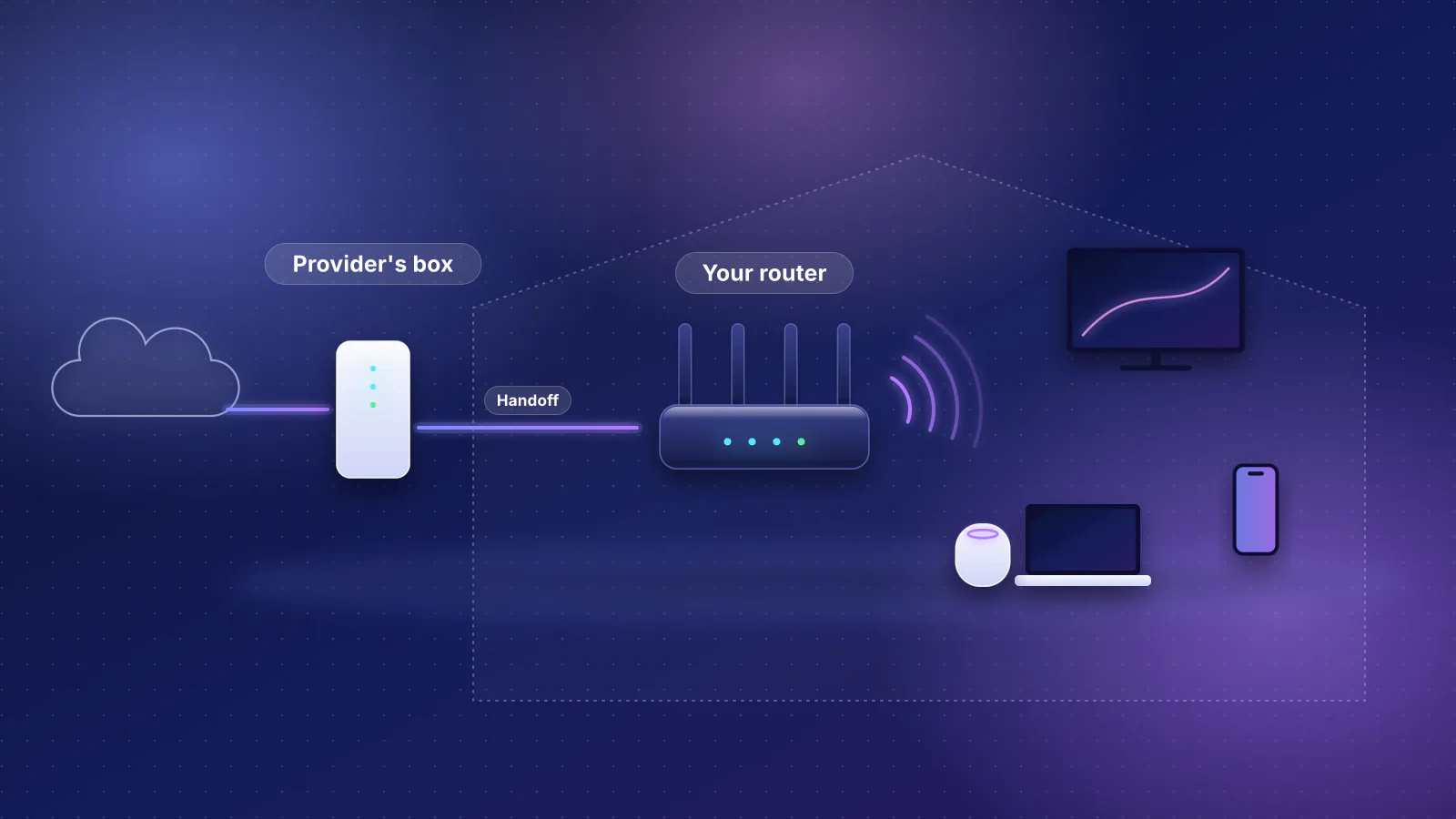
Guide
What owning your router changes, when the provider's gateway is the better choice, and how it works with the major US providers.
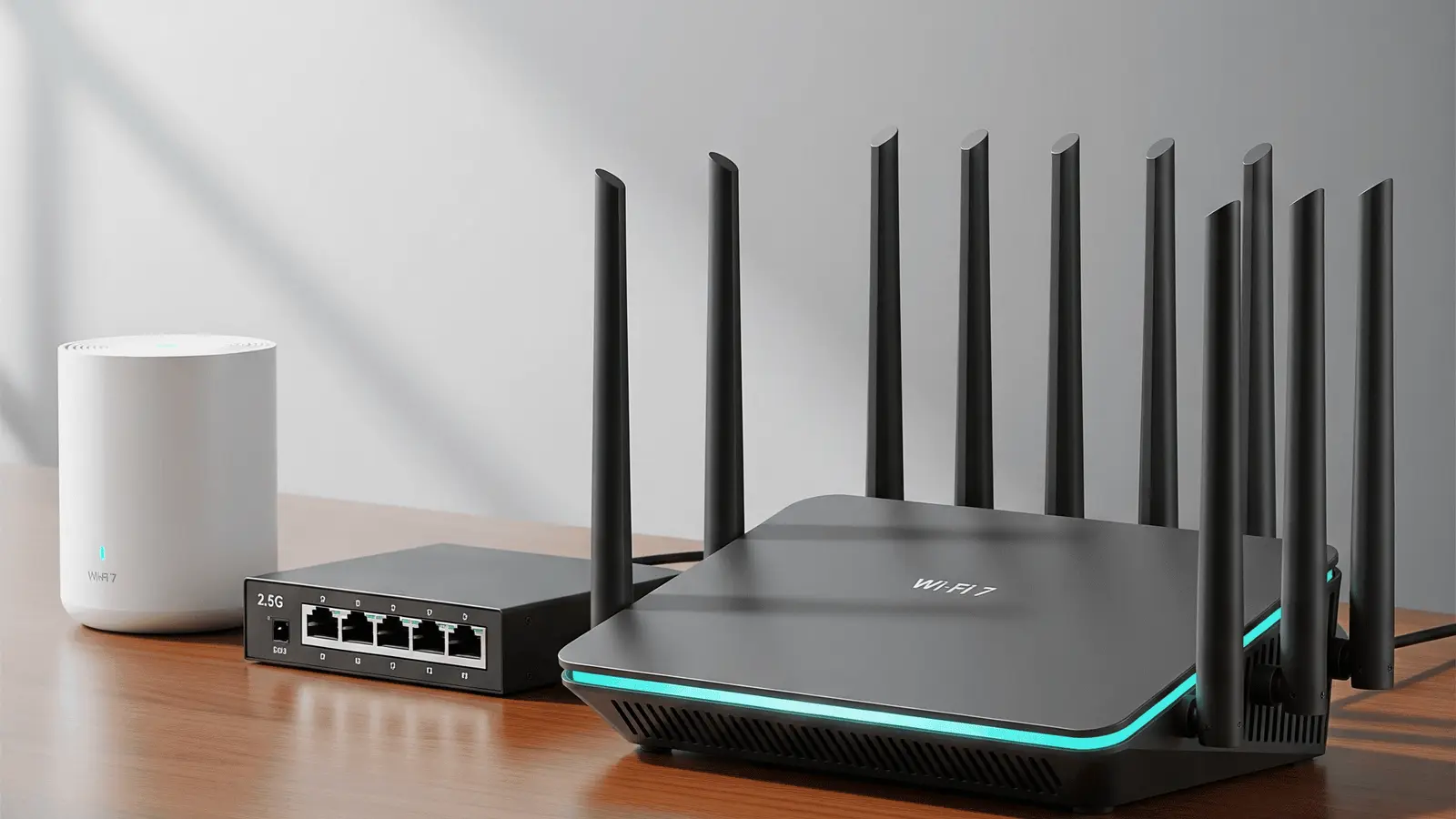
Guide
The RouterHaus hub guide: what matters when buying a router, what to ignore, and how to size coverage for your home.
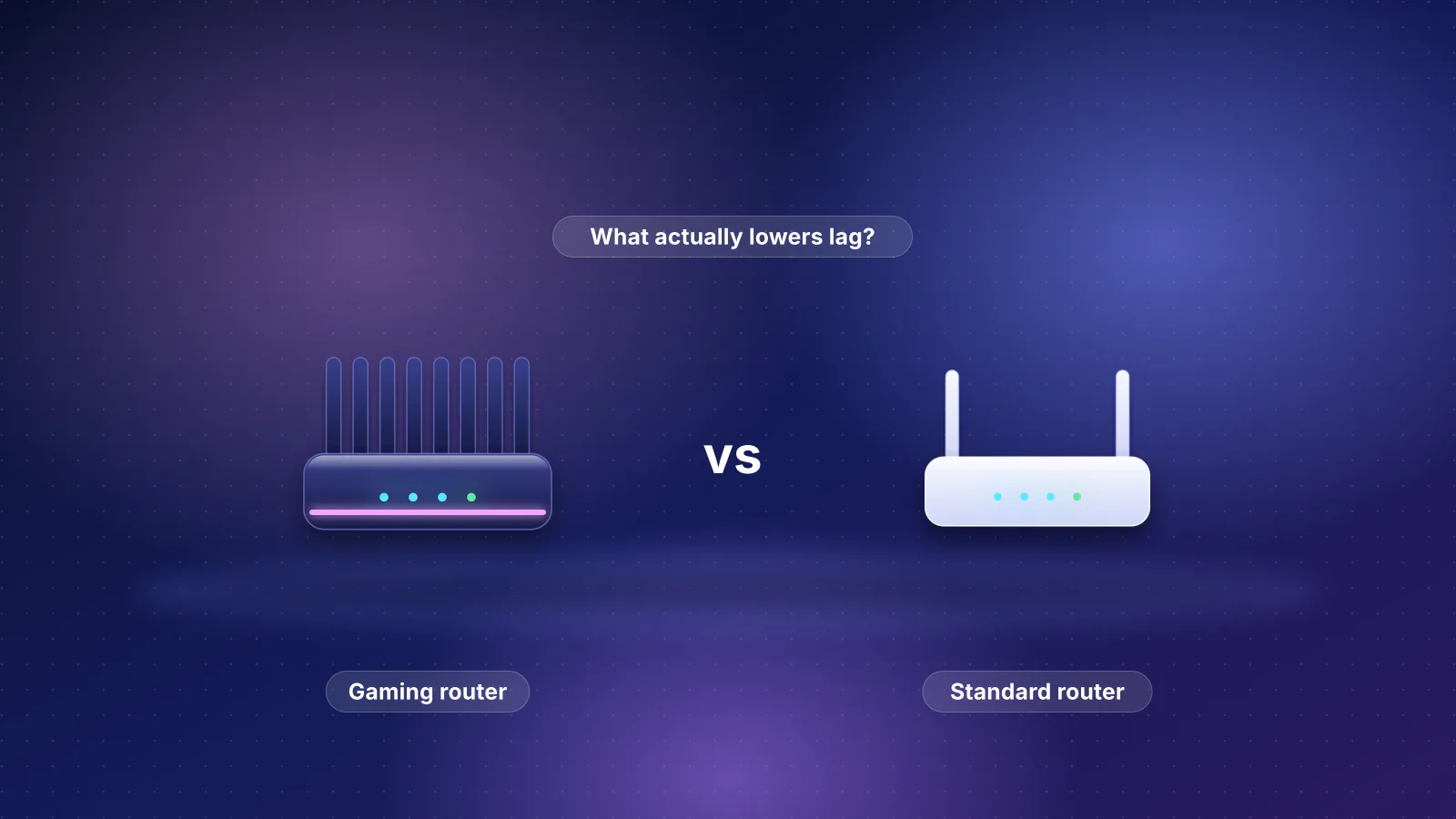
Gaming
Each gaming-router feature mapped to what its maker documents, and what matters more for lag.
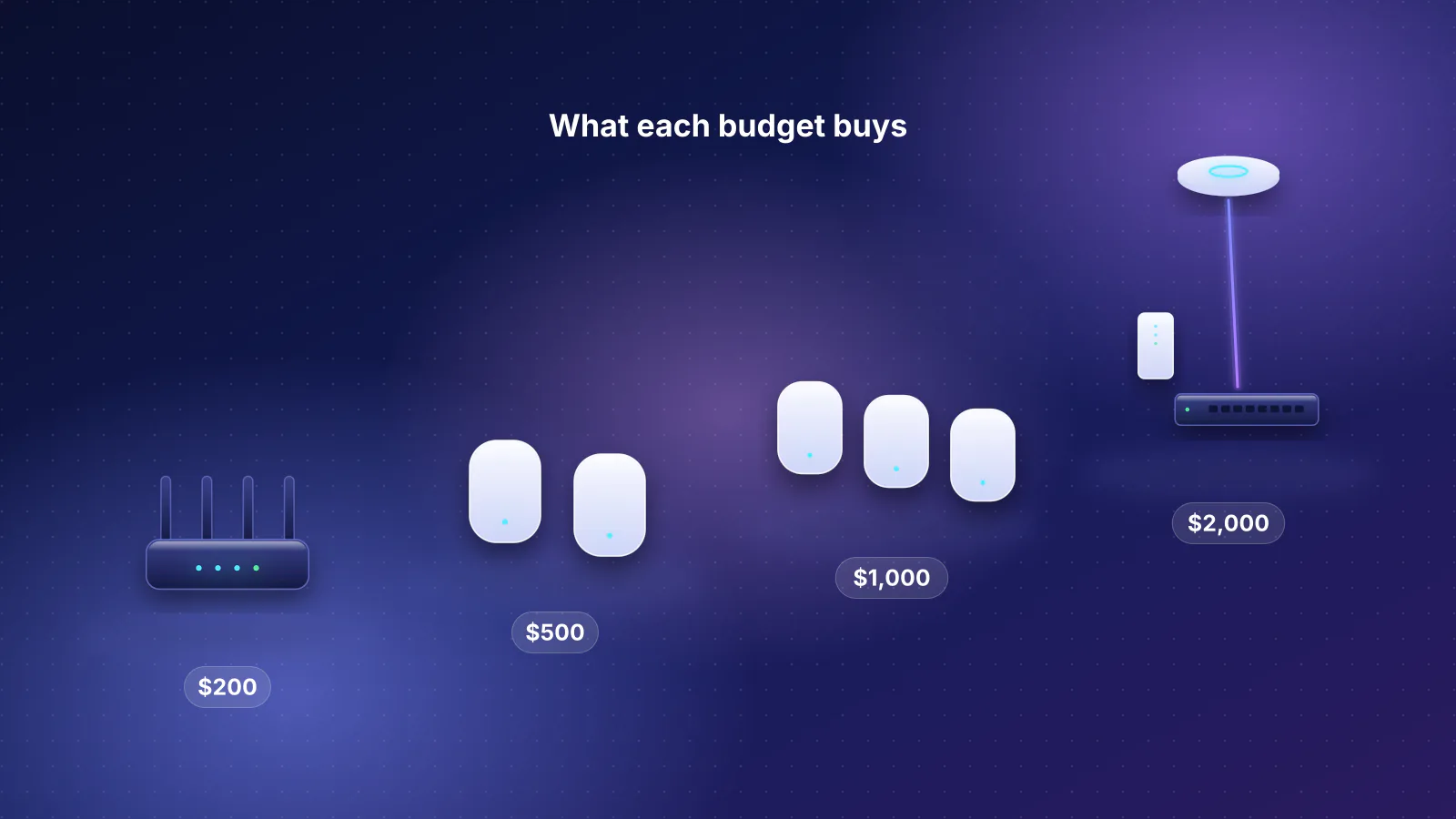
Buying guide
Four budgets, complete setups from catalog prices, and what each step up actually buys.

Wi-Fi 7
Which iPhones support Wi-Fi 7, what a Wi-Fi 7 router really adds for them, and when your current router is already good enough.
Mesh
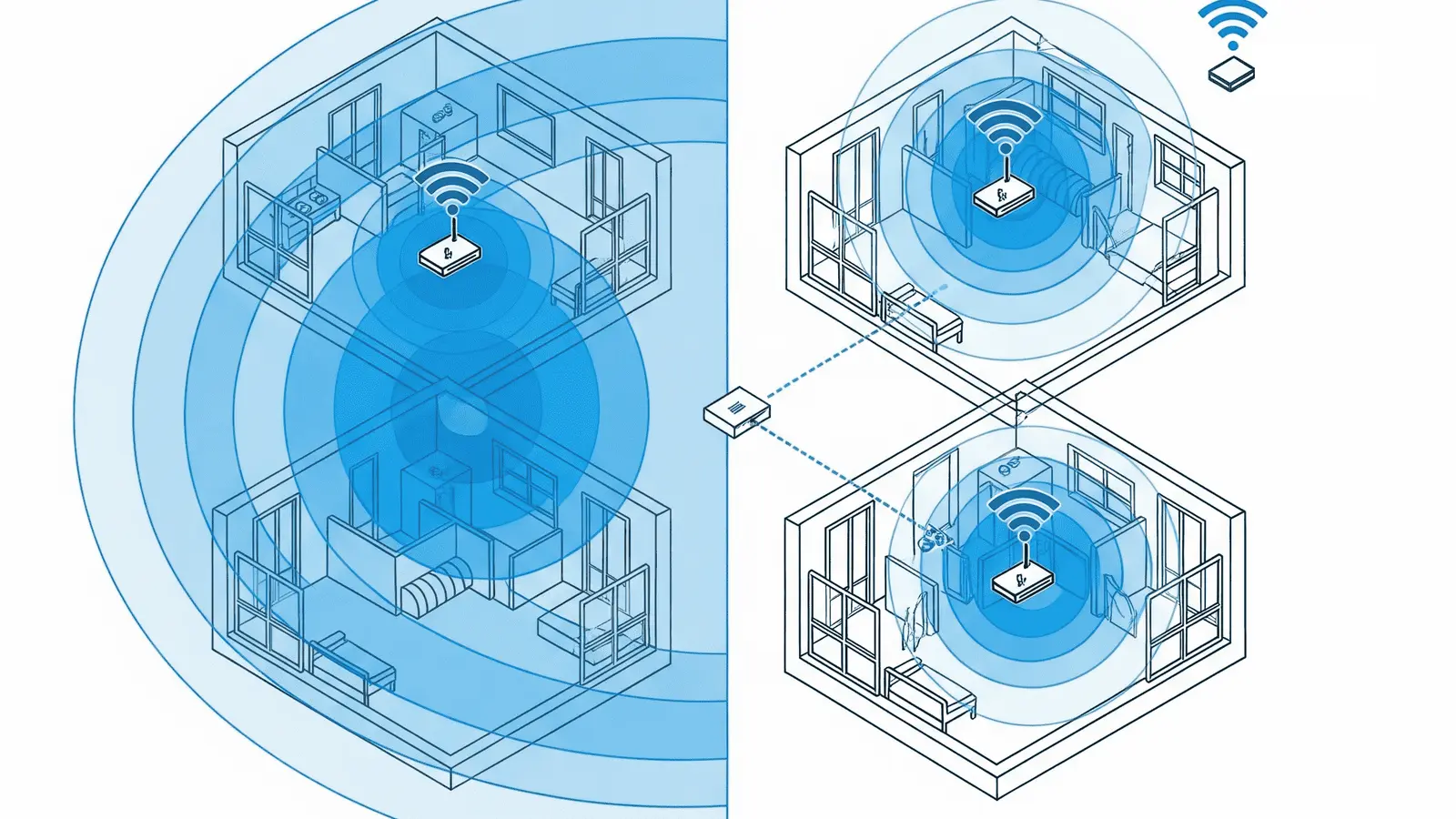
A plain decision guide to choosing one router or a mesh system, based on size, walls, floors and whether you can run Ethernet.

Multi-gig
What multi-gig fiber providers hand off, the 10G-internet, slow-LAN trap, and which catalog routers fit 2, 5 and 8 to 10 Gbps plans.
Buying advice
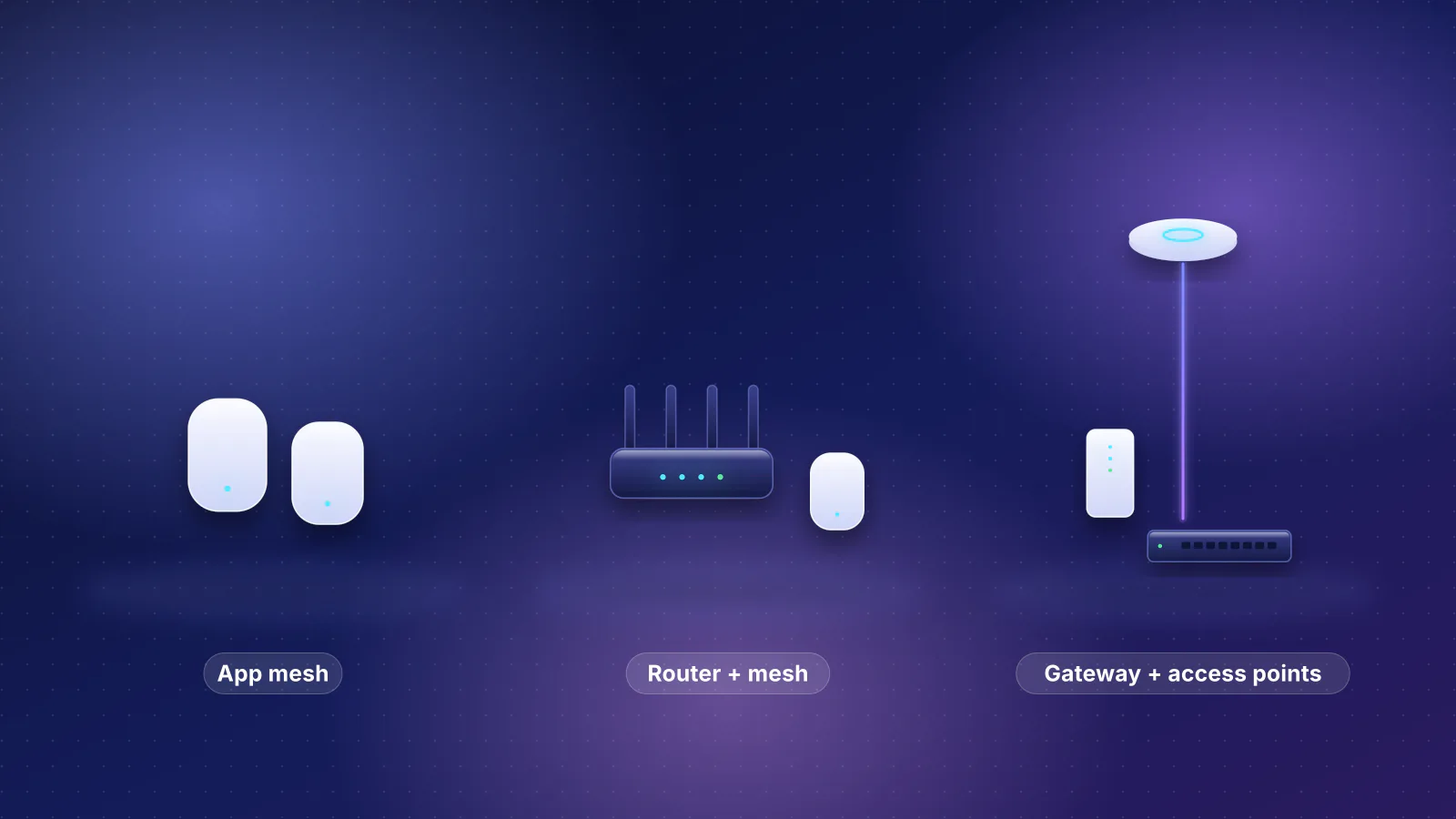
eero, ASUS and UniFi compared on management, subscriptions, VLANs, SQM, VPN, update policies and expansion, with a pick for each type of owner.
Mesh
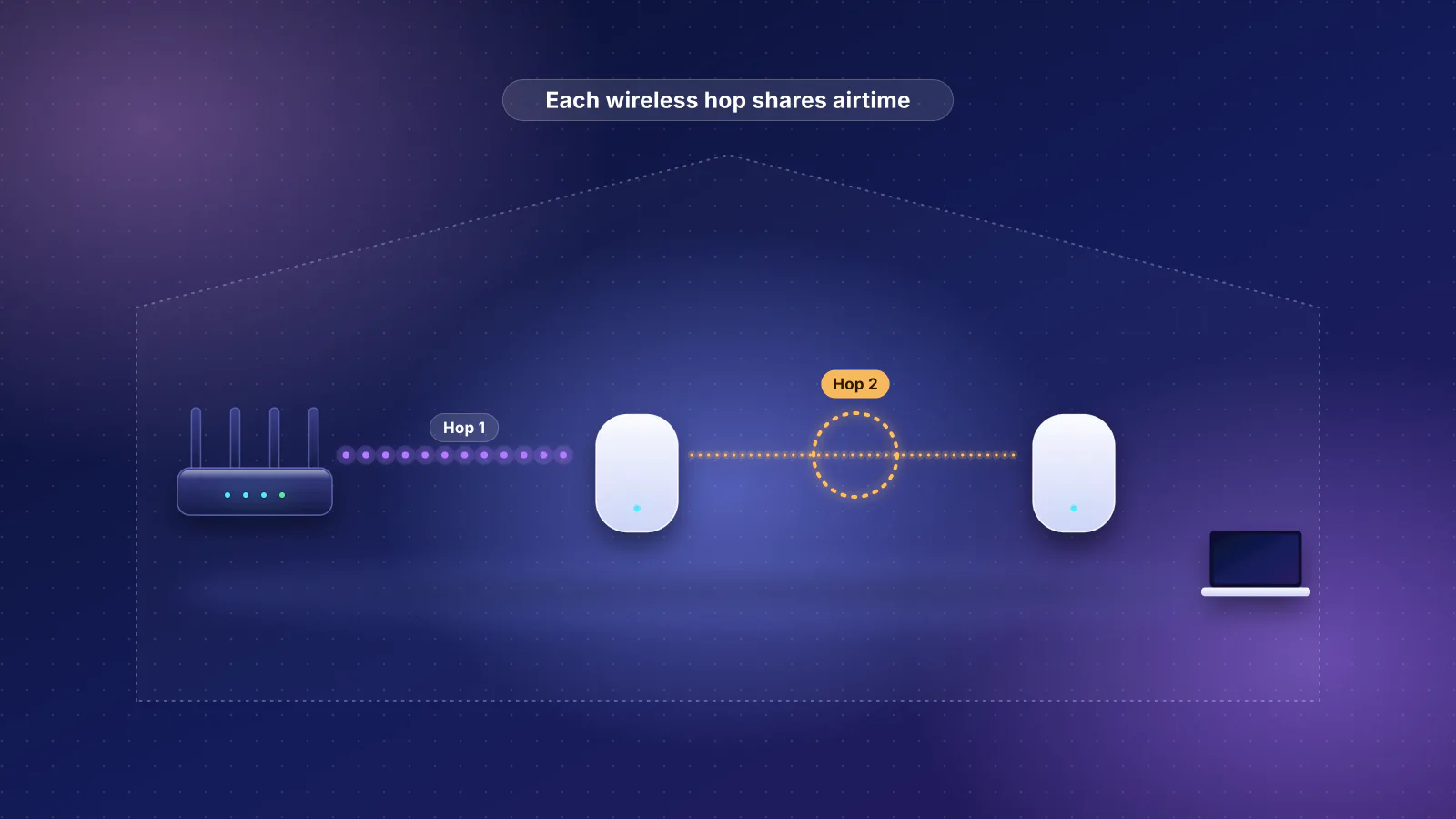
Why mesh underperforms (backhaul, placement, floors, roaming, too many nodes) and how to fix a mesh system you already own.
Coverage
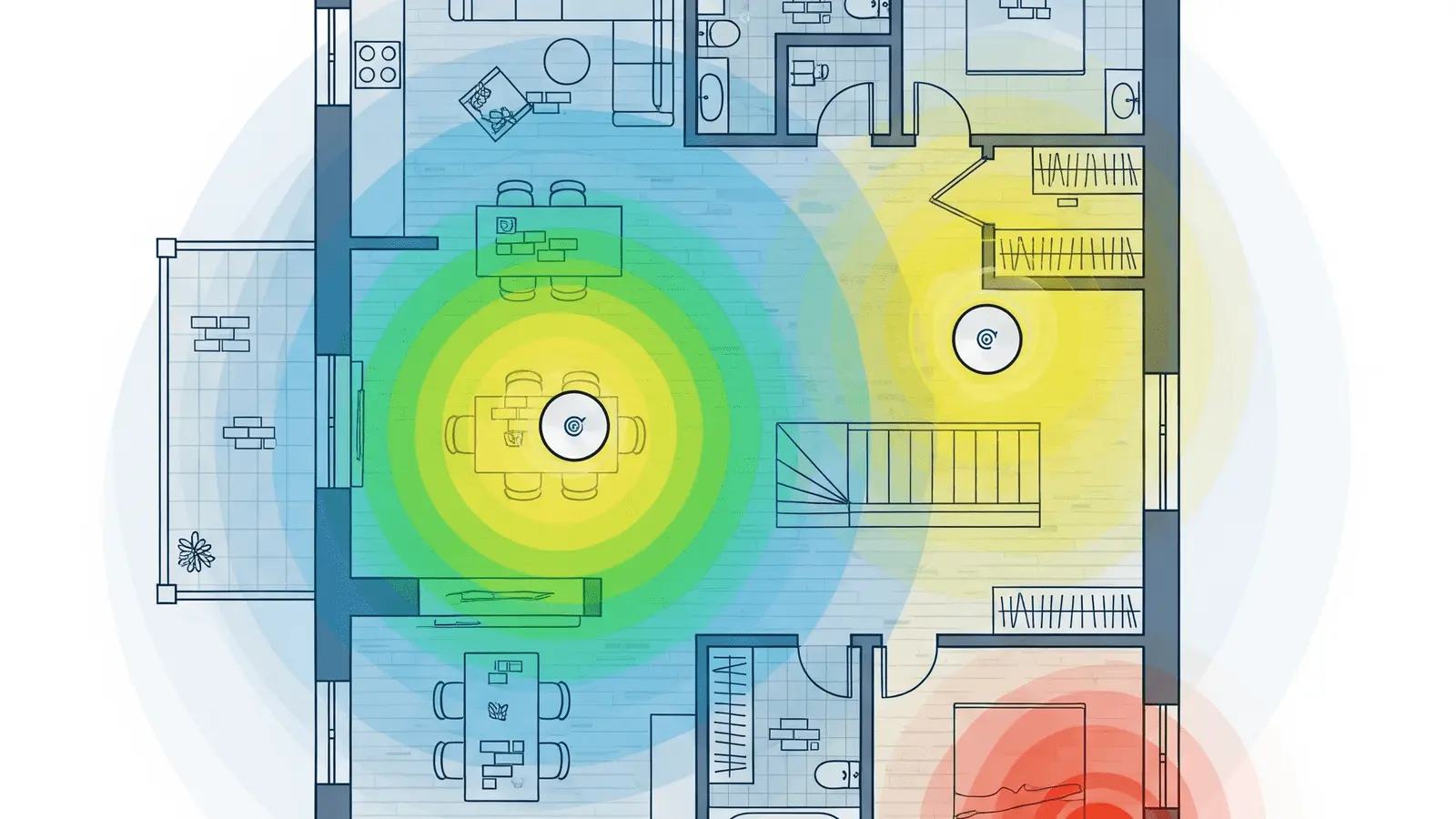
A step-by-step way to confirm a dead zone, find its cause and fix it in the cheapest order.
Wi-Fi 7
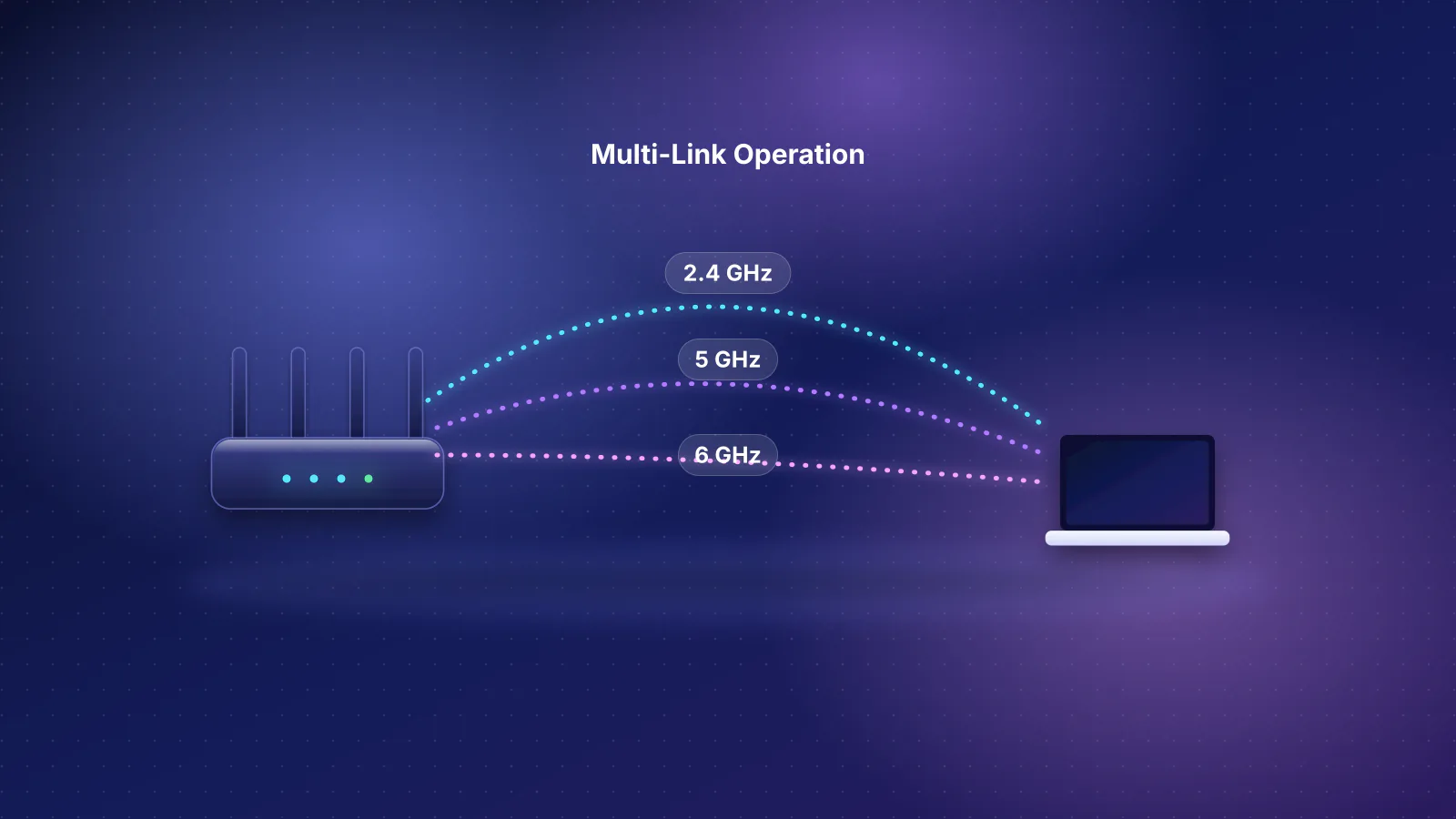
MLO modes in plain English, documented client support, the arithmetic behind box claims, and catalog routers with documented MLO.
Planned for this topic. Each article is published only after it has been fact-checked and approved.