The short version
- You need a home hub. Apple ended support for the old Home architecture on February 10, 2026. The current one needs an Apple TV, HomePod or HomePod mini as a hub (Apple's new HomeView joins that list), and an iPad no longer qualifies.
- Thread accessories need a Thread border router. Among Apple hubs that means a HomePod mini, HomePod (2nd generation), Apple TV 4K (2nd generation) or Apple TV 4K (3rd generation) Wi-Fi + Ethernet; the new Apple TV 4K, HomePod mini 2 and HomeView also list Thread. The Wi-Fi-only 2022 Apple TV has no Thread radio.
- Keep everything on one network. Apple says your iPhone, accessories and home hubs should be on the same Wi-Fi network. Matter and Thread rely on local IPv6 and multicast discovery, which guest networks, client isolation, multicast filtering and VLANs can block.
- Most fixes are settings, not hardware. Leave 2.4 GHz on under one network name, turn off isolation and multicast "optimization" on the home network, and add mains-powered Thread devices or a second border router where the mesh is thin.
- Caveat: We found no Apple page saying which Thread version its border routers run, so whether Apple and other brands share one Thread network in your home depends on firmware you can't easily check.
How Apple Home works now
Apple's Update Apple Home page says support for the previous version of Apple Home ended on February 10, 2026, and that homes still on it may be upgraded automatically. In the current version:
- A home hub is required "to share control of your home and receive Home notifications", and to control accessories away from home; "iPad isn't supported as a home hub on the latest version of Apple Home." Apple's hub page says HomePod and HomePod mini become hubs automatically, and an Apple TV becomes one when you assign it to a room.
- One hub is active at a time. The Home app shows the active hub at the top of Home Settings, Home Hubs & Bridges, and you can turn off Automatic Selection to choose a preferred one.
- Apple's pages disagree on Matter without a hub. Its newer Matter pages (May 2026) say an iPhone on iOS 18 or later can add and control Matter accessories without a hub, and an iPhone 15 Pro or later can control Thread accessories directly, though a hub is recommended "for the best experience". Its older hub page (September 2025) still says "You must set up a home hub to add Matter accessories to the Home app." Either way, plan on a hub.
- The hub must be home and on your Wi-Fi. Apple's troubleshooting asks you to check that the hub is "connected to your home Wi-Fi network, and powered on", and lists "Network mismatch" (the hub and an Apple TV or HomePod on different networks) as a cause of "Network Issue" alerts.
Apple announced three new home devices on October 13, 2026, all on pre-order as of October 21: HomePod mini 2 (available October 30), and HomeView (a 7-inch display for the home) and the 4th-generation Apple TV 4K (both available November 13). Apple's HomePod mini 2 announcement describes it as a home hub, and its Home Collection announcement names HomeView as one alongside HomePod, HomePod mini and Apple TV 4K.
Which Apple devices do what
From Apple's support pages and spec sheets, checked October 21, 2026. "Thread" means Apple lists Thread networking for the device.
| Device | Home hub | Thread | Network |
|---|---|---|---|
| HomePod mini | Yes | Yes | Wi-Fi |
| HomePod mini 2 (from Oct 30, 2026) | Yes | Yes | Wi-Fi 6E |
| HomePod (2nd generation) | Yes | Yes | Wi-Fi |
| Apple TV 4K (4th generation, from Nov 13, 2026) | Yes | Yes | Wi-Fi 7 or Gigabit Ethernet |
| Apple TV 4K (3rd generation) Wi-Fi + Ethernet | Yes | Yes | Wi-Fi 6 or Gigabit Ethernet |
| Apple TV 4K (3rd generation) Wi-Fi | Yes | No | Wi-Fi 6 only |
| Apple TV 4K (2nd generation) | Yes | Yes | Wi-Fi 6 or Gigabit Ethernet |
| HomeView (from Nov 13, 2026) | Yes | Yes | Wi-Fi 6E |
| iPhone 15 Pro and later | No | Yes (pairs and controls Thread accessories locally) | Wi-Fi |
Notes on the table:
- Apple's Thread list predates the new devices. Its "Thread Border Router Required" page (January 13, 2026) lists the four older hubs and Thread-capable iPhones. The new devices' spec pages list "Thread networking technology", for HomeKit- or Matter-enabled Thread accessories only.
- Apple's shorthand can mislead. Several Apple pages say Thread needs a hub "such as Apple TV 4K". That's true only of the Apple TV models with Thread; the 64 GB Wi-Fi-only 2022 model isn't one.
- Software matters. tvOS 27 covers the Apple TV 4K 2nd generation and later, so the 2017 model is off the update list, and Apple's hub troubleshooting asks for the latest software. HomeView's spec page requires iOS 27.2 or later, while Apple's security-releases page listed iOS 27.0.1 as the latest on October 21, 2026.
Thread in plain terms
Thread is a low-power mesh network built on IPv6 and the IEEE 802.15.4 radio, separate from your Wi-Fi. OpenThread's primer, the reference implementation's documentation, describes two kinds of node:
- Mesh Extenders (OpenThread's term for Thread routers) forward traffic for others. eero's Thread page notes that always-on devices "like lights and smart plugs" act as Thread routers. A network can have up to 32, and OpenThread says Thread tries to keep 16 to 23 active.
- End devices talk only to their parent. Sleepy end devices, which Apple's developer guidance describes as battery-powered Thread accessories, keep their radio off and wake on occasion to check for messages.
A Thread border router connects the Thread mesh to your Wi-Fi or Ethernet network. OpenThread lists what one must do: route IPv6 both ways between Thread and Wi-Fi/Ethernet, handle "DNS-based service discovery via mDNS (on a Wi-Fi/Ethernet link) and SRP (on a Thread network)", merge split Thread networks over Wi-Fi or Ethernet, and let a phone add new devices. The Thread Group's border router white paper adds the key reliability point: a shared Thread mesh can have "multiple Border Routers that all provide the same routing capabilities redundantly. If one device fails, the others provide seamless, unbroken connectivity". It also notes that the Matter controller and the border router don't have to be the same device.
How your iPhone reaches a Thread accessory matters for router settings. The border router announces a route to the Thread network with IPv6 Router Advertisements on the Wi-Fi or Ethernet network it's connected to (OpenThread's Border Routing Manager). Router Advertisements are, by the IPv6 standard (RFC 4861), only accepted when they haven't passed through a router, and the mDNS discovery that advertises accessories uses a link-local multicast address (RFC 6762). Both stop at the edge of the network segment. That's the technical reason Apple's "same network" advice matters: a phone on another VLAN or a guest network doesn't hear either.
Thread 1.3, 1.4 and what's documented
The Thread Group released Thread 1.4 in September 2024. Its features white paper lists:
- Credential sharing: a standard, user-approved way for one ecosystem's app to get an existing Thread network's credentials from a 1.4 border router, so a new device or border router joins that network instead of starting another. 1.4 border routers advertise this capability in their mDNS records.
- Internet access for Thread devices: through DHCPv6 prefix delegation where the home network has IPv6, or NAT64 and DNS64 where it's IPv4 only.
- Thread over infrastructure: border routers can carry Thread traffic over Wi-Fi and Ethernet (the TREL protocol), which the white paper says helps by "minimizing the occurrence of partitioning" (a Thread network splitting in two). TREL devices find each other with DNS-SD on that Wi-Fi or Ethernet link.
The Thread Group says a 1.4-updated Matter device can be added "to any existing Thread network connected by a Thread 1.4 Border Router, regardless of software or hardware ecosystem". Allion, a Thread Group authorized test lab, says that "Starting in 2026, Border Routers will only be eligible for V1.4 Certification", while other device types can still certify to 1.3. We couldn't find that rule on the Thread Group's public site, and it covers new certifications, not border routers already on sale.
What isn't documented is the version in your house. We found no Apple page stating which Thread version its border routers run. A June 2025 press report (MacRumors, citing network analysis by the site Matter Alpha) said Apple TV would get Thread 1.4 with tvOS 26; Apple hasn't confirmed it, so treat it as unconfirmed. Other brands vary: eero, for example, lists its border routers as "Thread 1.3.0 compliant". Apple's developer guidance for accessory makers (October 2025) asks them to certify their Thread firmware with OpenThread v1.4 and to use a Matter SDK certified to the 1.4.2 specification; that's about accessories, not Apple's own border routers.
Matter over Wi-Fi, Thread or Ethernet
Matter is the application layer: it decides how a light or lock is controlled. Thread, Wi-Fi and Ethernet are the networks it rides on. The Matter SDK documentation says devices are discovered with DNS-SD, which runs over mDNS on Wi-Fi and through an SRP server on a border router for Thread.
| Matter over Wi-Fi | Matter over Thread | |
|---|---|---|
| Suits | Mains-powered devices, and devices that move more data | Low-power devices, including battery-powered ones |
| Needs from your network | A strong Wi-Fi signal where it's mounted, often on 2.4 GHz; the same network as your hubs | A Thread border router in range of the mesh; the border router on the same network as your iPhone and hubs |
| Check first for "No Response" | Weak signal, a band it can't use, or client isolation | Too few mains-powered Thread devices, a border router that's offline or on another network |
| Survives a Wi-Fi outage | No | The mesh keeps running; control from your phone needs the border router's network |
Apple's new Home Collection accessories (cameras, thermostats, temperature sensors, a video doorbell and a door lock designed with LG Electronics and Schneider Electric, available from December, some in early 2027) all support Thread, which Apple says helps each one "maintain connectivity even if a Wi-Fi connection drops". Apple also says they "automatically update their network credentials if a customer changes their home Wi-Fi". Wi-Fi accessories without the feature keep using the old network name and password, so keeping both the same when you replace your router or move saves setting them up again; see our guide to moving with your network.
Multi-admin: one accessory, several apps
Matter lets one accessory be controlled by several "admins" (ecosystems or apps) at once. Apple stores Matter pairings in iCloud Keychain, and in the Home app you add an accessory that's already paired elsewhere with Add Accessory, More options, then a pairing code generated in the other app. For the network, multi-admin adds one rule: every ecosystem's hub has to reach the accessory, so all of them belong on the same network too. Whether those ecosystems also share a single Thread network is the Thread 1.4 question above.
Router settings that cause "No Response"
Apple's router-settings article covers names, security, channels, DHCP and NAT (our Apple TV network guide lists them), but not multicast, isolation or IPv6. Home Assistant's Matter documentation, from the open-source home automation project, states the requirement plainly: "The Matter protocol relies on (local) IPv6 and mDNS (multicast traffic) traveling freely in your network", and it "may not integrate well with enterprise networking solutions like VLANs, Multicast filtering, and (malfunctioning) IGMP snooping". The settings to check:
| Setting | What it breaks | What to do |
|---|---|---|
| Accessories on the guest network | Guest networks usually can't reach the main network (on ASUS, the Access Intranet setting controls this), and Apple says peer-to-peer traffic may be blocked on them | Put Apple Home accessories, hubs and your phones on the main network |
| Client or AP isolation | Wireless devices can't talk to each other, so hubs can't reach accessories | Off on the network your Home devices use |
| Separate IoT VLAN or network | mDNS and Thread route announcements stay on their own segment; an mDNS relay helps discovery but doesn't carry the IPv6 routes to the Thread network | Keep Apple hubs, iPhones and Home accessories together; isolate devices that aren't in Apple Home instead |
| IPv6 blocked or filtered inside the home | Matter uses IPv6 on your local network | Allow IPv6 on the LAN and Wi-Fi. An IPv6 internet connection isn't required; Home Assistant says "there is no requirement to have an IPv6-enabled internet connection or DHCPv6 server" |
| Multicast "optimization" | Discovery traffic is dropped or confined to one access point; Ubiquiti says its Multicast & Broadcast Control blocks discovery across access points | Off at home. Ubiquiti's Multicast to Unicast option is the alternative it suggests for small and medium networks |
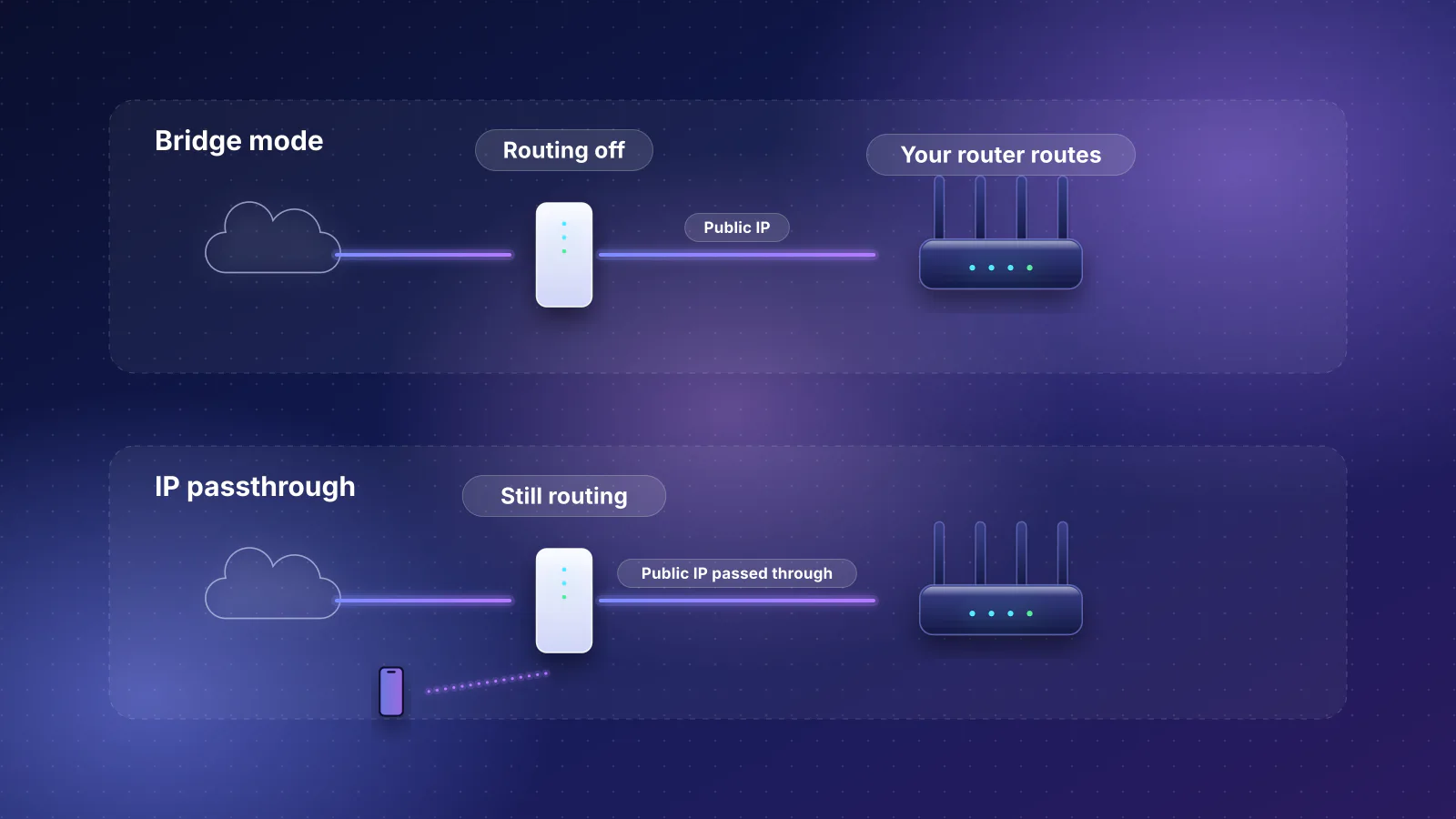
| Two routers (double NAT) | Devices on the provider's gateway and on your router can't see each other; Apple says to "enable NAT only on your router" | One router; see fixing double NAT |
| Separate band names, hidden network, MAC filtering | Apple recommends against all three; separate names can stop devices joining all bands and units | One name for all bands, visible, no MAC filter |
| VPN or security apps on the iPhone | Apple's "No Response" steps say to check them for network connectivity issues | Pause them while troubleshooting |
2.4 GHz-only devices and band steering
Many Wi-Fi accessories only use 2.4 GHz, and some fail to pair when the phone is on 5 or 6 GHz. Apple's "network incompatible" alert says to check that your iPhone "is connected to a Wi-Fi network that supports the 2.4 GHz standard", because "some accessories aren't compatible with 5.0 GHz networks". At the same time Apple recommends a single network name for all bands. The two fit together if the router lets you pause the higher bands briefly:
- eero says there's "no way to permanently separate" its bands, and offers a troubleshooting option (Settings, Troubleshooting, My device won't connect, My device is 2.4 GHz only) that pauses 5 and 6 GHz for 30 minutes. "Devices that connect will stay connected even after 5 and 6 GHz begin broadcasting again."
- Other routers: if there's no pause option, temporarily turn off the 5 and 6 GHz radios, pair the accessory, then turn them back on, keeping the same network name throughout. Don't pair Home accessories on a guest network to get a 2.4 GHz-only name: they'd stay on that network.
- Keep 2.4 GHz at 20 MHz wide, as Apple recommends, so it coexists with Bluetooth and neighbors.
Where to put hubs and border routers
- Have more than one Thread border router if you have more than a few Thread accessories, on the same Thread network: two Apple hubs, for example. The white paper's redundancy point is the reason: if one is unplugged or rebooting, another keeps the mesh connected. A border router from another brand only adds redundancy if it joins the same Thread network (the Thread 1.4 question above).
- Spread them out. Home Assistant's Matter documentation asks for a border router "nearby" the Thread devices, so put border routers where the accessories are, not side by side.
- Build the mesh with mains-powered Thread devices. Mains-powered plugs and bulbs extend Thread; battery-powered sleepy devices don't. A mesh Wi-Fi system extends Wi-Fi, not Thread, and even Wi-Fi mesh only helps where its units can link well (see why mesh Wi-Fi doesn't always fix coverage).
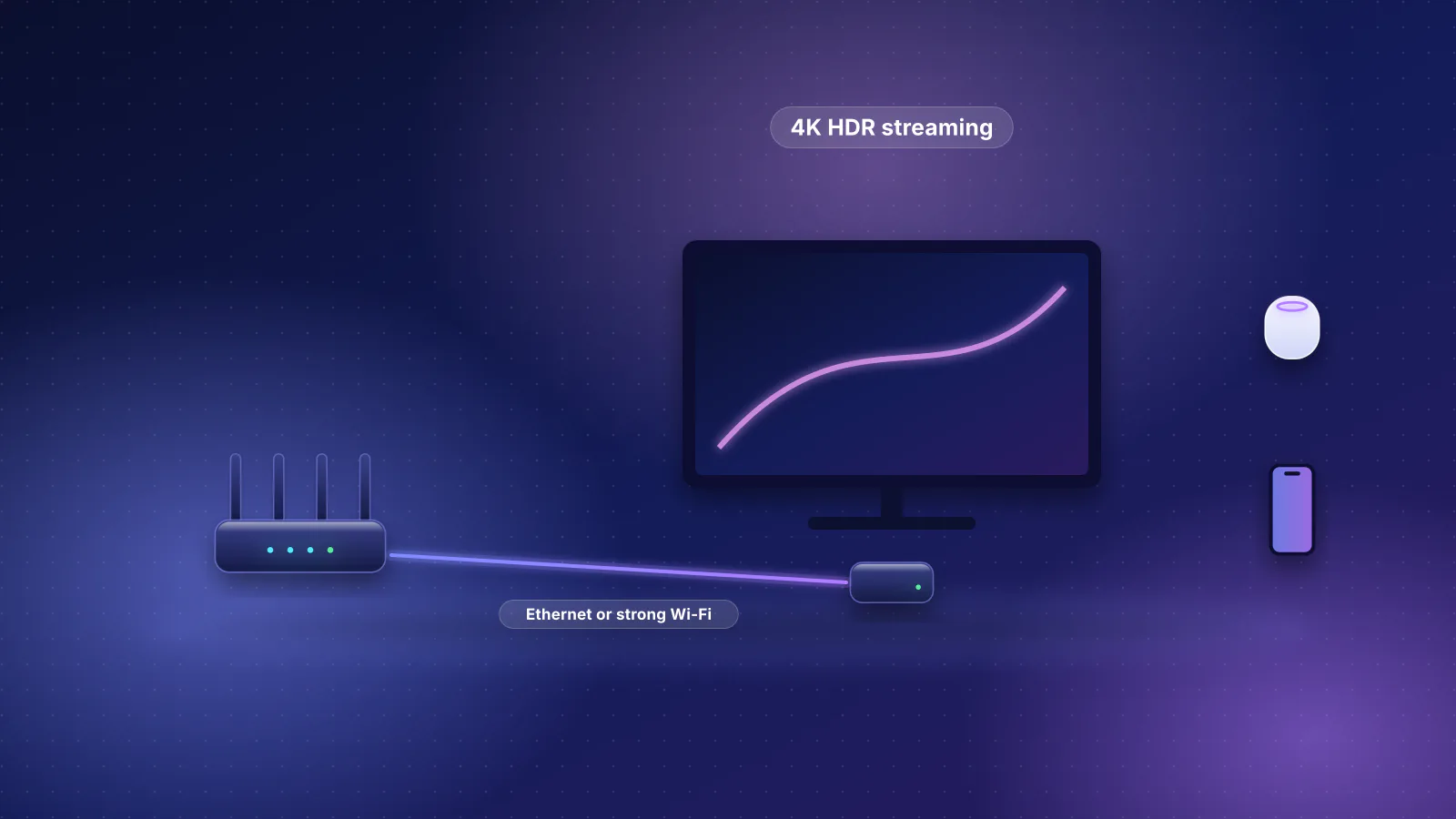
- Give each hub a strong Wi-Fi signal or Ethernet. Apple says two bars or fewer on a HomePod's Wi-Fi indicator is weak. An Apple TV on Ethernet must be on the same network as your Wi-Fi; Apple's Thread troubleshooting even suggests switching an Ethernet-connected Apple TV hub to Wi-Fi if pairing fails.
- Choose the preferred hub deliberately. If one hub has the best connection, select it in Home Hubs & Bridges rather than leaving it to automatic selection.

Reliability checklist
- Update everything: iPhone, hubs (Apple asks for the latest software) and accessory firmware through the maker's app.
- Check the hub: Home Settings, Home Hubs & Bridges should show a connected active hub, and for Thread accessories it should be a Thread-capable model.
- One network, sensible settings: phones, hubs and accessories on the main network, and nothing from the router-settings table above switched on against them. Keep Apple's basics too: WPA3 or WPA2/WPA3 Transitional, channels on Auto, 20 MHz on 2.4 GHz.
- Thread mesh: two or more border routers, and mains-powered Thread devices between them and the far accessories.
- For a stubborn accessory, follow Apple's order: Bluetooth on, restart the accessory, check its firmware, restart bridges and hubs, then unplug third-party Thread accessories for 5 minutes and give the Thread network 10 minutes to settle before removing and re-adding the accessory.
- If several brands fail at once, Apple's steps point at the network: confirm your iPhone is on the same Wi-Fi as the accessories, restart the modem and router, then hubs, then accessories, and check VPN and security apps.
For the wider router-buying context for smart homes, see the smart-home section of our router guide.
Frequently asked questions
Does my Wi-Fi router need to support Thread?
No. Any Apple hub with Thread is a Thread border router, and Thread runs separately from your Wi-Fi. Some routers and mesh systems include a border router too (eero lists Thread 1.3.0 border routing on its recent models), which can add coverage if it joins the same Thread network as your Apple hubs. What your router does need is to let your hubs, iPhone and accessories see each other on one network.
Do I need IPv6 from my internet provider for Matter?
No. Matter needs IPv6 inside your home, which devices set up on their own. Home Assistant's documentation says no IPv6 internet connection or DHCPv6 server is required, and Thread 1.4 border routers can reach IPv4-only services through NAT64.
Why does my iPhone say Thread Border Router Required?
Either no Thread-capable hub is set up, or the accessory can't reach it. Check that your Apple TV model has Thread (the 64 GB Wi-Fi-only 2022 model doesn't), that it's in a room in the Home app, and that it's on the same network as your iPhone. Apple also suggests restarting the hub and, if it's on Ethernet, trying Wi-Fi.
How many Thread border routers should I have?
At least two on the same Thread network once you rely on Thread accessories, placed apart. The Thread Group describes multiple border routers as redundant: if one fails, the others keep the mesh connected. Mains-powered Thread devices between them extend coverage.
Will a Wi-Fi 7 router make my smart home more reliable?
Not by itself. Many smart-home devices use 2.4 GHz Wi-Fi or Thread, so coverage at the device, router settings and enough Thread border routers matter far more than the router's Wi-Fi generation.
Sources
Read on October 21, 2026.
- Apple Support: Update Apple Home
- Apple Support: Set up your HomePod, HomePod mini, or Apple TV as a home hub
- Apple Support: Pair and manage your Matter accessories and iPhone User Guide: Set up accessories with Home
- Apple Support: If you see a "Thread Border Router Required" or "Needs Thread Network" alert
- Apple Support: If your HomeKit or Matter accessory isn't responding in the Home app
- Apple Support: If you can't add a smart home accessory to the Home app
- Apple Support: If HomePod has a "Network Issue" or "No Internet" and If Apple TV has a "Network Issue" or "No Internet"
- Apple Support: Recommended settings for Wi-Fi routers and access points
- Apple: Apple TV 4K technical specifications, HomePod mini 2 technical specifications and Apple HomeView technical specifications
- Apple Support: Identify your Apple TV model and Apple security releases
- Apple Newsroom: Introducing Apple Home Collection (October 13, 2026), Meet Apple HomeView and Apple announces the next generation of HomePod mini
- Apple Developer: Matter Accessory Best Practices for Apple Home, Developer Preview 1.5 (October 7, 2025, PDF)
- OpenThread: OpenThread Border Router, Node roles and types and Border Routing Manager
- Thread Group: Thread Border Router white paper (July 2022, PDF)
- Thread Group: Thread 1.4 Features white paper (September 2024, PDF) and Thread 1.4 release announcement, and Q1 2025 newsletter (release date)
- Allion Labs (Thread Group authorized test lab): Thread certification
- MacRumors (press, June 13, 2025): Apple TV Thread 1.4 update coming in tvOS 26 this fall
- eero: What is Thread? and Can I set my eeros to use the 2.4, 5, or 6 GHz frequency?
- Matter SDK documentation: Device discovery from a host computer (mDNS scanning)
- Home Assistant: Matter integration documentation
- RFC 4861: Neighbor Discovery for IP version 6 and RFC 6762: Multicast DNS
- ASUS: How to set up the AP Isolated feature and How to configure the guest network to deny access to the internal network
- Ubiquiti: Managing broadcast traffic with UniFi