The short version
- The job changes from "Wi-Fi everywhere" to "separation and uptime". A shop needs guests, staff devices, card terminals and cameras on separate networks, a backup internet line that takes over without anyone touching it, and an admin login the business owns.
- Separation needs VLANs end to end. The router, access points and every switch must carry them; an unmanaged switch or a Wi-Fi-only guest network leaves wired devices together. Several vendors also leave isolation off until you turn it on.
- Failover keeps the shop online, but it doesn't keep calls up. Connections that move to the backup line come from a different public address and have to reconnect. Make the backup a different technology, and put the network on backup power.
- The shortlist is wired gateways plus access points. Of the 22 current gateways in our catalog, 21 document VLANs, but only 7 are also recorded with management that doesn't need a cloud account. Two shortlists below, split at $300, add failover ports, PoE and IDS/IPS figures.
- Payment rules: the PCI Security Standards Council calls segmentation "not a PCI DSS requirement" but strongly recommends it, and says a flat network puts everything in scope. This article isn't compliance advice. Your acquirer or payment provider decides what you have to validate.
The requirements checklist, mapped to catalog fields
The RouterHaus catalog (published in full at /data, checked October 20, 2026) records some requirements as fields and others only in product notes. The last column is what you still have to check.
| Requirement | Where the catalog records it | What it doesn't tell you |
|---|---|---|
| Separate networks (VLANs) | features.vlan | Whether isolation is on by default, and whether your access points and switches carry the same VLANs |
| Management without a cloud account | features.localManagement (unknown where the maker doesn't confirm it) | How many admin accounts you get, and who holds them |
| Two internet lines (failover) | wanPorts and notes such as "up to 4 WAN" | How the router decides a line is down, and whether the backup is really independent |
| VPN server (WireGuard) | features.vpnServer, features.wireguard, VPN figures under throughput | Whether your backup line accepts incoming connections at all |
| IDS/IPS (intrusion detection and prevention) | throughput entries of kind ids-ips, the maker's figure | Test conditions, and whether signature updates are a paid add-on |
| PoE for access points and cameras | Gateway notes; poeBudgetW for switches in the component catalog | Whether the budget covers your devices by class |
| Subscriptions | features.subscription | What happens to your networks if it ends |
| Bufferbloat control (SQM) | features.sqm | Speed limits: Ubiquiti doesn't recommend its Smart Queues at 300 Mbps or more |
Two catalog counts (current models, catalog checked October 20, 2026):
- Gateways (no built-in Wi-Fi): 21 of the 22 document VLANs. Only 7 of those 21 also have
localManagementrecorded as documented: three from Netgate, two ASUS ExpertWiFi and two TP-Link Omada. For the nine Ubiquiti and five Firewalla gateways the catalog leaves it unknown (Ubiquiti documents local sign-in but not account-free setup; Firewalla requires its app). 15 of the 22 publish an IDS/IPS throughput figure. - Wi-Fi routers: 16 of the 58 document VLANs, and 12 document VLANs and local management together: five MikroTik, four ASUS, two Synology and one GL.iNet.
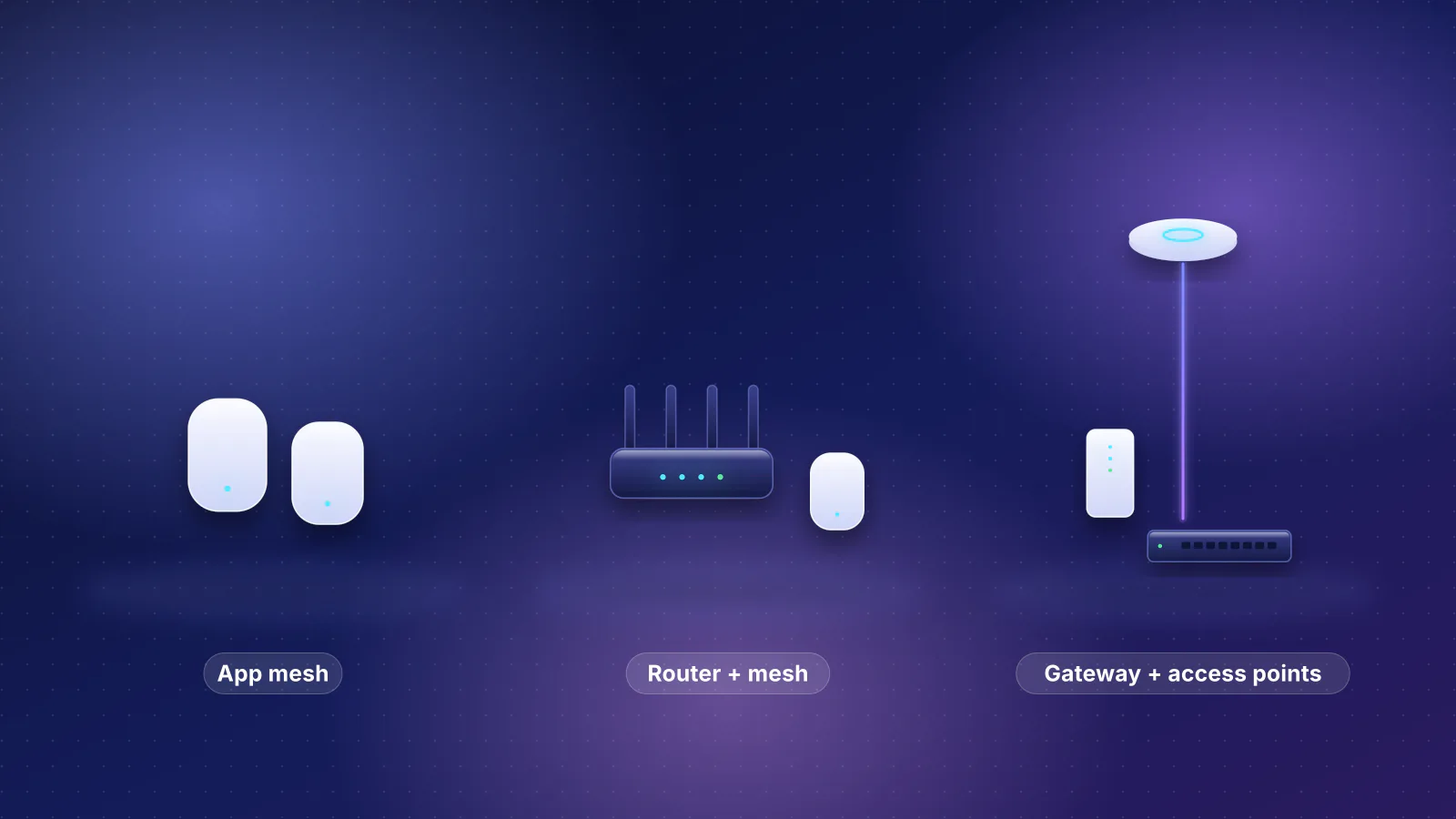
That's why the shortlists are gateways. An all-in-one router can serve one small room; a shop with a back office, sales floor and cameras usually needs a gateway, a PoE switch and ceiling access points (see mesh vs a router plus access points). Our coverage rule (about 1,000 sq ft per access point behind block, brick or stucco) applies to shops too.

Keeping guests and card terminals apart
What the payment-card industry's standards body says (documents read October 29, 2026):
- Segmentation is recommended, not required. The PCI Security Standards Council's scoping guidance says isolating the cardholder data environment (CDE) "is not a PCI DSS requirement", but it is "strongly recommended" because it may reduce an assessment's scope and cost. "In a flat network, all systems are in scope if any single system stores, processes, or transmits account data."
- Separate segments aren't automatically segmentation. "The existence of separate network segments alone does not automatically create PCI DSS segmentation." The guidance calls for "purpose-built controls" and gives firewall and router configurations as common examples.
- Guest Wi-Fi gets its own network. The Council's guide for small merchants: "If your shop offers free Wi-Fi for your customers, make sure you use another network for your payment system (this is called 'network segmentation')."
- Wireless sits behind a control. In the SAQ D self-assessment questionnaire for merchants, requirement 1.3.3 says network security controls are installed "between all wireless networks and the CDE", with wireless traffic into the CDE "denied by default". Where segmentation is used, requirement 11.4.5 calls for penetration tests of the segmentation controls at least once every 12 months and after changes. (Quoted from the v4.0 questionnaire; the Council's document library lists v4.0.1, October 2024, as the current version.)
The scoping guidance says it "does not address PCI DSS compliance" and sends merchants to their acquirer (merchant bank) or the card brands. Which questionnaire applies, if any, depends on how your terminals connect; ask your payment provider before you design around a requirement.
How each vendor documents separation
From each vendor's support documentation, checked October 29, 2026.
| Vendor | How you separate guests and the checkout | Isolated by default? | Watch for |
|---|---|---|---|
| UniFi (Ubiquiti) | A virtual network (VLAN) per group, mapped to Wi-Fi or switch ports; for public Wi-Fi, Network Isolation, Client Device Isolation and switch Device Isolation (ACL) | No: isolation is an optional setting per network, and VLANs don't assign devices automatically. A Hotspot isolates its clients, for one Wi-Fi network or, with the zone-based firewall in UniFi Network 9.0 and later, a whole VLAN. | Per-password VLANs (PPSK) aren't available on 6 GHz networks. |
| TP-Link Omada | A Guest Network checkbox on the Wi-Fi network (Omada Controller 5.9 and later); VLANs for wired ports | Yes for guest Wi-Fi: guests "can access the internet but cannot access or download the internal network resources" | Covers Wi-Fi only; wired separation is VLANs plus gateway rules. |
| ASUS ExpertWiFi | Self-Defined Networks: up to five Wi-Fi networks (employee, guest, IoT, VPN and other types), each with a VLAN you can assign to LAN ports | For the guest network, yes: "Access intranet" is off by default. Port Isolation in a VLAN profile blocks devices in the same VLAN from each other. | VLAN settings are only in the web interface, not the app. SDNs work only on ExpertWiFi routers. |
| pfSense (Netgate) | A VLAN or spare port as its own interface, with DHCP and rules | Yes, until you add rules: a new interface has none, "so the firewall will block all traffic". Netgate's isolated pattern allows DNS and ping to the firewall, rejects everything else to the firewall and to all private (RFC 1918) networks, and allows the internet. | "Do not rely on shortcuts such as using policy routing to isolate clients." |
| MikroTik | VLAN interfaces and bridge VLAN filtering; a virtual AP per VLAN | No: you restrict access between VLANs "by using Firewall" rules you write | VLAN filtering is "highly recommended due to security reasons" and can turn off hardware offloading on some switch chips. |
| eero Business | Main, Guest, Business and IoT Wi-Fi networks; eero puts point-of-sale systems on the Business network | Yes: "all wifi networks are isolated from each other", and on the Guest and IoT networks "no two devices can talk to each other" | A subscription (see the fit table). If it ends, the Business and IoT networks stop and their devices "may be connected automatically to the main network". We found nothing on assigning a wired port to one. |
Three practical rules follow:
- Check isolation is actually on. From a guest device, try to ping another guest device (TP-Link's own check), a staff PC and the router's login page. All three should fail.
- Mind client isolation. On eero's IoT network a camera can't reach a recorder on the same network. Decide where the recorder lives first.
- Keep smart speakers and screen-sharing TVs with the phones that control them (see our Apple Home and Matter guide): usually the staff network.
More depth: our eero, ASUS and UniFi comparison and work-from-home network security.
Failover: what a second line can and can't do
In failover, one line carries everything and the other waits; in load balancing, new connections are spread across both. Vendor documentation, checked October 29, 2026:
| Vendor | Modes | How it decides a line is down | Worth knowing |
|---|---|---|---|
| UniFi | Failover or load balancing on up to eight WANs, limited by the ports (one stays LAN) | Default "Auto" check: a ping to ping.ui.com and DNS lookups through 1.1.1.1 and 8.8.8.8; a line is down when two of the three fail. Custom checks can trigger on packet loss, latency or jitter. | A UniFi LTE backup uses a LAN port, outside the WAN limit. Policy-based routing can pin guest Wi-Fi or cameras to one line. |
| TP-Link Omada | Load balancing by weight; Link Backup in Failover or Timing (scheduled) mode | Online Detection: Auto uses a DNS lookup; Manual lets you set ping and DNS targets | TP-Link's standalone-mode guide says Link Backup "won't work normally" unless load balancing is enabled. With two main lines, the backup can start when any one fails or only when all fail. |
| pfSense (Netgate) | Gateway groups in up to five tiers: same tier shares load, higher tiers wait | A pinged monitor IP per line; triggers are packet loss, high latency, either, or link down | Best practice is a failover group as the firewall's default gateway. Two cable modems from one provider that share a gateway address need an extra NAT device in front of all but one. |
| MikroTik | Default routes with different distances (priorities) | Recursive routes that ping chosen internet hosts (public DNS servers in MikroTik's example) | With two hosts per line, the switch happens "only if all the gateways become unreachable". |
| eero | Hotspot Backup: up to eight backup Wi-Fi networks or phone hotspots. eero Signal, a cellular backup, includes 100 GB of backup data a month with eero Business. | Not documented | Hotspot Backup comes with eero Plus, eero Business or some provider and Ring plans, and is free "for a limited time" for retail buyers. eero "does not guarantee zero disruption". |
- Calls and VPN tunnels reconnect; they don't carry on. A connection that moves to the other line arrives from a different public address, and Netgate warns that some sites, "banks and other security-minded sites", break when a client's address changes between connections. Expect a dropped call or a re-login.
- The backup should fail differently: not the same provider or the same cable into the building. Cellular or fixed wireless usually is. Catalog options: a USB modem on the ASUS ExpertWiFi and Omada gateways, a built-in 5G modem on the UniFi Dream Router 5G Max (certified with AT&T and T-Mobile; Verizon wasn't supported when the catalog checked), or a provider's own gateway on an Ethernet WAN port.
- The backup line may not accept incoming connections. T-Mobile says its home internet gateways "do not have the ability to enable and disable NAT/port forwarding", and Starlink's default carrier-grade NAT policy "does not allow inbound traffic", so a VPN server reached from outside may stop working during a failover. See CGNAT explained.
- Avoid double NAT on the main line. If your provider installed a gateway, use bridge mode or IP passthrough so your router gets the public address; see bridge mode vs IP passthrough.
Sizing PoE for access points and cameras
RouterHaus's planner counts PoE the way switches allocate it, by class: 15.4 W per 802.3af (Class 3) port, 30 W per 802.3at (PoE+) port, 60 W per 802.3bt Type 3 port, with cameras assumed to be Class 3 (see methodology). A typical storefront, as arithmetic: two PoE+ ceiling access points (2 × 30 W = 60 W) and four Class 3 cameras (4 × 15.4 W = 61.6 W) need 121.6 W. Against the budgets the makers publish:
| Device | PoE budget | Covers 121.6 W? |
|---|---|---|
| ASUS ExpertWiFi EBG19P (gateway) | 123 W across 8 PoE+ ports | Yes, with 1.4 W to spare |
| UniFi Dream Machine SE (gateway) | 180 W (PoE and PoE+) | Yes, with 58.4 W to spare |
| eero PoE Gateway | 100 W pooled | No, and it has no VLANs of your own |
| UniFi Cloud Gateway Fiber / Gateway Fiber | 30 W (the Gateway Fiber on one PoE+ port) | No: one access point at most |
| TP-Link Omada SG2008P (switch) | 62 W across 4 PoE+ ports | The two access points (60 W) or the four cameras (61.6 W), not both |
| UniFi Switch Lite 8 PoE (switch) | 52 W across 4 PoE+ ports | One access point and one camera (45.4 W) or three cameras (46.2 W) |
Counting by class is deliberately cautious: a switch that allocates by measured draw may power more, but makers rarely say which way theirs works. See also PoE budgets for access points.
Supportability: who can fix it on a Saturday
- Own the admin login. The business, not the installer or one employee, should hold it. The catalog records one administrator account for ASUS's ExpertWiFi gateways. On eero, transferring the network to a new owner ends eero Business and its extra networks.
- Local access during an outage. Ubiquiti's local-management guide covers managing UniFi from a browser or the UniFi app on the local network "for instances when users experience an Internet outage", with a default username of admin for local-only deployments. pfSense and ASUS ExpertWiFi have local web interfaces. Omada gateways have a standalone web interface (the app and cloud access need an Omada controller). Firewalla needs its app.
- Who answers the phone. Internet providers generally support only the equipment they supply (see our guide to owning your network), so you rely on the maker. Netgate includes TAC Lite support and sells paid tiers (per the catalog). For update policies, see how long eero, ASUS and Ubiquiti support their gear.
- Write it down. A one-page record of VLANs, ports, Wi-Fi names and the failover setup lets someone else take over, and is a starting point for the network diagram that SAQ D requirement 1.2.3 asks merchants to keep accurate, showing all connections between the CDE and other networks, including wireless ones.
Gateways at $300 or less
The rule for both tables: every current catalog gateway that documents VLANs and is recorded with two or more ports usable as WAN, in its port list or notes ("up to 4 WAN"). This one takes catalog prices of $300 or less, with Ubiquiti's US store surcharge included as the table shows it. Left out: the TP-Link Omada ER605 (three WAN ports, but no published price), the UniFi Gateway Lite and Firewalla Purple SE (one WAN), and the Netgate 1100, whose third port is labeled OPT but for which the catalog records no multi-WAN.
| Product | Internet port | Fastest LAN port | Maker's routing, plan or wired-speed figure | Price |
|---|---|---|---|---|
| ASUS ExpertWiFi EBG15 Gateway · no Wi-Fi |
1 Gbps | 1 Gbps | Not published | $89.99 Manufacturer store price, checked October 20, 2026 |
| TP-Link Omada ER707-M2 Gateway · no Wi-Fi |
2.5 Gbps | 1 Gbps | 2.4 Gbps | $119.99 Manufacturer store price, checked October 20, 2026 |
| Ubiquiti UniFi Cloud Gateway Ultra (UCG-Ultra) Gateway · no Wi-Fi |
2.5 Gbps | 1 Gbps | Not published | $142.00 Manufacturer store price incl. US store surcharge (list $129.00), checked October 20, 2026 |
| ASUS ExpertWiFi EBG19P Gateway · no Wi-Fi |
1 Gbps | 1 Gbps | Not published | $179.99 Manufacturer store price, checked October 20, 2026 |
| Ubiquiti UniFi Cloud Gateway Max (UCG-Max) Gateway · no Wi-Fi |
2.5 Gbps | 2.5 Gbps | Not published | $219.00 Manufacturer store price incl. US store surcharge (list $199.00), checked October 20, 2026 |
| Ubiquiti UniFi Gateway Max (UXG-Max) Gateway · no Wi-Fi |
2.5 Gbps | 2.5 Gbps | Not published | $219.00 Manufacturer store price incl. US store surcharge (list $199.00), checked October 20, 2026 |
Gateways over $300
Same rule, catalog price above $300: multi-gig ports, rack mounting, bigger PoE budgets or higher IDS/IPS figures.
| Product | Internet port | Fastest LAN port | Maker's routing, plan or wired-speed figure | Price |
|---|---|---|---|---|
| Ubiquiti UniFi Cloud Gateway Fiber (UCG-Fiber) Gateway · no Wi-Fi |
10 Gbps | 10 Gbps | Not published | $307.00 Manufacturer store price incl. US store surcharge (list $279.00), checked October 20, 2026 |
| Ubiquiti UniFi Gateway Fiber (UXG-Fiber) Gateway · no Wi-Fi |
10 Gbps | 10 Gbps | Not published | $307.00 Manufacturer store price incl. US store surcharge (list $279.00), checked October 20, 2026 |
| Ubiquiti UniFi Dream Machine Pro (UDM-Pro) Gateway · no Wi-Fi |
10 Gbps | 10 Gbps | Not published | $417.00 Manufacturer store price incl. US store surcharge (list $379.00), checked October 20, 2026 |
| Firewalla Gold SE Gateway · no Wi-Fi |
2.5 Gbps | 2.5 Gbps | Not published | $529.00 Manufacturer store price, checked October 20, 2026 |
| Ubiquiti UniFi Dream Machine Special Edition (UDM-SE) Gateway · no Wi-Fi |
10 Gbps | 10 Gbps | Not published | $549.00 Manufacturer store price incl. US store surcharge (list $499.00), checked October 20, 2026 |
| Netgate 2100 BASE pfSense+ Security Gateway Gateway · no Wi-Fi |
1 Gbps | 1 Gbps | 2.2 Gbps | $599.00 Manufacturer store price, checked October 20, 2026 |
| Firewalla Gold Plus Gateway · no Wi-Fi |
2.5 Gbps | 2.5 Gbps | Not published | $649.00 Manufacturer store price, checked October 20, 2026 |
| Ubiquiti UniFi Dream Machine Pro Max (UDM-Pro-Max) Gateway · no Wi-Fi |
10 Gbps | 10 Gbps | Not published | $660.00 Manufacturer store price incl. US store surcharge (list $599.00), checked October 20, 2026 |
| Firewalla Gold Plus SFP Gateway · no Wi-Fi |
10 Gbps | 10 Gbps | Not published | $829.00 Manufacturer store price, checked October 20, 2026 |
| Netgate 4200 MAX pfSense+ Security Gateway Gateway · no Wi-Fi |
2.5 Gbps | 2.5 Gbps | 8.8 Gbps | $829.00 Manufacturer store price, checked October 20, 2026 |
| Firewalla Gold Pro Gateway · no Wi-Fi |
10 Gbps | 10 Gbps | Not published | $999.00 Manufacturer store price, checked October 20, 2026 |
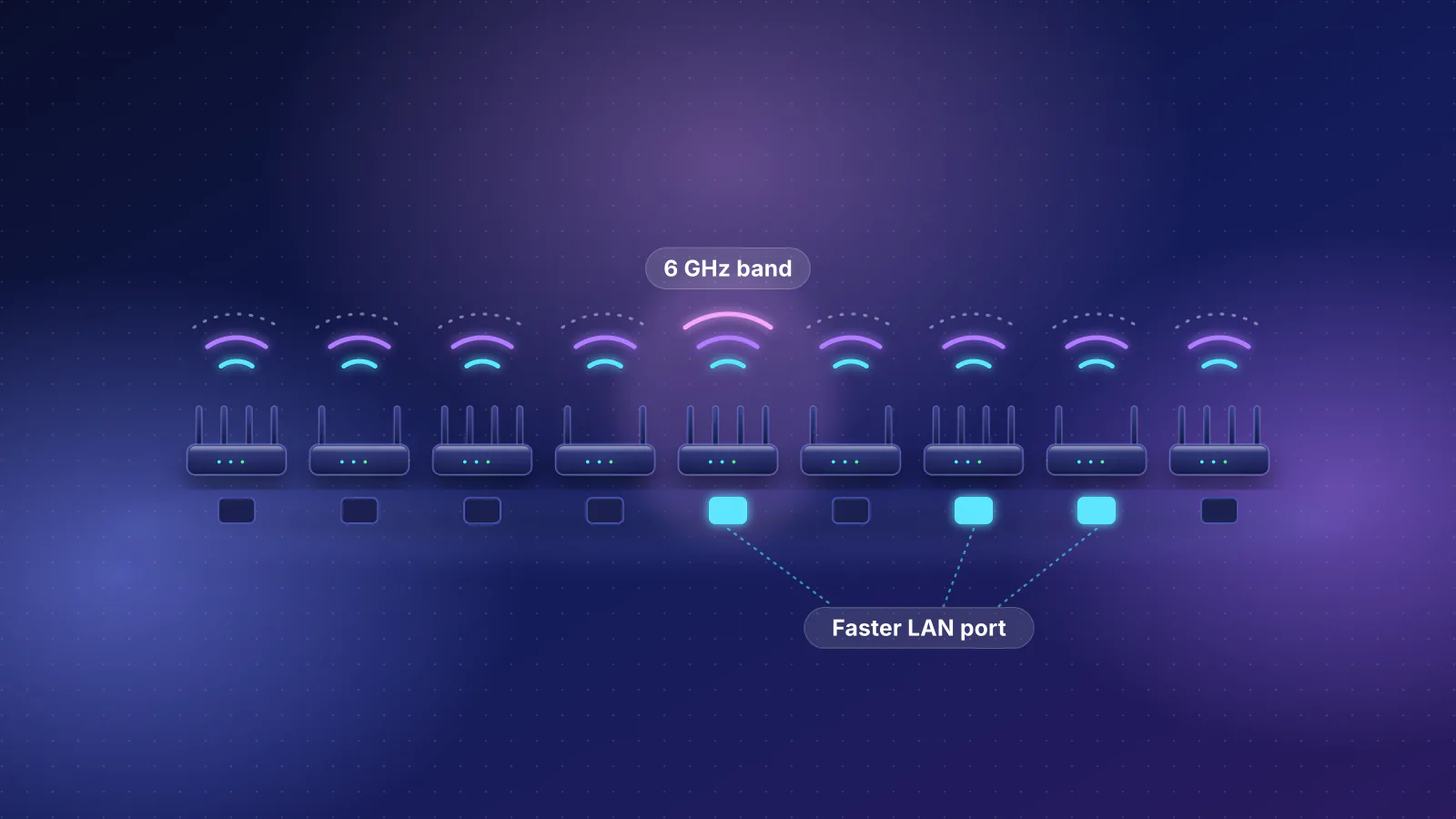
Ports labeled WAN/LAN count as internet ports in the catalog, so "Fastest LAN port" can understate a model: the ER707-M2's second 2.5 Gbps port is WAN/LAN. Netgate's 2.2 Gbps figure for the 2100 is an L3 forwarding test (iPerf3) on a gateway whose ports are all 1 Gbps, so it isn't one connection's speed; Netgate doesn't say how ports or directions were combined. What the tables don't show, from the catalog:
| Gateway | Ports usable as WAN | IDS/IPS figure (maker's) | Management and mounting |
|---|---|---|---|
| ASUS ExpertWiFi EBG15 | 3, plus USB backup | IPS included free (AiProtection Pro); no figure | Local web interface and app |
| TP-Link Omada ER707-M2 | Up to 6 (one WAN/LAN port stays LAN), plus USB LTE backup | 1,552 Mbps TCP, 1,206 Mbps UDP | Standalone web interface; desktop, rack or wall |
| UniFi Cloud Gateway Ultra | Up to 4 | 1 Gbps | Built-in UniFi controller |
| ASUS ExpertWiFi EBG19P | 3, plus USB backup | IPS included free; no figure | Local web interface and app; 123 W PoE |
| UniFi Cloud Gateway Max | Up to 4 | 2.3 Gbps | Built-in controller; price depends on storage option |
| UniFi Gateway Max | Up to 4 | 2.3 Gbps | No built-in controller: needs a CloudKey, UniFi hosting or UniFi OS Server |
| UniFi Cloud Gateway Fiber | Up to 6 | 5 Gbps | Built-in controller; 30 W PoE |
| UniFi Gateway Fiber | Up to 6 | 5 Gbps | No built-in controller; one 30 W PoE+ port |
| UniFi Dream Machine Pro | Up to 8 | 3.5 Gbps | Rack-mount; recorder drive bay |
| Firewalla Gold SE | Any port | 2 Gbps | Firewalla app required |
| UniFi Dream Machine SE | Up to 8 | 3.5 Gbps | Rack-mount; 180 W PoE |
| Netgate 2100 | LAN ports can be repurposed as WAN | Not published (Snort and Suricata are add-on packages) | Local web interface |
| Firewalla Gold Plus | Any port | 5 Gbps with link aggregation, 2.4 Gbps on one port | Firewalla app required |
| UniFi Dream Machine Pro Max | Up to 8 | 5 Gbps | Rack-mount |
| Firewalla Gold Plus SFP | Any port | 5 Gbps | Firewalla app required; rack ears "coming November 2026" |
| Netgate 4200 | Any of 4 ports (single or dual WAN, or high availability) | Not published | Local web interface |
| Firewalla Gold Pro | Any port | 10 Gbps | Firewalla app required |
Compare the IDS/IPS column with your plan speed: our planner rules a setup out when you ask for IDS/IPS and the published figure is more than 10% below your plan. Firewalla defines its figure as full IDS/IPS with three regions blocked and a 1,000-entry rule; Ubiquiti and TP-Link state no conditions. Ubiquiti's optional CyberSecure (Proofpoint threat signatures) is from $99 per unit, billed annually, on its US store (checked October 29, 2026). For other add-ons, see router subscriptions compared; for choosing among Ubiquiti's gateways, see which UniFi gateway fits.
Which kind of setup fits which business
| Business | Setup that fits | Why | Caveat |
|---|---|---|---|
| A café or salon that wants nothing to manage | eero with eero Business | Guest, Business and IoT Wi-Fi networks isolated from each other, a captive portal, cellular backup with eero Signal | App-only. $299.99 a year in eero's support article, but $199.99 a year (an "early access rate") on its business bundles, both checked October 29, 2026. Up to 50 employees (eero's device and floor-area limits differ between pages). Wi-Fi-only separation that stops if the subscription lapses. |
| A shop with wired registers, ceiling access points and a few cameras | A gateway, a managed PoE switch and access points from one system (UniFi, Omada or ASUS ExpertWiFi) | VLANs follow the Wi-Fi networks and the switch ports, all from one interface | Check the PoE budget by class, and turn isolation on where it isn't the default |
| An office with an IT-minded owner or a consultant | pfSense (Netgate) or MikroTik, with access points that support VLAN tagging | pfSense blocks a new network until you add rules; detailed multi-WAN options; no subscription required on Netgate hardware (per the catalog) | Advanced to set up; our planner rates both as advanced |
| An office that wants managed security from a phone | Firewalla | IDS/IPS figures published, multi-WAN on any port | App required; local management unconfirmed in the catalog |
Still choosing a kind of equipment? Start with our router buying guide; for cabling and a back-office rack, see what goes in a network closet.
Frequently asked questions
Is my provider's gateway guest network good enough for a card terminal?
Check before relying on it. A guest network is usually a Wi-Fi feature, so a wired terminal plugged into the gateway sits on the main network unless the gateway can assign that port to a separate network. Ask your payment provider how its terminal should connect, and use a router or gateway whose VLANs reach the terminal's port.
Do I need a business router to be PCI compliant?
No router makes a business compliant, and this article isn't compliance advice. Segmentation can shrink what an assessment covers, but the Council doesn't require it; your acquirer or payment provider tells you what you need to validate.
Will two internet lines double my speed?
Not for any single download. Load balancing spreads separate connections across the lines, but each session stays on one line until it ends. Many devices at once can use the combined capacity.
Sources
Read on October 29, 2026. Product specifications, PoE budgets and prices are from the RouterHaus catalog, checked October 20, 2026.
- PCI Security Standards Council: Information Supplement, Guidance for PCI DSS Scoping and Network Segmentation (December 2016, PDF)
- PCI Security Standards Council: Data Security Essentials for Small Merchants, Guide to Safe Payments (version 3.0, April 2024, PDF)
- PCI Security Standards Council: Self-Assessment Questionnaire D for Merchants, PCI DSS v4.0 (April 2022, PDF) (requirements 1.2.3, 1.3.3 and 11.4.5) and Document Library: SAQs (lists SAQ D Merchant v4.0.1, October 2024, as current)
- Ubiquiti: Best practices, guest WiFi and UniFi hotspots and captive portals
- Ubiquiti: Creating virtual networks (VLANs)
- Ubiquiti: WAN failover, load balancing and port remapping on UniFi gateways
- Ubiquiti: UniFi local management and UniFi gateway Smart Queues
- Ubiquiti store: CyberSecure
- Ubiquiti tech specs: Dream Machine SE, Cloud Gateway Fiber, Gateway Fiber and Switch Lite 8 PoE (PoE budgets)
- TP-Link Omada: How to configure a guest network on an Omada controller and SG2008P (62 W PoE budget)
- TP-Link Omada: Differences and similarities between load balancing and link backup and How to configure link backup on Omada gateway in standalone mode
- ASUS: What is a Self-Defined Network (SDN)?, How to set up a guest portal in an SDN, How to set VLAN on an ExpertWiFi router and ExpertWiFi EBG19P (123 W PoE)
- Netgate: Configuring an OPT interface as an additional LAN (isolated guest network rules)
- Netgate: Load balancing and failover with gateway groups, Multi-WAN terminology and concepts and Multi-WAN caveats and considerations
- MikroTik: Failover (WAN backup) and VLANs on wireless
- eero: What is eero Business?, How do I get started with eero Business?, eero for Business (bundle pricing, eero Signal) and eero PoE Gateway (100 W pooled)
- eero: What is eero Hotspot Backup?
- T-Mobile: Connect your devices to T-Mobile Home Internet (gateway settings, read from the page's expanded sections) and Starlink: What IP address does Starlink provide?
- RouterHaus catalog (features, ports, PoE budgets, IDS/IPS and VPN figures, prices)