The short version
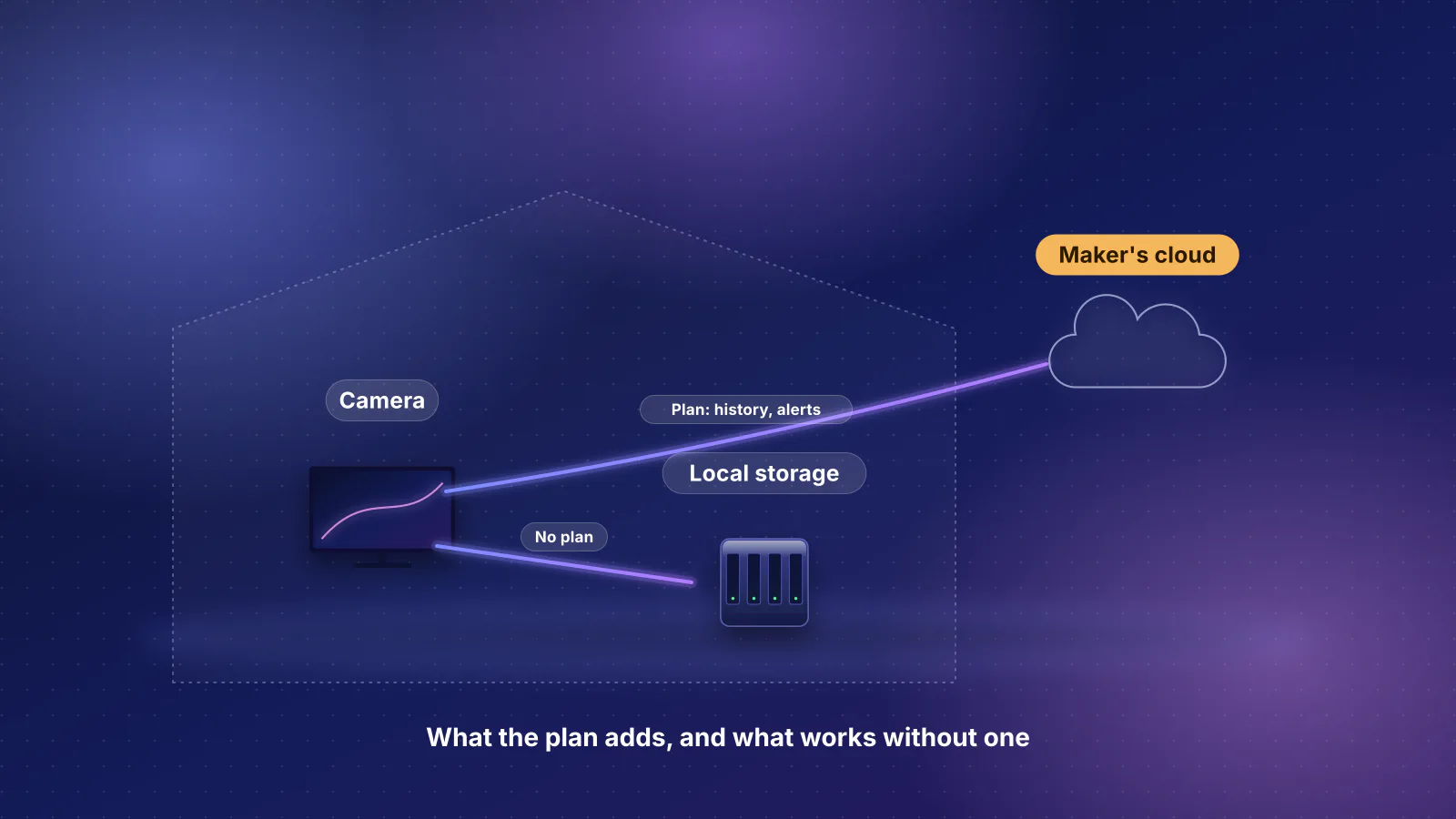
- There are three architectures, not two. Cloud-recorded cameras send their video to the maker's cloud. Cloud-managed cameras with on-camera storage, such as Verkada and Cisco Meraki MV, keep the video on the camera and use the cloud for management and viewing. NVR systems, such as UniFi Protect, Reolink, Hikvision, Axis and Hanwha Vision recorders, keep video on a recorder on site.
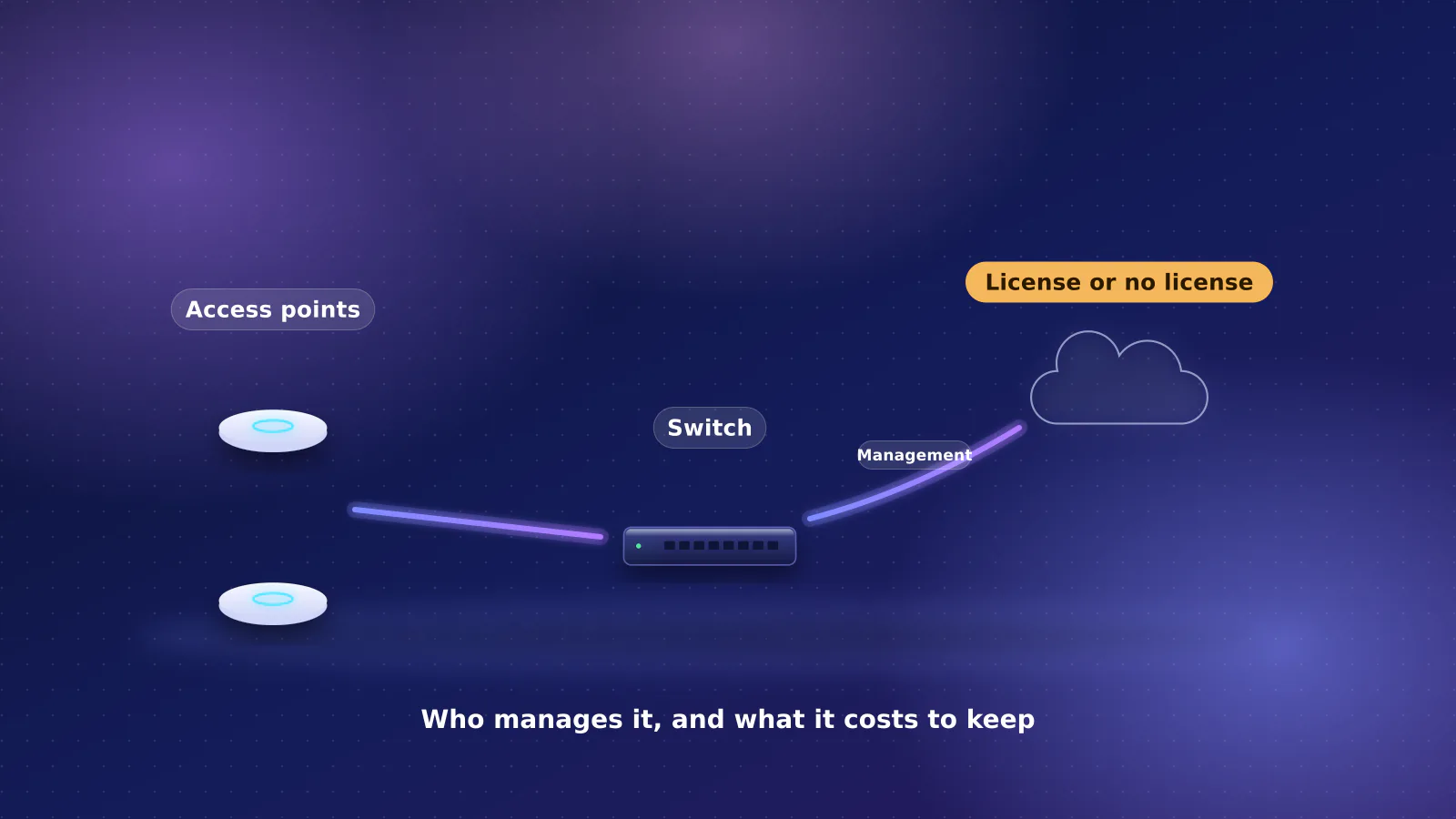
- Licensing follows the architecture. Verkada's licensing page calls for "One camera license per Verkada camera," and Meraki's licensing FAQ says "every Meraki hardware component requires a cloud license to be managed." Ubiquiti says UniFi Protect licensing is "$0" whether you run 4 cameras or 4,000 (its wording, read November 27, 2026). Reolink calls its cloud subscription "optional." Axis and Hanwha license recording software per device, with licenses bundled on some of their own recorders.
- Upload depends on where the recordings go. Cameras that record on site use upload only for remote viewing, alerts and any cloud copy you turn on. Continuous cloud recording uses upload all day: Meraki lists "up to 3 Mbps" per camera for its Cloud Archive add-on. See how much bandwidth security cameras use for the per-model figures.
- An internet outage hits each one differently. Meraki says MV cameras "will continue to record, even if they lose access to the network, as long as they have power," and Verkada says its cameras can "store footage in onboard storage without internet access." Remote viewing stops for every type. A purely cloud-recorded camera depends on whatever local buffer its maker builds in.
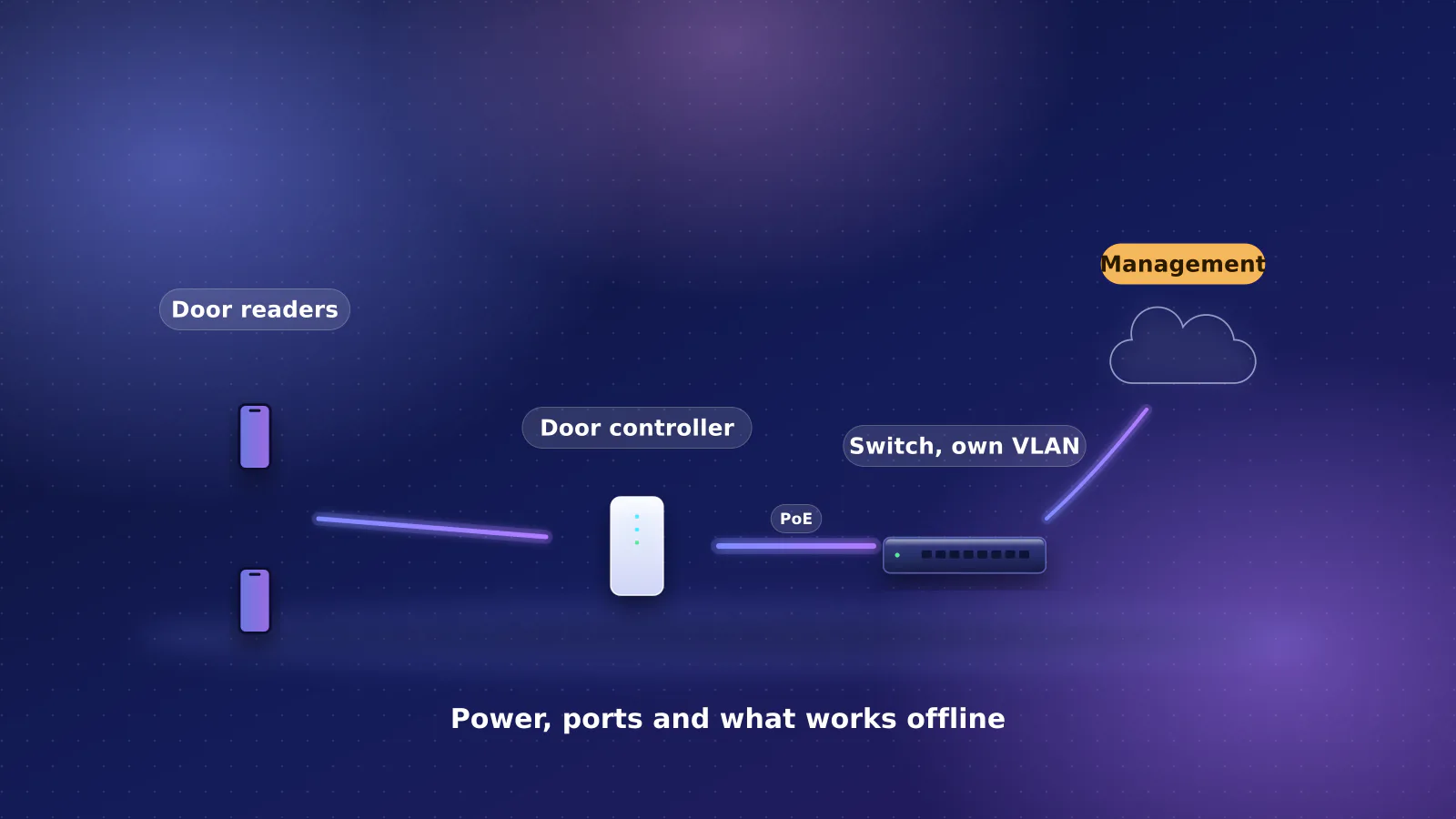
- The network is the same for all of them: wired PoE where you can, a separate VLAN for cameras, and no port forwarding to the recorder.
This article is about choosing the architecture. For licensing logic across business Wi-Fi platforms, which follows the same pattern, see business Wi-Fi licensing compared.
The three architectures
Every entry below is from the maker's own pages, read November 27, 2026. Brands are examples of each design, not picks.
| Cloud-recorded | Cloud-managed, on-camera storage | Local recorder (NVR or VMS) | |
|---|---|---|---|
| Examples | Google Nest cameras with video history | Verkada, Cisco Meraki MV | UniFi Protect, Reolink NVRs, Hikvision NVRs, Axis recorders and AXIS Camera Station, Hanwha Vision Wisenet WAVE |
| Where footage lives | The maker's cloud | On each camera; an optional cloud copy | On the recorder's drives (or a camera's SD card); an optional cloud or NAS copy |
| Managed from | The maker's app | The maker's cloud dashboard | The recorder or VMS on site, usually with a maker app or portal for remote access |
| Internet upload | Continuous or per event, all recordings | Small at rest (Verkada lists 20 to 50 kbps); more for remote viewing and any cloud copy | Remote viewing, alerts and any cloud copy |
| License | Depends on the maker; Google ties cloud history length to the model and a Google Home Premium subscription | Yes, per camera, for a term | Varies: none for UniFi Protect; per-device software licenses for some VMS platforms, some of them perpetual |
Cloud-recorded cameras
Google's Nest page is a clear example of the design: "All Google Nest cameras and doorbells can securely upload and save video in the cloud," and to do it "Your camera needs to be connected to both Wi-Fi and the Nest service." With 24/7 history, Google says all footage is saved to the cloud while the camera is powered and streaming. Of the three designs, it's the one that sends every recording over the site's upload. Some makers add a local buffer for outages; Google's is described in the offline section below.
Cloud-managed cameras that store video on the camera
Verkada. Verkada says "Verkada's standard camera option includes enough on-camera storage capacity for 30 days of continuously recorded video," with models offering 60, 90, 120 and 365 days. When storage fills, the camera "will progressively delete the oldest footage." Video isn't stored in the cloud by default. With cloud backup turned on, Verkada says "Every Verkada camera comes with 30 days worth of free cloud backup storage" (15 days for the CD31 and CD31-E), and you can choose to upload "All video" in Standard Quality or "Only with motion" in High Quality, on a schedule.
Cisco Meraki MV. Meraki's FAQ says "Video is stored on the camera itself," and the MV63 datasheet describes "Cloud augmented edge storage (locally stored video, metadata in the cloud)" with 256 GB, 512 GB or 1 TB depending on the model. Meraki estimates an MV32 recording 24/7 holds "up to 20 days of video storage depending on the video quality" on its 256 GB, and says the storage "cannot be removed or replaced." Cloud Archive is the optional cloud copy. Meraki's Cloud Archive page (modified September 25, 2026) says the camera then "records footage to the cloud continuously for 7, 30, 90, 180, or 365 days," and that "The on-camera recording does not change." Its MV FAQ (modified September 18, 2026) lists "storage durations of 30, 90, 180, or 365 days," without the 7-day option.
Meraki also says "The MV is designed to operate without an external recording solution," with External RTSP available to send footage to a third-party system for some uses.
Cameras that record to a recorder on site
- UniFi Protect. Ubiquiti says "All video recordings are stored locally on your UniFi OS Console, such as the UNVR or Cloud Gateway Max," and "There's no cloud backup of your video by default." Its physical security page says video archiving can export to "local or cloud storage," naming Google Drive, Dropbox, OneDrive and NAS shares.
- Reolink. Reolink describes its NVR and Home Hub as "local storage devices," "supporting large local storage options," and also lists microSD cards, a PC client, FTP and third-party recording software. The RLN8-410 spec sheet lists eight PoE camera ports and "Up to 12TB" of drive capacity.
- Hikvision. Hikvision's NVR manual covers recording schedules, a per-camera "allocated quota for storing videos," an expiry time for "a recorded file to be kept in the HDD," and an Overwrite setting that, when on, keeps writing "by deleting the oldest files." It can also add a NAS or IP SAN "as a network HDD."
- Axis. Axis offers two routes. AXIS Camera Station Edge records to "an Axis SD card" in the camera or to an AXIS S30 recorder, with a cloud storage add-on. AXIS Camera Station Pro is a "server-based VMS, with optional cloud connectivity," run on Axis recorders, third-party servers or virtual machines.
- Hanwha Vision. Hanwha's Wisenet WAVE is video management software that also runs on Hanwha's WAVE NVRs. The WRN-1632 product page lists 16 PoE ports, four drive bays and "Up to 40TB."
How much retention you get
On on-camera systems, retention is set by the camera you buy (Verkada's 30 to 365 days, Meraki's storage sizes) plus any cloud add-on. On an NVR, it's set by the drives you install and the camera settings. A quick sense of scale, as illustrative arithmetic, not a maker figure:
| One camera recording continuously at 4 Mbps | Storage (illustrative) |
|---|---|
| One day | 4 × 86,400 ÷ 8 = 43,200 MB, about 43 GB |
| 30 days | About 1.3 TB |
| Eight cameras, 30 days | About 10.4 TB |
Real bitrates vary with resolution, codec and scene, and motion-only recording stores far less. If a lease, insurer or industry rule sets a retention period, that number decides the drive size or camera model. The camera storage calculator works out recorder storage from the bitrate you record at, the days you keep and any drive redundancy. The bandwidth guide explains what sets a camera's bitrate.
What each one needs from your upload
The bandwidth guide's cloud versus local section covers the per-model figures; here's what the business systems add:
- Verkada at rest: its networking guide says cameras "typically use a small amount of bandwidth at rest (20-50 kbps)," rising toward 200 kbps with advanced analytics, and 300 Kbps to 4.5 Mbps per feed when someone streams remotely. Verkada recommends scheduling cloud backup "outside of business hours to decrease bandwidth impact."
- Meraki Cloud Archive: "Required upload bandwidth of up to 3 Mbps" per camera, continuously.
- An NVR: nothing leaves the site unless someone views remotely, an alert goes out, or a cloud copy is set up.
Illustrative arithmetic from those figures, for eight cameras: Verkada cameras at rest add up to 8 × 50 kbps = 0.4 Mbps; eight Meraki cameras with Cloud Archive add up to 8 × 3 = 24 Mbps, all day, every day. On a cable plan with a small upload, the second figure competes with card terminals and calls; on a plan with a data cap, it counts against the cap.
Licensing per camera, as each maker states it
From each maker's own pages, read November 27, 2026. None of the pages we read lists a paid license price, so we give none.
| Maker | What needs a license | Terms and lapse, as documented |
|---|---|---|
| Verkada | "One camera license per Verkada camera"; for cloud backup beyond the included days, Verkada points to its extended cloud backup option and your sales representative | "1, 3, 5, and 10-year terms," co-terminated to one date. After a 30-day grace period on an expired organization, "you will no longer have access to any of your devices or configure any settings," but "As long as your Verkada devices are still connected, they will continue to record data." |
| Cisco Meraki MV | "every Meraki hardware component requires a cloud license to be managed"; the MV licensing page lists a base camera license, with Cloud Archive and MV Sense as add-ons ("Base license is required first" for MV Sense), and Cloud Archive licenses "function as per-device licenses" | Terms depend on the license and the organization's licensing model. What a lapse does depends on the organization's licensing model; see what Meraki says happens when licenses lapse. |
| UniFi Protect | None: "Run 4 or 4,000 cameras - licensing is still $0," per Ubiquiti | Nothing to lapse; you buy the console and drives |
| Reolink | None to record locally; "Reolink subscription is not mandatory but optional" | When a cloud plan expires, Reolink says uploading stops and cloud recordings "will be erased according to the cloud video history time" |
| Axis | AXIS Camera Station Edge: "No additional cost, included with Axis device," with per-camera cloud storage at "Additional yearly cost." Camera Station Pro: "One device is one licence" | Pro on Axis recorders ships with licenses "valid for the lifetime of the recorder"; on your own hardware, 1-year or 5-year licenses |
| Hanwha Vision (Wisenet WAVE) | "One License is required to record video from a device"; live view needs no license | A Professional license "will not expire"; the Free license is time-based. The WRN-1632 NVR lists "4 x Wisenet WAVE Professional License" included |
| Hikvision | We didn't find a Hikvision page on recording licenses for its NVRs, so we don't describe one | Hik-Connect is described as a "platform service" for remote access |
The pattern matches business Wi-Fi: systems managed from the maker's cloud charge per device, for a term, for that management, while systems you run on site range from no license at all (UniFi Protect) to per-device software licenses, some perpetual (Axis on its recorders, Hanwha's Professional license). For several locations, the Wi-Fi licensing article's decision table and the multi-site cost calculator help put a yearly license next to the hardware.
What fails when the internet drops
This is from each maker's documentation; none of it was tested by RouterHaus.
| System | Keeps working | Stops |
|---|---|---|
| Google Nest (cloud-recorded) | Listed models store events "in the internal memory," up to one hour of events; Nest Cam (wired) and Nest Cam (battery) on 24/7 history "record for 8 minutes straight after they go offline," then switch to events. Saved video uploads on reconnect | Cloud recording and viewing. A camera without power records nothing |
| Verkada | Recording to onboard storage; Verkada says the camera "will index its locally stored footage once an internet connection is re-established" | "Embedded links and live-viewing links will not be accessible while the camera is offline"; thumbnails from the outage aren't indexed later |
| Cisco Meraki MV | "MV cameras will continue to record, even if they lose access to the network, as long as they have power" | Not listed as such in the FAQ. Remote viewing goes through the cloud ("the dashboard will proxy it through the cloud"), so it needs the connection |
| UniFi Protect | We didn't find a Ubiquiti page that describes a Protect system during an internet outage. Ubiquiti says "UniFi Protect handles all AI and recording on your local UNVR or Enterprise NVR," and its general UniFi local management page (which doesn't mention Protect) says "UniFi Local Management is essential for instances when users experience an Internet outage" | Not described for Protect. The same local management page says it "requires you to be connected to the local network where UniFi is running" |
| Reolink PoE cameras and NVRs | "Local Live-view (in LAN)," "Local Playback (in LAN)," "Record to SD card," audio alarm | "Remote Live-view (in WAN)," "Remote Playback (in WAN)," push notifications and email alerts |
Two things follow for every type, as explanation rather than a maker's statement. Viewing from away and alerts sent over the internet need the connection. And a camera with no power records nothing: Meraki's FAQ recommends a switch with redundant power supplies, and a UPS on the PoE switch and recorder covers short outages (sizing a UPS for PoE gear). We didn't find Hikvision, Axis or Hanwha Vision pages that describe what their systems do during an internet outage, so we don't describe it; ask the maker or your installer what records, alerts and syncs during an outage.
Remote viewing and what it asks of the network
Remote viewing is where the architectures differ most for the network, because it decides whether anything has to reach into the site from outside.
- Cloud-relayed, outbound only. Verkada says "Verkada cameras initiate communication to the cloud from within your network," so no port forwarding is needed. On the same network, Command streams directly from the camera's private address (Verkada lists port 4100 for this) instead of going through the cloud. Meraki works the same way: on the LAN, "video traffic will stream directly over the LAN, saving WAN bandwidth," and remotely "the dashboard will proxy it through the cloud."
- Maker portal or app to an on-site recorder. Ubiquiti says the client connects to the console through an encrypted channel and that Site Manager helps set it up but "does not have access to any video." Reolink's app and client add a device by its UID. Hikvision's Hik-Connect "provides mobile phone application and platform service to access and manage your connected devices."
- Port forwarding and DDNS. Hikvision's support article on viewing an NVR from a computer outside the network says the recorder must be port forwarded ("Server port, HTTP port, and RTSP port will need to be open"), and its manual describes "UPnP™ and manual mapping" for port mapping. Reolink's DDNS and port-forwarding methods need a router with a public IP address.
Two network consequences follow. First, behind carrier-grade NAT there's no public address to forward to, so port forwarding and DDNS don't work at all; how to check for CGNAT. Verkada documents that its cameras start the connection from inside the network, which is why that method needs no port forwarding; for a recorder with no maker cloud, remote access behind CGNAT compares VPN and tunnel options. Second, forwarding ports puts the recorder on the internet. In its January 30, 2024 advisory on Hitron Systems security camera DVRs (ICSA-24-030-04), CISA recommends users "Minimize network exposure for all control system devices and/or systems, ensuring they are not accessible from the internet," and "When remote access is required, use more secure methods, such as Virtual Private Networks (VPNs)," noting that VPNs need updating too. That advisory is about those DVRs; the same reasoning is why we suggest a VPN or the maker's outbound connection over port forwarding for any recorder.
Each remote stream also uses the site's upload while it plays; choosing the lower-quality stream on your phone keeps it small.
Network design: PoE, a camera VLAN and the path the video takes
- Camera Wired, powered by PoE from the switch or the NVR's own PoE ports
- PoE switch Access port on the camera VLAN; power budget covers every camera with its infrared on
- Recorder (NVR systems) Writes footage to its drives; never forwarded to the internet
- Router or firewall Blocks the camera VLAN from staff and POS networks; allows only what the maker documents outbound
- Internet upload Carries remote viewing, alerts and any cloud copy, shared with everything else at the site
- PoE. Verkada says its cameras "use Power over Ethernet (PoE) for power and communication over the LAN," with injectors where there's no PoE switch. Meraki lists the MV63 at "25.5W maximum via 802.3at PoE." Some NVRs carry their own PoE ports: Reolink's RLN8-410 lists eight at up to 25 W each, and Hanwha's WRN-1632 lists 16. Verkada warns that cameras dropping offline at night can mean the switch's budget is short, because infrared LEDs draw more power. The PoE budget worksheet sizes a switch.
- A camera VLAN. Verkada's guide recommends "a dedicated Verkada VLAN" and ACLs that block the camera network from reaching the corporate network. If cameras sit on their own VLAN and viewers on another, the router has to allow the local viewing traffic, or video falls back to the cloud relay (Verkada says routing between VLANs must work for local streaming). A sample VLAN plan and a storefront layout with POS and guest networks show the pattern.
- Firewall rules. For cloud-managed cameras, allow the maker's listed destinations rather than everything; Verkada lists its domains and ports and says not to enable SSL decryption on its traffic.
- Wire it. Ubiquiti's camera connectivity guide says weak Wi-Fi causes problems "affecting recording quality and creating gaps in footage." A camera wired with PoE takes Wi-Fi signal out of the picture.
Which architecture fits which business
The documented facts point different businesses in different directions:
| If the business... | What the documentation points to |
|---|---|
| Is one storefront with a few cameras and wants no recurring fee | A local recorder: UniFi Protect (no license, per Ubiquiti), a Reolink NVR (subscription optional), or an NVR with bundled licenses. The internet is needed only to view from away. |
| Has several locations managed from one place, without IT at each site | Cloud-managed cameras with on-camera storage (Verkada, Meraki MV), or recorders with a central portal (UniFi Site Manager, Hik-Connect, AXIS Camera Station Edge). Compare the per-camera license against running a recorder at each site. |
| Already runs Meraki networking | MV cameras are licensed and managed in the same Meraki dashboard; check the licensing model, since lapse behavior follows it. |
| Has a small or capped upload, or is behind CGNAT | Record on site (NVR or on-camera storage) and skip continuous cloud copies, or schedule them after hours as Verkada suggests. Use a maker app or VPN for remote viewing, not port forwarding. |
| Needs a copy off site in case the recorder is stolen or damaged | A cloud add-on: Verkada cloud backup, Meraki Cloud Archive, AXIS Camera Station cloud storage, Reolink Cloud (which Reolink says stays accessible after a device theft or SD card failure), or UniFi Protect's archiving to cloud storage. Size the upload for it. |
| Has IT staff or a managed provider and existing servers | A server-based VMS such as AXIS Camera Station Pro or Wisenet WAVE, licensed per device, on your own hardware or the maker's recorders. |
| Has procurement or security rules from a government customer or its industry | Check those rules before choosing a brand. The FCC's Covered List (page updated September 3, 2024) has three entries, each added March 12, 2021, for "Video surveillance and telecommunications equipment" produced by Hytera Communications Corporation, Hangzhou Hikvision Digital Technology Company and Dahua Technology Company, "to the extent it is used for the purpose of public safety, security of government facilities, physical security surveillance of critical infrastructure, and other national security purposes," including services provided by those entities or using that equipment; an FCC footnote says the entries include their subsidiaries and affiliates. That is the FCC's list, not a verdict on any business; we make no compliance claim about any brand or buyer, and the rule that applies to you decides. |
When new equipment is actually justified
- Keep what works. If the cameras record reliably, retention meets your needs and you can view remotely without opening ports, a different architecture isn't a reason to replace them.
- Change the setup before the hardware. Moving cameras to their own VLAN, closing a port forward in favor of the maker's app or a VPN, adding drive capacity to an NVR, or scheduling cloud uploads after hours are configuration jobs, not purchases.
- New equipment is justified when storage can't hold the retention you need, Wi-Fi cameras keep leaving gaps where a cable can't easily reach them, the recorder or cameras are out of the maker's support, remote access only works by port forwarding and your line is behind CGNAT, or the per-camera license renewal no longer makes sense against a local recorder (or the reverse, when running recorders across many sites costs you more time than a license).
- Switching can mean replacing the cameras too. Some platforms take other makers' cameras: Verkada licenses non-Verkada cameras per channel connected to its Command Connector, AXIS Camera Station 5's license page lists Universal device licenses for other devices ("ONVIF Profile S and RTSP"), and Hanwha says a WAVE recording license covers one stream from an IP camera, RTSP stream or HTTP link. Check the target system's compatibility list before assuming existing cameras will move across.
When to get professional help
Camera systems involve cable runs, mounting at height, PoE budgets and firewall rules, and for a business the footage may matter to insurance or a dispute. If the job needs hands on site, such as running cable to exterior walls or replacing a recorder across several stores, RouterHaus can connect you with a licensed contractor: ask for a network plan. Any local requirements for where cameras may point or how long footage must be kept are for your local authority, insurer or legal adviser to answer.
Frequently asked questions
Do cloud cameras stop recording when the internet goes down?
It depends on the design. Cloud-managed cameras with on-camera storage keep recording: Meraki says MV cameras continue to record as long as they have power, and Verkada says its cameras store footage onboard without internet access. Cloud-recorded cameras rely on a local buffer; Google lists up to one hour of events for listed Nest models. Remote viewing stops for every type.
Does UniFi Protect need a subscription?
No, according to Ubiquiti: its physical security page says licensing is $0 whether you run 4 cameras or 4,000, and recordings are stored on the local console. There's no cloud backup of video by default, though Protect can archive to cloud storage services you choose.
What happens if a Verkada license expires?
Verkada says expired organizations get a 30-day grace period, after which you lose access to your devices and can't change settings, and alarms and notifications are disabled. It also says devices that are still connected continue to record data.
Is it safe to port forward my NVR for remote viewing?
Port forwarding puts the recorder on the internet, and in an advisory on one maker's security camera DVRs CISA recommends keeping such devices off the internet and using more secure methods such as VPNs when remote access is required. Most makers covered here offer an app or portal for remote viewing, and behind CGNAT port forwarding doesn't work at all.
How much upload do business cameras need?
For cameras that record on site, only what remote viewing, alerts and any cloud copy use. Verkada lists 20 to 50 kbps per camera at rest and 300 Kbps to 4.5 Mbps per remote feed. Continuous cloud copies are the large figure: Meraki lists up to 3 Mbps per camera for Cloud Archive.
Sources
Read on November 27, 2026. Dates in brackets are the page's last-modified or document date where the maker shows one.
- Verkada Help Center: Common storage questions, Cloud backup and Get started with Verkada security cameras
- Verkada Help Center: Manage your licenses
- Verkada: Camera setup and networking best practices guide (PDF)
- Cisco Meraki documentation: MV smart camera FAQ (modified September 18, 2026)
- Cisco Meraki documentation: MV63 series datasheet (modified September 17, 2026)
- Cisco Meraki documentation: MV Cloud Archive (modified September 25, 2026)
- Cisco Meraki documentation: Licensing (modified October 2, 2026), General licensing FAQs (modified September 10, 2026) and Subscription: MV licensing (modified September 17, 2026)
- Google Nest Help: Learn how Nest cameras store recorded video
- Ubiquiti: UniFi physical security, How UniFi Protect protects your data, UniFi local management and Optimizing camera connectivity in UniFi Protect
- Reolink Support: Can Reolink PoE cameras and PoE NVRs work without internet, Does Reolink require cloud subscription for recording and What is continuous recording and where to save it
- Reolink Support: Understanding Reolink Cloud video storage time and plan expiration and How to access Reolink products remotely
- Reolink: RLN8-410 NVR specifications (PDF)
- Hikvision: Network video recorder user manual V4.76.000 (April 9, 2024, PDF)
- Hikvision USA support: How can I view my NVR/DVR on my computer outside the network? (modified October 18, 2022)
- Axis Communications: AXIS Camera Station Edge, AXIS Camera Station Pro, AXIS Camera Station 5 license information and License information: AXIS Camera Station 5, Pro, Edge (flyer, 2024, PDF)
- Hanwha Vision: WRN-1632 Wisenet WAVE NVR (datasheet updated November 24, 2026) and Wisenet WAVE help: Licenses
- FCC: List of equipment and services covered by Section 2 of the Secure Networks Act (updated September 3, 2024)
- CISA: ICS advisory ICSA-24-030-04, Hitron Systems security camera DVR (January 30, 2024)