The short version
- Cisco Meraki requires a license. Meraki's documentation says "All current Cisco Meraki products require valid licensing to operate." What a lapse does depends on the licensing model: on the newer subscription model the devices "continue to function and forward data traffic" but can't be configured from the dashboard; on the older co-termination and per-device models, Meraki says the hardware "will be non-operational," and its pages for those models give a 30-day grace period before the shutdown.
- HPE Aruba Networking Instant On has no license fee. HPE says management through its mobile app and Cloud Portal comes "with no additional licensing or subscription fees required." Management is cloud-based, and HPE says an internet connection is required to register and onboard devices.
- Ubiquiti UniFi's management is license-free. A UniFi Cloud Gateway runs the controller on site, and the self-hosted UniFi OS Server is, in Ubiquiti's words, "completely license-free." The paid options are Official UniFi Hosting (a subscription that hosts the controller), the CyberSecure security service and the optional UI Care replacement cover.
- TP-Link Omada offers both. The software controller is "Free of Charge," hardware controllers are "one-time hardware purchases," and Cloud Essentials is free. Cloud Standard is a paid license per device; when one expires, TP-Link says the device keeps its last settings but loses cloud management and some features.
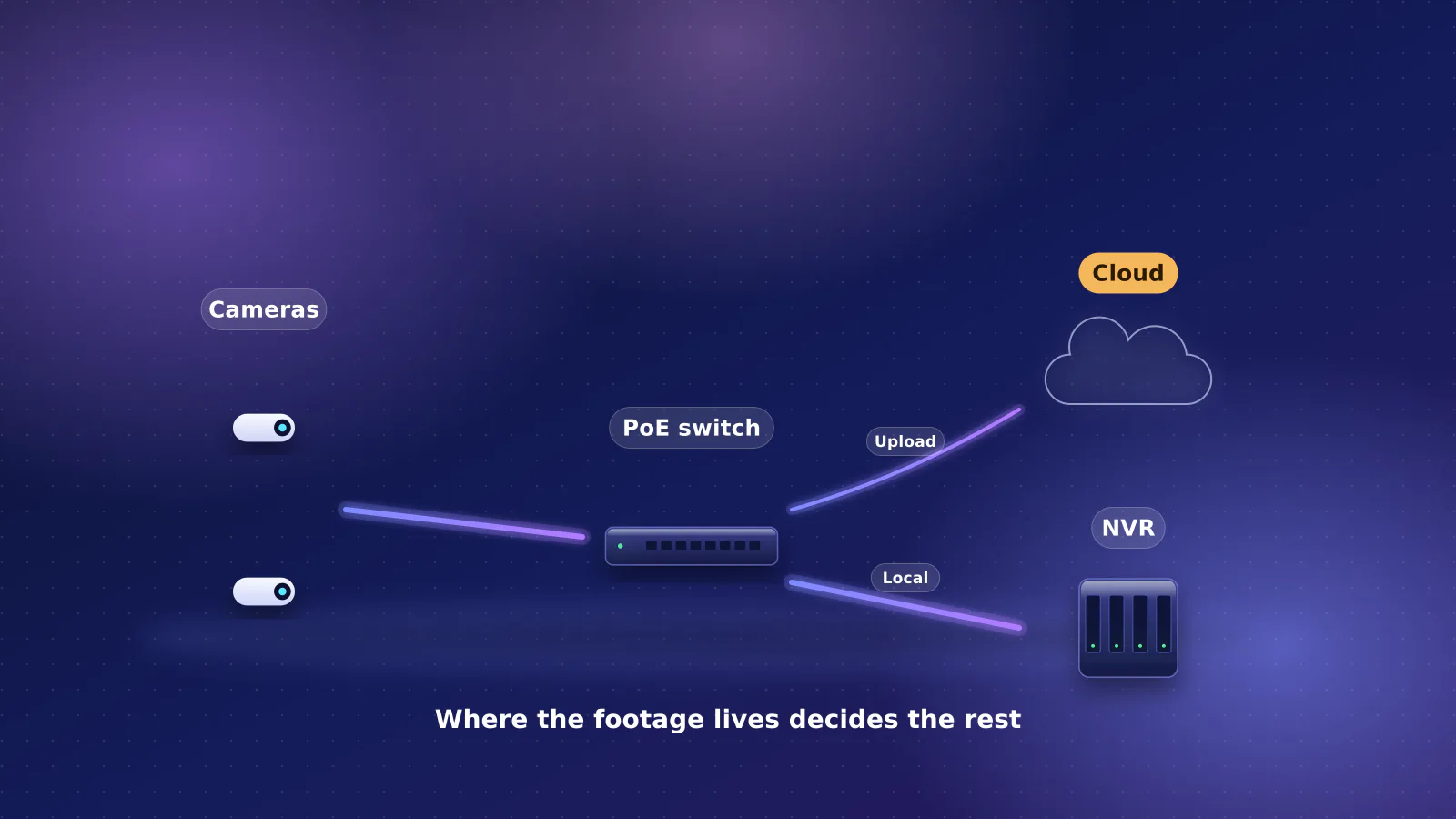
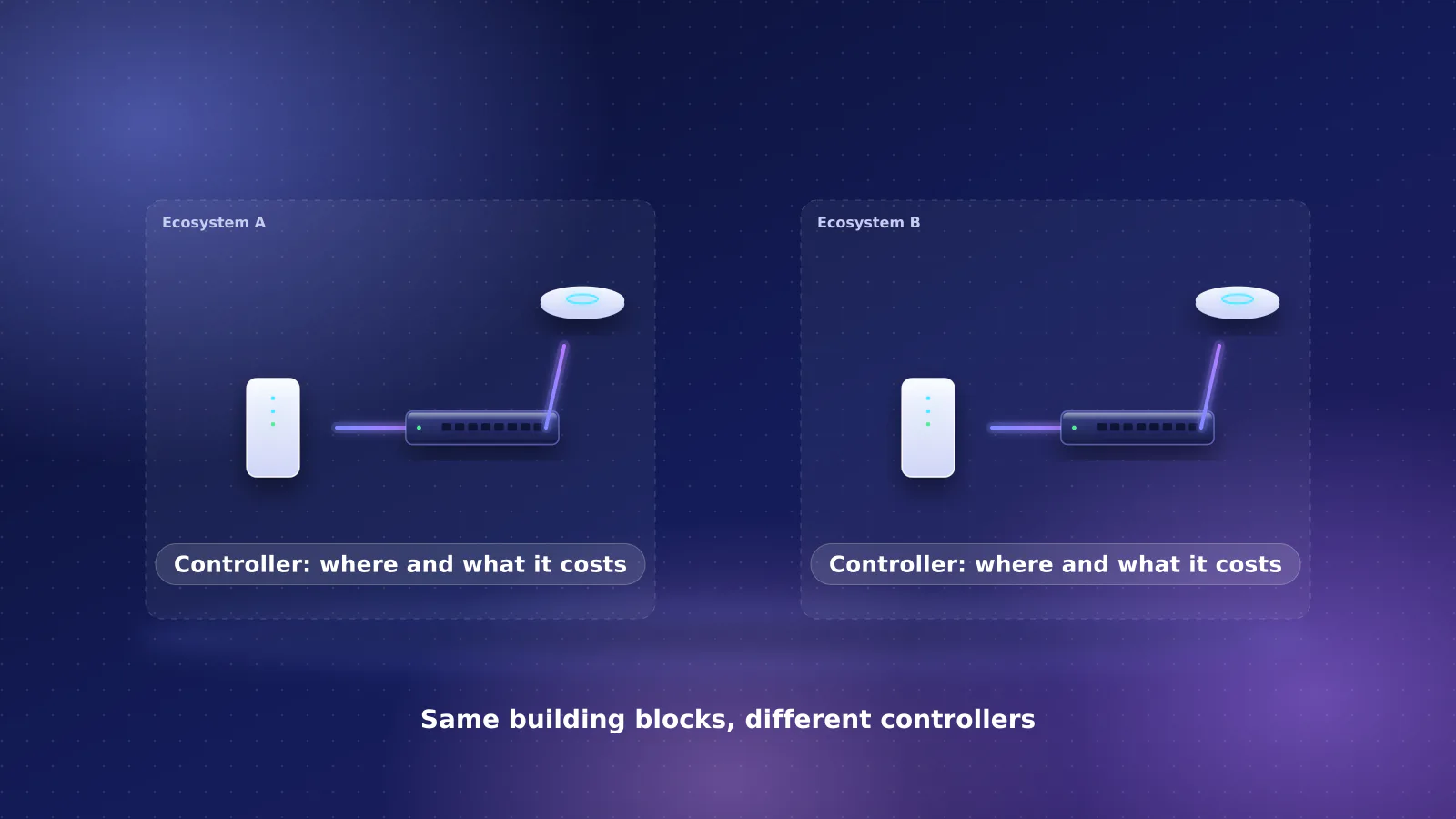
- The real split is where the controller lives. Meraki and Instant On are managed from the maker's cloud. UniFi and Omada can be run entirely from equipment on site, with the maker's cloud as an option.
This article is about licensing and management. For the rest of a small-business network, see choosing a router for a small office or storefront; for keeping card terminals apart from guests, see POS and guest Wi-Fi separation.
The four platforms side by side
Every entry below is from the maker's own pages, read November 27, 2026. "Lapse" means the license or subscription ending without renewal.
| Cisco Meraki | HPE Aruba Networking Instant On | Ubiquiti UniFi | TP-Link Omada | |
|---|---|---|---|---|
| License needed to run? | Yes, for every active device in a network | No licensing or subscription fees, per HPE | No; management is license-free | No, except Cloud Standard, which licenses each device |
| Where it's managed | Meraki's cloud dashboard (browser), out of band | Instant On mobile app or Cloud Portal; switches can instead be run from their local web interface | Controller on site (Cloud Gateway, CloudKey or UniFi OS Server), reached locally or through Site Manager; or Ubiquiti's paid hosting | Hardware, software or gateway-integrated controller on site, or Omada's cloud (Essentials or Standard); devices can also run standalone |
| Paid options | Licenses: subscription (12 to 84 months), or legacy co-term terms of 1, 3, 5, 7 or 10 years | None for management, per HPE | Official UniFi Hosting; CyberSecure; UI Care | Cloud Standard per-device license (1, 3, 5 years "and so on") |
| If it lapses | Subscription: devices keep forwarding traffic, dashboard configuration stops. Co-term: Meraki lists "Organization Shutdown" after a 30-day grace period. Per-device: the expired device stops passing traffic after a 30-day grace period | Nothing to lapse | Hosting: the instance runs to the end of the prepaid period, then ends. CyberSecure: we couldn't find it on Ubiquiti's pages | Cloud Standard: device keeps last settings; cloud management, Portal, Fast Roaming and Schedule stop |
| If the cloud is unreachable | Devices keep running on their last known configuration; configuration changes don't take effect | Apps unavailable; sites "should be working as usual" | Local management works during an internet outage; a self-hosted controller that's off leaves devices on the last configuration | Hardware, software and integrated controllers run on site. We couldn't find TP-Link's description of cloud-managed sites during a cloud outage |
None of the four makers' pages we read describes its controller managing another maker's access points or switches; each describes its own devices (TP-Link, for example, points to its compatibility list). That's why, in practice, choosing a platform usually means choosing it for every managed device on the site, and a site that mixes makers would expect a separate management tool for each.
Cisco Meraki: three licensing models, two outcomes
Meraki's licensing overview lists three models: "Subscription Licensing," "Co-Termination Licensing (co-term)" and "Per-Device Licensing (PDL)," and says per-device licensing is "no longer available for new customers." Its FAQ adds that "every Meraki hardware component requires a cloud license to be managed," and that "Only active devices in networks require a license": a spare on the shelf doesn't need one.
How each model works
- Subscription. Licenses "are associated with specific networks rather than the entire organization," and Meraki says customers "can choose their licensing terms from 12 months up to 84 months," with longer minimums for some Cisco hardware. Subscription keys can't be added to an organization still on active co-term or per-device licensing, and Meraki calls a conversion from per-device licensing "permanent."
- Co-termination. Every license in the organization ends on the same day: Meraki says "the license expiration date for all licenses claimed to that organization will be exactly the same," worked out "by averaging all active licenses together." Adding licenses moves that date. Terms are "1, 3, 5, 7 and 10 year."
- Per-device. "Each device will expire individually," so devices in one organization don't all lapse together.
What Meraki says happens when licenses lapse
Both main paths start with a 30-day grace period. They end differently.
- Subscription. Meraki's compliance page gives a 30-day grace period, after which organizations "will continue to function and forward data traffic," which it says "differs from the previous model's shutdown procedure" (the licensing overview calls this Amber Mode). The cost is control: "Administrators will lose the ability to configure the devices via Dashboard (GUI or API)," along with monitoring visibility, customer-initiated firmware updates and support.
- Co-term and per-device. Meraki's FAQ says hardware on these models "will be non-operational" and "your network products will no longer allow traffic to pass to the Internet." For co-term, the licensing overview lists "Organization Shutdown," and the co-term compliance-warnings page says the shutdown "will not occur until after the 30 day grace period," after which "all Cisco Meraki devices will be shutdown until licensing is returned to compliance." For per-device licensing, Meraki's overview says "There will be a 30-day grace period from the time that the license expires and the device or product shuts down," that "only the devices or products that have licensing issues will be shut down," and that the other correctly licensed devices "will continue to function." Its FAQ says the expired device "will no longer pass traffic."
On co-term licensing, Meraki's compliance-warnings page says you will be "notified by e-mail" when out of compliance, the problem is "indicated in red" on the License info page, and once the organization is shut down that page reads "This network has been disabled for non-payment." Being over the licensed device count also puts an organization out of compliance; one fix Meraki gives is to move extra devices out of a network, because "devices that are not in a network do not count towards the device count."
Cloud management, and the cloud going away
Meraki describes its management as an "out-of-band cloud management architecture" in which "User data does not flow through the Meraki cloud, instead flowing directly to their destination." If a site loses its connection to the cloud, Meraki's architecture page says the device "will continue to run with its last known configuration until cloud connectivity is restored," and its connection-loss page says "In general, wireless clients will continue to use the WLAN during a connectivity loss," but "Network configuration changes will not take effect," and features that rely on the cloud, such as Meraki-hosted splash pages and cloud authentication of new clients, depend on the network's disconnection settings. There's no local controller to fall back on: the dashboard is the management tool.
Meraki Go is a separate line
Cisco's Meraki Go products, sold directly to customers through partners such as Amazon according to Cisco, follow different rules. Meraki's Go documentation says "As of October 7th, 2019, Meraki Go devices do not require subscription keys to operate." The Go security appliance has an optional Cisco Umbrella Security Subscription. Go networks are run from the Meraki Go app and web portal, not the Meraki dashboard: Meraki says Go administrators "cannot access their accounts through the traditional Meraki Dashboard page."
HPE Aruba Networking Instant On: cloud-managed, no license fee
HPE's Instant On pages are direct about fees: management comes "with no additional licensing or subscription fees required," and the Secure Gateway page says "no subscription or licensing fees," with "Built-in security features are automatically activated from day one."
- Where it's managed. HPE says you can "Manage your network anytime, from anywhere, on your phone or on the web," through the Instant On mobile app or the Cloud Portal. Its getting-started page says "An internet connection is required to register and onboard your Instant On device using a mobile app or the web portal," and setup includes creating an account.
- Size of a site. The Instant On 3.3.5 user guide says "Instant On allows you to add up to 125 devices to a site," with up to 30 networks and "Only one Instant On gateway is supported per site." One account can hold several sites, listed on a Managed Sites page.
- If the cloud is down. The same guide says that during a cloud outage the apps can't be reached, but the site's networks and devices "should be working as usual." A site that loses its own internet connection can't be managed remotely until it's back.
- Local management. The guide says "The Instant On switches can also be managed using the local WebUI of the switch," but a switch managed that way "cannot be onboarded or managed from the Instant On mobile app" until it's reset. For access points, the guide describes the local web interface only for setting an address during onboarding.
Since there's no license, there's nothing to lapse. The trade-off is the reverse of UniFi's and Omada's: the pages we read describe no on-site controller for Instant On, so apart from switches set to local management, changes go through HPE's cloud.
Ubiquiti UniFi: license-free controllers, optional paid services
Ubiquiti's cloud architecture page says UniFi "keeps the control plane local," with "data, configurations, and control" staying "on the local or chosen control plane, not in the cloud," and offers "centralized, license-free management through UniFi Site Manager." The controller can live in several places:
- A Cloud Gateway or CloudKey on site. Ubiquiti describes the Cloud Gateway as combining "UniFi management software with a powerful network gateway." Which gateway does what is covered in which UniFi gateway.
- UniFi OS Server on your own computer. Asked what it costs, Ubiquiti answers: "Nothing. It is completely license-free and available to all UniFi users." It runs the Network application on Linux, Windows or macOS; "If it goes offline, your devices will continue to run using the last available configuration."
- Official UniFi Hosting. A subscription for running UniFi Network in Ubiquiti's cloud, with plans "based on the number of UniFi devices you will manage; this ranges from 100-1,000." If you cancel, Ubiquiti says the instance "remains active until the end of the prepaid period"; failed payments are retried, and "If all three retries fail, your subscription will be canceled." The page lists no prices.
Ubiquiti's local management guide covers running UniFi during "an Internet outage" and "a fully airgapped setup without any cloud management," managed from a device on the same network. The paid extras sit on top of that free base:
- CyberSecure, which Ubiquiti calls "a premium security service," activated per site from Site Manager, "enhances UniFi Network's built-in protection" with Proofpoint-powered intrusion detection and prevention and Cloudflare-powered content filtering. We couldn't find what happens when a CyberSecure subscription ends on the Ubiquiti pages we read.
- UI Care, which lets you "extend the replacement protection period of qualifying devices to five years," with a price listed per product on Ubiquiti's page.
For how UniFi's free and paid tiers compare in more detail, and how CyberSecure differs by gateway, see UniFi vs Omada: what's free and what's paid.
TP-Link Omada: four controller choices, one of them licensed
TP-Link's controller page sets out the options and how each is paid for: "Omada Cloud Essentials and the software controller are free of charge with no ongoing subscription fees," while "Cloud Standard is a paid license that unlocks advanced capabilities," and "Hardware controllers are one-time hardware purchases that include remote access through Omada Cloud at no additional cost."
- Software controller. "Free of Charge," for Windows and Linux (x64 only), with "Unlimited (Recommend: ≤ 10,000)" devices depending on the computer it runs on.
- Hardware and gateway-integrated controllers. A one-time purchase; TP-Link's comparison document says Fusion gateways "provide license-free cloud management."
- Cloud Essentials. "Lifetime Free Cloud Without Additional Fees," with "Unlimited management scale for multiple sites," working "with Omada Access Points, Switches, and Gateways" on TP-Link's compatibility list.
- Cloud Standard. On TP-Link's comparison, Standard adds features Essentials lacks, including IPS/IDS, MSP mode for managing several customers, Open API and PPSK, and fuller DPI where Essentials has a basic version. TP-Link's comparison document says "Device license fees and reliable internet connectivity for management should be included in the deployment plan."
When a Cloud Standard license expires
TP-Link's cloud controller FAQ says "each device should be bound with an activated license," purchasable "for different term lengths, such as 1 year, 3 years, 5 years, and so on," with a one-time trial of "10 licenses valid for 30 days" per TP-Link ID. When a license expires, TP-Link says you "lose access to the Omada CBC features for your device, such as management, configuration, and monitoring," that "the device will continue to operate with the last applied settings," and that "some features that depend on the Controller will be disabled," naming Portal, Fast Roaming and Schedule. "The controller will email you 30 days before the license expires," and TP-Link recommends Auto-Renewal. The FAQ speaks of the cloud-based controller's device licenses without naming a tier; we read it as Cloud Standard because TP-Link describes Essentials as free and Standard as the paid license. We couldn't find a grace period on the TP-Link pages we read.
Omada devices can also run with no controller at all: "You can set up Omada devices individually without an Omada Controller." TP-Link says that loses features such as "Voucher and Fast Roaming" on access points and centralized management with "Auto Backup, Upgrade Schedule," and that "Standalone configuration is only recommended for small-scale networks (typically fewer than three APs)."
Which model fits which business
None of these is the right answer for everyone. The documented facts point different businesses in different directions:
| If the business... | What the documentation points to |
|---|---|
| Wants no recurring license at all | Instant On (no fee, per HPE), UniFi with a Cloud Gateway, CloudKey or UniFi OS Server, Omada with a hardware, software or integrated controller or Cloud Essentials, or Meraki Go. Full Meraki doesn't fit this requirement. |
| Wants everything managed from the maker's cloud, nothing to run on site | Meraki, Instant On, Omada Cloud Essentials or Standard, or Official UniFi Hosting. |
| Needs the network to stay manageable with the internet down | An on-site controller: UniFi's local management, or an Omada hardware, software or integrated controller. Instant On switches can be managed locally, but access points and the app need the cloud; Meraki configuration changes wait for the cloud. |
| Runs many sites, or has an IT provider managing several customers | Meraki's organization and network structure in one dashboard, UniFi Site Manager, Omada Cloud Essentials' multi-site management or Cloud Standard's MSP mode, or Instant On's multiple sites per account (each up to 125 devices). |
| Would rather budget a fixed license than run a controller | Meraki's subscription model, where Meraki says devices "continue to function and forward data traffic" after a lapse though dashboard configuration stops, or Omada Cloud Standard, where an expired device keeps its last settings. |
| Is on Meraki co-term or per-device licensing today | Track the expiry date. These are the models where Meraki says hardware stops passing traffic after the grace period. |
Licensing is one input. Coverage, wiring and PoE matter as much: mesh vs a router with wired access points covers the hardware side, and securing a router's cloud account covers the account that cloud management depends on.
Before you change anything
- If your current platform works, keep it. A platform that covers the building and meets your needs doesn't need replacing because another maker's licensing looks different. Check your own renewal date and terms first: on Meraki co-term, the License info page shows compliance; on Omada, the cloud controller emails before expiry.
- Switching platforms means switching devices. None of the four makers' pages we read describes its controller managing another maker's access points or switches, so moving to a different platform is likely a hardware decision for the whole site, justified when the current platform's licensing, management or features no longer fit, not just to save a fee.
- Who holds the account matters. With cloud management, the business, not one employee or an installer, should own the administrator account; see supportability for small offices.
- Read the current terms. License terms and features change. The maker's licensing pages linked below are the authority; prices, where makers list them, are on their stores, and many business licenses are quoted by resellers.
If the job needs hands on site, such as cabling, mounting access points or moving a store to a new platform, RouterHaus can connect you with a licensed contractor: ask for a network plan.
Frequently asked questions
Does Cisco Meraki stop working if the license expires?
It depends on the licensing model. Meraki says organizations on subscription licensing continue to forward traffic after the 30-day grace period, but administrators can no longer configure devices from the dashboard. On co-term and per-device licensing, Meraki says hardware becomes non-operational and stops passing traffic to the internet; its pages for those models give a 30-day grace period first. On per-device licensing, only the expired devices shut down.
Does Aruba Instant On need a subscription?
No, according to HPE: Instant On management through the mobile app and Cloud Portal comes with no additional licensing or subscription fees, and the Secure Gateways include their security features without a subscription. An internet connection is required to register and onboard devices.
Is UniFi free to manage?
Ubiquiti describes UniFi management as license-free: a Cloud Gateway runs the controller on site, UniFi OS Server is license-free to self-host, and Site Manager gives license-free central management. Official UniFi Hosting, CyberSecure and UI Care are optional paid services.
What happens when an Omada Cloud Standard license expires?
TP-Link says the device keeps running on its last applied settings but loses cloud management, configuration and monitoring, and features that depend on the controller, such as Portal, Fast Roaming and Schedule, are disabled. The free Cloud Essentials tier and the software and hardware controllers don't use these licenses.
Can these platforms be managed without the internet?
UniFi and Omada can, with an on-site controller. Instant On switches can be managed from their local web interface instead of the app, but Instant On is otherwise cloud-managed. Meraki says its devices keep running on their last known configuration if the cloud is unreachable, but configuration changes don't take effect until the connection returns.
Sources
Read on November 27, 2026. Dates in brackets are the page's last-modified or document date where the maker shows one.
- Cisco Meraki documentation: Licensing (modified October 2, 2026)
- Cisco Meraki documentation: General licensing FAQs (modified September 10, 2026)
- Cisco Meraki documentation: Meraki subscription licensing overview (modified October 23, 2026)
- Cisco Meraki documentation: Subscription, license compliance cloud experience (modified September 16, 2026)
- Cisco Meraki documentation: Co-termination licensing (modified October 22, 2026)
- Cisco Meraki documentation: Co-term out-of-licensing compliance warnings and solutions (modified September 24, 2026)
- Cisco Meraki documentation: Meraki per-device licensing overview (modified September 14, 2026)
- Cisco Meraki documentation: Per-device licensing (PDL) FAQs (modified July 20, 2026)
- Cisco Meraki documentation: Meraki cloud architecture (modified October 2, 2026)
- Cisco Meraki documentation: Behavior during connection loss to Cisco Meraki cloud (modified November 2, 2026)
- Cisco Meraki documentation: Meraki Go web portal (modified September 18, 2026) and Cisco: Meraki Go
- HPE Networking Instant On: Managing Instant On, Getting started with Instant On and Secure Gateways for small business
- HPE Networking Instant On 3.3.5 user guide, mobile app version (PDF)
- Ubiquiti Help Center: Understanding UniFi cloud architecture, Choosing the right UniFi control plane and UniFi local management
- Ubiquiti Help Center: Self-hosting UniFi (UniFi OS Server) and Getting started with Official UniFi Hosting
- Ubiquiti Help Center: UniFi CyberSecure, enhanced by Proofpoint and Cloudflare and Ubiquiti: UI Care
- TP-Link Omada: Omada controller options and Omada controller comparison: cloud-based vs. hardware vs. software vs. integrated gateways (August 21, 2026)
- TP-Link Omada: Omada Software Controller and Omada Cloud Essentials
- TP-Link Omada: General questions about Omada cloud-based controller (August 31, 2026) and Omada license
- TP-Link Omada: Getting started without an Omada controller (July 27, 2026)