What each maker asks of your network
Each maker documents a different mix of Ethernet, Wi-Fi and cellular, and the security mode matters as much as the band. What their own pages and manuals say, read November 28, 2026:
| Maker and product | Connections it supports | Wi-Fi band and security | What the maker says to prefer |
|---|---|---|---|
| Enphase IQ Gateway (solar) and IQ Battery | Wi-Fi, optional Ethernet (Cat5E or Cat 6), Mobile Connect cellular modem | "802.11 b/g/n (2.4 GHz, 5 GHz)"; data sheet lists a recommended Wi-Fi range of "10 m" | Cellular modem "mandatory for sites with IQ Battery"; the battery guide adds that "A Wi-Fi or Ethernet primary internet connection is required in addition" |
| SolarEdge Home Wave inverter (North America) | Ethernet (LAN), optional Wireless Gateway and Repeater, cellular plug-in | The guide lists an optional SolarEdge Wi-Fi antenna plug-in but no band; the inverter's own Wi-Fi access point is for installer setup | "The inverter is configured by default to LAN" |
| Tesla Powerwall with Gateway, and Powerwall 3 | Wi-Fi, Ethernet, cellular | "802.11 b/g/n"; "2.4GHz only for Gateway 1", "2.4GHz and 5GHz for Gateway 2"; WEP, WPA and WPA2 personal; no captive portals or enterprise security | Configure "as many supported internet connection types as possible"; cellular "should not be relied on as the default connection method" |
| FranklinWH aGate | Wi-Fi, Ethernet, 4G cellular | 2.4 GHz and 5 GHz; no captive portals or enterprise security | "Hard-wired Ethernet is the most stable and reliable network connection"; Wi-Fi or Ethernet preferred over 4G |
| Generac PWRcell inverter | Ethernet, optional LTE modem | Not applicable: "Generac does not support using any wireless or power line carrier network devices" | "Generac recommends using a hardwired connection"; LTE for "low bandwidth" use when wiring isn't available |
| Tesla Gen 3 Wall Connector | Wi-Fi | "2.4GHz and 802.11b, 802.11g or 802.11n"; "WPA2-CCMP/AES"; open networks not supported | Register it and connect it to home Wi-Fi to see status and get software updates |
| ChargePoint Home Flex (CPH50) | Wi-Fi, Bluetooth | "2.4/5 GHz Wi-Fi (802.11 a/b/g/n)"; security not stated on the pages we read | ChargePoint "strongly recommend[s]" Wi-Fi for the connected features |
| Emporia EV chargers | Wi-Fi, Bluetooth for setup | "Emporia devices need a 2.4GHz network"; "Use WPA, WPA2, or WEP" | "Emporia devices require a stable signal more than high speed" |
| Wallbox Pulsar Plus (North America) | Wi-Fi, Bluetooth | Band not stated on the pages we read; "Fast Roaming must be disabled in your router settings" | A working Wi-Fi signal "within the range of your charger" with "no significant obstacles" to the router |
Band and security are only part of it: several makers also list router settings and firewall ports, collected in step 2 of the fixes below. If your devices won't join a network that puts both bands under one name, connecting a 2.4 GHz-only device has the router-by-router fixes.
Why the garage or the outside wall is the problem
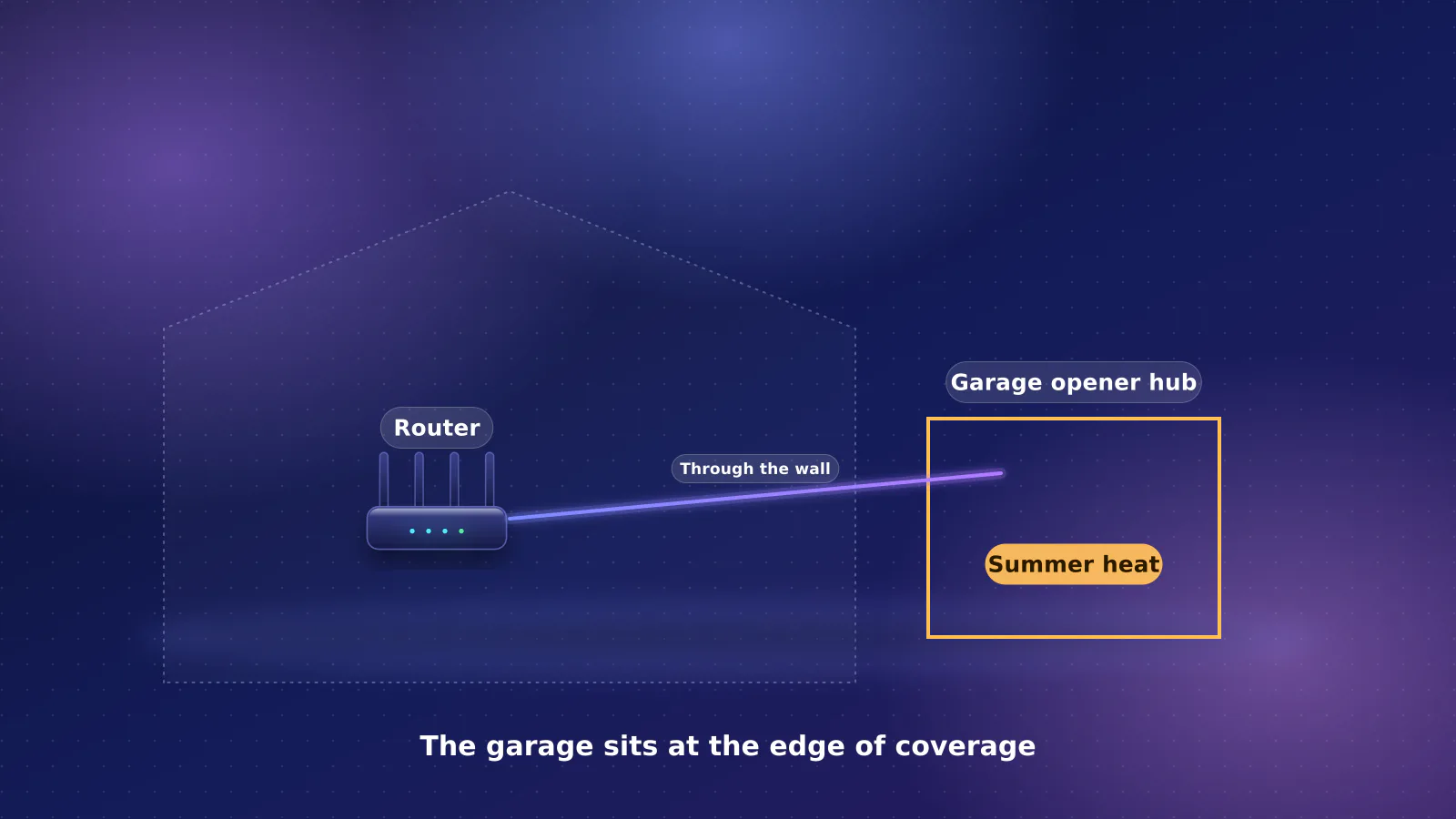
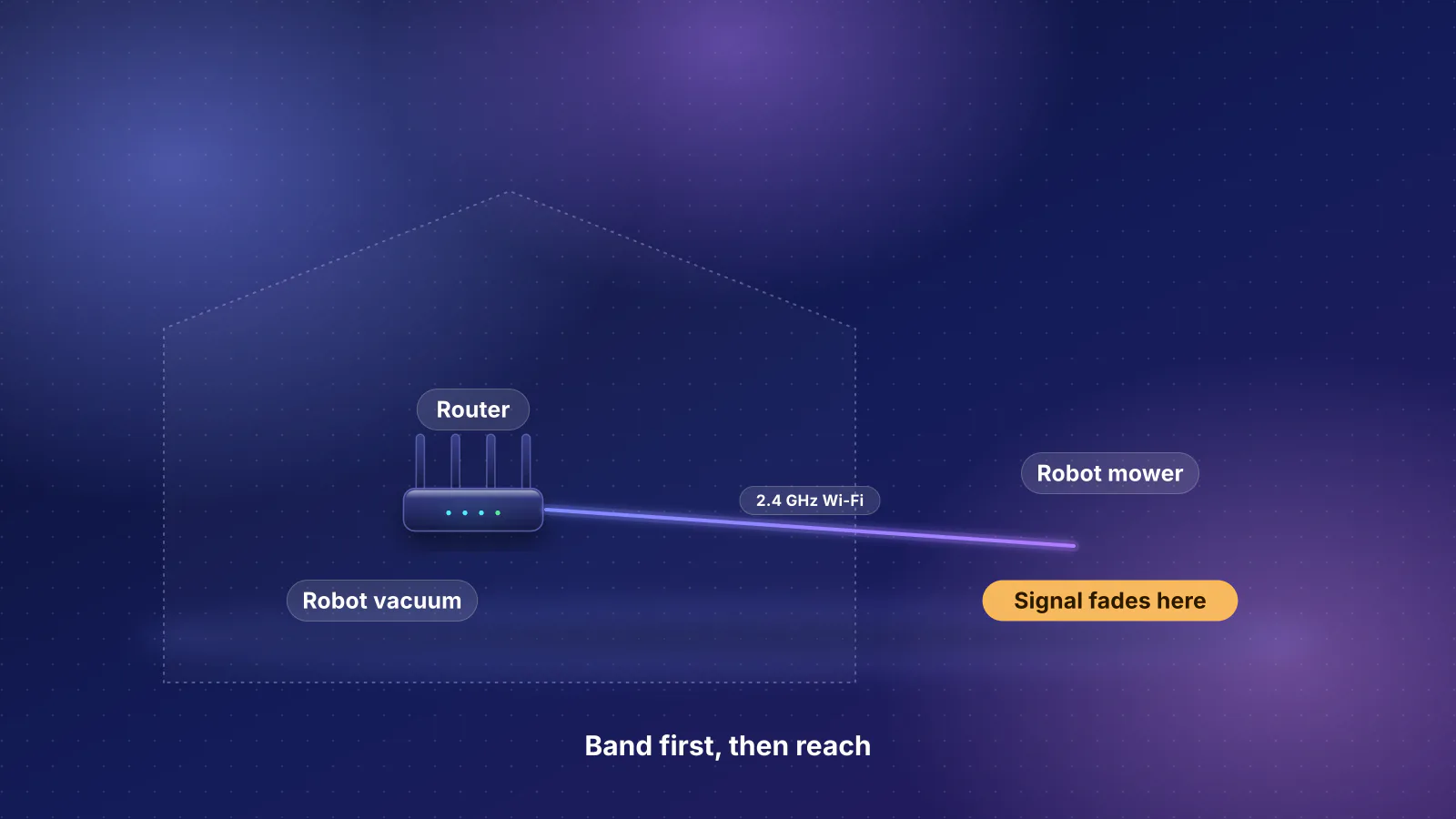
These units are installed where the electrical work is, not where the Wi-Fi is strong, so the signal has to cross the house and then a wall built to keep weather out. The makers say so in their own words:
- Metal and stucco. Enphase's North American IQ Envoy installation manual (141-00039 Rev 01, copyright 2017) and its newer international IQ Gateway Metered manual (November 2022) both say "Metallic enclosures may impair Wi-Fi signal strength" and "Stucco and plaster wall construction may contain metal mesh, which can affect wireless range." Enphase's current US data sheet says an outdoor gateway goes in a "NEMA type 3R or better-rated enclosure," so an outdoor gateway always sits inside a box; if that box is metal, the warning applies. A smart garage opener runs into the same wall; our garage opener guide's signal check is a close match for this one.
- Concrete, masonry and metal studs. Tesla's Gen 3 Wall Connector manual for North America says to "avoid installing Wall Connector on opposite sides of concrete, masonry, metal studs, and other physical obstructions" that could impede reception.
- Short recommended range. Enphase's data sheet gives a recommended Wi-Fi range of 10 m (about 33 feet), and its homeowner updates page says to keep your phone "within 10 feet of the IQ Gateway" while reconnecting it. A gateway at the meter on the far side of the house can be past that from any router.
- Mesh behavior. Emporia says mesh and multiple access points "generally work well but can cause issues," and Wallbox wants Fast Roaming off. A charger that keeps hopping between nodes can look offline.
Heat is the other location problem in Arizona. The makers' published operating ranges, compared with the National Weather Service's July 2026 summary for Phoenix Sky Harbor (1991 to 2020 normal July high 106.5 °F; a record high of 117 °F on July 24 listed under "Daily/Notable Records"):
| Product | Operating temperature the maker publishes |
|---|---|
| Enphase IQ Gateway | "-40°F to 149°F" (ENV-IQ-AM1-240), "-40°F to 122°F" (ENV2-IQ-AM1-240), and "-40°F to 115°F" if installed in an enclosure |
| Tesla Gen 3 Wall Connector | "-22˚F to 122˚F (-30˚C to 50˚C)" |
| Emporia Pro EV charger | "-22°F to 122°F (-30°C to 50°C)" |
| Wallbox Pulsar Plus (North America) | "-22ºF to 104ºF" |
The weather figures are outdoor air temperatures at the airport, not readings on a sunny garage wall, and RouterHaus hasn't measured any wall. Set side by side (our comparison, not the makers'): the normal July high is above Wallbox's 104 °F top figure, the 117 °F record is above Enphase's 115 °F figure for a gateway in an enclosure, and both are below the 122 °F ratings. Wallbox lists "The ambient temperature is out of the operating range" among the reasons charging power can drop. If a unit drops only on summer afternoons, ask the installer or the maker about its placement; the router side of the same problem is in our router overheating guide's Arizona garage section.
- Solar panels, battery or the car Production, backup and charging run on wiring and the unit's own controls
- Gateway, inverter or charger On the outside wall, in the garage or in a metal enclosure; the only part with a network radio or Ethernet port
- The wall and the distance to the house network Stucco mesh, block, metal boxes and range: where most dropouts start
- Your router, mesh node or access point Has to offer the band and security mode the unit accepts
- Modem, the internet and the maker's cloud Needed for the app, monitoring, updates and utility programs
What keeps working offline, and what stops
The makers we read separate the energy side, which keeps running, from the connected side, which needs the internet:
| Maker | Keeps working, as the maker documents it | Stops or is at risk |
|---|---|---|
| Enphase | The gateway "will continue to collect and locally store your system's energy data" and uploads it on reconnection, "about one hour" per offline day (homeowner updates, May 10, 2024). The battery system "does not shut down on communication loss between components." | The IQ Battery 5P owner's guide says live status monitoring, energy and power monitoring, Storm Guard and in-app load control need an active internet connection, and that failing to keep one "may have an impact on the warranty" |
| SolarEdge | "Communication setup is not required for power harvesting" | The monitoring platform, which "requires Internet connection" |
| Tesla Powerwall | Continues "in the last operating mode set" and provides backup power in an outage. With firmware 24.36 or later and a paired phone on the same Wi-Fi network and band, the app shows "live power flow" locally. | Remote monitoring; "Extended periods without an active internet connection will prevent software updates and may impact the product warranty"; the Powerwall 3 manual says internet is required for "the full 10-year Powerwall warranty" |
| FranklinWH | Last operating mode and backup in an outage; local setup through the aGate hotspot or Bluetooth | Remote monitoring in the app; software updates, which may affect the warranty |
| Generac PWRcell | The manual we read doesn't say what keeps running offline | The PWRview app; "important remote upgrades"; without internet "the warranty will be limited to five years" |
| Tesla Wall Connector | The manual says "A Wi-Fi connection is required for sites that utilize authentication, billing, and other property management features," and doesn't make it a general requirement. Without Wi-Fi, Tesla says to "download and install the latest firmware file." | Automatic firmware updates (Tesla's access control page says Wi-Fi "is required to receive firmware updates, new features and advanced support"); the North America manual reads four red blinks as "Internet connection lost, online features disabled" |
| ChargePoint Home Flex | "ChargePoint Home will still charge your car on schedule," and with no schedule "it will start charging your car as soon as you plug in, even without a WiFi connection" | Setting up a schedule around your utility plan in the app (a schedule already set keeps running) and over-the-air updates. Without Wi-Fi, ChargePoint's FAQ says the electrician sets the amperage over Bluetooth "from the default 16A" |
| Emporia | "you can use the charger immediately for basic charging without the app"; the Pro guide gives a charge rate it "will fall back to" if PowerSmart is unavailable | PowerSmart: the Pro guide says "The Emporia app and a Wi-Fi connection are required to enable PowerSmart" |
| Wallbox | Charge scheduling and Static Load Management work "without a cloud connection"; charging statistics can reach the app over Bluetooth (range "less than 32.8 feet") | The overview page doesn't list what stops offline |
Two practical points follow. First, a Tesla car's own charging schedule and a charger's schedule are separate things; check which one you set before blaming the network. Second, if your power goes out, the router goes out too, so a battery that backs up the house may still show offline unless the router, modem and provider's equipment are also powered. Whose outage is it covers that check, and our take-the-internet-away test covers the rest of the smart home.
A safe check at the unit
This check reads the signal where the unit sits and changes nothing on it; it's an exercise for you to run, and RouterHaus hasn't run it at any home. Don't open a gateway, inverter, battery or charger enclosure, and don't touch wiring.
- Stand next to the unit, with doors and the garage closed as they usually are. Tesla and FranklinWH both ask for signal measured next to the Gateway or aGate.
- Put your phone on the network the unit uses (the 2.4 GHz name if your router splits them) and turn off cellular data.
- Count the bars and load a web page. Tesla asks for "between two or three bars"; FranklinWH asks for two or three bars. Phones show bars differently, so treat this as a rough read; bars with a page that stalls mean the link is weaker than it looks.
- Read the maker's status. Enphase shows a Gateway Not Reporting error and later a Data Uploading message; Tesla's app shows a "Device Offline" or "Limited Connectivity" banner; the Wall Connector's North America manual reads four red blinks as a lost internet connection. For SolarEdge, the installer can confirm the inverter's status screen shows "S_OK" for server communication.
- Note what changed recently. Enphase says Gateway Not Reporting "usually occurs when you change your internet service provider, Wi-Fi network password, or Wi-Fi network name."
- Repeat on a summer afternoon if the drops come and go with the heat.
| What you saw | What it means | What to do |
|---|---|---|
| New router, provider, network name or password | The unit is still looking for the old network | Reconnect it through the maker's app (step 1 below) |
| Good signal, page loads, still offline | A setting, a firewall or the maker's servers, not coverage | Check the router settings in step 2 and the maker's status or support |
| One bar or none, or the page stalls | The unit is past the edge of your coverage | A node or access point on the house side of the wall (steps 3 and 4) |
| Drops only on hot afternoons, signal fine | Possibly heat or the router's own location | Compare the unit's rating with its spot and ask the installer or maker |
| Offline only during power outages | The router and modem lost power, not the unit | See the outage section of our monsoon guide; a UPS for the network is optional |
The fixes, in order
Start with what costs nothing and moves nothing electrical; stop as soon as the unit stays online.
- Reconnect it, near the unit. Use the maker's app with the phone close by: Enphase says to stay "in close proximity to the gateway throughout the process," and Tesla says to "stand next to your system during the entire setup," joining its "TEG-xxx" network on Gateway 1, Gateway 2 and Powerwall+ (Powerwall 3 pairs over Bluetooth instead). A Powerwall that's still online over cellular or Ethernet can have its Wi-Fi changed from the app. Our suggestion, not a maker's: keeping the same network name and password on a future router avoids the reconnection.
- Check the settings each maker lists. A network on a band the unit supports; WPA2 for the Tesla Wall Connector (its North America manual says it "only supports WPA2 secured" networks; Tesla's Saudi Arabia troubleshooting page also says "no WPA2/3 shared networks," which the US edition doesn't repeat, so if it won't join a mixed WPA2/WPA3 network, plain WPA2 on that network is worth a try); no captive portal or enterprise security (Tesla, FranklinWH); no MAC filtering, guest network or firewall setting that blocks the Wall Connector (Tesla's app page); client or AP isolation off (Emporia); Fast Roaming off (Wallbox). Allow the ports the makers list through any firewall: prodssl.solaredge.com on TCP 443 (SolarEdge), outbound TCP 80 and 443 to Enphase's reporting servers (both Enphase manuals above), and TCP 80 and UDP 123 (Wallbox). Change one thing at a time. A separate 2.4 GHz network for these devices is often the cleanest answer, as giving devices their own 2.4 GHz network explains.
- Add a mesh node or extender between the router and the unit. Tesla suggests range extenders or powerline adapters "if they meet the supported standards of 10/100 Mbps," FranklinWH suggests the same, and Emporia suggests an extender "If moving closer isn't an option." Generac is the exception: it doesn't support wireless or powerline network devices for PWRcell, so go to step 5. Put the node on the house side of the wall where it still gets a good signal from the router; which device fits is in extender vs mesh vs access point.
- Use a wired access point near the unit if a node can't reach. An access point on Ethernet near the garage or the outside wall gives the unit a strong signal without relying on a wireless hop; for reaching the outside of the house, see our outdoor Wi-Fi guide.
- Ask the installer about Ethernet where the maker supports it. Tesla's Powerwall 3 installation manual tells installers, "For customers without a strong Wi-Fi connection, install an Ethernet connection"; FranklinWH says Ethernet "must be installed and managed by a FranklinWH Certified Installer." The makers' cable rules: Tesla's Backup Gateway 2 manual "CAT5 (24 AWG) cable at minimum"; Generac Cat 5 or Cat 6 no longer than 328 feet, dedicated to the inverter and not daisy-chained; SolarEdge shielded Cat6 up to 100 m (330 feet), with external surge protection recommended for runs over 10 m (33 feet) where lightning surges are a risk. Running cable to or into electrical equipment is the installer's or a licensed electrician's job, not a weekend project; outdoor cable and grounding basics are in our outdoor cabling section.
- Keep cellular as the backup, not the plan. The first table has each maker's wording; in short, Tesla, Enphase and FranklinWH don't want cellular as the only connection, Generac recommends its "low bandwidth" LTE modem for incentive programs with data-reporting requirements, and SolarEdge offers a cellular plug-in. Ask the maker or installer what a cellular option includes; we don't list prices.
Arizona utility programs that need the device online
If you enrolled a battery or charger in an APS or TEP program, staying online is part of taking part. What each utility's own page said, read November 28, 2026 (incentive amounts and terms are the utility's to set, so we don't repeat them):
- APS Storage Rewards. APS says "An internet connection allows your battery manufacturer to communicate with your battery system during conservation hours," and that if the battery can't be reached during conservation hours, "your rewards will be affected." It lists Emporia, Enphase, Fortress Power, FranklinWH, SolarEdge and Tesla (Tesla batteries connected directly to Tesla) as supported makers.
- TEP Energy Storage Rewards. TEP's eligibility list includes "Maintain a reliable continuous internet connection with your installed battery," and says "If your battery is offline due to being disconnected or having a communication issue, it will not participate in an event."
- TEP Smart Charge. A pilot TEP says is "planned for one year, beginning June 29, 2026," and "subject to regulatory approvals." It lists ChargePoint Home Flex, Wallbox Pulsar Plus and Emporia chargers, and its enrollment credit requires you to "Maintain a continuous device connection to WeaveGrid for at least 30 days after enrollment."
- SRP Battery Partner. SRP's page lists Enphase, Flip, FranklinWH, Tesla and SolarEdge, says "Your system will perform automatically," and that notice of each event comes through your battery app. The page doesn't state a connectivity requirement.
The same logic applies to smart thermostats in APS and SRP programs; our thermostat guide's utility section covers those. The utility's own page and program terms govern what counts as taking part.
When new equipment is justified
If the check shows good signal and the unit stays online after reconnecting, buy nothing. Equipment is justified when:
- The unit gets no usable signal after the free fixes, and no node you already own reaches it. Then the node or access point from steps 3 and 4 is the purchase; our reasoning is that a new router in the same spot leaves the same distance and the same wall.
- Your router can't offer what the unit needs: a 2.4 GHz network for Emporia or the Tesla Wall Connector, plain WPA2 for the Wall Connector, or settings you can't turn off. Try a separate network on the router you have first.
- The maker wants a wired connection (Generac, or a Tesla or FranklinWH system with weak Wi-Fi), and there's no Ethernet near the unit. Then the cable, and possibly a switch or access point at its end, is the purchase, run by the installer. The same goes for an APS or TEP program whose page requires a continuous connection when Wi-Fi alone keeps failing; ask whether the maker's cellular option fits.
A new charger or inverter is not a network fix. Replace energy equipment only on the installer's or maker's advice.
When to get professional help
The network steps above are yours to do and undo. Anything that touches the gateway, inverter, battery or charger itself, opens an enclosure, runs a cable into one, or adds an outlet for a node near the panel is a job for the system's installer or a licensed electrician; FranklinWH limits Ethernet to its certified installers, and Tesla's Ethernet steps are in its installer manual. Surge protection for the whole home is an electrician's decision too, as our monsoon guide explains. When the network side needs hands on site, such as an access point or a cable to the garage, RouterHaus can connect you with a licensed contractor through a consultation request.
Frequently asked questions
Do my solar panels stop producing when the gateway goes offline?
Not according to the makers we read. SolarEdge says communication is not required for power harvesting, and Enphase says the IQ Gateway keeps collecting and storing energy data while offline, then uploads it when it reconnects. What you lose is monitoring and app features until it's back online.
Does a Powerwall or FranklinWH battery still back up my house without internet?
Tesla and FranklinWH both say their systems keep running in the last operating mode set and provide backup power during an outage. Remote monitoring stops, and both say long periods offline prevent software updates and may affect the warranty.
Will my EV charger still charge if the Wi-Fi drops?
ChargePoint says Home Flex still charges on the schedule you set, or as soon as you plug in if there's no schedule. Emporia says basic charging works without the app, and Wallbox says scheduling works without a cloud connection. Tesla's Wall Connector manual says Wi-Fi is required for sites using authentication, billing and property management features, and Tesla's Access Control page says that feature can be set up without Wi-Fi.
Is Ethernet or Wi-Fi better for a solar or battery gateway?
Generac recommends a hardwired connection and doesn't support wireless or powerline devices for PWRcell. FranklinWH calls Ethernet the most stable. Tesla and FranklinWH recommend configuring as many connection types as possible so the system can switch to the best one. Ethernet into the equipment is installed by the installer.
Do Arizona utility battery programs need my battery online?
APS says an internet connection lets the battery maker communicate with the battery during Storage Rewards events, and TEP requires a reliable continuous internet connection for Energy Storage Rewards. SRP's Battery Partner page doesn't state a requirement. The utility's own page and terms govern.
Sources
Read on November 28, 2026. Pages without a date are marked undated.
- Enphase: IQ Gateway data sheet, DSH-00111-6.0 (June 6, 2025), Enphase Energy System with IQ Battery 5P owner's guide, USG-00017-3.0 (March 2024), IQ Envoy installation and operation manual, 141-00039 Rev 01 (North America, copyright 2017) and IQ Gateway Metered installation and operation manual, 141-00035 Rev 01 (November 15, 2022, international edition)
- Enphase: homeowner updates (items dated February 3, 2023 to January 30, 2025)
- SolarEdge: SolarEdge Home Wave inverter, single phase, installation guide for North America, version 1.6 (December 2024) and Cellular communication options (undated)
- Tesla Powerwall support, undated: Internet connectivity, Connecting Powerwall to Wi-Fi and Connecting your Powerwall with limited connectivity
- Tesla Energy Library: Plan internet connection for the Backup Gateway 2 (undated) and Connect Powerwall 3 to the internet via Wi-Fi or Ethernet (last modified April 3, 2026)
- Tesla Wall Connector: Gen 3 Wall Connector manual, North America (undated), Tesla app for Wall Connector (undated), Wall Connector access control (undated) and Troubleshooting a Wall Connector, Saudi Arabia edition (undated)
- FranklinWH: Connecting your FranklinWH system to the internet (undated)
- Generac: PWRcell inverter installation and owner's manual (undated)
- ChargePoint: CPH50 (Home Flex) documentation (modified November 23, 2026), ChargePoint Home Flex installation FAQ (undated) and General ChargePoint Home FAQs (undated)
- Emporia: EV charger not connecting to Wi-Fi (undated), EV charger controls and settings (August 20, 2026) and Emporia Pro EV charger installation and usage guide (undated)
- Wallbox: How to connect your charger to the Wi-Fi with the Wallbox app (June 18, 2024), Pulsar Plus product overview (December 14, 2023) and Pulsar Plus North America technical data sheet (undated)
- APS: Storage Rewards (undated)
- SRP: Battery Partner (undated)
- TEP: Energy Storage Rewards (undated) and Smart Charge (undated)
- National Weather Service Phoenix: July 2026 climate summary for Phoenix Sky Harbor