The short version
- Packet loss is the share of packets that never arrive, or arrive too late to count. The IETF's loss metric counts a packet as lost when it isn't received within a set waiting time.
- Downloads hide it; calls and games show it. A download's TCP connection detects losses and sends the data again, so loss looks like a slower transfer. A call can't wait for a resend, so lost packets become gaps and glitches, and Cloudflare's quality score counts loss against gaming too.
- What calls ask for: Microsoft's Teams target is under 1% loss in any 15 seconds from your device, Wi-Fi included, and under 0.1% from the edge of your network. Cloudflare's quality score gives full marks for loss under 1% and none above 5%.
- Tests measure it differently. Cloudflare's speed test sends UDP packets through a relay server and counts the ones that don't come back; ping counts unanswered ICMP echo requests. A traceroute that shows loss at one middle hop only is usually a router limiting its replies, not real loss.
- Find the source in order: ping your router over Wi-Fi, then over a cable, then ping past the router on a cable, idle and while the line is busy, at quiet and busy times. The first step where loss appears is where it starts.
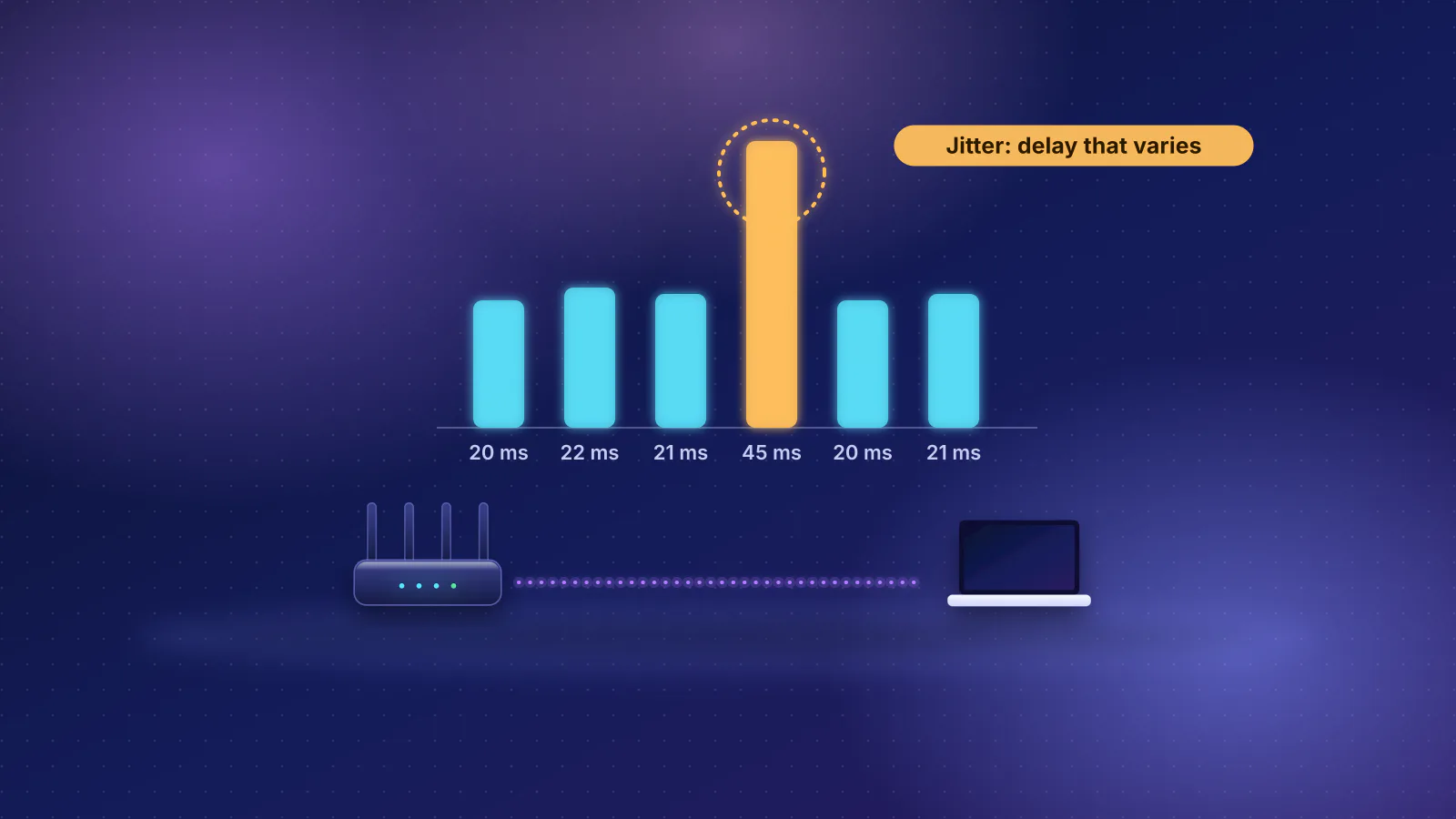
This article is about lost packets. For variation in delay among the packets that do arrive, see jitter explained; for delay that grows while the line is busy, see the bufferbloat guide.
What counts as a lost packet
RFC 7680, the IETF's standard one-way loss metric, defines a packet as lost when the destination "did not receive that packet (within the loss threshold waiting time, Tmax)". A packet that turns up after that waiting time is counted as lost too. That matters for real-time apps: to a call, a packet that arrives after its moment has passed is as useless as one that never arrives.
Two things make packets go missing on a home connection:
- A full queue. When a router's or modem's buffer is full, the usual behaviour is tail drop. RFC 7567, the IETF's queue-management recommendations, describes it: "the packet that arrived most recently (i.e., the one on the tail of the queue) is dropped when the queue is full." This is loss that appears only while something fills the line.
- A bad link. Interference, a weak Wi-Fi signal, a damaged cable or a noisy provider line corrupts packets on the way. Wi-Fi resends frames it loses, which turns much of the radio's loss into extra delay instead (the mechanism, with its sources), so loss that survives to your app means resending didn't save it.
Why a download shrugs it off and a call doesn't
Downloads, web pages and most app traffic use TCP. RFC 9293, the TCP standard, says "TCP reliability consists of detecting packet losses (via sequence numbers) and errors (via per-segment checksums) as well as correction via retransmission." Lost data is sent again, so nothing is missing at the end; the transfer just takes longer.
Voice and video calls mostly use RTP, typically over UDP. RFC 3550, the RTP standard, says "RTP itself does not provide any mechanism to ensure timely delivery" and "It does not guarantee delivery or prevent out-of-order delivery." A call app can't pause the conversation to fetch a missing packet; it plays around the gap.
So a connection can look perfect on a speed test's download figure and still give choppy calls. The download number tells you almost nothing about loss.
How tests measure packet loss
| Test | What it sends | What it counts | Watch out for |
|---|---|---|---|
| Cloudflare's speed test (speed.cloudflare.com) | UDP packets relayed through a WebRTC TURN server, the kind of relay calls use | Cloudflare describes packet loss as "the percentage of packets that fail to reach their destination" when relayed through a TURN server over a period of time | In Cloudflare's open-source engine, loss is "opt-in" and needs a TURN server; its defaults send 100 packets and wait 5 seconds after the last reply |
| Ping (Windows, macOS, Linux) | ICMP echo requests, one at a time | Replies that don't come back; Linux's manual says "Round-trip times and packet loss statistics are computed" | Windows sends 4 by default and waits 4 seconds for each reply; a target can deprioritise or limit ICMP |
| Traceroute and MTR | Packets that expire at each router on the path, so each one replies | Missing replies hop by hop | Cloudflare: loss at an intermediate hop with none at later hops means the routers' "control plane rate limits ... were exceeded", and "the network path is actually not problematic" |
| RouterHaus Network Health | Downloads, uploads and small timed requests | Not measured: the page says a browser can only measure loss through a relay server, which it doesn't use | Use it for latency under load; use one of the tests above for loss |
Small samples can't show small losses
A loss percentage is only as fine as the number of packets behind it. Arithmetic on illustrative sample sizes:
- 4 pings (the Windows default): one lost packet is 25%, and none lost tells you only that loss is probably not huge.
- 100 packets (Cloudflare's engine default): the smallest step is 1%, so it can't tell 0% from 0.5%.
- 1,000 pings: one lost packet is 0.1%, Microsoft's target for the part of the path outside your home. At one ping a second, Linux's default pace, that's about 17 minutes.
For a sustained check, run a few hundred pings. On Windows, ping /n 300 192.168.1.1 sends 300 (Microsoft documents /n as the count and /t for "until interrupted"). On macOS and Linux, ping -c 300 192.168.1.1 does the same; Linux's manual describes -c as "Stop after sending count ECHO_REQUEST packets." Use your router's address in place of 192.168.1.1. The summary at the end gives the loss.
How much loss is too much
These are the published figures, each over a different path and time window:
| Source | Path it covers | Loss target |
|---|---|---|
| Microsoft Teams network targets | Your device to Microsoft's network edge, including Wi-Fi and your local network | Packet loss under 1% during any 15-second interval; burst packet loss under 10% during any 200 ms interval |
| Microsoft Teams network targets | The edge of your network to Microsoft's edge (excludes Wi-Fi and your local network) | Packet loss under 0.1% during any 15-second interval; burst packet loss under 1% during any 200 ms interval |
| Cloudflare AIM score (2023 rubric) | Speed test results from your device; the same loss row feeds its streaming, gaming and video-call scores | 10 points under 1%, 5 points under 5%, none above 5% |
Two things follow. First, Microsoft allows the path outside your home a tenth of the loss it allows the whole path, so on a healthy connection your provider's line should be close to lossless and most of any loss budget is the Wi-Fi hop's. Second, the burst figures matter: a connection that averages well under 1% but loses a run of packets in a fraction of a second can still break up a call. Cloudflare says its scores "aren't designed to be static", so treat its rubric as a 2023 snapshot.
Cloudflare's gaming score is "packet loss + unloaded latency + (loaded latency - unloaded latency difference)", so loss counts for games as well as calls, alongside how much latency rises when the line is busy.
Find where the loss comes from
Each step adds one piece of the path. Use a few hundred pings at each step, as above, so a small loss can show.
- Wi-Fi to the router. From the device that has the problem, where you use it, ping the router (its address is the "default gateway" in your network settings). This path is only the Wi-Fi hop and the router.
- Cable to the router. Plug a computer into the router and repeat. A cable to the router should show no loss at all. Loss here points to the cable, the port or the router itself.
- Cable, past the router, idle. Still wired, run Cloudflare's speed test and note its packet-loss figure, and ping something beyond your home for a few hundred packets. Loss here, with steps 1 and 2 clean, is at the modem, the provider's line or beyond.
- Cable, past the router, under load. Repeat the ping while a large upload or download runs (or during a speed test). Loss that appears only now, together with a jump in ping times, is a full queue at the slowest link: tail drop.
- Quiet time against busy time. Repeat step 3 at a quiet hour and in the evening, over a few days. Wired, idle loss that comes and goes with the time of day points to congestion at your provider; see checking the time of day.
- If you run a traceroute or MTR, read only loss that carries on to the last hop. Loss at one middle hop that disappears at later hops is that router limiting its replies, per Cloudflare's guide, not packets lost on the path.
| What you see | Likely source | Where to start |
|---|---|---|
| Loss pinging the router on Wi-Fi, none on a cable | The Wi-Fi hop: distance, walls, interference, a crowded channel | The Wi-Fi fixes below |
| Loss pinging the router on a cable | Cable, port or router | Swap the cable and the port; restart the router; test a second computer |
| Clean when idle, loss and rising ping only while the line is busy | A full queue at the modem or provider link | Smart queue management |
| Wired, idle and still losing packets, worse in the evening | Your provider's line or network | Collect the evidence below and call |
| Loss at one middle traceroute hop only | A router limiting its own replies | Nothing to fix |
| Every test clean, one app or game still drops out | The app's server or route | The service's status page; nothing at home will change it |
What to do about it, by cause
The Wi-Fi hop. In order of cost:
- Put the device that matters (a desk computer, a console, a work laptop) on a cable. The shared radio hop goes away.
- Move the device closer to the router or an access point, or the access point closer to the device. A stronger signal means fewer corrupted frames. Measure room by room first.
- Where the signal is strong, use 5 GHz or 6 GHz rather than 2.4 GHz, and on mesh systems wire the link between nodes; see the hop that halves your speed.
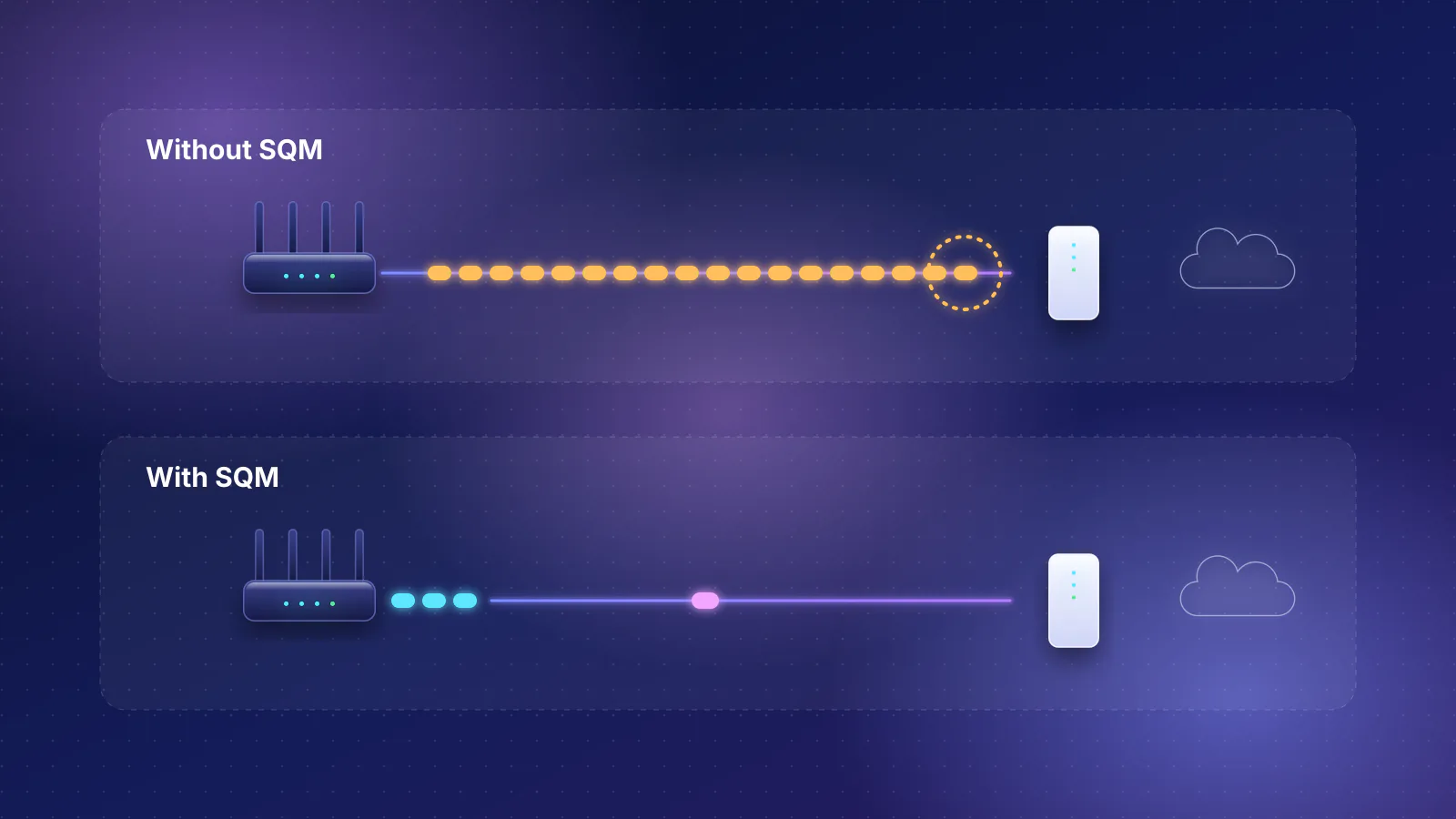
A full queue. Turn on smart queue management (SQM, often CAKE or fq_codel) on the router, with limits a little below your measured speeds, so the queue stays short in a box that manages it instead of filling in the modem. The SQM guide covers the settings.
The provider's line. Loss on a cable, with the router ruled out and nothing else using the line, isn't something a router setting fixes. Call your provider with evidence, not a feeling:
- Where you tested: a computer on a cable, plugged straight into the provider's gateway or modem if you can, so your own router is out of the path.
- What you sent and what you lost: for example (illustrative figures) "300 pings to the gateway, 0 lost; 300 pings past it, 9 lost (3%)", with the date, time and target address.
- A second test that agrees: Cloudflare's speed test loss figure, with the time.
- The pattern: idle or only under load, all day or only in the evening, over several days.
- A traceroute or MTR, if you ran one, showing loss that continues to the final hop.
- What you're asking for: a line or signal check from their side and a technician visit if it fails. The provider checklist has the rest of what to have ready.
The far end. If every step above is clean and one service still drops out, the loss is on that service's side or on the route to it. Its status page is the place to look.
Frequently asked questions
Is 1% packet loss bad?
It's at the edge. Microsoft's Teams target is under 1% in any 15 seconds for the whole path from your device, and under 0.1% for the part outside your home; Cloudflare's 2023 rubric gives full points only under 1%. On a cable to your router, any loss at all is worth investigating.
Why does my speed test show 0% loss but my calls still break up?
A 100-packet test can't show loss smaller than 1%, and a short test can miss bursts. Calls also suffer from late packets, which call apps discard, so high jitter can sound like loss. Run a few hundred pings to the router and past it, and check jitter on the same test.
Does packet loss slow down downloads?
Yes, but quietly. TCP detects the loss and sends the data again, so the file arrives complete and the transfer is slower. That's why a download speed alone doesn't reveal a loss problem.
Can a new router fix packet loss?
Only when the loss starts at the router or the Wi-Fi hop: a weak signal in the rooms you use, a faulty port, or a queue that a router with smart queue management would manage. Loss on a cable plugged straight into the provider's equipment won't change with a new router.
A traceroute shows 40% loss at hop 6. Is that my problem?
Not if the hops after it show little or none. Routers limit how many traceroute replies they send, so loss that stops at one hop is the router, not your traffic. Only loss that continues to the final hop affects your connection.
Does the RouterHaus Network Health test measure packet loss?
No. A browser can only measure loss through a relay server, and Network Health doesn't use one, so it shows loss as not measured rather than zero. It measures speed, idle and loaded latency and jitter; use Cloudflare's speed test or ping for loss.
Working from home and the calls are the problem? The home office troubleshooting list covers the router and Wi-Fi side. For a full measuring routine, with a record sheet and a before-and-after rule, see how to test your home network.
Sources
Read on November 26, 2026.
- IETF RFC 7680: A one-way loss metric for IP Performance Metrics (Internet Standard, January 2016)
- IETF RFC 7567: Recommendations regarding active queue management (BCP 197, July 2015)
- IETF RFC 9293: Transmission Control Protocol (Internet Standard, August 2022)
- IETF RFC 3550: RTP, a transport protocol for real-time applications
- Microsoft Learn: Understand Teams network requirements (network performance targets)
- Cloudflare: AIM scoring rubric and formulas (April 18, 2023)
- Cloudflare: speedtest measurement engine (README: packet loss over a TURN server, defaults)
- Cloudflare: How does Cloudflare's Speed Test really work? (October 27, 2025)
- Cloudflare Learning Center: What is My Traceroute (MTR)?
- Microsoft Learn: ping (Windows commands reference)
- Linux manual page: ping(8) (iputils)