SQM
Bufferbloat explained: how to reduce lag while gaming
How to test for bufferbloat, how SQM fixes it, how to set the speed limits, and what no queue setting can fix.
Topic
Lag is mostly about delay and its spikes, not bandwidth. Here's what your home network controls and what it can't.

Your ping is mostly set outside your home: the distance to the game server and your provider's network. What your home network decides is whether that ping stays steady. Spikes usually come from queues filling up when someone else uploads or downloads (bufferbloat), from Wi-Fi contention and interference, or from two routers in a row breaking inbound connections.
From the catalog
22 current routers and mesh systems document Smart Queue Management. The lowest-priced:
| Model | Type | Manufacturer price |
|---|---|---|
| MikroTik hAP be lite (A42G-HbeP) | Router | $79 |
| MikroTik hAP ax S (E62iUGS-2axD5axT) | Router | $79 |
| eero 6 | Mesh, 1-pack | $89.99 |
| MikroTik hAP ax² (C52iG-5HaxD2HaxD-TC) | Router | $99 |
| MikroTik hAP ax³ (C53UiG+5HPaxD2HPaxD) | Router | $139 |
| eero 6+ | Mesh, 1-pack | $139.99 |
| eero 7 | Mesh, 1-pack | $169.99 |
| GL.iNet Flint 2 (GL-MT6000) | Router | $169.99 |

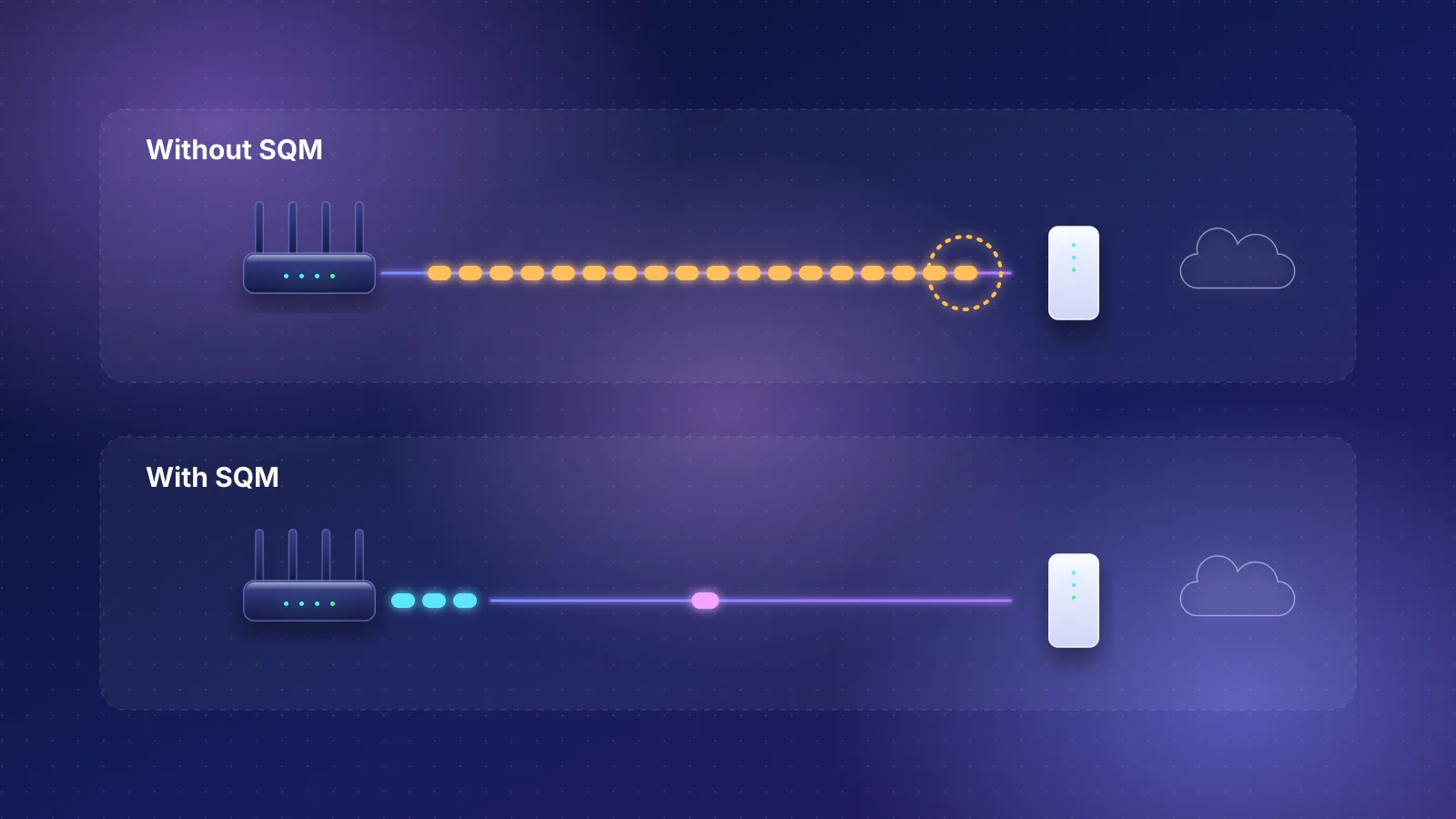
SQM
How to test for bufferbloat, how SQM fixes it, how to set the speed limits, and what no queue setting can fix.
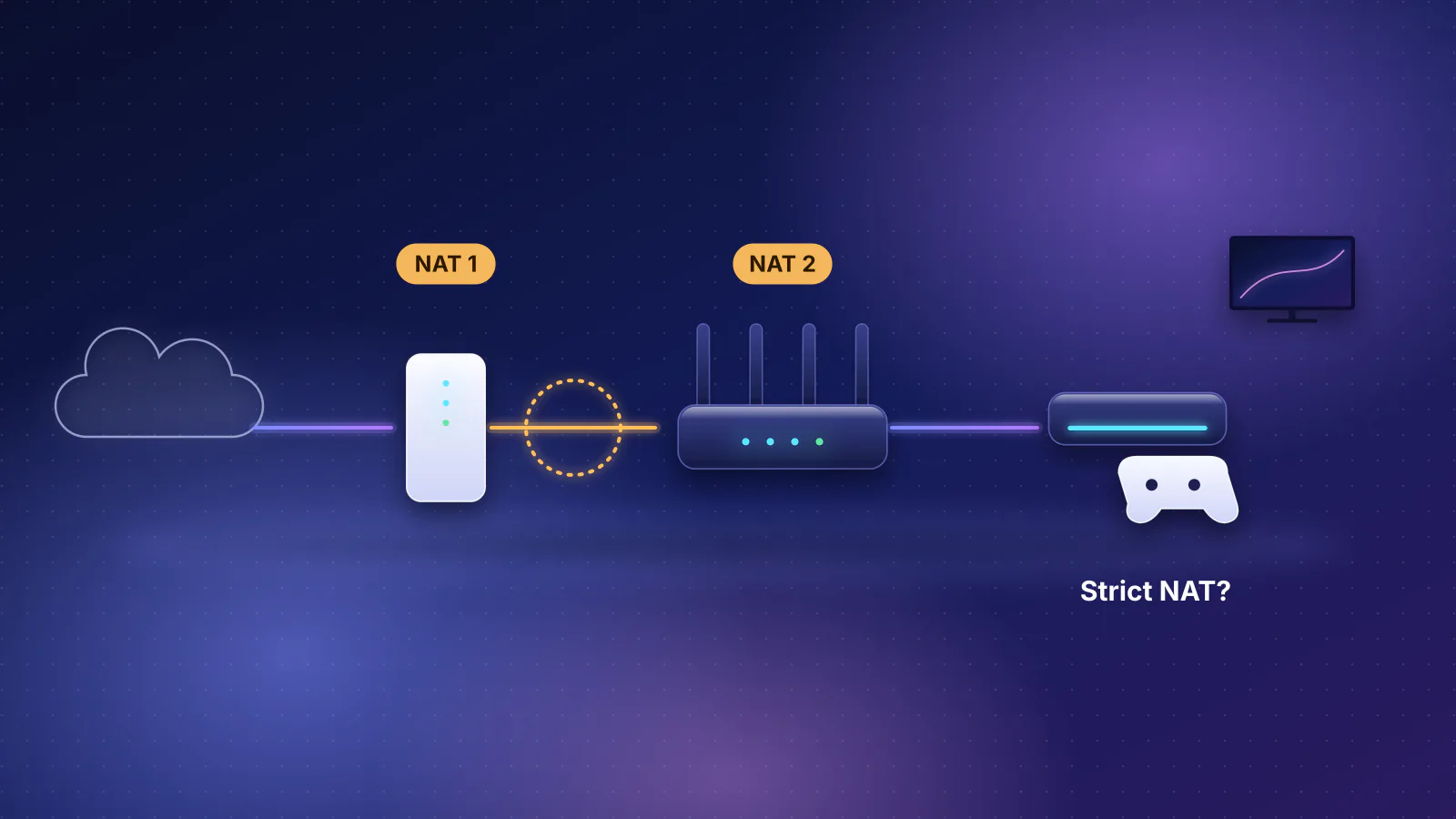
Troubleshooting
How to spot two routers in a row, what it breaks, and the fix for each kind of setup.
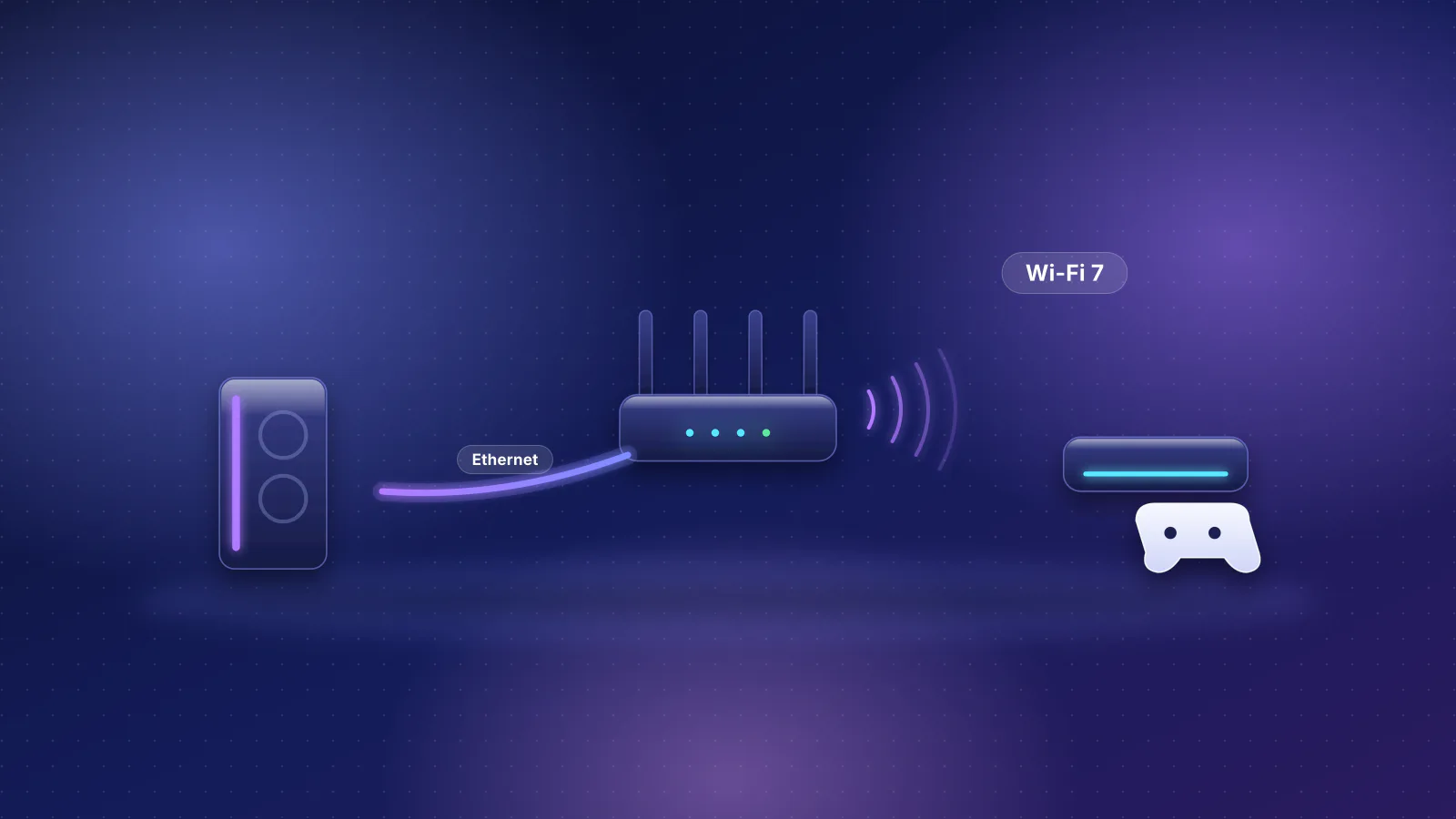
Gaming
The mechanism behind Wi-Fi lag spikes, what published measurements show, console Wi-Fi specs, and a decision guide for wiring.

Gaming
Latency vs. jitter in plain English, plus the 10-minute router fix for lag spikes: SQM, placement, 6 GHz and wiring.
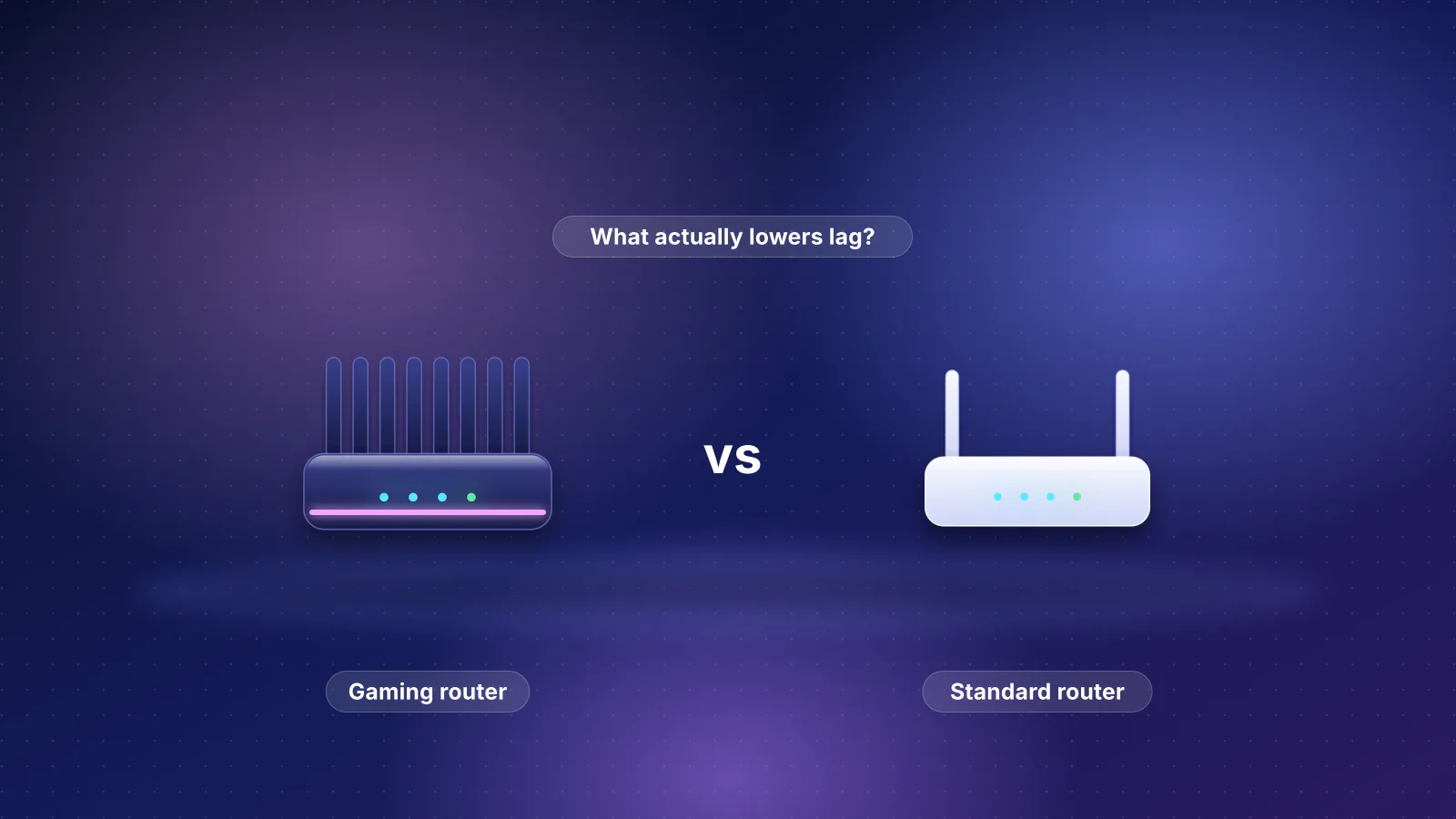
Gaming
Each gaming-router feature mapped to what its maker documents, and what matters more for lag.
Planned for this topic. Each article is published only after it has been fact-checked and approved.