The short version
- Double NAT means two devices are both routing: usually the provider's gateway and your own router. Your devices sit on a private network inside another private network.
- Check it: if your router's internet (WAN) address starts with 10., 172.16–172.31. or 192.168., something in front of it is routing, usually the provider's gateway.
- What it breaks: port forwarding, hosting games, some VPNs, console NAT type, and devices on the two networks finding each other. For most people, everyday use isn't noticeably affected.
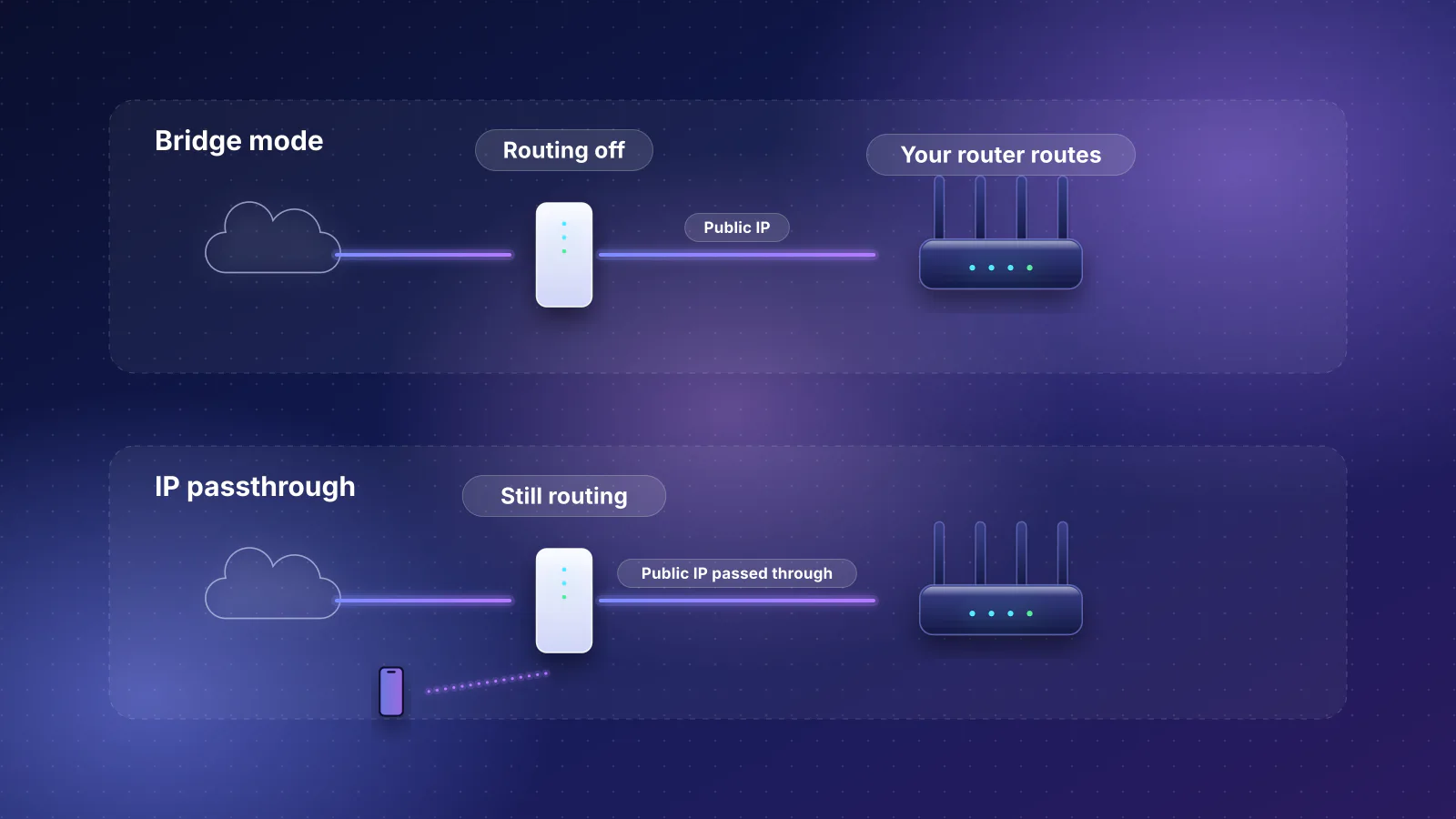
- Fix it by making only one device route: bridge mode or IP passthrough on the gateway, or access-point mode on your router. On T-Mobile and Starlink's default plan, the provider's own NAT stays even then.
What it is
A router translates between the private addresses in your home and the single public address your provider gives you (network address translation, NAT). When you connect your own router to a provider gateway that's still routing, the translation happens twice. NETGEAR's support article puts it simply: "Double NAT occurs when you connect your router to an ISP gateway or another router."
GFiber (formerly Google Fiber) describes the same thing when it explains why bridge mode exists: connecting a personal router without it "creates a conflict called Double NAT".
How to check
- Open your router's app or admin page and find the internet / WAN status.
- Read the WAN IP address:
- 10.x.x.x, 172.16.x.x to 172.31.x.x, or 192.168.x.x: private addresses (RFC 1918). Something in front of your router is routing, usually the provider's gateway, so you have double NAT. Some providers also use these ranges inside their own networks, so on 5G home and satellite service there may be carrier NAT behind the gateway as well.
- 100.64.x.x to 100.127.x.x: the provider's shared address space (RFC 6598), used for carrier-grade NAT. That's a different issue: the provider shares one public address among customers, and nothing on your side changes it.
- 169.254.x.x, 0.0.0.0 or blank: your router isn't getting an address at all (169.254.x.x is a self-assigned link-local address, RFC 3927). That's a connection problem, not double NAT.
- Anything else: a public address. No double NAT.
- Two Wi-Fi networks from two different boxes is a hint that both may be routing; the WAN address confirms it.

What it actually breaks
| Activity | Effect of double NAT |
|---|---|
| Browsing, streaming, video calls | Google says most people notice no effect |
| Console and PC gaming | Often a "moderate" or "strict" NAT type (Xbox) or NAT Type 3 (PlayStation); trouble hosting or joining some lobbies and voice chat |
| Port forwarding, game servers, and reaching home cameras, a NAS or a Plex or Jellyfin server from outside | Breaks unless you forward on both routers |
| VPN servers at home; some VPN clients | Can fail to connect |
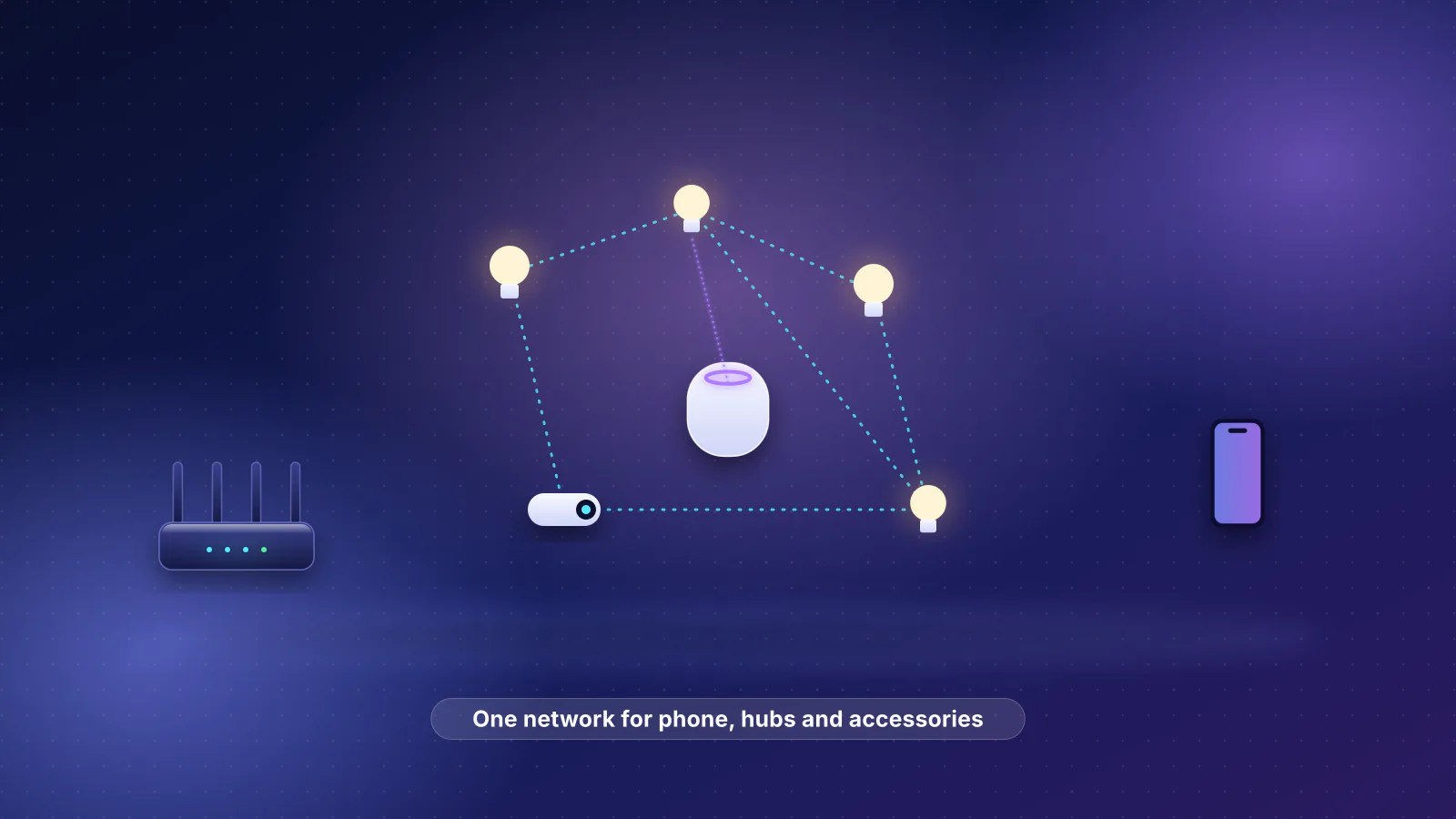
| Casting and smart-home discovery | Devices on the gateway's network and devices on your router's network can't see each other |
Google's help article says "For most people, a double Network Address Translation (NAT) configuration doesn't create a noticeable effect", but that it "can also result in performance issues if you play online games or use port forwarding rules and UPnP", and that devices on the two networks "can have a hard time communicating with each other". GFiber names strict NAT types in gaming, VPN connections and smart-home devices.
How to fix it
Make exactly one device route. In order of preference:
- Put the provider's gateway in bridge mode (Xfinity, Cox, GFiber where needed) or IP passthrough (AT&T Fiber, Verizon's 5G Home Internet Gateway, where your router must use the LAN2 port). Your router then gets the gateway's public address. See how to set up bridge mode or passthrough for each provider's port and settings.
- Remove the gateway where the provider allows it: plug your router into a plain ONT (Verizon Fios, GFiber's Fiber Jack, Frontier after activation) or use your own approved cable modem (not on Xfinity's X-Class or Spectrum's symmetrical tiers, which need the provider's equipment). On Verizon Fios, keep the Verizon router if you have Fios TV: Verizon's router guide says its coax connection is "Required for Fios TV". Verizon doesn't document using your own router; a 2015 user guide reports that some installs feed the router over coax, so Verizon has to switch the ONT to Ethernet, and that you should release the Verizon router's DHCP lease before you swap routers.
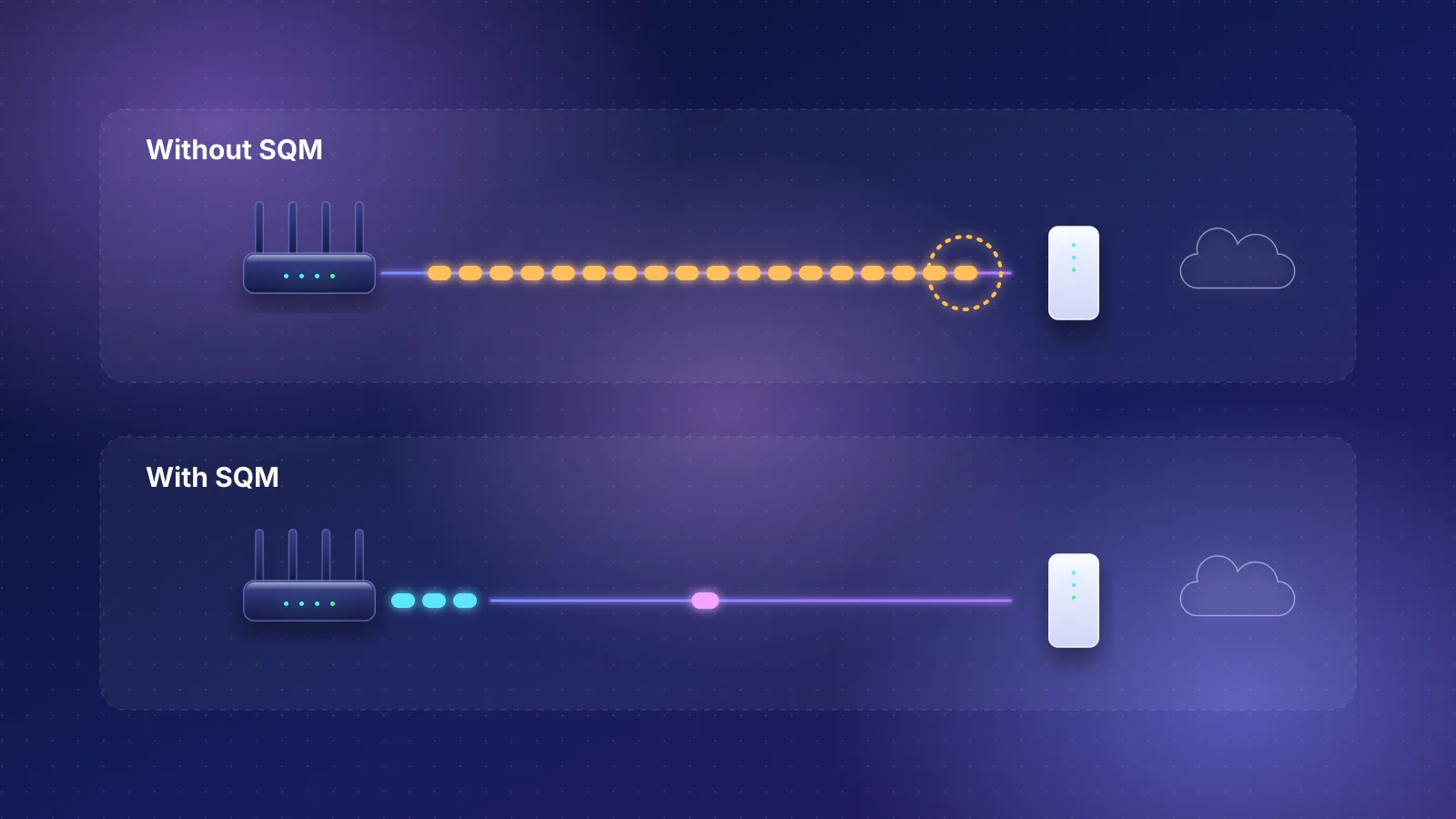
- Put your own router or mesh in access-point mode when the gateway can't bridge or pass through (T-Mobile's 5G gateway, for example). The gateway does the routing and your equipment provides the Wi-Fi. This fixes the in-home side: one network, so devices can find each other. It doesn't fix port forwarding or a strict NAT type when the provider's NAT stays in place. T-Mobile says settings such as "NAT/Port forwarding, UPnP/Static IP" "cannot be configured on the T-Mobile gateway", and Starlink's default IPv4 uses carrier-grade NAT that "does not allow inbound traffic". You also lose your router's own firewall rules, port forwarding, Smart Queue Management and VPN server in this mode, and on some systems the guest network (Google's, for example), so check what you rely on first.
- Live with it, deliberately. If only browsing and streaming matter, double NAT may cause no trouble. If the gateway offers a DMZ setting, point it at your router's WAN address to reduce problems, and reserve that address on the gateway (a DHCP reservation) so the DMZ target doesn't change. AT&T's gateways offer IP passthrough (DMZplus on older models) instead, and T-Mobile's can't forward ports at all. Turn off the gateway's Wi-Fi so devices don't land on the wrong network.
Frequently asked questions
Is double NAT bad for speed?
Not noticeably for most homes; Google says most people see no noticeable effect. The problems are about reachability (games, port forwarding, VPNs, device discovery), not throughput.
My WAN address starts with 100.64. Is that double NAT?
It's your provider's carrier-grade NAT (RFC 6598 shared address space), not a second router in your home. Bridge mode won't change it. Ask the provider about a public IPv4 address, or use IPv6 if it's offered.
Can I just forward ports on both routers?
Yes, it works for simple cases: forward the port on the gateway to your router, then on your router to the device. It's fragile. Consoles that rely on UPnP may still report a moderate or strict NAT type (or NAT Type 3 on PlayStation), because UPnP opens ports only on your router, not on the gateway in front of it. Pointing the gateway's DMZ at your router, where the gateway offers one, can help.
What's the fix for T-Mobile Home Internet?
T-Mobile says its gateways can't do bridge mode, port forwarding or NAT type changes. Put your own router or mesh in access-point mode so your home has one network, and turn off the gateway's Wi-Fi in the T-Life app. That fixes device discovery inside your home, but not port forwarding, hosting or a strict NAT type, because the gateway's NAT stays.
Sources
Read on October 21, 2026.
- NETGEAR: What is double NAT and why is it bad?
- Google Nest Help: Fix Double NAT when two routers run at the same time and Bridge mode
- GFiber: Set up bridge mode with the gFiber app
- eero: What is bridge mode? and What features do I lose if I put my eeros in bridge mode?
- Xfinity: Devices certified for enhanced speeds required in recently upgraded areas (X-Class) and Spectrum: Using your own equipment on our network
- Verizon: Verizon Internet Gateway - Configure IP Passthrough / Bridge Mode and Router user guide, CR1000A (PDF)
- Logan Marchione: Use your own router with Verizon FiOS (user guide, 2015)
- AT&T Business: Configuring IP Passthrough and DMZplus
- T-Mobile: Connect your devices to T-Mobile Home Internet
- Starlink: What IP address does Starlink provide?
- Microsoft: Xbox NAT settings (Open, Moderate, Strict)
- PlayStation: Remote Play connection troubleshooting (NAT Type 3)
- RFC 1918: Address allocation for private internets
- RFC 6598: Shared address space for carrier-grade NAT
- RFC 3927: Dynamic configuration of IPv4 link-local addresses (169.254.0.0/16)