The short version
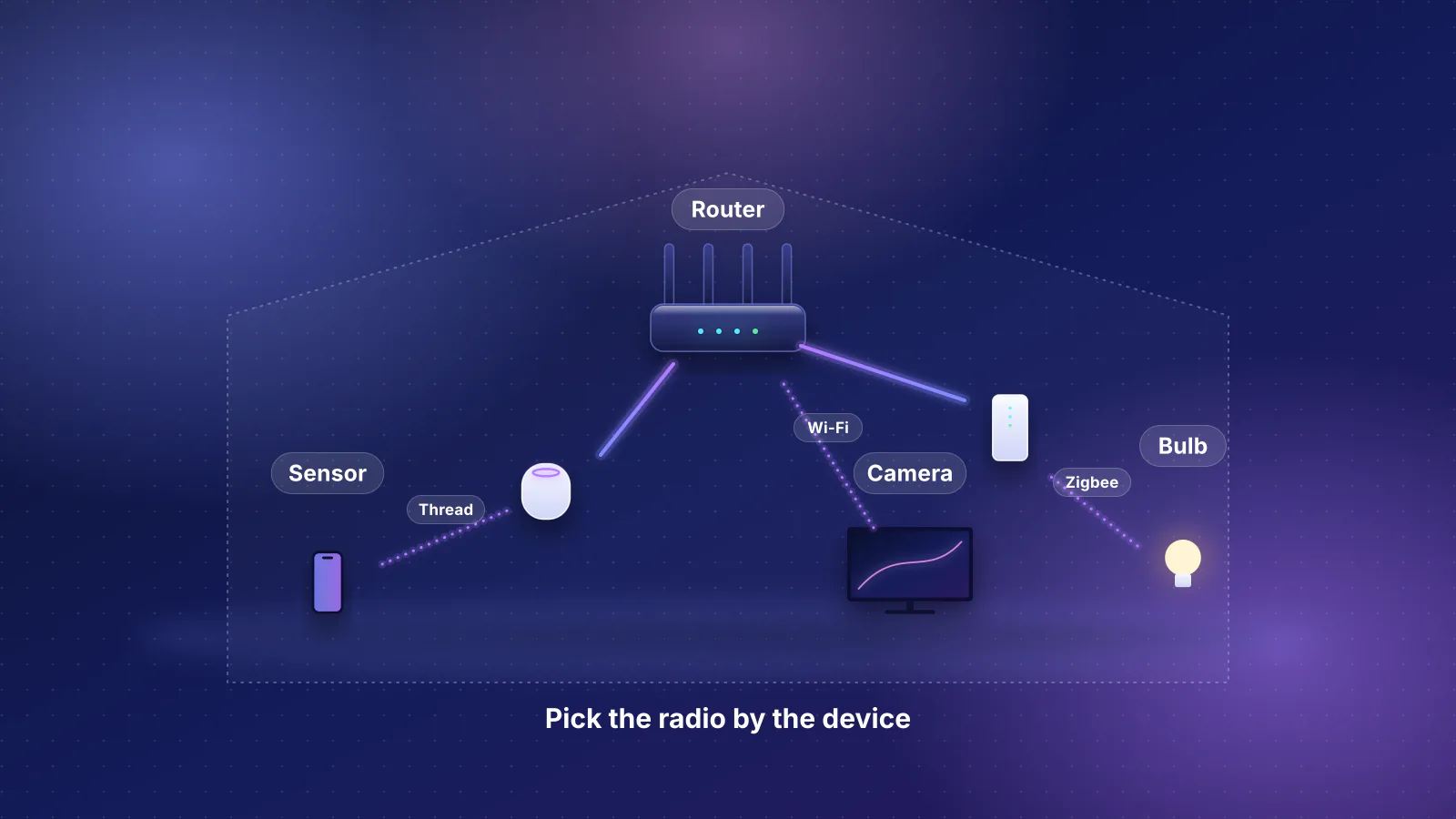
- The radio decides the extra box. A Wi-Fi lock joins your router directly. A Bluetooth lock needs a bridge or a Wi-Fi module for anything beyond phone range. A Z-Wave lock needs a Z-Wave hub. A Thread lock needs a Thread border router, and a Matter controller to be added to Apple Home, Google Home, Alexa or SmartThings.
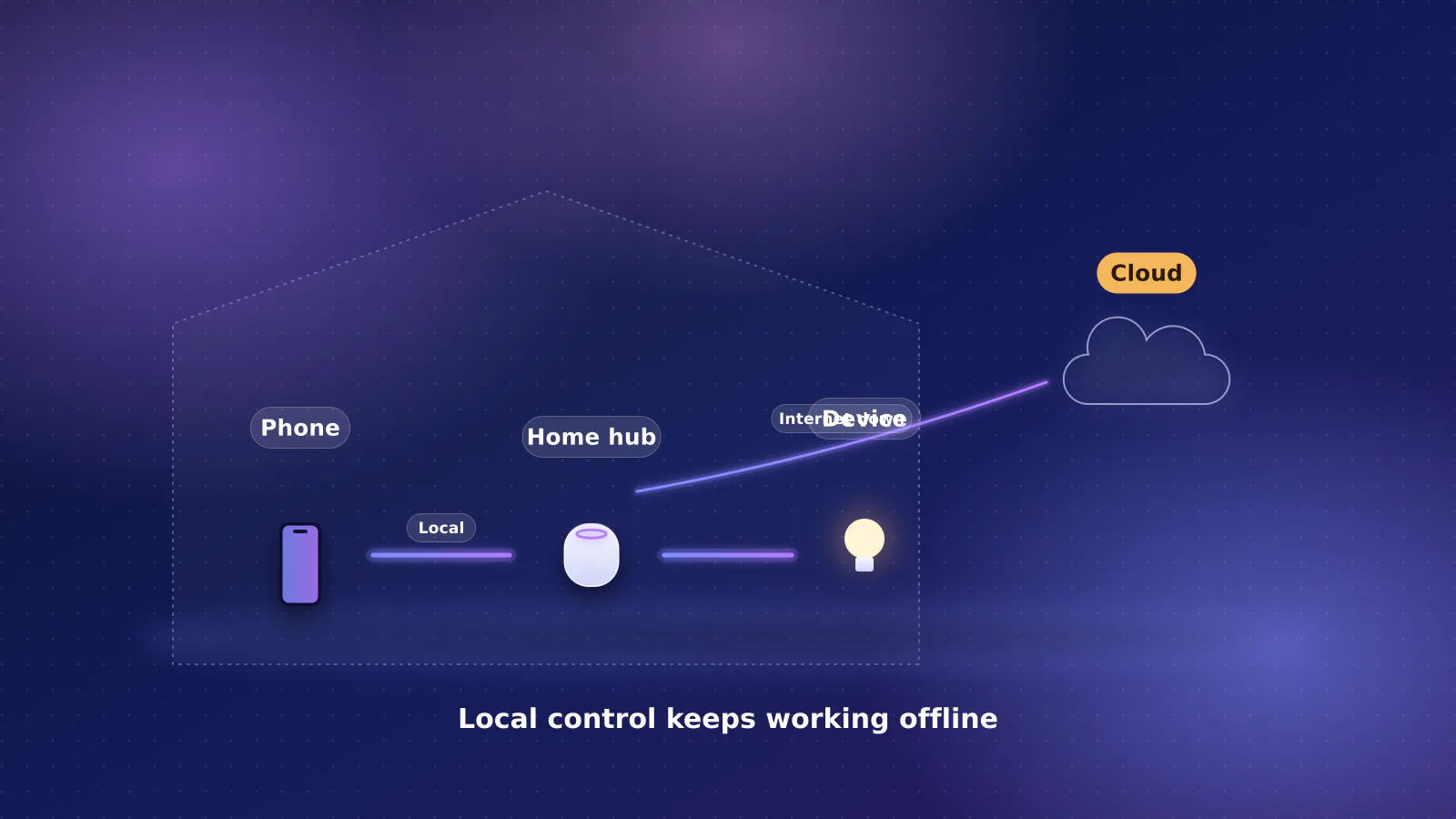
- The keypad doesn't depend on any of them. Schlage says its locks are battery powered and "will work from the keypad" in a power cut; Yale says of its Z-Wave lock, "The keypad will always work."
- Scheduled codes are the exception to watch. Schlage says scheduled codes "will not work if the lock goes offline"; Google says the same of Nest x Yale passcodes with scheduled access.
- At the door, Bluetooth is the fallback. August and Yale both say you can still reach the lock over Bluetooth when Wi-Fi or Z-Wave is down.
- Remote access, alerts and history need the whole path. With the internet down, the app away from home and alerts stop; Schlage says its history syncs once the lock reconnects.
- Check, don't assume. Write down which kinds of code your household uses, then try each one with the internet unplugged (the check is below).
Four ways a lock connects
Most smart locks have a mechanical key or keypad (or both) that works on the lock alone, plus a radio that links it to your phone and your network. That radio is what changes from lock to lock. This guide is about locks; for choosing a radio across all kinds of device, see Matter over Thread vs Wi-Fi vs Zigbee.
| Lock radio | What it needs at home | What the maker says (examples) |
|---|---|---|
| Wi-Fi built in | Your router's Wi-Fi reaching the door, on a band the lock supports | Schlage: Encode remote control "does not require any extra smart home hubs when paired through the Schlage Home app." August: its Wi-Fi Smart Lock "does not require an August Wi-Fi bridge." |
| Bluetooth, plus a bridge | A plug-in bridge near the lock, on your Wi-Fi, for remote access | August: the Connect bridge lets you lock and unlock "from anywhere" and needs an internet connection, a 2.4 GHz network and an outlet. Google: the Nest x Yale lock uses "a low-power connection to talk to Nest Connect," which uses Wi-Fi to reach the app. |
| Z-Wave | A Z-Wave hub (not every router or speaker has one) | Schlage: Connect locks "require a Z-Wave hub to enable online connectivity", and "eero routers do not support Z-Wave connections." Yale: its Assure Lock 2 with Z-Wave is compatible with "Samsung SmartThings, Hubitat, and Ring." |
| Thread (Matter) | A Thread border router and a Matter controller, often the same device | Yale: its Matter locks need a "Compatible Matter hub, and Thread border router" from Google, Apple, Amazon Alexa or Samsung SmartThings. Level: a platform needs "a Matter hub controller (language) and a Thread Border Router (communication) functionality." |
Some locks take more than one route. Yale's Assure Lock 2 takes swappable modules: its FAQ (last updated October 22, 2025) lists Z-Wave, Wi-Fi and Matter modules and a Bluetooth module with the Connect Bridge. Many Wi-Fi and Bluetooth locks also talk to your phone directly over Bluetooth when you're at the door, which matters in an outage.
- The lock Keypad, key, fingerprint or phone at the door; Wi-Fi, Bluetooth, Z-Wave or Thread radio
- Bridge, hub or border router A Bluetooth bridge, Z-Wave hub or Thread border router; a Wi-Fi lock skips this step
- Your router Carries the lock's traffic, or the hub's, to the internet; it has to be powered and in range
- Modem, ONT or gateway Your provider's box
- The internet and the maker's or platform's cloud Remote lock and unlock, alerts on a phone away from home, history sync and code changes made from away
Wi-Fi locks: band, signal and battery
A Wi-Fi lock has no hub to buy, but it puts the most demands on your Wi-Fi. Front doors sit at the edge of the house, often farthest from the router. Schlage explains its choice of band in exactly those terms: 2.4 GHz is "strong enough to pass through walls, ceilings and floors," and the lock "will typically be installed on the outer most border of your home."
The band each lock supports differs by model, so check yours:
- Schlage Encode: "designed to connect exclusively to a 2.4GHz Wi-Fi network," with "WPA or WPA2 passwords" (Schlage, last updated August 14, 2025). Hidden networks are entered by hand in the app.
- August Wi-Fi Smart Lock: "supports 802.11 b/g/n on the 2.4GHz and 5GHz frequencies" (August FAQ, last updated March 11, 2024).
- Yale Assure Lock 2 with the Wi-Fi module: Yale says "Compatible Assure Lock 2 smart locks now work with both 2.4 GHz and 5 GHz Wi-Fi networks," while an older section of the same FAQ still says the module "requires a 2.4 GHz wireless network."
- Kwikset Halo: Kwikset's troubleshooting page says to make sure the network is "broadcasting 2.4GHz frequency and is not hidden," protected with WPA2 (or WPA2 or WPA3 for Halo Select), and that there is "adequate Wi-Fi coverage and signal strength at the location of the lock," with any repeater placed "between the router and the lock."
If a 2.4 GHz-only lock won't join a router or mesh that puts both bands under one name, how to connect a 2.4 GHz-only device goes through the fixes in order.
Wi-Fi also costs battery. August says its Wi-Fi lock lasts "up to 3 months" under typical conditions with Wi-Fi enabled, and that pairing it with a Connect bridge can "increase battery life." Makers measure battery life under their own conditions, so figures from different makers aren't a like-for-like comparison.
Bluetooth locks and bridges
A Bluetooth-only lock talks to your phone when you're close to the door, and to nothing else. For remote access it needs a bridge: a small plug-in box near the door that speaks Bluetooth (or another low-power radio) to the lock and Wi-Fi to your router.
- August Connect: August lists an internet connection, an "802.11 b/g/n (2.4GHz) Wi-Fi Network" and a standard North American outlet among the requirements, and marks remote access "(Requires Wi-Fi)."
- Nest x Yale with Nest Connect: Google says "Only a Nest Connect can connect your lock to Wi-Fi"; Nest Guard can no longer act as the bridge. It warns that "Thick walls, furniture, appliances, and other electronics can reduce the range," and you "may need to move it closer" to the lock.
- Yale's Wi-Fi module without Wi-Fi: a module that isn't joined to a home network "will operate in Bluetooth only mode," Yale says.
The bridge is now one more link in the chain: it needs power, a Wi-Fi signal from your router where it's plugged in (2.4 GHz for August Connect), and a short enough distance to the lock.
Z-Wave locks need a Z-Wave hub
Z-Wave is a separate low-power radio, and nothing on a typical home network speaks it until you add a hub that does. Schlage is plain about its Connect series (BE468, BE469, BE469ZP): "Without a hub, the lock cannot communicate with any app or other connected devices," and "A 3rd party Z-Wave hub, along with its corresponding app, is necessary to enable remote control." Without a hub, you can still "manually program your lock to use basic features such as adding or deleting access codes."
Yale's Assure Lock 2 with Z-Wave (FAQ last updated April 24, 2024) says you need "A compatible Z-Wave Smart Home hub to control your lock with your phone," that code management in the hub's app works only "if your Z-Wave hub supports entry code management," and that if Z-Wave fails you can still reach the lock over Bluetooth through the Yale Access app. It rates battery life at "up to 9-12 months under typical conditions with Z-Wave enabled."
What a Z-Wave lock can do in an outage then depends largely on the hub: whether it runs automations and app control locally or through its cloud. That's the hub maker's documentation, not the lock's; what each platform documents about working offline covers SmartThings, Home Assistant and others.
Thread and Matter locks
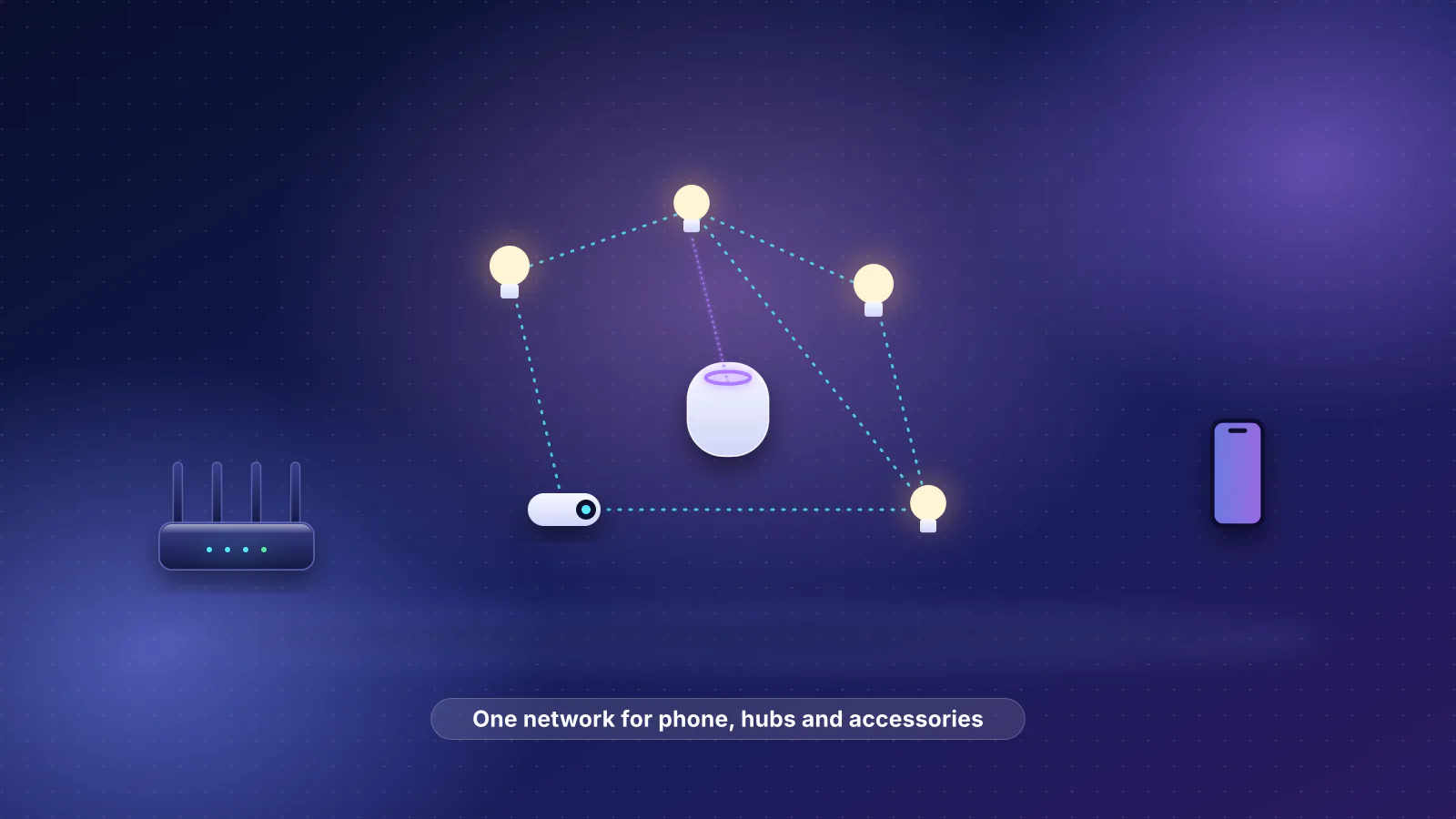
The Connectivity Standards Alliance (CSA), which runs Matter, lists door locks among Matter device types and says Thread "is best suited for low-power devices (sensors, locks, switches)." A Thread lock joins a Thread mesh; the Thread Group says a border router's "sole function is to send packages between the low-power wireless mesh and the rest of the network." Without a border router, nothing on your Wi-Fi can reach the lock over Thread.
What lock makers say a Thread lock needs:
- Yale's Matter locks: a "Compatible Matter hub, and Thread border router" from Google, Apple, Amazon Alexa or Samsung SmartThings, with the border router "within 50 feet of the lock." Features depend on the platform, since "a partner may only choose to show select features," and the lock "cannot be configured or operated in both apps simultaneously" (Yale's Matter FAQ, last updated July 9, 2025). Yale's older Matter module FAQ (August 17, 2023) adds that "The Yale Access app is not compatible with the Yale Assure Lock SL with Matter (YRD256-MT1)."
- Level: "a Matter-over-Thread hub controller connected to your home Wi-Fi network," and it notes that "the existing Level Bolt cannot be updated to support Matter" (guide updated November 2024).
- Nuki: "a compatible Smart Home hub that supports Matter via Thread," and "the Smart Home hub must provide Internet access" for remote control.
So for a Thread lock, the questions are whether you already own a border router and which platform will control the lock. Makers' lists of border routers are in which Thread border router to use; Apple's hub and border router roles are in our Apple Home, Matter and Thread guide; and if you're still choosing a platform, the smart home platforms record lists each one's controllers and border routers from its maker's pages. If the lock won't add, see Matter device won't pair. Locks that sell a Thread version and a Zigbee version, like Aqara's, are compared in the radio-by-device table.
Separately from Matter, the CSA released Aliro 1.0 on February 26, 2026, a credential standard for phones and wearables at a door that uses NFC "for tap-to-access", Bluetooth LE and ultra-wideband. It's about how a phone proves itself to a lock, not how the lock reaches your network.
What still works when Wi-Fi or the internet is down
Three kinds of outage behave differently. If only the internet drops, your router, Wi-Fi and hubs are still up. If the router or Wi-Fi goes down, Wi-Fi locks and bridges lose their path too. In a power cut, the lock keeps running on its batteries but the router, bridge and hub stop unless they're on a battery backup. Here is what the makers we read document, read November 27, 2026:
| Feature | What the makers say | Needs |
|---|---|---|
| Keypad with permanent codes | Schlage: Encode locks "do not require a Wi-Fi connection to function," and "Access codes programmed into the lock will continue to work" (Encode Plus). Google: "Even if your lock is offline, most passcodes will still work." Yale (Z-Wave): "The keypad will always work." | The lock and its batteries |
| Scheduled, temporary or recurring codes | Schlage: scheduled codes "will not work if the lock goes offline"; "only the access codes that were active at the time the lock lost its Wi-Fi connection will continue to function," and some codes "may cease to function if setup as a temporary or reoccurring code." Google: people with scheduled access "won't be able to use a passcode" while the lock is offline. | Varies by maker: check yours |
| Physical key and thumb turn | Google: the thumb turn inside still works offline. Kwikset: if Halo's batteries die, it "can be unlocked with a key," and codes "will not be lost." | Nothing |
| App at the door | August: "If your Wi-Fi is down in your home, you will still be able to connect to your lock over Bluetooth." Wyze: you can "connect to the Wyze Lock's Bluetooth to trigger Lock or Unlock commands." Schlage: without Wi-Fi, "the app will only support Bluetooth connectivity." Google: you "won't be able to operate your lock with the Nest app" while it's offline. | Bluetooth in range, where the lock has it |
| Auto-lock | Wyze: the Wyze Lock's Auto-Lock setting is "stored on the Lock itself rather than being communicated server-side," so "even if your network goes offline for some reason, Auto-Lock will continue to work." August describes auto-lock as a timer that starts "Once the door state changes from Open to Closed"; Kwikset says Halo will "automatically lock after a preset time delay," and that setting it "may require you to be within Bluetooth range." Neither the August nor the Kwikset pages we read say whether it keeps running offline, so test yours. | On the lock for the Wyze Lock; not documented by the other makers we read |
| Auto-unlock as you arrive | Wyze: "While offline, the Auto-Unlock feature won't trigger." August: the phone's Bluetooth, Wi-Fi and GPS "must be enabled in order for Auto-Unlock to work." | The phone, and for Wyze the lock online |
| Remote lock and unlock | CSA: "Matter-only devices require an internet-connected controller" for control from outside the home. Schlage (Z-Wave): a third-party hub "is necessary to enable remote control." August Connect: remote access "(Requires Wi-Fi)." | The full chain, including the internet |
| Alerts and history | Google: an offline lock "won't be able to send alerts or information to your phone." Schlage: history "is stored in the Schlage cloud and requires a Wi-Fi connection to sync." Yale: the Activity Feed updates "via Wi-Fi or locally with Bluetooth." | The full chain; some sync later |
The pattern across makers: whatever is stored and decided on the lock keeps working, and whatever needs a message from outside the door waits. The gap people trip over is scheduled codes, because a cleaner's or a guest's code can look like an ordinary code until the lock goes offline.
A safe check at your own door
This is an exercise for you to run; RouterHaus hasn't run it on any lock. The general version for a whole smart home, including which cable to pull, is in our take-the-internet-away test. For a lock, add these steps:
- Do it with the door open or someone inside, and with the physical key to hand, so nobody is locked out if something doesn't behave as expected.
- List every kind of access your household uses: each permanent code, any scheduled or temporary code, fingerprints, the app, a phone or watch key, auto-lock and auto-unlock.
- Unplug only the cable from your provider's box to your router, so Wi-Fi, the bridge and the hub stay up, and wait a few minutes for the lock and app to notice.
- Try each item from the list at the door. For the app, put your phone on home Wi-Fi with cellular data off, then try again with Wi-Fi off so only Bluetooth is left.
- Don't reset or re-pair anything while the line is out. Schlage says a factory reset "restores the lock to its original settings, erasing all user codes."
- Plug the cable back in and check that the app shows the lock online and that the history caught up.
| What you saw | What it means | What to do |
|---|---|---|
| Every code and the key work; the app works only at the door | The lock behaves as its maker documents | Nothing |
| A scheduled or temporary code fails | Offline, the lock can't apply the schedule, as Schlage and Google describe | Make sure anyone who must get in during an outage has a permanent code or a key |
| The app fails even at the door | The app reaches the lock only through the network, or Bluetooth is off on the phone | Check the maker's pages for a Bluetooth option; rely on the keypad or key in an outage |
| The lock shows offline while the internet is up | A Wi-Fi, bridge or hub problem, not an outage: signal at the door, the band, or the bridge too far away | Start with the fixer above, then the steps in the next section |
| Auto-lock didn't fire | Your lock's auto-lock needs something the outage took away, or the door sensor needs calibrating (August requires DoorSense for its Intelligent Auto-Lock) | Note it; lock by hand during outages and ask the maker's support |
Changes that make an outage matter less
- Give the people who rely on scheduled codes another way in. A permanent code, or a key, for anyone who has to get in during an outage. This is about the codes you already have; it doesn't need new equipment.
- Strengthen the signal at the door, not the house. For a Wi-Fi lock, Kwikset's advice is a repeater "between the router and the lock"; for a bridge, Google's is to move it closer. A mesh node or access point near the entry does the same job.
- Keep the router, bridge and hub powered. Schlage suggests you "Install a battery backup for your Wi-Fi service." A UPS on the modem, router and hub can keep the local links up for as long as its battery lasts; see what size UPS you need.
- Keep fresh batteries and the key. The keypad and every on-lock feature run on the lock's batteries, and the key is the backstop Schlage and Kwikset describe.
- For remote access during a provider outage, the only fix is a second internet connection; see dual-WAN and 5G/LTE failover.
When new equipment is justified
If your lock works the way you need, including through the check above, buy nothing. Equipment is justified when:
- You have a Z-Wave lock and no Z-Wave hub, and you want app or remote control. Check whether something you own is already one before buying; Schlage, for example, says eero doesn't do Z-Wave.
- You have a Thread lock and no border router in the platform you use. You may already own one in a speaker, display, streamer or router; check the maker's list first.
- You want remote access from a Bluetooth-only lock. That's the maker's bridge or module, not a new router.
- The lock's spot gets no usable signal and moving the bridge, adding a repeater or using a mesh node you have doesn't reach it. Then a node or access point near the door is the change.
A new router is rarely the fix for a lock: unless your router can't offer the band or security setting the lock's maker lists, the router you have is enough.
When to get professional help
The check and the settings above are yours to do and undo. Help is worth it when the network needs physical work, like running a cable so an access point or hub can sit near the entry, or putting the router and hub on battery backup in a closet. Door fit and lock hardware are a matter for the lock's maker and installer. When the job needs hands on site, RouterHaus can connect you with a licensed contractor through a consultation request.
Frequently asked questions
Does a smart lock work if the Wi-Fi goes down?
The keypad and key do: Schlage says its locks work from the keypad without Wi-Fi, and Google says most Nest x Yale passcodes still work offline. The app usually falls back to Bluetooth at the door. Remote control, alerts and scheduled codes are what stop.
Will scheduled or guest codes work during an outage?
Check your maker's pages. Schlage says scheduled codes won't work if the lock goes offline, and that only codes active when it lost Wi-Fi keep working. Google says people with scheduled access can't use their passcode while a Nest x Yale lock is offline.
Do I need a hub for a smart lock?
It depends on the radio. A Wi-Fi lock needs none. A Bluetooth lock needs a bridge for remote access. A Z-Wave lock needs a Z-Wave hub, and Schlage says eero routers don't support Z-Wave. A Thread lock needs a Thread border router and a Matter controller.
Can I unlock my door remotely when the internet is down?
No. The CSA says Matter-only devices need an internet-connected controller for control from away, and Wi-Fi, bridge and Z-Wave locks reach you through the internet too. Remote access during a provider outage needs a second internet connection.
Does my smart lock need 2.4 GHz Wi-Fi?
Some do. Schlage says Encode locks connect exclusively to 2.4 GHz, and Kwikset's Halo troubleshooting asks for a 2.4 GHz network. August says its Wi-Fi Smart Lock supports 2.4 and 5 GHz, and Yale says compatible Assure Lock 2 models now support both.
Sources
Read on November 27, 2026. Pages without a date are marked undated.
- Connectivity Standards Alliance: Matter FAQ (undated)
- Connectivity Standards Alliance: Introducing Aliro 1.0 (February 26, 2026)
- Thread Group: What is a Thread border router, and how is it different from a hub or a bridge? (November 2, 2022)
- Schlage (Allegion) knowledge center, undated: Do Schlage Encode series locks require Wi-Fi?, Will scheduled codes work if the lock goes offline?, Will the Encode Plus work without internet access or during a power outage?, Will my lock work if I lose power?, Why do Schlage locks only work with a 2.4GHz network?, How can I control my Encode Plus remotely?, Lock not responding in the app, but keypad still works, Can an eero router pair with the Schlage Connect series? and Is a 3rd party app required for the Schlage Connect series?
- Schlage support: Optimal Wi-Fi network for Schlage Encode locks (August 14, 2025)
- Schlage: Schlage Connect Z-Wave smart deadbolt (undated)
- Yale Home support: Yale Smart Module FAQs (October 22, 2025), FAQ: Assure Lock 2 with Z-Wave (April 24, 2024), FAQ: Matter (July 9, 2025) and FAQ: Matter Module (August 17, 2023)
- August: August Wi-Fi Smart Lock FAQ (March 11, 2024), Connect Wi-Fi Bridge (undated), How to use Intelligent Auto-Lock with DoorSense (October 20, 2021) and How does Auto-Unlock work? (October 27, 2021)
- Kwikset: Halo Wi-Fi smart lock FAQs and How can I troubleshoot the Wi-Fi connection of my Halo smart lock? (both undated)
- Google Nest Help: Troubleshoot your disconnected or offline Nest x Yale Lock (undated)
- Level: Matter smart lock guide (updated November 2024)
- Nuki Help Center: Thread: Designed for your Smart Home (undated)
- Wyze Support: Can I still enter my home if Wi-Fi goes offline? and Auto-Lock (both undated)