The short version
- Many plans now include the equipment. AT&T's current plans carry no equipment fee, and Verizon Fios, Verizon 5G Home, T-Mobile, Frontier, GFiber and Ziply include a router or gateway. Xfinity's labels for its current 300 Mbps to 2 Gig plans list the gateway at $0. On these plans your own router saves nothing; buy one for coverage or control, not to cut the bill.
- The fees that remain are mostly on cable. Older Xfinity plans, Optimum's standard rate card (which excludes NY, NJ, CT and PA) and legacy Cox plans list $15 a month for a gateway; Spectrum charges $10 for its Wi-Fi router (Advanced WiFi) on plans that don't include it; Astound's Washington rate card lists $24 for a modem.
- The break-even rule: months to pay off = what you buy ÷ the monthly fees it removes. A $89.99 router against Spectrum's $10 fee pays off in 9 months; a modem and router for $339.98 against a $15 gateway fee takes 23 months.
- The main caveat: some charges don't go away when you own the gear. Phone service usually needs the provider's modem, some speed tiers need its gateway, and many Xfinity labels list a $30 "Unlimited data for customer-owned modems" fee. Check your own plan's broadband label before you buy.
What the big providers charge
Every figure below comes from the provider's own price list, fee schedule, broadband label or support page, checked October 29, 2026. Prices are monthly, before taxes, and can differ by region and by when you signed up. The first table covers providers where your own equipment can remove a charge; the second, providers where the equipment is included or has to stay.
Fees your own equipment can remove
| Provider | Monthly equipment charge | What's included or required | What owning removes |
|---|---|---|---|
| Xfinity | $0 for the gateway on current 300 Mbps, 500 Mbps, 1 Gig and 2 Gig plans; $15 on the labels of older plans (Connect More, Fast, Superfast, Gigabit and others). Older labels also list an optional xFi Complete, usually at $25. Xfinity Pro, an add-on with extenders and cellular backup, is $15. | Xfinity says new members get its WiFi Gateway "included in the latest internet monthly plan at no extra cost". Xfinity Pro requires an Xfinity gateway. | The $15 gateway lease on older plans. On current plans, nothing. |
| Spectrum | Modem: no charge. Wi-Fi router (Advanced WiFi): $10. Extenders: $5 each in the price table; a footnote also lists Whole-Home WiFi at $12 for up to two. Invincible WiFi: $30 in the price table ($35 in the same footnote). | Advanced WiFi is included with Internet 1 Gig or any bundle; the standard-rate disclosure also lists it with Internet 500. Invincible WiFi is included with Internet 2 Gig. | The $10 router fee where you pay it, and extender fees. Not the modem: it's already free. |
| Cox (Spectrum plans in former Cox areas) | Modem or gateway: no charge. Panoramic WiFi: $10. Extender: $5. | Panoramic WiFi is included with 1 Gig and 2 Gig. In the guide, Spectrum plans are the ones sold in former Cox areas from September 16, 2026. | The $10 Panoramic WiFi fee where you pay it. |
| Cox (legacy Cox plans) | Panoramic WiFi Gateway: $15 | Closed to new purchases; existing customers can keep these plans. | The $15 gateway, if you replace it with a certified modem and your own router. |
| Optimum | Standard rates: DOCSIS modem $15, wireless gateway $15, Whole Home WiFi $10, extender $5. Online offer: gateway fee $0 for 12 months, then rising "no more than $5/mo. per year until standard rates reached". | Optimum's modem page calls its gateway "included with all Optimum plans", and the sample 1 Gig label we read lists $0.00 in monthly fees. A note on the standard rate card says "Not applicable in NY, NJ, CT, PA" and two North Carolina towns. | The gateway or modem fee once you're paying it. |
| Astound (Washington rate card) | Modem $24; modem with standard Wi-Fi $24; router alone $14; Enhanced Whole Home WiFi (eero) $16.95 | "Modem rental is only required if subscriber does not provide and use own modem." Astound's equipment page says eero Wi-Fi is included with 1 Gig and faster in its current offer; its bring-your-own-modem page says Whole Home WiFi is included with 2 Gig and faster. | The $24 modem fee, and the $14 router fee if you rent one. |
The Cox rows come from Cox's Phoenix and Tucson pricing guide for October 2026, the Astound row from its Washington rate card (effective February 26, 2026); other regions publish their own sheets. Spectrum says its retail rates are the same across its 45-state area.
Where the equipment is included or has to stay
| Provider | Monthly equipment charge | What's included | Can you remove the provider's box? |
|---|---|---|---|
| AT&T Fiber and Internet Air | None on plans currently sold. "Certain older" plans carry $2, $4, $7 or $10 (fee schedule effective January 30, 2025). | Wi-Fi gateway | No: AT&T says "all gateways" need its 802.1X authentication, so the gateway stays and your router goes behind it |
| Verizon Fios | None: "Verizon Fios internet plans include a Wi-Fi router" | Router; Whole-Home Wi-Fi extender on 1 Gig, 2 Gig and 5 Gig. Bought separately the router is $18 a month or $399.99, the extender $10 a month or $199.99. | Verizon's FAQ describes the ONT (fiber terminal) feeding your router; for using your own, see our provider table |
| Verizon 5G Home | None: a router "is included at no extra charge for as long as you have your plan" | 5G gateway; an extender with 5G Ultimate | No: the gateway stays; Verizon documents IP passthrough for your own router |
| T-Mobile Home Internet | None: "No monthly equipment fees" | 5G gateway | No: your router plugs into the gateway's Ethernet port; T-Mobile gateways can't use bridge mode |
| Frontier Fiber | None: "Even your router is included." Extenders from $10 a month. | eero Pro 7 on Fiber 500, 1 Gig and 2 Gig; eero Max 7 on 5 Gig and 7 Gig (two on 7 Gig) | Yes, after the first activation, which must use Frontier's router |
| GFiber | None listed | gFiber Wi-Fi 6E or Wi-Fi 7 router and up to one or two mesh extenders, depending on the plan (a Google Wifi router on Half Gig) | Yes: your router plugs into the Fiber Jack |
| Ziply Fiber | None: "you won't see a line item on your bill for a router rental" | Router on all plans up to 5 Gig | Yes: Ziply publishes WAN-port guidance for customer routers |
How each of these providers expects your own router to connect, and what you give up, is in our provider table and bridge mode vs IP passthrough.
Find the fee on your own broadband label
Since the FCC's broadband label rules took effect, providers must show a label at the point of sale listing "prices, speeds, fees, data allowances, and other critical information", put each customer's label in their online account, and publish the label data in machine-readable form. The label is the quickest way to see what your plan charges for equipment; look under the provider's monthly fees.
Labels vary by address and plan, which is why one provider can show several prices at once. Xfinity's machine-readable file, dated October 29, 2026, holds 97,027 fixed-internet labels:
- 43,992 list a $15 gateway lease, all on older plan names such as Connect More, Fast, Superfast and Gigabit.
- 42,076 list the lease at $0, including 18,412 of the 18,429 labels for the current 300 Mbps, 500 Mbps, 1 Gig and 2 Gig plans. The other 17 list no lease line at all; none of the current-plan labels lists a gateway charge.
- 7,794 of the 14,940 cable labels for those current plans also list a $30 "Unlimited data for customer-owned modems" fee, even though the same labels say the plan has no data usage policy and Xfinity's Gig page says "we don't have data caps on our latest internet plans". The labels don't say when the fee applies. (A further 183 current cable labels list "Customer Own modem" at -$10.00, which reads as a credit; the labels don't explain that either.) If you're on Xfinity and planning to buy a modem, ask whether it applies to your account before you switch.
Two more things labels don't show. Xfinity notes that the price on the label can differ from the cart because "discounts such as auto pay and paperless billing are not included in the price on the label". And labels describe plans on sale: if you've had service for years, your bill, not the current label, says what you pay. Optimum, for example, keeps separate rate cards for customers who started before and after January 8, 2024.
The break-even rule
Buying your own equipment pays off once the fees you stop paying add up to its price:
Months to break even = price of the equipment you buy ÷ monthly fees it removes, rounded up.
Count only fees that actually stop. If a modem is free (Spectrum, Cox's Spectrum plans), buying one saves nothing. If the plan includes Wi-Fi, a router only removes extender fees. The worked examples below use manufacturer prices from the RouterHaus catalog (checked October 20, 2026) for routers, and NETGEAR's own store prices for two modems that appear on several providers' approved lists (checked October 29, 2026): the CM2500, $249.99, with two gigabit ports, and the CM3000, $299.99, with a 2.5 Gbps port. The catalog has no modems; other modem makers' pages we read listed no price.
| Scenario | You buy | Fee removed | Months to break even |
|---|---|---|---|
| Spectrum Internet 500 in its promotional year, renting Advanced WiFi | eero 6, $89.99 | $10 | 9 ($89.99 ÷ $10) |
| Spectrum plan with Advanced WiFi included, renting two extenders | eero 6 3-pack (one router, two extenders), $199.99 | $10 (two $5 extenders; $12 if billed as Whole-Home WiFi) | 20 ($199.99 ÷ $10; 17 at $12) |
| Older Xfinity plan up to 1 Gbps (Connect More, Fast, Superfast), $15 gateway | NETGEAR CM2500 plus eero 6, $339.98 | $15 | 23 ($339.98 ÷ $15 = 22.7) |
| Older Xfinity Gigabit x2 plan (2,100 Mbps), $15 gateway | NETGEAR CM3000 plus eero 7, $469.98 | $15 | 32 ($469.98 ÷ $15 = 31.3) |
| Optimum at the standard $15 gateway rate (rate card not applicable in NY, NJ, CT or PA) | CM2500 plus eero 6, $339.98 | $15 | 23 |
| Optimum new customer, gateway $0 for 12 months, then up $5 a year to the $15 standard rate | CM2500 plus eero 6, $339.98 | $0, then $5, $10, $15 | 47 (saves $60 in year two and $120 in year three; the remaining $159.98 takes 11 more months at $15) |
| Astound (Washington), renting only the modem | NETGEAR CM3000, $299.99 | $24 | 13 ($299.99 ÷ $24 = 12.5) |
| Astound (Washington), renting modem with standard Wi-Fi | CM3000 plus eero 7, $469.98 | $24 | 20 ($469.98 ÷ $24 = 19.6) |
The Optimum rows use the standard rate card, which says it is "Not applicable in NY, NJ, CT, PA" (or two North Carolina towns), so they don't describe Optimum's tri-state customers. The second row assumes the fee rises the full $5 each year, as the offer allows; a slower rise makes the payback later. The Spectrum rows reflect a wrinkle in Spectrum's own pages: its shop sells Internet 500 at a 12-month price with Advanced WiFi as a $10 add-on, while its standard-rate disclosure lists Internet 500 at $85 "Includes Advanced WiFi". If the router is folded into the standard rate after the first year, a router of your own saves money only in that first year, so ask Spectrum how your bill will change.
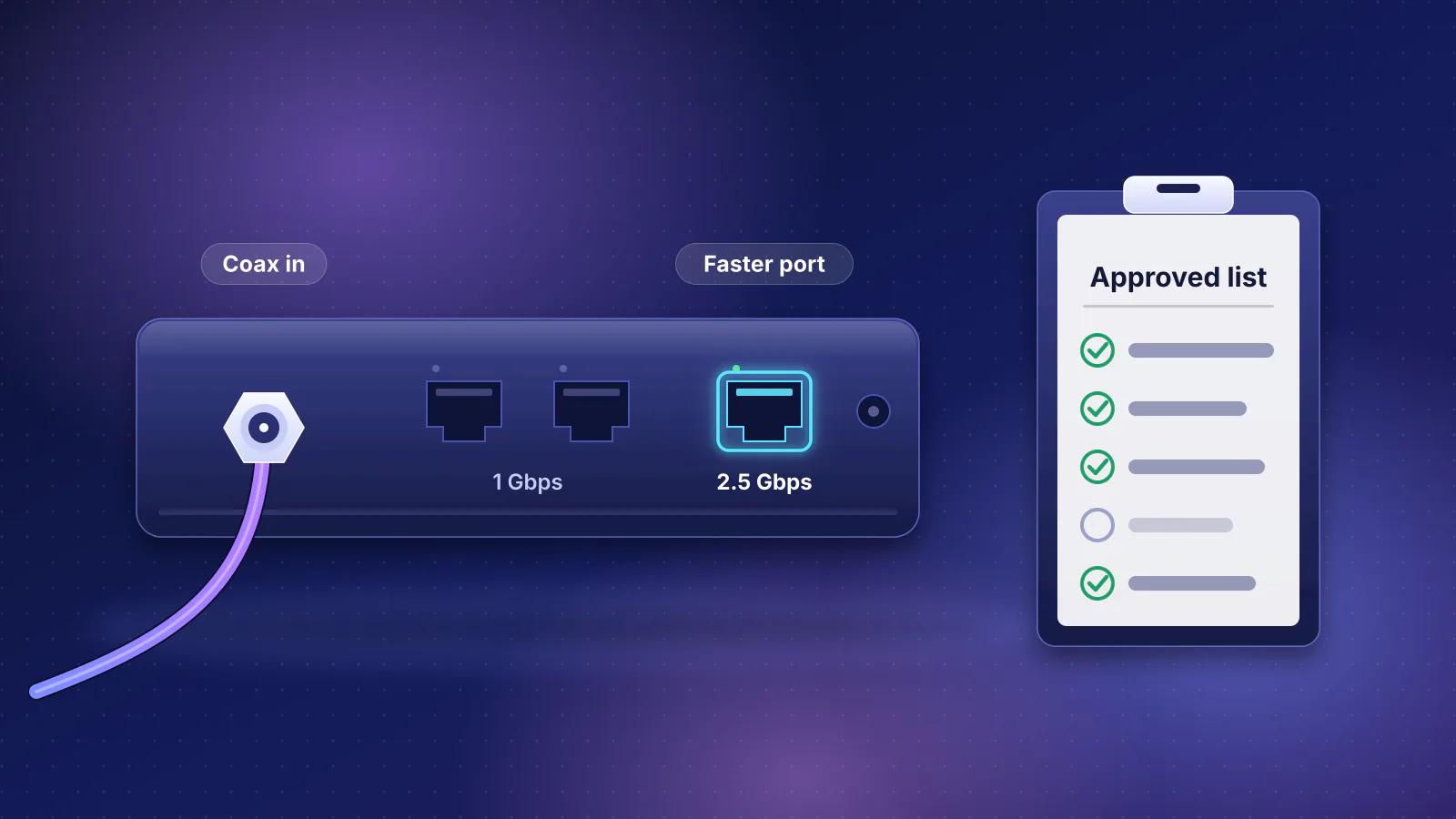
Pick the modem by your plan, not by price alone. A gigabit-port modem such as the CM2500 tops out around 940 Mbps of real data (why gigabit Ethernet gives about 940 Mbps), and Xfinity's compatibility list rates it at "Up to 936 Mbps" wired. Older Xfinity tiers such as Gigabit (1,000 to 1,100 Mbps on its labels) and Gigabit Extra (1,200 to 1,300 Mbps) need a modem with a 2.5 Gbps port, which is the more expensive row above. How to choose one, and which lists each provider publishes, is in buying your own cable modem.
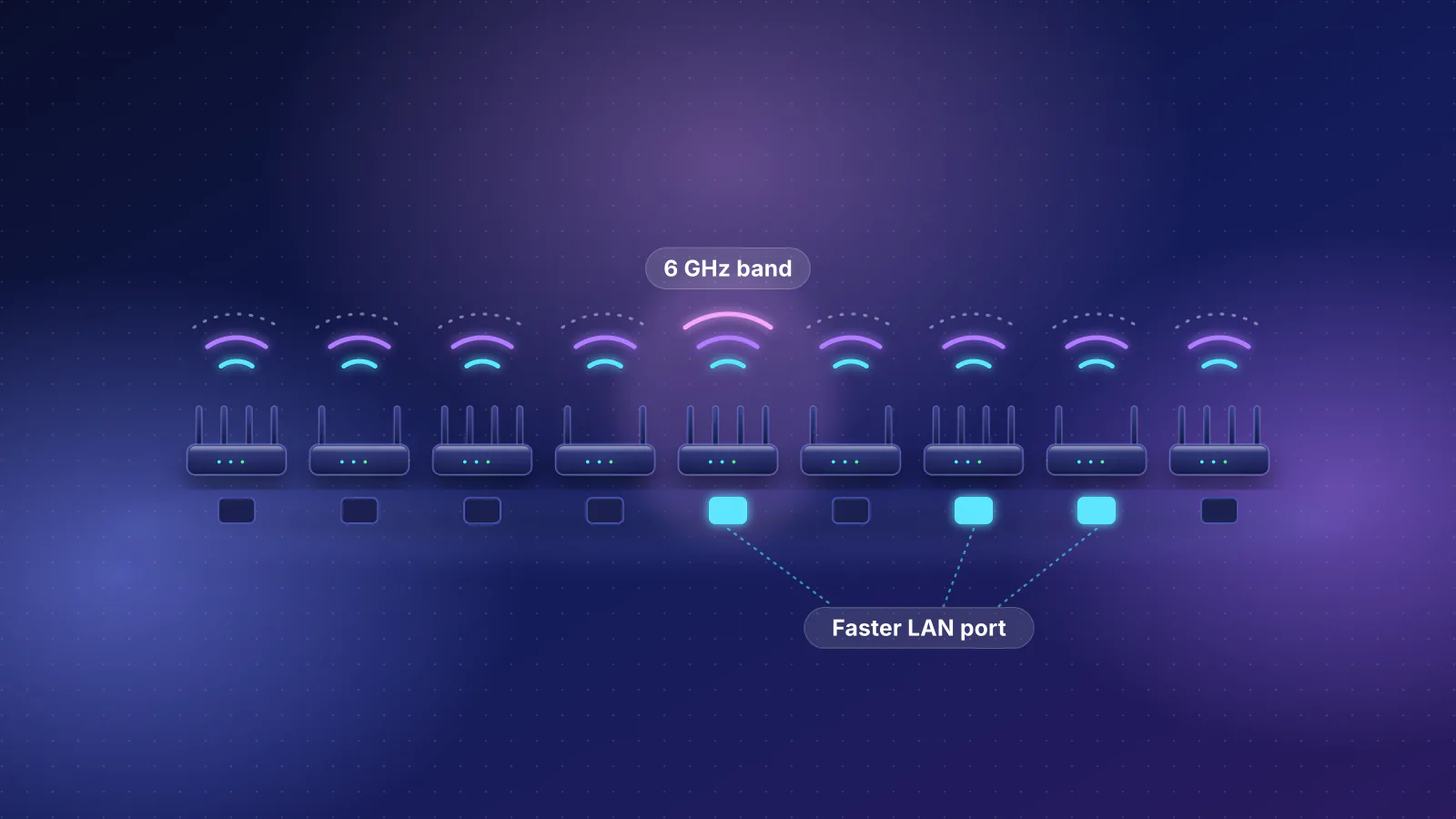
The routers in the table are the cheapest current mesh units in the catalog with a confirmed maker price in each group: the cheapest mesh unit overall (the eero 6, whose three-pack at $199.99 is also the cheapest three-unit pack in the catalog's pack prices) and the cheapest with 2.5 Gbps internet and LAN ports. Mesh kits can add units later as you need more coverage.
| Product | Internet port | Fastest LAN port | Maker's routing, plan or wired-speed figure | Price |
|---|---|---|---|---|
| eero 6 (1-pack) Mesh system · Wi-Fi 6 |
1 Gbps | 1 Gbps | 900 Mbps | $89.99 Manufacturer store price, checked October 20, 2026 |
| eero 7 (1-pack) Mesh system · Wi-Fi 7 |
2.5 Gbps | 2.5 Gbps | Not published | $169.99 Manufacturer store price, checked October 20, 2026 |
What one router or kit covers depends on your home, not its price; the network planner estimates the units you need, and home network setups by budget shows what each price level buys. If the router you'd buy sells extra features by subscription, add that to the cost: see router subscriptions compared.
When owning doesn't pay
- The equipment is included. Every provider in the second table above. Frontier's plans include an eero Pro 7 or eero Max 7, which the catalog lists at $299.99 and $599.99 as single units; a router of your own replaces it without lowering the bill. Verizon prices its own router at $399.99 to buy, and includes it with Fios plans.
- The provider's box has to stay. AT&T, T-Mobile and Verizon 5G Home gateways can't be removed, and some tiers require the provider's modem: Xfinity says "customer-owned modems are not currently compatible with X-Class speeds", Spectrum's symmetrical tiers need a Spectrum modem, and Astound says its 5 Gig by 1 Gig tier needs Astound's modem and an eero Max 7 because "there's no retail modem available yet that supports this speed". Your own router can still go behind these boxes, but it doesn't remove a fee.
- You have the provider's phone service. Spectrum says "Spectrum Home Phone service is not compatible with customer-owned modems"; Optimum's phone-certified list has one model, the Arris TM3402; Astound and Sparklight phone service need the provider's own phone modem (an eMTA). Xfinity Voice works with the voice-enabled models on Xfinity's list. Where the phone modem has to be rented, buying a separate modem adds a box without removing the rental.
- A bundle or feature is tied to the rented box. Spectrum includes Advanced WiFi with any bundle, so a bundled customer pays nothing for the router to begin with. Xfinity Pro requires Xfinity's gateway. On older Xfinity plans, the labels list xFi Complete at $25 and "Unlimited data for customer-owned modems" at $30; Xfinity's xFi Complete page now leads to its Xfinity Pro page, so ask what each covers before giving up the gateway.
- The fee is $0 for now. Optimum's offer charges nothing for the gateway for 12 months. Nothing stops you buying early, but the payback clock only starts when the fee does.
- You won't keep the service long enough. A 23-month payback doesn't help if you move or switch within a year, unless the next provider can use the same equipment. A router moves with you; a cable modem only helps if the next service is cable and the model is on its list. See what moves and what stays.
None of this makes owning pointless. Your own router can cover the home better, keep the same network when you move, and give you features some gateways lack; what owning your router changes covers those reasons. Behind a gateway that stays, set it up so you don't get double NAT.
Stop the charge: return what you replace
Federal law limits what a fixed broadband provider can bill for equipment. Under 47 U.S.C. § 562(c), it may not charge you for "using covered equipment provided by the consumer", or rent for equipment it didn't give you or that you've returned (except for the time you had it). The saving only starts once the rented box is back:
- Spectrum lists unreturned-equipment charges of $90 for a modem, $90 for a wireless router and $60 for a WiFi extender.
- Optimum lists $100 for a wireless modem, $80 for a wireless router, $130 for its Gateway 6 and $75 for an extender.
- Astound tells customers who switch to their own modem to "Return your Astound modem to avoid rental fees."
Keep the return receipt. Return deadlines and fees for AT&T, Verizon Fios, GFiber and Spectrum are in returning the provider's equipment. Don't return a gateway your service runs through: AT&T, T-Mobile and Verizon 5G Home gateways stay in place. More on running your own equipment with each provider is in the ISP independence topic hub.
Frequently asked questions
Can my provider charge me a rental fee if I use my own modem or router?
Not for using it. Under 47 U.S.C. section 562, a fixed broadband provider may not charge for equipment you provide, or rent for equipment it didn't give you or that you returned, apart from the time you had it. The statute doesn't list specific fees, so if your label or bill shows a charge tied to owning your modem, such as an unlimited-data charge, ask the provider what it is for. This is not legal advice.
Is it cheaper to rent a combined modem and router (gateway) or buy two boxes?
It depends on the fee. At $15 a month for a gateway, a $249.99 modem and an $89.99 router take about 23 months to pay off. Where the provider charges nothing for the gateway, as on Xfinity's current plans, buying saves nothing. A combined modem-router you own is another option, but it has to be on the provider's list, and a separate router is easier to keep when you change providers.
Does my own router remove Spectrum's modem fee?
Spectrum doesn't charge for its modem on current plans; its disclosure says customers on legacy packages may still be charged and can move to a current offer that includes one. What a router of your own can remove is the $10 Advanced WiFi fee, on plans that don't already include it.
Why do I see different equipment fees for the same provider?
Fees depend on the plan, the region and when you signed up. Xfinity's label file lists $15 gateway fees on older plans and $0 on current ones; Optimum keeps separate rate cards by start date and region; Cox and Astound publish regional price sheets. Your bill and your own label are the final word.
Sources
Read on October 29, 2026.
- FCC: Broadband consumer labels
- 47 U.S.C. § 562: Consumer rights in sales (Cornell LII)
- Xfinity: Internet broadband disclosures and its machine-readable broadband label file (CSV, October 29, 2026)
- Xfinity: Broadband and Mobile Facts labels
- Xfinity: WiFi Gateway (included for new members), Home phone equipment (gateway rental) and Xfinity Pro
- Xfinity: Gig internet (data caps on latest plans), Devices certified for enhanced speeds (X-Class) and Device Info: compatible modems
- Spectrum: Broadband internet services and pricing (rev. October 22, 2026), Spectrum Internet plans (Advanced WiFi) and Using your own equipment on our network
- Cox/Spectrum: Phoenix & Tucson product and pricing guide, October 2026 (PDF)
- Optimum: Standard pricing and packages (customers from January 8, 2024), rate card for earlier customers, Internet plans (gateway offer terms), Certified modems and a sample 1 Gig broadband label
- Astound: Washington rate card (effective February 26, 2026, PDF), Internet equipment and Bring your own modem
- AT&T: Internet fee schedule (consumer, effective January 30, 2025) and AT&T Business: Bridge mode with AT&T
- Verizon: Fios internet FAQ, Verizon Router and 5G Home Internet; Verizon Internet Gateway: Configure IP passthrough / bridge mode
- T-Mobile: 5G Home Internet plans and Connect your devices (bridge mode, third-party routers)
- Frontier: Internet equipment and Fiber internet plans; How to use your Frontier router
- GFiber: Internet products and pricing overview and Set up your own router at home
- Ziply Fiber: Our approach to pricing and Router specs and firmware
- Sparklight: Multi-Gig Internet supported modems (phone service on leased eMTAs)
- NETGEAR: CM3000 and CM2500 (store prices)