
Guide
Move with your network
What moves with you, what stays with the provider, and how to get every device back online without setting it up again.
Topic
Use your own router behind most providers: what each one allows, what you give up, and when their box is the better choice.

Your provider's job is to deliver internet to your door. Everything after that (the router, Wi-Fi, the devices and the settings) can be yours, which means you keep your network when you move or switch providers and choose the hardware and features yourself.
Providers differ in how easily they let you do it. Some let you use your own modem; some require their gateway but offer bridge mode or IP passthrough; a few allow neither, which leaves access-point mode on your own gear. Federal law bars fixed-broadband providers from charging you for using your own equipment.
From our research
From each provider's support documentation, checked October 20, 2026. "Not documented" means we found no official page either way. Ownership changes are corporate transactions; customer equipment and policies may not have changed yet.
| Provider | Own router | Bridge mode | IP passthrough | Ownership, 2025–26 | Confidence |
|---|---|---|---|---|---|
| Xfinity (Comcast) | Yes | Yes | Not documented | high | |
| Spectrum (Charter) | Yes | Not documented | Not documented | high | |
| Cox (now part of Spectrum / Charter) | Yes | Partly | Not documented | Ownership changed; customer changes in progress | medium |
| AT&T Fiber | Yes, with conditions | No | Yes | medium | |
| AT&T Internet Air | Not documented | Not documented | Partly | low | |
| Verizon Fios | Not documented | Not documented | Not documented | medium | |
| Verizon 5G Home / LTE Home Internet | Yes, with conditions | Partly | Yes | medium | |
| Quantum Fiber (formerly CenturyLink Fiber; now owned by AT&T) | Yes, with conditions | Partly | Not documented | Ownership changed; customer changes not started | low |
| GFiber (formerly Google Fiber) | Yes | Yes | Not documented | Deal pending; customer changes not started | high |
| Frontier Fiber (Frontier, a Verizon company) | Yes, with conditions | Not documented | Not documented | Ownership changed; customer changes not started | medium |
| T-Mobile Home Internet (5G) | Yes, with conditions | No | No | high | |
| Starlink | Yes | Yes | Not documented | high | |
| Optimum (Optimum Communications, Inc.; formerly Altice USA) | Not documented | Not documented | Not documented | Renamed, same owner; customer changes not started | low |
| Ziply Fiber | Yes | Not documented | Not documented | Ownership changed; customer changes not started | medium |

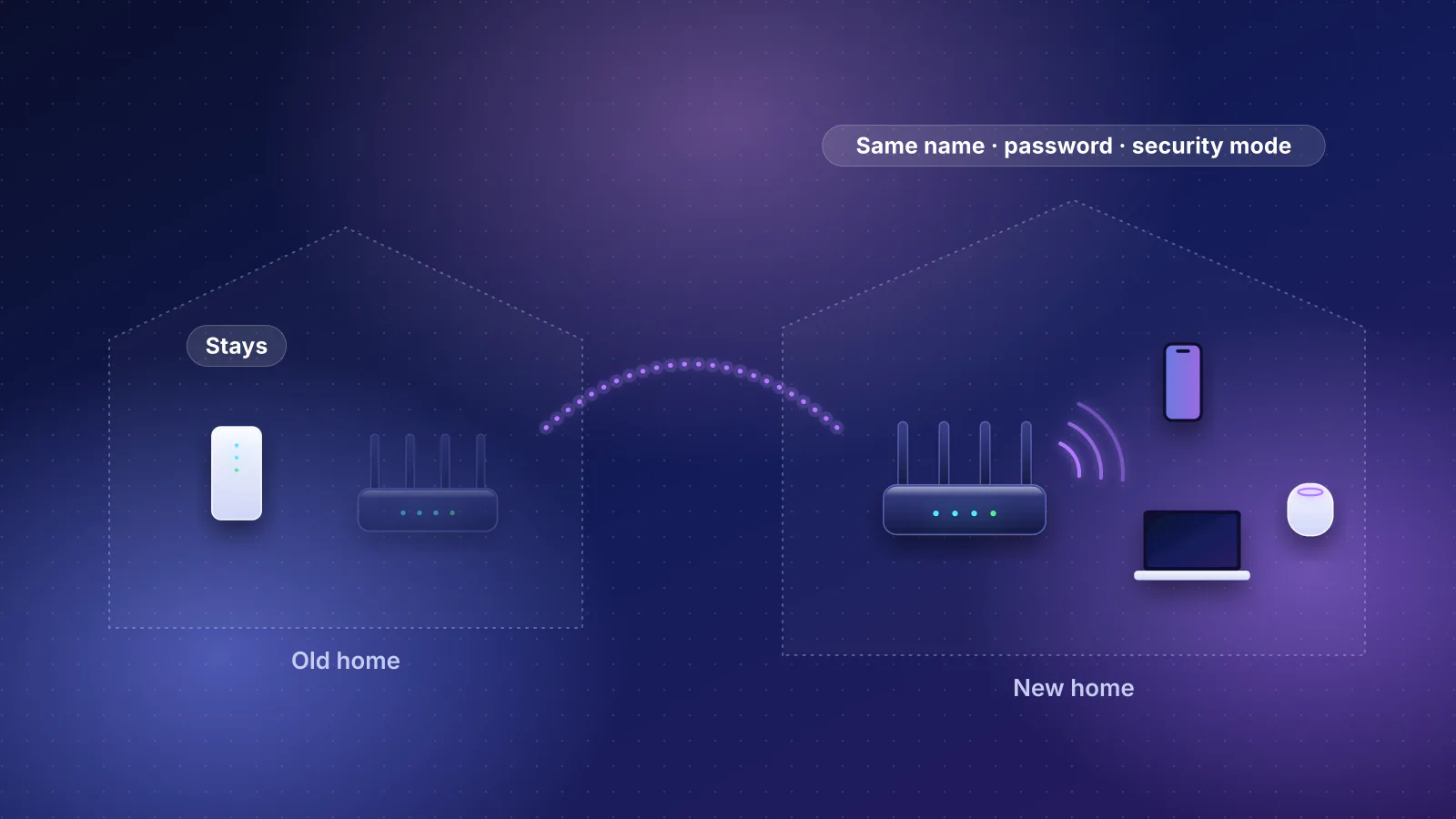
Guide
What moves with you, what stays with the provider, and how to get every device back online without setting it up again.
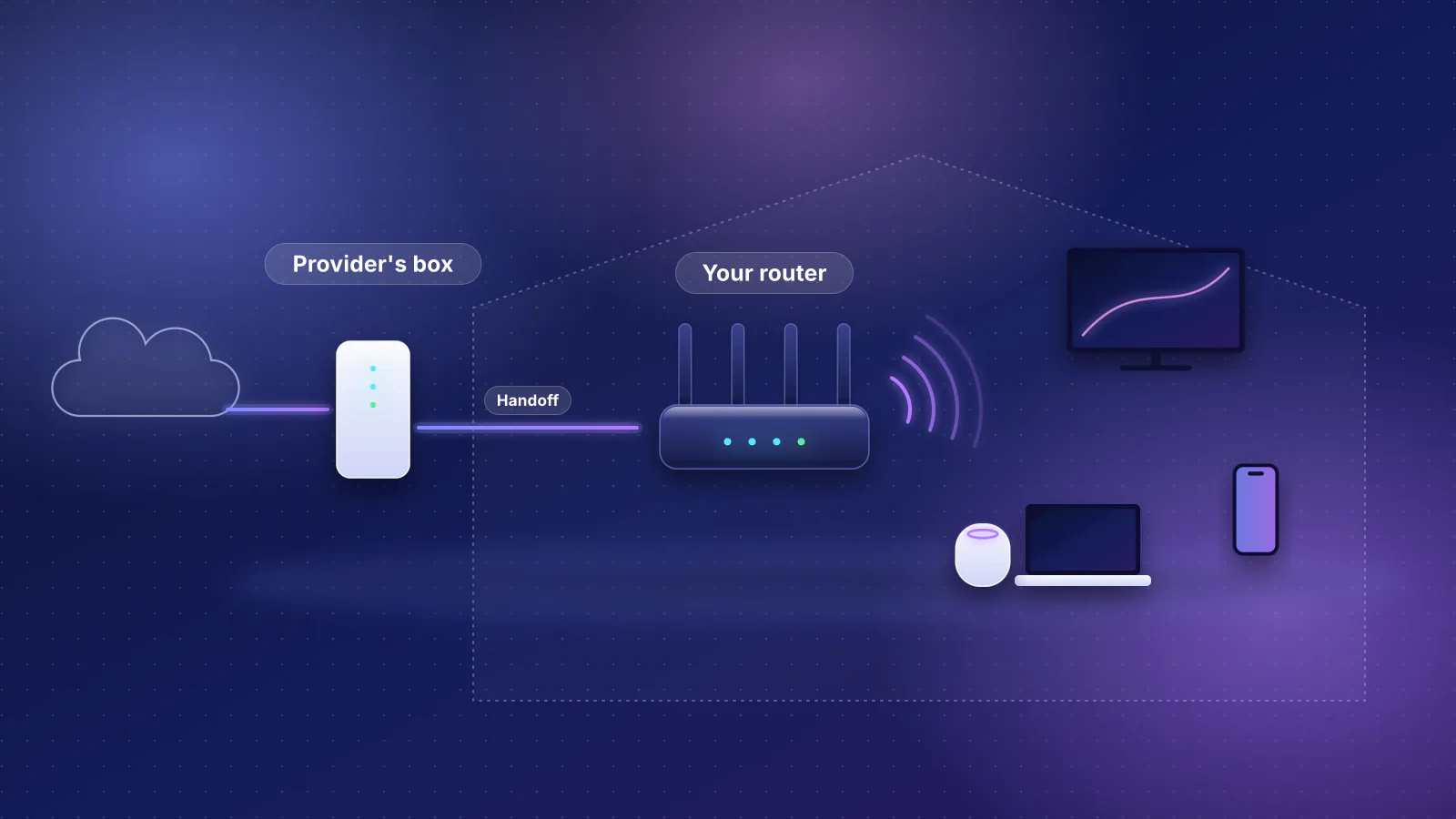
Guide
What owning your router changes, when the provider's gateway is the better choice, and how it works with the major US providers.
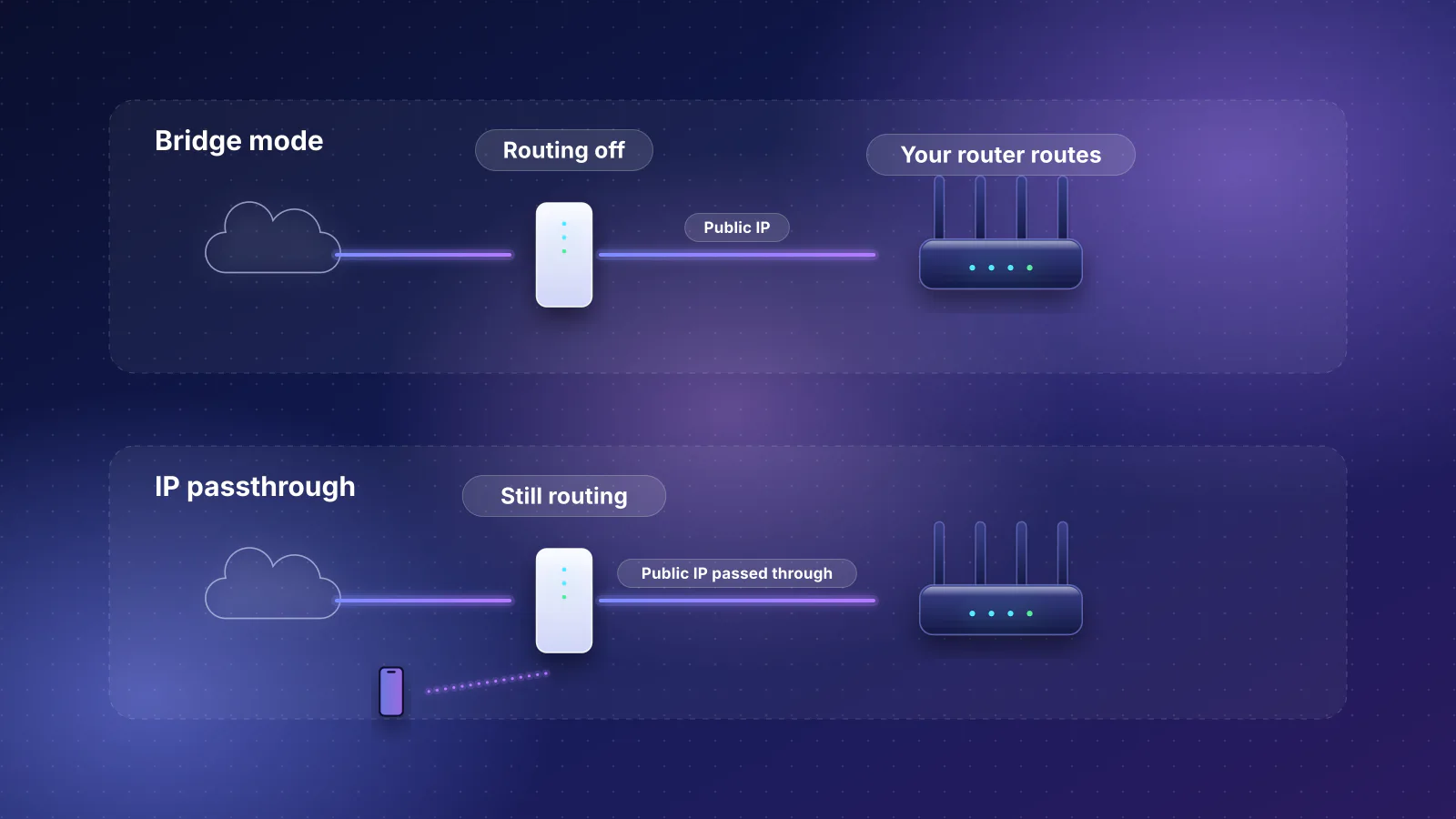
ISP equipment
What bridge mode and IP passthrough do, which providers support each, and what you give up.
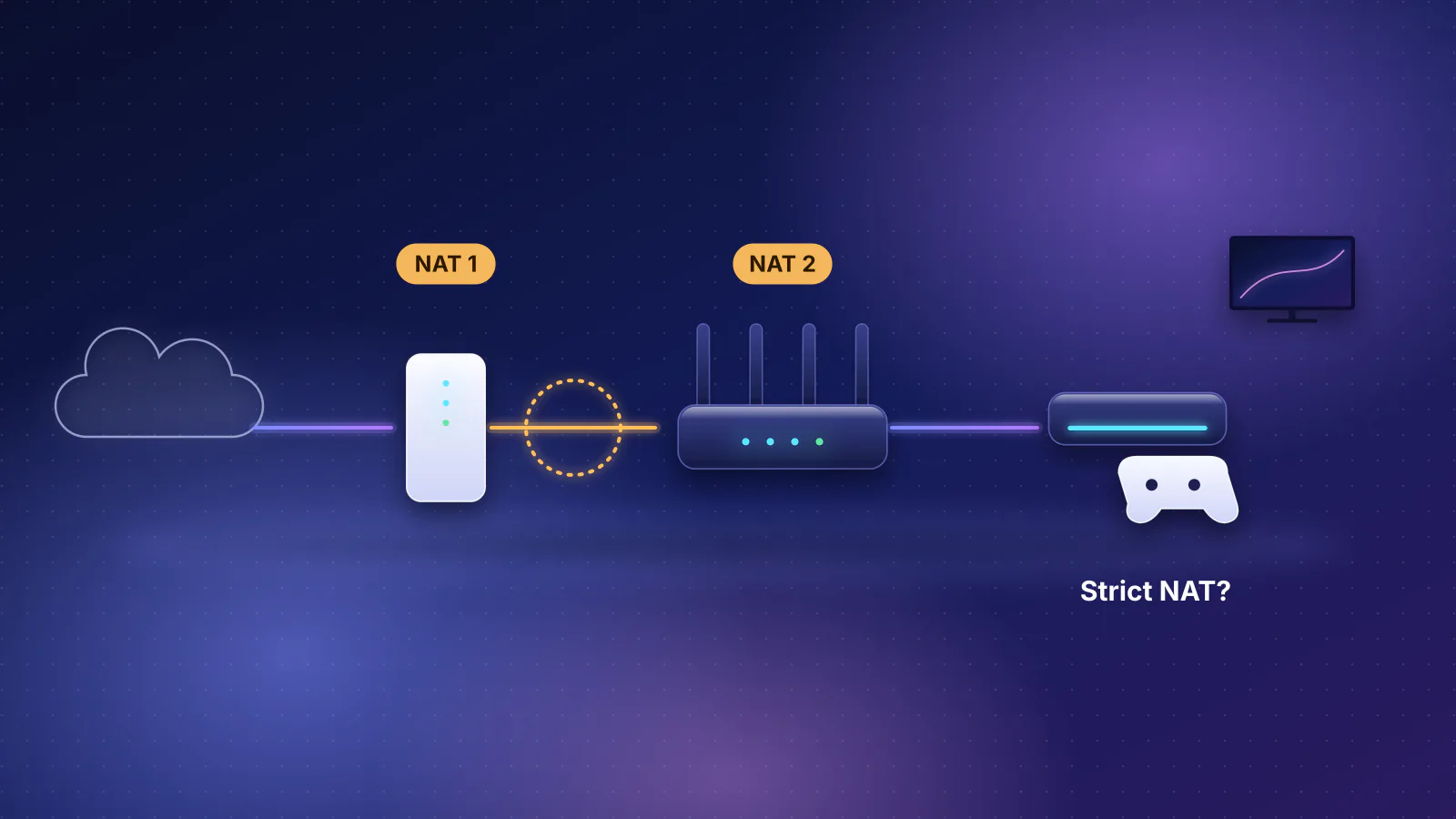
Troubleshooting
How to spot two routers in a row, what it breaks, and the fix for each kind of setup.
Planned for this topic. Each article is published only after it has been fact-checked and approved.