TL;DR: upgrade if your router has no 6 GHz band
- Most current iPhones support Wi-Fi 7 (802.11be). Apple lists it for the iPhone 16, 16 Plus, 16 Pro and 16 Pro Max, the iPhone 17, 17 Pro and 17 Pro Max, iPhone Air, the iPhone 18 Pro and 18 Pro Max, and the new iPhone Duo. They use the 6 GHz band and Multi-Link Operation (MLO) only when your router has them too.
- The exceptions: the iPhone 17e (still on sale) and the older 16e are Wi-Fi 6 with no 6 GHz, so a new router won't add anything for them. The older iPhone 15 Pro and 15 Pro Max are Wi-Fi 6E: they can use 6 GHz but not MLO.
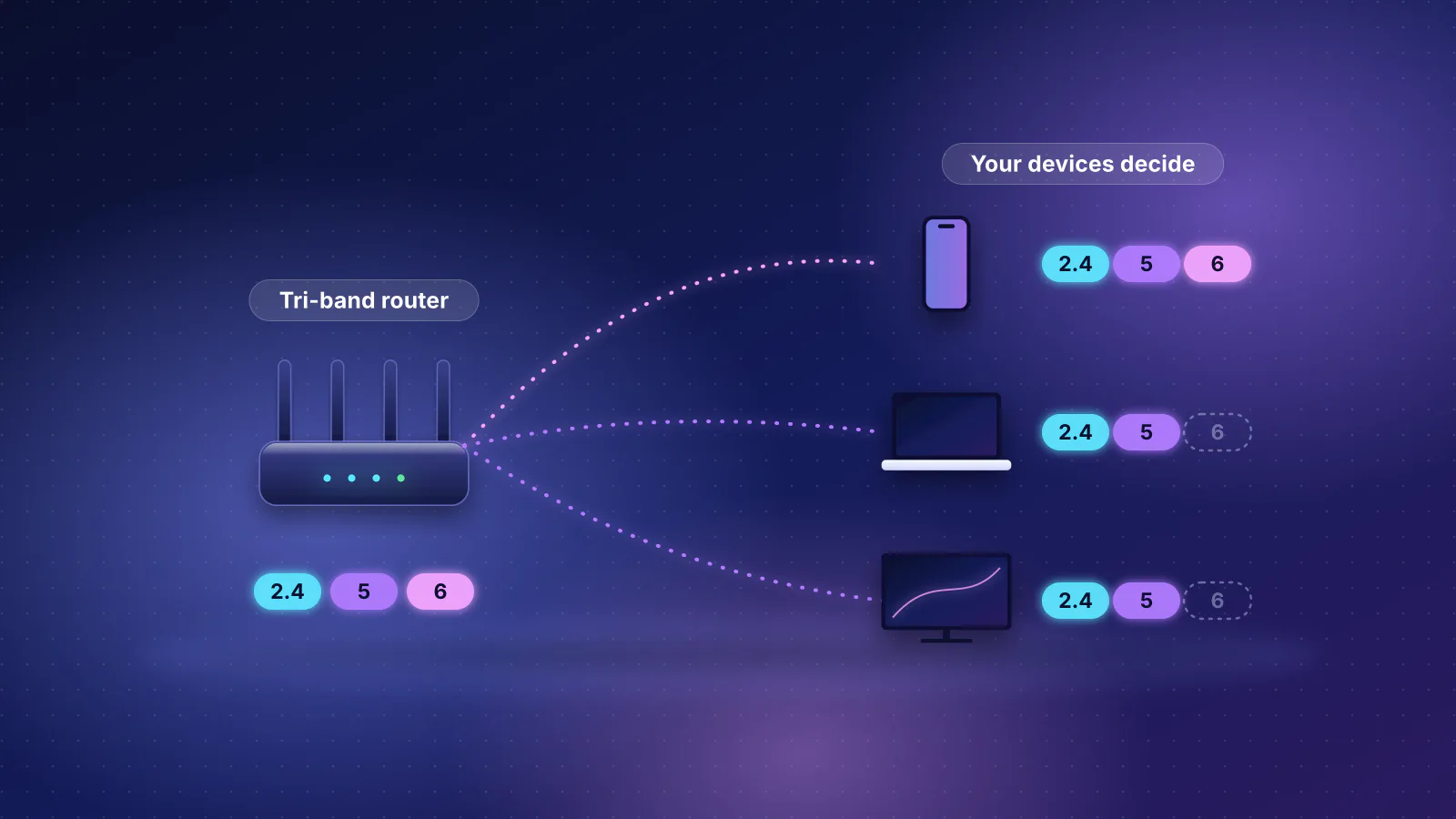
- When to upgrade: if your router is Wi-Fi 5, or Wi-Fi 6 with no 6 GHz band, a tri-band Wi-Fi 7 router (2.4, 5 and 6 GHz) is a real upgrade for any of these phones except the Wi-Fi 6 models.
- The main caveat: Apple lists the same 2,400 Mbps top link rate for these iPhones on Wi-Fi 6E and on Wi-Fi 7, both at 160 MHz. If you already have a good Wi-Fi 6E router, Wi-Fi 7 adds MLO, not a faster link.
Which iPhones support Wi-Fi 7
Apple publishes per-model Wi-Fi figures in its Wi-Fi specifications for Apple devices (checked October 21, 2026). This is what it lists for the iPhones you can buy now or are likely to own:
| iPhone | Wi-Fi | 6 GHz | MLO | Apple's max link rate |
|---|---|---|---|---|
| iPhone Duo, 18 Pro, 18 Pro Max, 17, 17 Pro, 17 Pro Max, Air (Apple N1 chip) | Wi-Fi 7, 2x2 | Yes | Yes | 2,400 Mbps at 160 MHz |
| iPhone 16, 16 Plus, 16 Pro, 16 Pro Max | Wi-Fi 7, 2x2 | Yes | Yes (see note) | 2,400 Mbps at 160 MHz |
| iPhone 15 Pro, 15 Pro Max | Wi-Fi 6E, 2x2 | Yes | No | 2,400 Mbps at 160 MHz |
| iPhone 17e, 16e, 15, 15 Plus, all 14, 13, 12 and 11 models, SE (2nd and 3rd generation) | Wi-Fi 6, 2x2 | No | No | 1,200 Mbps at 80 MHz |
Three details matter when you shop for a router:
- The iPhone 17e is the odd one out. Apple lists it with Wi-Fi 6 (802.11ax) and 2x2 MIMO (iPhone 17e specs), and Apple's list of devices that can join 6 GHz networks excludes the 16e and 17e (Apple: Use Wi-Fi 6E or Wi-Fi 7 networks). A new router won't give these phones 6 GHz.
- New models use the same Wi-Fi hardware. Apple lists the iPhone 18 Pro, 18 Pro Max and the foldable iPhone Duo (on pre-order since October 16, 2026) with the Apple N1 wireless chip and "Wi-Fi 7 (802.11be) with 2x2 MIMO", the same as the iPhone 17 and Air (iPhone 18 Pro specs, iPhone Duo specs). Everything below applies to them too.
- The iPhone 16 and 16 Plus are a small gray area. Apple's tech specs list Wi-Fi 7 for both, and its deployment guide puts them in the same Wi-Fi 7 and MLO table as the N1 models. But Apple's Wi-Fi 7 availability page names the "iPhone 16 Pro, iPhone 16 Pro Max, or later" as the iPhones that "support all of the features of Wi-Fi 7", without saying what the 16 and 16 Plus lack. A 6 GHz router helps them either way.
Wi-Fi 6E and Wi-Fi 7 features on the 6 GHz band work only in countries and regions that allow unlicensed Wi-Fi there; elsewhere the iPhone uses only 2.4 and 5 GHz (Apple's Wi-Fi 7 availability page). In mainland China, for example, Apple says Wi-Fi 7 is supported but not on 6 GHz.
What Wi-Fi 7 changes on iPhone (simple terms)
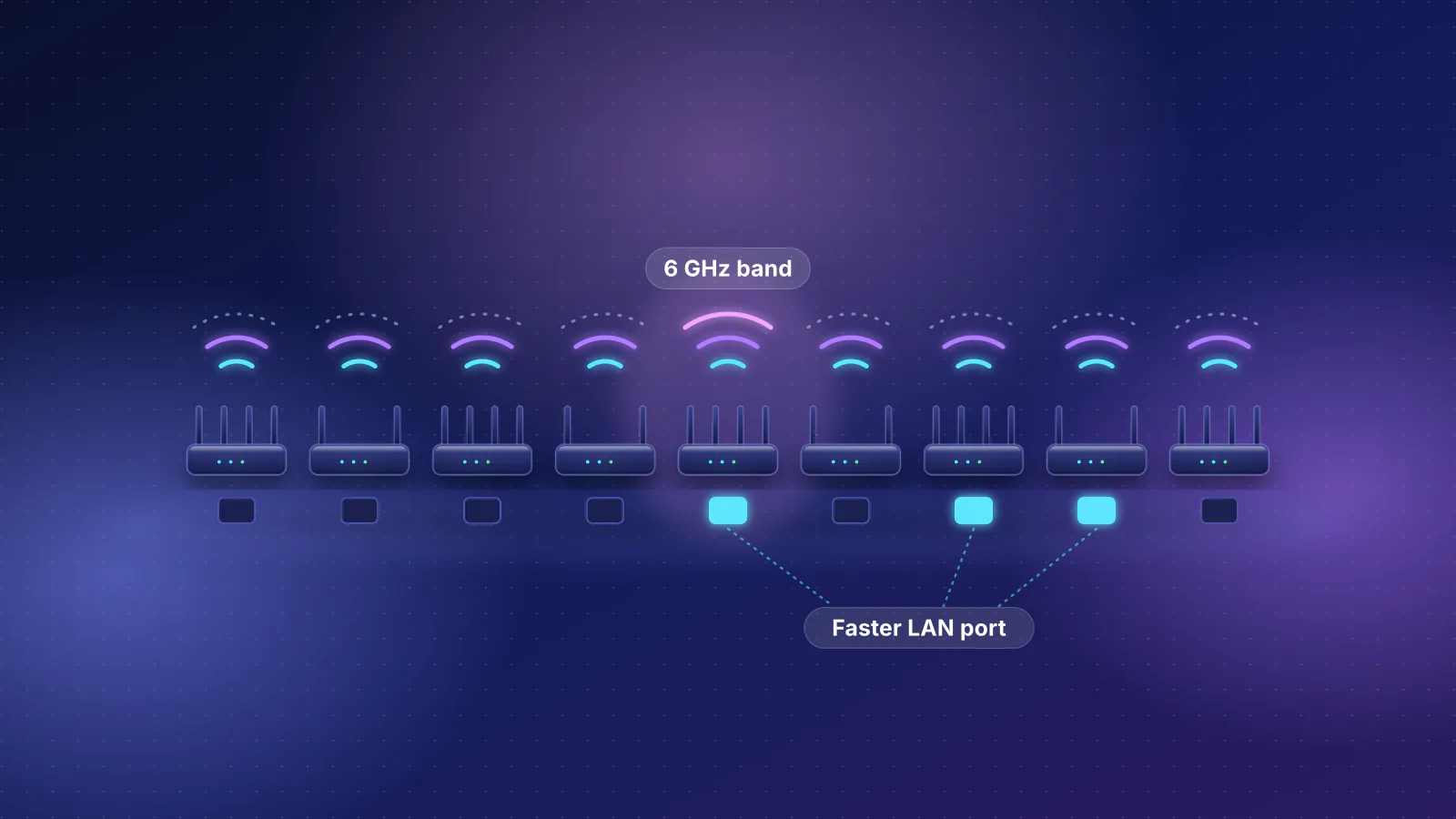
- 6 GHz band: A newer, less crowded band with room for wide channels. Close to the router it gives faster, steadier connections than a busy 5 GHz band. Apple says devices that join it can use the 6 GHz band "to enable faster and more reliable Wi-Fi connections".
- MLO (Multi-Link Operation): The phone and router keep links on more than one band and can move traffic to whichever is clearer. TP-Link, a router maker, says "most consumer hardware today uses EMLSR", a single-radio form of MLO that switches quickly between links rather than sending on several bands at the same instant (TP-Link explains MLO modes). Apple doesn't publish which MLO mode its iPhones use. Expect fewer stalls when one band gets busy, not double speed.
- Channel width: Wi-Fi 7 allows 320 MHz channels in the 6 GHz band (Wi-Fi Alliance). Apple's specifications list 160 MHz as the widest channel for every iPhone, so 320 MHz support on a router doesn't speed up the phone itself.
- Top link rate: Apple lists the same 2,400 Mbps maximum for its Wi-Fi 7 iPhones on Wi-Fi 6E and on Wi-Fi 7 (both at 160 MHz, on 5 or 6 GHz). Most of the gain from a new router comes from reaching a clean 6 GHz channel at all, not from Wi-Fi 7 itself.
What actually gets faster (and what doesn't)
- Local transfers through your network (a Mac or NAS on the same network, AirPlay to an Apple TV on your network): these depend on your Wi-Fi link, so a clean 6 GHz connection helps.
- iCloud backups and downloads: these go out to the internet. They speed up only if Wi-Fi was the bottleneck. On a 300 Mbps internet plan, the plan is the limit.
- FaceTime, calls and games: MLO and a less crowded band mostly help with consistency (fewer spikes when the house is busy), not raw speed.
- AirDrop between nearby devices doesn't use your router. Apple describes it as Bluetooth Low Energy plus Apple's own peer-to-peer Wi-Fi, "without using any internet connection or wireless access point" (Apple Platform Security). A new router won't change AirDrop speed.
Is your current router the bottleneck?
Here is the maximum link rate Apple publishes for its Wi-Fi 7 iPhones (iPhone 16 and later, except the 16e and 17e) on each type of router. These are best-case figures for a 2x2 phone standing close to the router:
| Your router | Best band for the iPhone | iPhone max link rate* | MLO | Worth upgrading? |
|---|---|---|---|---|
| Wi-Fi 5 (802.11ac) | 5 GHz, 80 MHz | 866 Mbps | No | Yes, clearly |
| Wi-Fi 6 (802.11ax) | 5 GHz, 80 or 160 MHz | 1,200–2,400 Mbps | No | Often: 160 MHz on 5 GHz can fall back to 80 MHz (see below) |
| Wi-Fi 6E (802.11ax) | 6 GHz, 160 MHz | 2,400 Mbps | No | Only for MLO; not urgent |
| Wi-Fi 7, dual-band (no 6 GHz) | 5 GHz, up to 160 MHz | Up to 2,400 Mbps | 2.4 and 5 GHz only, if the router supports it | No 6 GHz on-ramp |
| Wi-Fi 7, tri-band (2.4/5/6 GHz) | 6 GHz, 160 MHz | 2,400 Mbps | Yes | The full feature set |
*Maximum physical link rates from Apple's Wi-Fi specifications for Apple devices. The 1,200 Mbps figure is the 80 MHz rate Apple lists for 802.11ax on its Wi-Fi 6 iPhones. A link rate is not throughput: real transfers are well below it and fall with distance and walls, and your internet plan caps anything that comes from the internet.
On 5 GHz, a 160 MHz channel needs DFS (radar-shared) channels, and eero notes that a network that detects radar there "will dynamically switch to 80 MHz operation" until the channel is clear again (eero support). 6 GHz channels aren't subject to that, which is why 6 GHz is the more dependable way to get 160 MHz.
Other iPhones: the iPhone 15 Pro and 15 Pro Max get the same figures as the table, but no MLO on any router. The Wi-Fi 6 iPhones (17e, 16e, 15, 15 Plus and older) top out at 1,200 Mbps at 80 MHz on 5 GHz whatever router you buy, so a Wi-Fi 6 router with good coverage already serves them fully.
6 GHz coverage (the simple truth)
- Great up close, weaker through walls. eero says the 6 GHz band's "connectivity range is even shorter than 5 GHz". The biggest wins are in the same room or the next one.
- Have dead zones? Add access points instead of buying a "stronger" router. As a rule of thumb, plan about one access point per ~1,800 sq ft with drywall and wood walls, ~1,400 with plaster and ~1,000 with block, brick, stucco or concrete, and usually one per floor in multi-floor homes over about 1,200 sq ft (how we estimate coverage). Our dead-zone guide covers placement.
- Wire the mesh if you can. Ethernet between mesh units beats wireless links and leaves the airtime for your devices. See mesh vs. single router for when each makes sense.
- Placement matters: put the main router central and in the open, not in a closet, cabinet or behind a TV.
Quick upgrade checklist (5-minute audit)
- Check your iPhone: find your model in the table above. If it's a Wi-Fi 6 model (17e, 16e, 15, 15 Plus or older), 6 GHz won't help it.
- Check for 6 GHz: the box, app or spec sheet should say "tri-band" with a 6 GHz band, or list a 6 GHz network. "Wi-Fi 7" alone isn't enough.
- Check security: the Wi-Fi Alliance says WPA3 "use is mandatory in the 6 GHz band" (Wi-Fi Alliance). If your router is set to WPA2 only, its 6 GHz band may stay off.
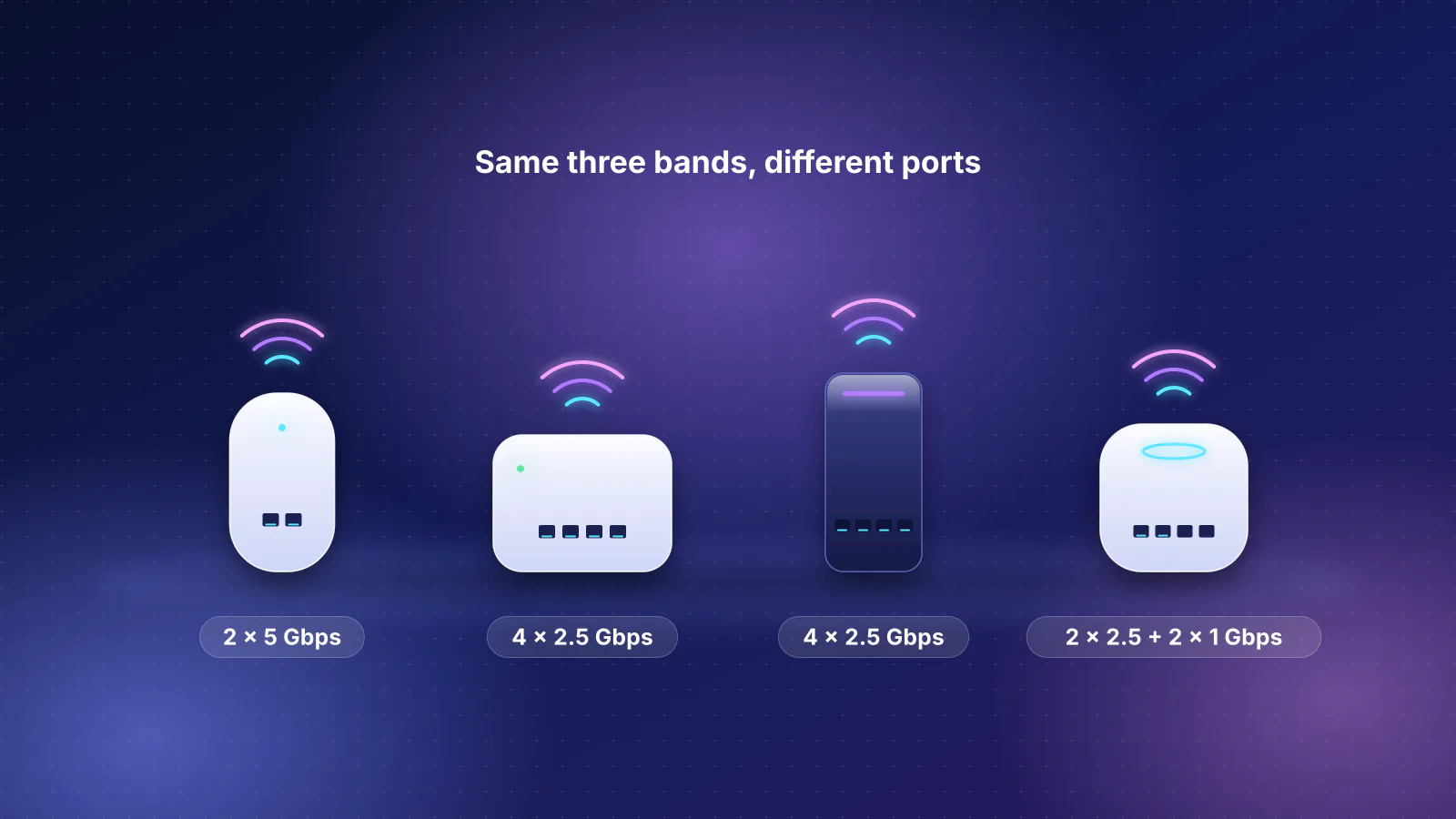
- Check ports: after Ethernet, IP and TCP overhead, a 1 Gbps Ethernet port carries about 940 Mbps of data (arithmetic: 1,448 bytes of data in each 1,538 bytes on the wire with standard 1,500-byte packets). If your internet plan is faster than that, you need 2.5G or faster ports end to end (modem, router and any switch).
- Update firmware: Apple recommends turning on automatic firmware updates, which "deliver other important improvements to the stability, performance, and security of your router".
- Check your home size: larger than about one access point's worth (see above), or more than one floor? Plan a mesh system, ideally with Ethernet between units.
What to buy (specs that actually matter)
- Tri-band Wi-Fi 7 with 6 GHz. Several popular Wi-Fi 7 models are dual-band only (2.4 and 5 GHz), for example the eero 7, TP-Link Deco BE25 and NETGEAR Nighthawk RS100. Tri-band examples include the eero Pro 7 and ASUS RT-BE92U.
- MLO for steadier performance when the house is busy.
- 160 MHz on 6 GHz is enough for phones. 320 MHz helps only devices that support it, such as laptops with Intel's Wi-Fi 7 BE200 card, which Intel rates at "5.8 Gbps (320MHz,4096QAM)". No iPhone goes above 160 MHz.
- 2.5G or faster ports if your plan is over about 940 Mbps or you move big files to a NAS or computer.
- Mesh support for larger homes, with Ethernet backhaul between units where possible.
- WPA3 support (required for 6 GHz).
Setup tips (2 minutes)
These follow Apple's recommended router settings:
- Turn on every band, including 6 GHz, and leave channel selection on Auto.
- Use one network name for all bands. If the 6 GHz band has a different name, Apple devices mark the network as having "limited compatibility" and may offer to move you to 5 GHz.
- Security: WPA3 Personal, or WPA2/WPA3 Transitional if you still have older devices. Avoid WPA/WPA2 mixed modes, WPA, WEP and anything with TKIP.
- Channel width: 20 MHz on 2.4 GHz; Auto (or all widths) on 5 and 6 GHz.
- Turn on automatic firmware updates if the router offers them.
- After upgrading, forget and re-join the network on the iPhone (Apple notes you might need to), check that Wi-Fi 6E mode is on for the network (Settings > Wi-Fi, tap the network name), then check speed and latency in the rooms where you actually use it. If the phone still won't use 6 GHz, work through why an iPhone won't connect to 6 GHz.
Working from home on your iPhone and Mac? Our work-from-home network guide covers the settings that keep calls stable. For a full buying framework, see the guide to Wi-Fi routers. If you'd rather have someone plan it for you, talk to us about a consult.
Frequently asked questions
Do I need a new router to use Wi-Fi 7 on iPhone 17?
Only if you want 6 GHz and Multi-Link Operation. The iPhone works with any Wi-Fi router, but it uses Wi-Fi 7 features only when the router supports them. A Wi-Fi 5 or Wi-Fi 6 router without 6 GHz is the clearest case for upgrading. The same applies to the iPhone 16, iPhone Air, iPhone 18 Pro and iPhone Duo.
Does iPhone 17 use 320 MHz channels?
No. Apple’s published Wi-Fi specifications list a maximum channel width of 160 MHz for every iPhone, including the iPhone 17, Air, 18 Pro and Duo. Routers with 320 MHz help some laptops and desktops, not current iPhones.
I have a Wi-Fi 6E router. Is Wi-Fi 7 worth it for my iPhone?
Usually not right away. Apple lists the same 2,400 Mbps maximum link rate for its Wi-Fi 7 iPhones on Wi-Fi 6E and Wi-Fi 7. Wi-Fi 7 adds Multi-Link Operation, which helps consistency, so it makes sense when you replace the router for other reasons.
Does the iPhone 17e or 16e benefit from a Wi-Fi 7 router?
Not much. Apple lists both as Wi-Fi 6 phones without 6 GHz support, with a maximum link rate of 1,200 Mbps at 80 MHz on 5 GHz. A Wi-Fi 7 router works with them, but any good Wi-Fi 6 router with solid coverage already gives them their full speed.
Why is my iPhone 17 not faster on my new Wi-Fi 7 router?
Check that the router has a 6 GHz band and that it is turned on, that all bands share one network name, that security is set to WPA3 (6 GHz requires it), that Wi-Fi 6E mode is on for that network in Settings, and that you are near the router. Also check your internet plan: downloads can’t go faster than the plan allows.
Mesh or single router for a larger house?
As a rule of thumb, one access point covers about 1,800 sq ft with drywall and wood walls and less with plaster or masonry, and multi-floor homes over about 1,200 sq ft usually need one per floor. Beyond that, use a mesh system, ideally with Ethernet between the units.
Should I wait for Wi-Fi 8?
Wi-Fi 8 is based on IEEE 802.11bn (Ultra High Reliability), and it is still a draft standard. The IEEE 802.11 working group’s timeline projects final approval in 2028, so it is not a reason to delay a needed upgrade today.
Sources
Read on October 21, 2026.
- Apple Platform Deployment: Wi-Fi and Ethernet specifications for Apple devices (published September 17, 2026)
- Apple Support: Wi-Fi 7 availability on Apple devices
- Apple Support: Use Wi-Fi 6E or Wi-Fi 7 networks with Apple devices
- Apple Support: Recommended settings for Wi-Fi routers and access points
- Apple technical specifications: iPhone Duo, iPhone 18 Pro and 18 Pro Max, iPhone 17 Pro, iPhone 17, iPhone Air, iPhone 17e, iPhone 16, iPhone 16 Pro, iPhone 15 Pro, iPhone 15
- Apple: iPhone lineup and Apple Newsroom: iPhone Duo pre-orders (October 15, 2026)
- Apple Platform Security: AirDrop security
- Wi-Fi Alliance: Wi-Fi CERTIFIED 7
- Wi-Fi Alliance: WPA3 deployment options (PDF)
- TP-Link: Wi-Fi 7 MLO, what is Multi-Link Operation and how does it work (router maker's explainer)
- eero Support: What are wifi channels, and why does channel size matter?
- Intel: Wi-Fi 7 BE200 specifications
- IEEE 802.11 working group: project timelines (P802.11bn) and Wireless Broadband Alliance: Wi-Fi 8