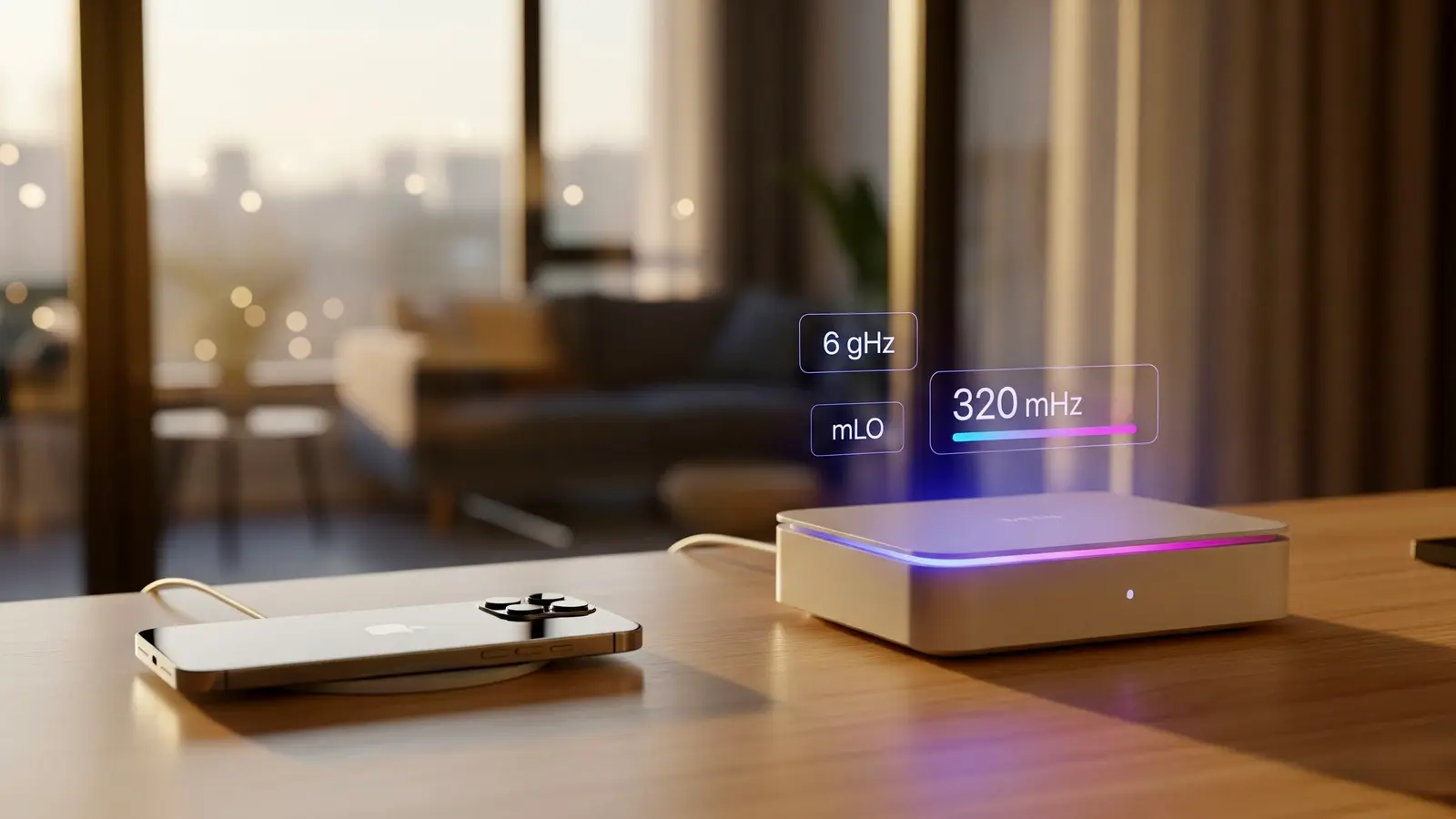
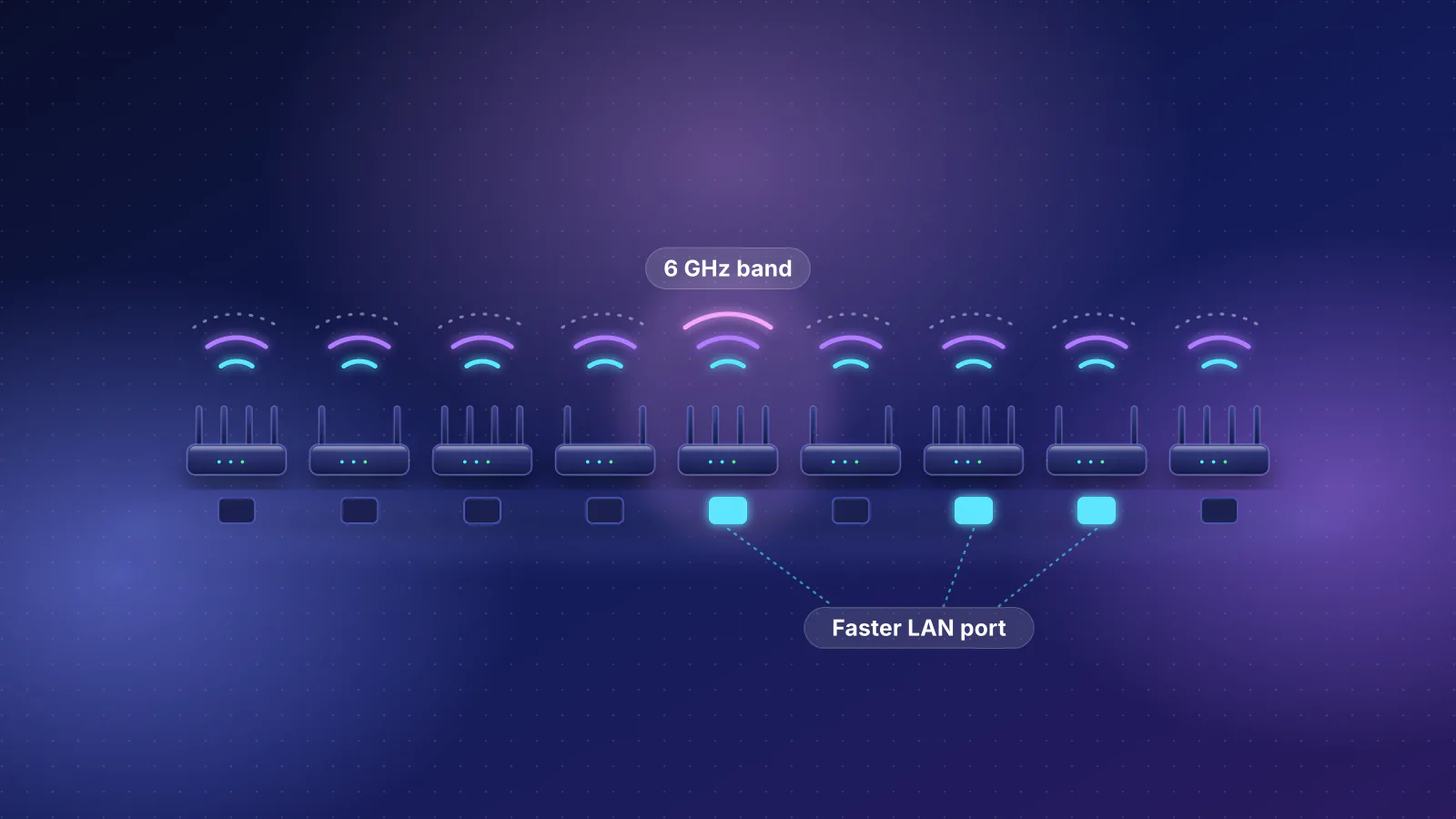
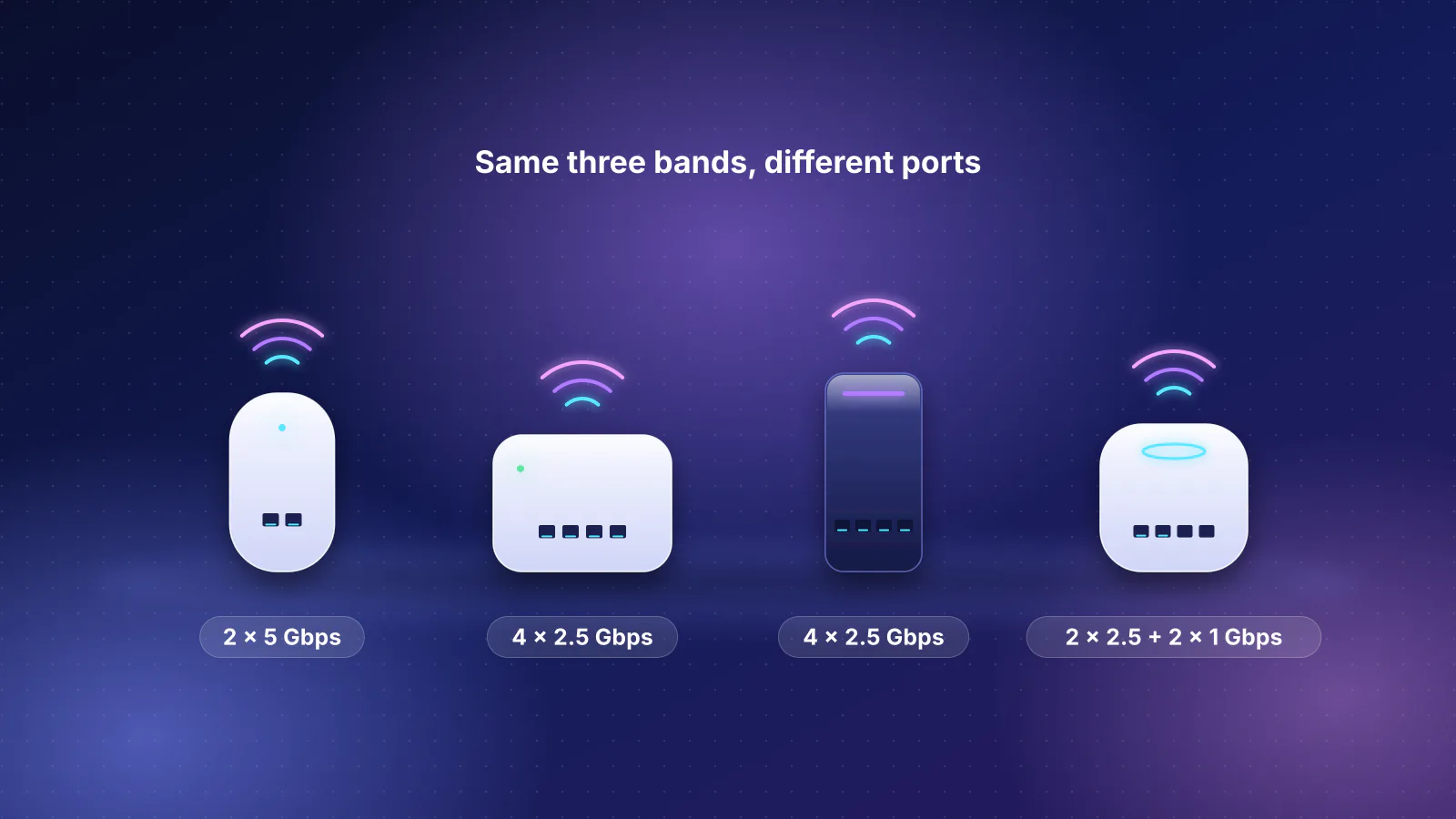
The short version
- Start with your devices, not the router. A router and a device use the newest generation they both support. If none of your phones, laptops or TVs has a 6 GHz radio, a Wi-Fi 6E or Wi-Fi 7 router's main extra, the 6 GHz band, does nothing for them.
- If any device you care about has 6 GHz, buy Wi-Fi 7 with a 6 GHz band (tri-band). In our catalog these routers start at $209.99, while the only current Wi-Fi 6E router with a published price costs $449.99. Ten tri-band Wi-Fi 7 routers cost the same or less (two of those ten prices are a launch price or one the catalog marks not re-confirmed).
- Wi-Fi 6E is no longer the budget path to 6 GHz. Our catalog has 2 current Wi-Fi 6E routers against 42 Wi-Fi 7 routers, and two tri-band Wi-Fi 7 mesh kits cost less per unit than most Wi-Fi 6E kits. Keep a 6E router you already own; don't seek one out.
- If none of your devices has 6 GHz, a dual-band router is enough, and dual-band Wi-Fi 7 often costs no more than Wi-Fi 6. Choose it on ports, coverage and update support.
- The main caveat: a new generation doesn't fix coverage, slow internet or old devices. Apple lists the same 2,400 Mbps top link rate for its Wi-Fi 7 iPhones on Wi-Fi 6E as on Wi-Fi 7, and 320 MHz channels help only devices that list them.
What the three generations are
The Wi-Fi Alliance names generations after IEEE 802.11 standards and certifies devices against them. Wi-Fi 6E isn't a separate standard: the Alliance calls it "the industry name that identifies Wi-Fi devices that operate in 6 GHz", with "the features and capabilities of Wi-Fi 6" extended into that band. Wi-Fi 7 is IEEE 802.11be, approved on September 26, 2024 and published on July 22, 2025; the Alliance's Wi-Fi CERTIFIED 7 program launched on January 8, 2024.
| Wi-Fi 6 | Wi-Fi 6E | Wi-Fi 7 | |
|---|---|---|---|
| IEEE standard | 802.11ax | 802.11ax in the 6 GHz band | 802.11be |
| Bands | 2.4 and 5 GHz | 2.4, 5 and 6 GHz | 2.4, 5 and 6 GHz, but some routers skip 6 GHz |
| Widest channel | 160 MHz | 160 MHz | 320 MHz, in 6 GHz only |
| What it added | OFDMA (one transmission serves several devices), multi-user MIMO, target wake time, 1024-QAM | Access to the 6 GHz band, where WPA3 security is mandatory | 320 MHz channels, 4K-QAM, Multi-Link Operation (MLO), multiple resource units per device |
Three things follow for buyers. First, "Wi-Fi 7" on a box doesn't promise 6 GHz: 18 of the 42 current Wi-Fi 7 routers in our catalog (not counting travel routers) are dual-band, with only 2.4 and 5 GHz (catalog checked October 20, 2026). Second, the IEEE standard keeps backward compatibility with older 802.11 devices in all three bands, so old devices still connect to a new router, at their own generation. Third, the features that set Wi-Fi 7 apart need a Wi-Fi 7 device at the other end; the router guide's generation table covers the older generations too.
Step 1: check what your devices support
Look up the devices you use most, and the ones you'll still own in a few years. From the makers' own spec pages, checked October 29, 2026:
| Device | Generation | 6 GHz | Widest channel and maker's top link rate |
|---|---|---|---|
| iPhone 16, 16 Plus, 16 Pro and Pro Max; all iPhone 17 models except the 17e; iPhone Air; iPhone 18 Pro and Pro Max; iPhone Duo | Wi-Fi 7 | Yes | 160 MHz, 2,400 Mbps |
| iPhone 15 Pro and 15 Pro Max | Wi-Fi 6E | Yes | 160 MHz, 2,400 Mbps |
| iPhone 17e, 16e, 15, 15 Plus and older models back to the iPhone 11 and SE (2nd generation) | Wi-Fi 6 | No | 80 MHz, 1,200 Mbps |
| MacBook Air (M5, 2026), MacBook Pro (M5 Pro and M5 Max, 2026), Mac mini (2026); iPad Pro (M5), iPad Air (M4) | Wi-Fi 7 | Yes | 160 MHz, 2,400 Mbps |
| MacBook Air (M3 and M4), MacBook Pro (2023 to 2025), iMac (2023 and 2024), Mac mini (2023 and 2024), Mac Studio (2023 and 2025; Apple's pages disagree on the 2026 models) | Wi-Fi 6E | Yes | 160 MHz, 2,400 Mbps |
| MacBook Air (M1, M2), MacBook Pro (2020 to 2022) | Wi-Fi 6 | No | 80 MHz, 1,200 Mbps |
| Apple TV 4K (2nd and 3rd generation) | Wi-Fi 6 | No | 80 MHz, 1,200 Mbps |
| Google Pixel 8, 8 Pro, 9, 9 Pro, 9 Pro XL, 10 Pro, 10 Pro XL, 11 Pro, 11 Pro XL (US models) | Wi-Fi 7 | Yes | Not published |
| Google Pixel 6, 6 Pro, 6a, 7, 7 Pro, 7a, 8a, 9a, 10, 10a, 11 (US models) | Wi-Fi 6E | Yes | Google lists 160 MHz for the Pixel 6, 6 Pro, 6a, 7 and 7 Pro and 80 MHz for the 7a and 8a; not published for the rest |
| Samsung Galaxy S26 (Samsung Singapore listing) | Wi-Fi 7 | Yes | 320 MHz ("EHT320"); rate not published |
| Laptops with Intel Wi-Fi 6 AX200 | Wi-Fi 6 | No | 160 MHz, 2.4 Gbps |
| Laptops with Intel Wi-Fi 6E AX210 | Wi-Fi 6E | Yes | 160 MHz, 2.4 Gbps |
| Laptops with Intel Wi-Fi 7 BE202 | Wi-Fi 7 | Yes | 160 MHz, 2.4 Gbps |
| Laptops with Intel Wi-Fi 7 BE200 or BE201 | Wi-Fi 7 | Yes | 320 MHz, 5.8 Gbps |
What stands out:
- A newer model isn't always a newer generation. Google lists the Pixel 9 as Wi-Fi 7 but the Pixel 10 and Pixel 11 as Wi-Fi 6E; only the Pro models stay on Wi-Fi 7. Apple's current iPhone 17e has no 6 GHz at all. Pixel specs also vary by country: Google lists Wi-Fi 6 without 6 GHz for several models sold in India, Taiwan, Japan or Singapore.
- "Wi-Fi 7" on a laptop can mean the same link rate as Wi-Fi 6E. Intel's BE202 is a Wi-Fi 7 card limited to 160 MHz and 2.4 Gbps, the same figure Intel gives its Wi-Fi 6E AX210. Only the BE200 and BE201 list 320 MHz.
- The TV may be the oldest radio in the house. Apple's deployment guide lists its 2nd and 3rd generation Apple TV 4K as Wi-Fi 6 without 6 GHz. Apple's 6E support page lists the Apple TV 4K (4th generation) or later as able to join 6E and Wi-Fi 7 networks.
- The 6 GHz band is regional. Apple notes that Wi-Fi 6E isn't available in mainland China, and Samsung says Wi-Fi 7 availability "may vary by market, network provider and user environment".
How to check a device that isn't listed
- Phones and tablets: search the maker's tech-specs page for "6GHz", "Wi-Fi 6E" or "802.11be". A band list ending in 6 GHz means the device can use a tri-band router's third band.
- Windows PCs: Microsoft says to run
netsh wlan show driversand look under "Radio types supported" for 802.11be (Wi-Fi 7) or 802.11ax (Wi-Fi 6 or 6E). That line doesn't separate Wi-Fi 6 from 6E, so look up the adapter on its maker's site. Microsoft also says Wi-Fi 7 needs Windows 11, version 24H2 or later. - Apple devices: Apple's Wi-Fi specifications page lists every current iPhone, iPad and Mac by generation and link rate.
Step 2: what 6 GHz, 320 MHz and MLO add, and where they don't matter
6 GHz: the feature most devices can actually use
The FCC opened 1,200 MHz of spectrum at 5.925 to 7.125 GHz for unlicensed use in April 2020. The Wi-Fi Alliance counts that as room for 14 more 80 MHz channels or seven more 160 MHz channels, only Wi-Fi 6E and Wi-Fi 7 devices can use it, and the Alliance calls it "the less congested 6 GHz band". That matters most for 160 MHz: on 5 GHz, eero notes that a 160 MHz network that detects radar "will dynamically switch to 80 MHz operation" until the channel is clear, while 6 GHz channels "aren't subject to DFS strikes". Two costs: eero says 6 GHz range "is even shorter than 5 GHz", and the Wi-Fi Alliance says WPA3 "is mandatory in the 6 GHz band", so a device that only handles WPA2 can't join it.
320 MHz: only for devices that list it
Wi-Fi 7's 320 MHz channels exist only in 6 GHz. The Wi-Fi Alliance says they provide "twice the throughput of Wi-Fi 6", but eero puts the catch plainly: "not all client devices support 160 MHz-wide channels, and even fewer support 320 MHz channels." In the device table, only Intel's BE200 and BE201 and the Galaxy S26 (per Samsung's Singapore listing) list 320 MHz. No iPhone, iPad or Mac goes above 160 MHz, and Google doesn't publish channel width for its Wi-Fi 7 Pixels.
MLO: steadier, not faster
Multi-Link Operation lets a Wi-Fi 7 device hold links on more than one band under one connection. It needs Wi-Fi 7 at both ends, and eero notes that "One device may favor latency improvements with MLO, while another might favor throughput improvements". MLO doesn't strictly need 6 GHz, since eero says dual-band Wi-Fi 7 routers "can still benefit", but without 6 GHz there's no clean third band to move to. Apple lists the same 2,400 Mbps maximum for its Wi-Fi 7 iPhones on Wi-Fi 6E and Wi-Fi 7, both at 160 MHz, so for an iPhone the step from 6E to 7 is MLO, not a faster link. Which devices use which MLO mode is in our MLO explainer.
Where the generation doesn't matter
- Your internet plan. Anything from the internet is capped by the plan. A two-stream Wi-Fi 6 device at 80 MHz has a 1,201 Mbps link rate, the figure RouterHaus's planner uses from the IEEE 802.11ax rate tables. That's already above a 300, 500 or 1,000 Mbps plan before overhead, so on those plans a faster Wi-Fi link mostly helps transfers inside your home and many devices at once.
- Walls and distance. 6 GHz fades first, so in a room two walls away a device may fall back to 5 GHz on any router. A second access point fixes that; a newer generation in the same spot usually doesn't. See how to find and fix dead zones.
- Device count alone. OFDMA and multi-user MIMO, which let one transmission serve several devices, are among the features the Wi-Fi Alliance lists for Wi-Fi 6, so a Wi-Fi 6 router already has them. In a busy home, airtime and placement matter more than the generation; see how bandwidth is shared.
- Old devices. A Wi-Fi 5 laptop or a Wi-Fi 6 TV keeps its own generation's features on any router. What a new router can give it is a better signal, if it's closer or there are more access points.
- Internet plan 500 Mbps: the limit
- Tri-band Wi-Fi 7 router 2.5 Gbps internet port
- iPhone 17e Wi-Fi 6, 80 MHz, 1,200 Mbps link rate
Link rates are the fastest rate a radio can signal at, not throughput: real transfers are lower and fall with distance and walls.
Step 3: what each generation costs
Prices overlap more than the generation names suggest. Counting rule: every router and mesh system in the RouterHaus catalog with lifecycle "current", grouped by its Wi-Fi generation and whether it has a 6 GHz band, leaving out outdoor units. Prices are the catalog price each product page shows (the maker's list, store or launch price; Ubiquiti's includes its US store surcharge); models without a published price are counted but not priced. Catalog checked October 20, 2026.
| Routers | Models (priced) | Lowest | Median | Highest |
|---|---|---|---|---|
| Wi-Fi 6 | 14 (10) | $79 | $184.50 | $269.99 |
| Wi-Fi 6E | 2 (1) | $449.99 | $449.99 | $449.99 |
| Wi-Fi 7, no 6 GHz | 18 (14) | $79 | $189.99 | $429 |
| Wi-Fi 7 with 6 GHz | 24 (19) | $209.99 | $399.99 | $899.99 |
| Mesh systems | Models (priced) | Lowest per unit | Median per unit | Highest per unit |
|---|---|---|---|---|
| Wi-Fi 6 | 7 (3) | $89.99 | $100 | $139.99 |
| Wi-Fi 6E | 6 (6) | $110 | $199.99 | $200 |
| Wi-Fi 7, no 6 GHz | 8 (7) | $90 | $115 | $169.99 |
| Wi-Fi 7 with 6 GHz | 18 (15) | $150 | $345 | $850 |
Per-unit figures are our arithmetic, rounded to the cent; a median of an even number of prices is the midpoint of the middle two. Not every price is a current store price: of the 75 priced models, 12 carry a launch price and 18 a maker price the catalog marks "not re-confirmed", including 8 of the 14 priced dual-band Wi-Fi 7 routers, so treat that row's figures as the softest. Read the tables this way:
- Dual-band Wi-Fi 7 costs about what Wi-Fi 6 does. The cheapest router of each is $79 (both MikroTik models), and the medians are $184.50 and $189.99. GL.iNet's Flint 2 (Wi-Fi 6) is $169.99 and its tri-band Wi-Fi 7 Flint 3 is $209.99. ASUS's prices for the Wi-Fi 6 RT-AX88U Pro ($269.99) and the dual-band Wi-Fi 7 RT-BE59 ($179.99), both with 2.5 Gbps internet and LAN ports, run the other way, though the catalog marks both prices as not re-confirmed.
- The 6 GHz premium is the real price step. It's the jump from the "no 6 GHz" rows to the "with 6 GHz" rows, not from Wi-Fi 6 to Wi-Fi 7. Tri-band routers also tend to bring faster ports, which is part of the higher median.
- Wi-Fi 6E routers have nearly gone. Two are current, and one of those, TP-Link's Archer AXE75, has no published price. Two more Wi-Fi 6E routers are in the catalog with an unknown lifecycle, including the ASUS ROG Rapture GT-AXE11000 at $329.99; seven tri-band Wi-Fi 7 routers cost less than that.
Wi-Fi 6E or Wi-Fi 7?
For a new purchase, the catalog mostly answers this on price. Every current tri-band Wi-Fi 7 router with a published price at or below the one priced current Wi-Fi 6E router, the ASUS ROG Rapture GT-AXE16000:
| Product | Internet port | Fastest LAN port | Maker's routing, plan or wired-speed figure | Price |
|---|---|---|---|---|
| ASUS GT-AXE16000 Router · Wi-Fi 6E |
10 Gbps | 1 Gbps | Not published | $449.99 Manufacturer store price, checked October 20, 2026 |
| GL.iNet Flint 3 (GL-BE9300) Router · Wi-Fi 7 |
2.5 Gbps | 2.5 Gbps | Not published | $209.99 Manufacturer store price, checked October 20, 2026 |
| Ubiquiti UniFi Express 7 (UX7) Router · Wi-Fi 7 |
10 Gbps | 2.5 Gbps | Not published | $219.00 Manufacturer store price incl. US store surcharge (list $199.00), checked October 20, 2026 |
| TP-Link Archer BE600 Router · Wi-Fi 7 |
10 Gbps | 2.5 Gbps | Not published | $249.99 Manufacturer price (not re-confirmed), checked October 20, 2026 |
| ASUS TUF Gaming BE9400 (TUF-BE9400) Router · Wi-Fi 7 |
2.5 Gbps | 2.5 Gbps | Not published | $279.99 Manufacturer store price, checked October 20, 2026 |
| ASUS RT-BE92U Router · Wi-Fi 7 |
10 Gbps | 2.5 Gbps | Not published | $289.99 Manufacturer store price, checked October 20, 2026 |
| NETGEAR Nighthawk RS300 Router · Wi-Fi 7 |
2.5 Gbps | 2.5 Gbps | Not published | $299.99 Manufacturer store price, checked October 20, 2026 |
| Ubiquiti UniFi Dream Router 7 (UDR7) Router · Wi-Fi 7 |
10 Gbps | 2.5 Gbps | Not published | $307.00 Manufacturer store price incl. US store surcharge (list $279.00), checked October 20, 2026 |
| TP-Link Archer GE650 Router · Wi-Fi 7 |
5 Gbps | 5 Gbps | Not published | $349.99 Launch price, checked October 20, 2026 |
| NETGEAR Nighthawk RS500 Router · Wi-Fi 7 |
2.5 Gbps | 2.5 Gbps | Not published | $399.99 Manufacturer store price, checked October 20, 2026 |
| ASUS ROG Strix GS-BE12000 Router · Wi-Fi 7 |
2.5 Gbps | 2.5 Gbps | Not published | $399.99 Manufacturer store price, checked October 20, 2026 |
Three notes on that table. Two of the prices aren't current store prices: the Archer BE600's is marked "not re-confirmed" and the Archer GE650's is its launch price. The GT-AXE16000's "Fastest LAN port" shows 1 Gbps because our catalog counts its two 10 Gbps WAN/LAN ports as internet ports; one of them can serve a wired device. And before Ubiquiti's surcharge, the UniFi Express 7 lists at $199, which would make it the cheapest row.
Mesh is closer, because Wi-Fi 6E kits are still sold. Every current Wi-Fi 6E mesh system, then the two tri-band Wi-Fi 7 kits that cost less per unit than most of them:
| Product | Internet port | Fastest LAN port | Maker's routing, plan or wired-speed figure | Price |
|---|---|---|---|---|
| TP-Link Deco XE75 (2-pack) Mesh system · Wi-Fi 6E |
1 Gbps | 1 Gbps | Not published | $219.99 Manufacturer store price, checked October 20, 2026 |
| ASUS ZenWiFi AXE7800 (3-pack) Mesh system · Wi-Fi 6E |
2.5 Gbps | 1 Gbps | Not published | $499.99 Manufacturer price (not re-confirmed), checked October 20, 2026 |
| eero Pro 6E (1-pack) Mesh system · Wi-Fi 6E |
2.5 Gbps | 1 Gbps | 1 Gbps | $199.99 Manufacturer store price, checked October 20, 2026 |
| Google Nest Wifi Pro (1-pack) Mesh system · Wi-Fi 6E |
1 Gbps | 1 Gbps | Not published | $199.99 Manufacturer store price, checked October 20, 2026 |
| Linksys Velop Pro 6E (MX6200) (1-pack) Mesh system · Wi-Fi 6E |
1 Gbps | 1 Gbps | Not published | $199.99 Launch price, checked October 20, 2026 |
| TP-Link Deco XE75 Pro (3-pack) Mesh system · Wi-Fi 6E |
2.5 Gbps | 1 Gbps | Not published | $599.99 Launch price, checked October 20, 2026 |
| MSI Roamii BE Pro Mesh System (MRBE110) (2-pack) Mesh system · Wi-Fi 7 |
2.5 Gbps | 2.5 Gbps | Not published | $299.99 Manufacturer price (not re-confirmed), checked October 20, 2026 |
| ASUS ZenWiFi BT6 (2-pack) Mesh system · Wi-Fi 7 |
2.5 Gbps | 1 Gbps | Not published | $369.99 Manufacturer store price, checked October 20, 2026 |
Per unit, by our arithmetic: the MSI Roamii BE Pro 2-pack works out to $150 a unit and the ASUS ZenWiFi BT6 2-pack to $185, against $199.99 for the eero Pro 6E, Nest Wifi Pro and Velop Pro 6E, $166.66 for the ZenWiFi AXE7800 3-pack and $200 for the Deco XE75 Pro 3-pack. So the Roamii BE Pro costs less per unit than five of the six Wi-Fi 6E kits and the BT6 less than four. The MSI and ZenWiFi AXE7800 prices are marked "not re-confirmed" in our catalog, and the Velop Pro 6E and Deco XE75 Pro prices are launch prices. The one Wi-Fi 6E kit that undercuts every tri-band Wi-Fi 7 kit is TP-Link's Deco XE75 2-pack at $110 a unit. At that per-unit price, the Wi-Fi 7 alternatives in our catalog are dual-band, without 6 GHz; Wi-Fi 7 mesh kits under $500 compares them at two and three units.
So when does Wi-Fi 6E still make sense?
- You already own it. For an iPhone, Apple lists the same top link rate on 6E as on Wi-Fi 7. Replacing a working 6E router mostly buys MLO; when to replace your router covers the evidence that should drive that decision.
- A 6E kit costs clearly less for the coverage you need, as the Deco XE75 2-pack does per unit, and your 6 GHz devices are 160 MHz phones and laptops that wouldn't use 320 MHz anyway.
- Check its update support first. An older model may be nearer its maker's end of support. eero guarantees security updates for the eero Pro 6E through at least October 31, 2031, the same date as its Wi-Fi 7 models, but most makers don't publish US dates. ASUS's end-of-life list already includes the GT-AXE16000, marked "only EU", and ASUS's UK support list commits to security updates for it only until December 31, 2026.
The decision rule
- List the devices that matter: the ones you use for work, calls, streaming and games, and the ones you'll keep for a few years. Find each in the table above or on its maker's spec page.
- None has 6 GHz? Buy dual-band. Wi-Fi 7 dual-band if it costs the same as Wi-Fi 6, since it adds MLO for future devices. Choose on ports, coverage and update support, not generation; Wi-Fi 7 routers at $200 or less lists what each one leaves out.
- Any has 6 GHz? Buy Wi-Fi 7 with a 6 GHz band. Read the band list; "BE" or "Wi-Fi 7" alone doesn't promise it. Consider Wi-Fi 6E only if it's clearly cheaper for the same coverage.
- Pay extra for 320 MHz only if a device lists 320 MHz and you move large files inside your home. For internet use, your plan and ports matter more: see choosing a router for multi-gig fiber if your plan is over 1 Gbps.
- Size coverage before generation. Plan about one access point per 1,800 sq ft with drywall walls, 1,400 with plaster and 1,000 with masonry, and at least one per floor in homes of two or more floors over about 1,200 sq ft in total (how we estimate coverage). Two tri-band units in the right places beat one top-tier router in a closet.
For whole-home budgets built from these tiers, see home network setups by budget; for Apple devices in particular, what a Wi-Fi 7 router changes for an iPhone. The router guide's 6 GHz section covers range and AFC, and every catalog figure here is in our public dataset.
Frequently asked questions
Will a Wi-Fi 7 router work with my older devices?
Yes. IEEE 802.11be keeps backward compatibility with older 802.11 devices in the 2.4, 5 and 6 GHz bands, so Wi-Fi 5 and Wi-Fi 6 devices connect normally, using their own generation's features. They gain only from a better signal, not from Wi-Fi 7 features.
Is a dual-band Wi-Fi 7 router worth it over Wi-Fi 6?
Only when it costs about the same. Without a 6 GHz band it can't give 6E or Wi-Fi 7 devices their least crowded band. eero says MLO can still work across 2.4 and 5 GHz, and dual-band Wi-Fi 7 routers in our catalog start at the same $79 as Wi-Fi 6 ones, so at equal prices it's the newer choice.
Do I need 320 MHz?
Only if your devices list it and you move large files inside your home. Apple's iPhones, iPads and Macs stop at 160 MHz, Intel's BE202 laptop card does too, and Google doesn't publish channel width for its Wi-Fi 7 Pixels. Intel's BE200 and BE201 cards list 320 MHz at 5.8 Gbps.
Should I wait for Wi-Fi 8?
Not if you need a router now. ASUS describes Wi-Fi 8 as IEEE 802.11bn, which the IEEE 802.11 working group's timeline lists as a draft with predicted final approval in May 2028. The RouterHaus catalog has no Wi-Fi 8 routers.
My phone shows Wi-Fi 7 but my laptop doesn't. Which do I buy for?
Buy for the devices you use most where speed or steadiness matters, as long as the router doesn't shortchange the others. A tri-band Wi-Fi 7 router serves Wi-Fi 6 laptops on 5 GHz and Wi-Fi 7 phones on 6 GHz at once, so the only question is whether the 6 GHz premium is worth it for the newer devices.
Sources
Read on October 29, 2026. Product specifications and prices come from the RouterHaus catalog (checked October 20, 2026), published at /data.
- Wi-Fi Alliance: Wi-Fi (MAC/PHY) technologies (Wi-Fi CERTIFIED 7 and Wi-Fi CERTIFIED 6) and Wi-Fi Alliance introduces Wi-Fi CERTIFIED 7 (January 8, 2024)
- Wi-Fi Alliance: Wi-Fi 6E expands Wi-Fi into 6 GHz (PDF)
- Wi-Fi Alliance: WPA3 deployment options (PDF)
- IEEE Standards Association: IEEE 802.11be-2024 (abstract, approval and publication dates) and IEEE 802.11 working group: project timelines (P802.11bn, snapshot October 27, 2026); ASUS: What is WiFi 8? (router maker's explainer, for the 802.11bn name)
- FCC: FCC adopts new rules for the 6 GHz band (April 23, 2020, PDF)
- Apple Platform Deployment: Wi-Fi and Ethernet specifications for Apple devices (published September 17, 2026) and Apple Support: Use Wi-Fi 6E or Wi-Fi 7 networks with Apple devices (published October 27, 2026); Apple Support: Wi-Fi 7 availability on Apple devices (published October 27, 2026; lists the M5 Max Mac Studio as Wi-Fi 7)
- Google: Pixel phone hardware tech specs
- Samsung Singapore: Galaxy S26 business listing (connectivity specifications and Wi-Fi 7 footnote)
- Intel: Wi-Fi 6 AX200 specifications, Wi-Fi 6E AX210 specifications, Wi-Fi 7 BE202 specifications, Wi-Fi 7 BE200 specifications and Wi-Fi 7 series (BE201)
- Microsoft Support: Faster and more secure Wi-Fi in Windows
- eero: What are wifi channels, and why does channel size matter? and What is Multi-Link Operation (MLO)?
- eero: Software security updates and ASUS: End-of-life product list and Networking product duration of security update support (UK and Australia, updated October 5, 2026)
- RouterHaus methodology (coverage rule and the 802.11ax rate used for Wi-Fi 6 devices)