The short version
- Our catalog has 13 gaming-branded routers: five ASUS ROG Rapture, two ROG Strix, three TUF Gaming and three TP-Link Archer Gaming models. Ten are Wi-Fi 7; eleven have a published price, from $179.99 to $899.99.
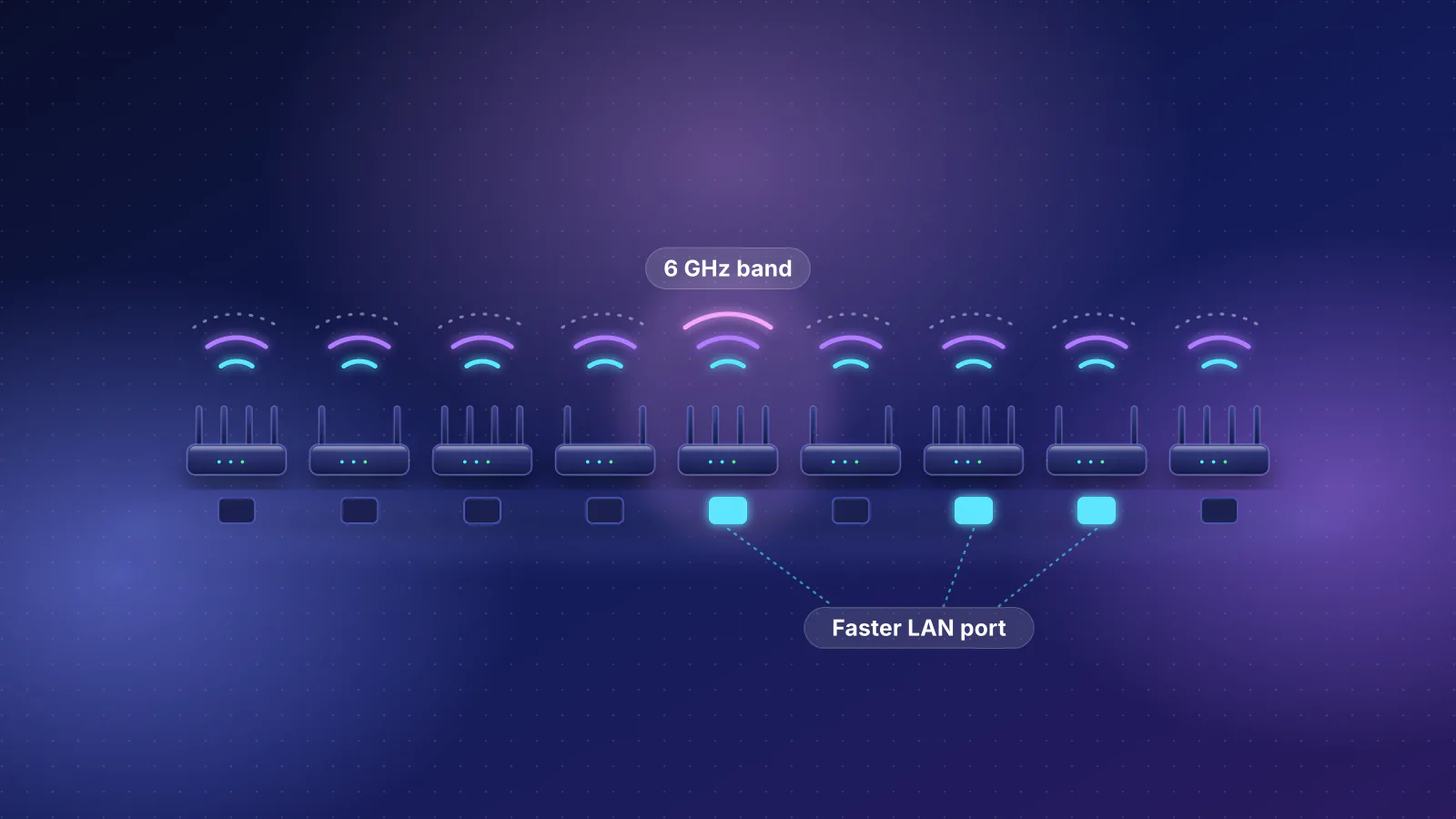
- The gaming port is where they differ most on paper: ASUS's TUF Gaming BE3600 makes a 1 Gbps port its gaming port, the ROG Strix models have two 2.5 Gbps gaming ports, and the GT-BE98 Pro and GT-BE19000AI use a 10 Gbps port.
- SQM isn't documented for any of the 13. Smart queue management is the feature that targets lag when someone else is uploading or downloading; their gaming software is priority, port-forwarding presets and paid route services instead.
- Cheaper non-gaming routers match several of them spec for spec: the GL.iNet Flint 3 ($209.99) lists the same Wi-Fi rates as the TUF Gaming BE9400 ($279.99) and documents SQM, and ASUS's RT-BE58U lists the same radios and ports as the TUF Gaming BE3600 for $30 less.
- This is a spec comparison, not a lag test. RouterHaus didn't test these routers and makes no claim that any of them lowers ping or lag. Why gaming features can't fix most lag is in gaming router vs standard router.
Which models count
The rule: every router in the RouterHaus catalog from a product line its maker brands for gaming, found by product family: ASUS ROG Rapture, ROG Strix and TUF Gaming, and TP-Link Archer Gaming (the GE models). That's 13 models, catalog checked October 20, 2026. The count includes the ROG Rapture GT-AXE11000, which ASUS still lists but our catalog marks as availability unknown. NETGEAR's Nighthawk Pro Gaming (XR) routers aren't in the catalog, and its current Nighthawk RS models carry no gaming branding.
The 11 with a published price, cheapest first. Specs and prices render from the catalog, the same data as each product page:
| Product | Internet port | Fastest LAN port | Maker's routing, plan or wired-speed figure | Price |
|---|---|---|---|---|
| ASUS TUF Gaming BE3600 (TUF-BE3600) Router · Wi-Fi 7 |
2.5 Gbps | 1 Gbps | Not published | $179.99 Manufacturer price (not re-confirmed), checked October 20, 2026 |
| ASUS GT-AX6000 Router · Wi-Fi 6 |
2.5 Gbps | 2.5 Gbps | Not published | $219.99 Manufacturer store price, checked October 20, 2026 |
| ASUS TUF Gaming BE6500 (TUF-BE6500) Router · Wi-Fi 7 |
2.5 Gbps | 2.5 Gbps | Not published | $219.99 Manufacturer price (not re-confirmed), checked October 20, 2026 |
| ASUS TUF Gaming BE9400 (TUF-BE9400) Router · Wi-Fi 7 |
2.5 Gbps | 2.5 Gbps | Not published | $279.99 Manufacturer store price, checked October 20, 2026 |
| ASUS GT-AXE11000 Router · Wi-Fi 6E |
2.5 Gbps | 1 Gbps | Not published | $329.99 Manufacturer store price, checked October 20, 2026 |
| TP-Link Archer GE650 Router · Wi-Fi 7 |
5 Gbps | 5 Gbps | Not published | $349.99 Launch price, checked October 20, 2026 |
| ASUS ROG Strix GS-BE12000 Router · Wi-Fi 7 |
2.5 Gbps | 2.5 Gbps | Not published | $399.99 Manufacturer store price, checked October 20, 2026 |
| ASUS GT-AXE16000 Router · Wi-Fi 6E |
10 Gbps | 1 Gbps | Not published | $449.99 Manufacturer store price, checked October 20, 2026 |
| TP-Link Archer GE800 Router · Wi-Fi 7 |
10 Gbps | 2.5 Gbps | Not published | $599.99 Launch price, checked October 20, 2026 |
| ASUS GT-BE98 Pro Router · Wi-Fi 7 |
10 Gbps | 10 Gbps | Not published | $699.99 Manufacturer store price, checked October 20, 2026 |
| ASUS GT-BE19000AI Router · Wi-Fi 7 |
10 Gbps | 10 Gbps | Not published | $899.99 Manufacturer store price, checked October 20, 2026 |
Two cautions on that table. The "Fastest LAN port" column counts only LAN-only ports, so it understates models with two fast WAN/LAN ports: the Archer GE800 and the ROG Rapture GT-AXE16000 each have two 10 Gbps WAN/LAN ports. On the GE800 one of them can serve a device at 10 Gbps once the other is the internet port (TP-Link: "The two 10 Gbps ports cannot be concurrently configured as WAN ports"); the GT-AXE16000 also has a separate 2.5 Gbps WAN port, so on plans up to 2.5 Gbps both of its 10 Gbps ports can serve devices. And "Not published" in the routing column means none of these makers publishes routing throughput for these models, so a fast internet port is the only evidence of what they can carry. Prices are catalog list prices: when checked on October 29, 2026, ASUS's US store offered the GT-AX6000, GT-AXE11000, GT-AXE16000 and GS-BE12000 only with a "Notify me" button (the two GT-AXE models at sale prices below list), so availability and price at other stores may differ.
Ports, bands and the gaming port
From each maker's spec page and product page, checked October 29, 2026. A gaming port is a LAN port the router gives priority to; it isn't necessarily the fastest port.
| Router | Wi-Fi | Wired ports | Gaming port (maker) |
|---|---|---|---|
| ASUS TUF Gaming BE3600 | Wi-Fi 7, 2.4 + 5 GHz, 160 MHz | 2.5G WAN/LAN, 1G WAN/LAN, 3 × 1G LAN | LAN4, 1 Gbps |
| ASUS TUF Gaming BE6500 | Wi-Fi 7, 2.4 + 5 GHz, 160 MHz | 2.5G WAN, 3 × 2.5G LAN | LAN1, 2.5 Gbps |
| ASUS TUF Gaming BE9400 | Wi-Fi 7, 2.4 + 5 + 6 GHz, 320 MHz | 2.5G WAN, 3 × 2.5G LAN | One of the 2.5G ports |
| ASUS ROG Strix GS-BE12000 | Wi-Fi 7, 2.4 + 5 + 6 GHz, 320 MHz | 2.5G WAN, 7 × 2.5G LAN | Two, 2.5 Gbps |
| ASUS ROG Strix GS-BE18000 | Wi-Fi 7, 2.4 + 5 + 6 GHz, 320 MHz | 2.5G WAN, 7 × 2.5G LAN | Two, 2.5 Gbps |
| ASUS ROG Rapture GT-BE98 Pro | Wi-Fi 7, 2.4 + 5 + 6 + 6 GHz, 320 MHz | 10G WAN/LAN, 2.5G WAN/LAN, 10G LAN, 3 × 2.5G LAN, 1G LAN | The 10 Gbps LAN port |
| ASUS ROG Rapture GT-BE19000AI | Wi-Fi 7, 2.4 + 5 + 6 GHz, 320 MHz | 10G WAN/LAN, 2.5G WAN/LAN, 10G LAN, 3 × 2.5G LAN, 1G LAN | The 10 Gbps LAN port |
| ASUS ROG Rapture GT-AX6000 | Wi-Fi 6, 2.4 + 5 GHz, 160 MHz | 2.5G WAN/LAN, 2.5G LAN, 4 × 1G LAN | LAN 1 (speed not stated on the product page) |
| ASUS ROG Rapture GT-AXE11000 | Wi-Fi 6E, 2.4 + 5 + 6 GHz, 160 MHz | 1G WAN, 2.5G WAN/LAN, 4 × 1G LAN | Listed in the spec; port not stated |
| ASUS ROG Rapture GT-AXE16000 | Wi-Fi 6E, 2.4 + 5 + 5 + 6 GHz, 160 MHz | 2.5G WAN, 2 × 10G WAN/LAN, 4 × 1G LAN | Not listed in the spec's game features |
| TP-Link Archer GE400 | Wi-Fi 7, 2.4 + 5 GHz, width not stated | 2.5G WAN, 2.5G LAN, 3 × 1G LAN | Listed; port and speed not stated |
| TP-Link Archer GE650 | Wi-Fi 7, 2.4 + 5 + 6 GHz, 320 MHz | 5G WAN, 5G LAN, 3 × 2.5G LAN | Listed; port and speed not stated |
| TP-Link Archer GE800 | Wi-Fi 7, 2.4 + 5 + 6 GHz, 320 MHz | 10G SFP+/RJ45 combo WAN/LAN, 10G WAN/LAN, 4 × 2.5G LAN | Listed; port and speed not stated |
What the hardware says, before any gaming software:
- Three of the ten Wi-Fi 7 models are dual-band (TUF Gaming BE3600 and BE6500, Archer GE400): no 6 GHz band and no 320 MHz channels. That matters only for devices that support 6 GHz; many consoles don't (see what each console supports).
- A gaming port faster than 1 Gbps only helps a device with a faster network port. A 10 Gbps gaming port on the GT-BE98 Pro or GT-BE19000AI suits a PC with a 10 Gbps card; a device with a gigabit port links at 1 Gbps on any of them. Port speed shortens downloads; it doesn't shorten the trip to a game server.
- Plan speed sets the floor. On plans up to 1 Gbps every model's internet port is enough. On a 2 Gbps plan you want a 2.5 Gbps LAN port for a wired PC, which the TUF Gaming BE3600 and GT-AXE11000 lack (on a plan that fast, their only 2.5 Gbps port has to be the internet port). For a 5 Gbps plan, the GE650 has 5 Gbps internet and LAN ports; for 8 to 10 Gbps, the GE800, GT-AXE16000, GT-BE98 Pro and GT-BE19000AI can have a 10 Gbps port on both sides (on the GE800 and GT-AXE16000, two 10 Gbps WAN/LAN ports). Choosing a router for multi-gig fiber explains the port rules.
- The ROG Strix pair is the port-count outlier: seven 2.5 Gbps LAN ports, more than any other router in this group.
The gaming software, model by model
Each maker's spec sheet lists the gaming features per model, and they aren't all the same. From the spec pages, checked October 29, 2026:
| Router | Gaming features listed | QoS | Route service and recurring costs |
|---|---|---|---|
| TUF Gaming BE3600 | Game Boost, Mobile Game Mode, Gaming Port | Adaptive QoS, Traditional QoS | Not listed; no subscription statement |
| TUF Gaming BE6500 | Game Boost, Gear Accelerator, OpenNAT, Gaming Port | Adaptive QoS, Traditional QoS | Not listed; security "without monthly subscription" |
| TUF Gaming BE9400 | Game Boost, Mobile Game Mode, Gear Accelerator, OpenNAT, Gaming Port | Adaptive QoS, Traditional QoS | Not listed |
| ROG Strix GS-BE12000 and GS-BE18000 | Game Boost, Mobile Game Mode, Gear Accelerator, ROG First, OpenNAT, Gaming Port, Gaming Network | Adaptive QoS, Traditional QoS | Not listed. 6 GHz AFC (standard power) service: "included for the first 4 years; additional charges apply thereafter" |
| ROG Rapture GT-BE98 Pro | Game Boost, WTFast, ROG First, OpenNAT, Gaming Port | Adaptive QoS, Traditional QoS | WTFast GPN: free trial for one device "with limited daily time and features"; subscription for advanced features |
| ROG Rapture GT-BE19000AI | Mobile Game Mode, Gear Accelerator, ROG First, OpenNAT, Gaming Port, Gaming Network; AI Game Boost on the product page | Adaptive QoE, Bandwidth Limiter (no Traditional QoS listed) | GTNet, which ASUS describes as a subscription offer with a free trial |
| ROG Rapture GT-AX6000 (Wi-Fi 6) | Game Boost, ROG First, OpenNAT, Gaming Port | Adaptive QoS, Traditional QoS | Not listed |
| ROG Rapture GT-AXE11000 (Wi-Fi 6E) | Game Boost, Game Radar, WTFast, ROG First, OpenNAT, Gaming Port | Adaptive QoS, Traditional QoS | WTFast |
| ROG Rapture GT-AXE16000 (Wi-Fi 6E) | Game Boost, Game Radar, WTFast, ROG First, OpenNAT | Adaptive QoS, Traditional QoS | WTFast GPN: free trial for one device, then a paid upgrade |
| Archer GE400 | Turbo Game Acceleration (game application boost, gaming port, Gamers Private Network), game panel, RGB | QoS by Device | GPN. HomeShield: basic free, advanced features paid |
| Archer GE650 | Game QoS, gaming port, GPN server acceleration, game panel, dedicated 5 GHz gaming band | Game application QoS | WTFast GPN: first month free, then a subscription. HomeShield: basic free, advanced paid |
| Archer GE800 | As GE650, plus mobile game acceleration and a one-click acceleration button | Game application QoS | WTFast GPN: first month free, then a subscription. HomeShield: basic free, advanced paid |
Every ASUS model in the group lists VPN Fusion, which ASUS describes as connecting "to multiple VPN servers simultaneously" and assigning devices to different tunnels, so a console can stay off a VPN that a work laptop uses. All list a WireGuard VPN server except the GT-AX6000, whose US spec page lists OpenVPN, IPSec and PPTP only. All three TP-Link models list WireGuard, OpenVPN, PPTP and L2TP VPN servers.
TP-Link's WTFast trial article lists the GE800 and GE650 among the "support models" for its free month, but not the GE400, even though the GE400's product page lists Gamers Private Network; check with TP-Link before counting on the trial for it. TP-Link's US HomeShield page names paid tiers (Security+ and Total Security) but publishes no prices, checked October 29, 2026; router subscriptions compared covers them.
What the gaming features are
In brief, from the makers' documentation; the full mapping, with what each can and can't do, is in gaming router vs standard router.
- Gaming port, Game Boost, Gear Accelerator, Mobile Game Mode and game QoS are priority: ASUS says a device on the gaming port becomes "the first priority" and that Game Boost "make[s] game packets a top priority". Priority can only reorder packets where your router holds the queue.
- OpenNAT and game port forwarding are port-forwarding presets for consoles and games. Any router with port forwarding can do the same by hand; neither can open ports behind a provider's carrier-grade NAT (double NAT and NAT types).
- Gaming Network is a separate Wi-Fi network name with its own Open NAT, VPN and MLO settings. ASUS says it's "currently only supported on the WiFi 7 series Gaming routers", needs recent firmware, and isn't supported in access-point mode; among these models, its spec pages list it for the ROG Strix pair and the GT-BE19000AI.
- WTFast GPN and GTNet are third-party route services between your router and a game server, sold by subscription after a trial. ASUS describes WTFast as "a better route from a router to a game server". They can't shorten the distance to the server.
- Adaptive QoS sets priority by application type; ASUS says its QoS "ensures bandwidth for high-priority tasks and applications". Its Traditional QoS sets bandwidth limits and priorities by hand, and ASUS's spec pages warn that it carries "a risk of speed reduction". The GT-BE19000AI uses a newer Adaptive QoE instead.
Non-gaming routers with the same specs for less
The rule: for each priced gaming model, the cheapest current non-gaming router in our catalog that costs less and has Wi-Fi of the same generation or newer, a 6 GHz band if the gaming model has one, an internet port at least as fast, a LAN-only port at least as fast as the gaming model's fastest, and at least as many LAN-only ports faster than 1 Gbps. Where nothing meets every condition, the row says which one it relaxes. Catalog prices, checked October 20, 2026.
| Gaming model | Cheapest non-gaming match | Price difference (arithmetic) | What differs |
|---|---|---|---|
| TUF Gaming BE3600, $179.99 | MikroTik hAP be lite, $79; among consumer-app routers, ASUS RT-BE55, $129.99; same hardware, ASUS RT-BE58U, $149.99 | $100.99; $50; $30 | The RT-BE58U lists the same Wi-Fi rates, radios and ports, without the gaming features. The RT-BE55 lists the same Wi-Fi rates with one 2.5G internet port, four 1G LAN ports and no USB. The hAP be lite documents SQM but runs RouterOS, which our method rates as advanced. |
| ROG Rapture GT-AX6000, $219.99 | ASUS RT-BE59 or GL.iNet Flint 3e, $179.99 each | $40 | Both are Wi-Fi 7 with a 2.5G internet port and 2.5G LAN; the Flint 3e documents SQM. The GT-AX6000 has two USB ports and more gigabit ports. |
| TUF Gaming BE6500, $219.99 | GL.iNet Flint 3e, $179.99 | $40 | Same BE6500 Wi-Fi class (688 + 5,764 Mbps) and 2.5G ports; documents SQM; no mesh (GL.iNet lists it as unsupported), where the TUF supports AiMesh. |
| TUF Gaming BE9400, $279.99 | GL.iNet Flint 3, $209.99 | $70 | Same listed Wi-Fi rates (688 + 2,882 + 5,764 or 5,765 Mbps, two streams per band), a fifth 2.5G port, documented SQM. GL.iNet doesn't state 320 MHz; ASUS does. |
| ROG Rapture GT-AXE11000, $329.99 | GL.iNet Flint 3, $209.99 | $120 | Wi-Fi 7 instead of 6E, 2.5G LAN ports where the ROG has gigabit LAN, documented SQM. |
| Archer GE650, $349.99 | None in the catalog | Not applicable | No cheaper non-gaming router has 5 Gbps or faster internet and LAN ports with 6 GHz. |
| ROG Strix GS-BE12000, $399.99 | Relaxing the port count: GL.iNet Flint 3, $209.99 | $190 | Three 2.5G LAN ports plus a WAN/LAN, against seven; a 2.5G switch adds ports, all sharing one link to the router. |
| ROG Rapture GT-AXE16000, $449.99 | UniFi Express 7, $219 with Ubiquiti's US surcharge ($199 before it); with three 2.5G LAN ports, TP-Link Archer BE600, $249.99 (not re-confirmed) | $230.99; $200 | Wi-Fi 7 and a 10G internet port; the Express 7 documents SQM (Ubiquiti recommends it below 300 Mbps) but has a single 2.5G LAN port. The ROG's second 10G WAN/LAN port can serve a 10 Gbps device; neither match has a LAN port above 2.5G. |
| Archer GE800, $599.99 | Relaxing the port count: UniFi Express 7, $219 with surcharge. If you'd use the GE800's second 10G port for a device: NETGEAR Nighthawk RS600, $499.99 | $380.99; $100 | The Express 7 has one 2.5G LAN port against the GE800's four. The RS600 has 10G internet and one 10G LAN port, but three gigabit LAN ports; MLO not published; NETGEAR Armor offered. |
| ROG Rapture GT-BE98 Pro, $699.99 | Relaxing the port count: NETGEAR Nighthawk RS600, $499.99 | $200 | One 10G LAN port and three gigabit, against the ROG's 10G plus three 2.5G; tri-band, not quad-band. |
| ROG Rapture GT-BE19000AI, $899.99 | Relaxing the port count: NETGEAR Nighthawk RS600, $499.99 | $400 | One 10G LAN port and three gigabit, against the ROG's 10G plus three 2.5G, and none of the GT-BE19000AI's AI processor and Docker support. |
| Product | Internet port | Fastest LAN port | Maker's routing, plan or wired-speed figure | Price |
|---|---|---|---|---|
| MikroTik hAP be lite (A42G-HbeP) Router · Wi-Fi 7 |
2.5 Gbps | 1 Gbps | 1.4 Gbps | $79.00 List price, checked October 20, 2026 |
| ASUS RT-BE55 Router · Wi-Fi 7 |
2.5 Gbps | 1 Gbps | Not published | $129.99 Manufacturer price (not re-confirmed), checked October 20, 2026 |
| ASUS RT-BE58U Router · Wi-Fi 7 |
2.5 Gbps | 1 Gbps | Not published | $149.99 Manufacturer price (not re-confirmed), checked October 20, 2026 |
| ASUS RT-BE59 Router · Wi-Fi 7 |
2.5 Gbps | 2.5 Gbps | Not published | $179.99 Manufacturer price (not re-confirmed), checked October 20, 2026 |
| GL.iNet Flint 3e (GL-BE6500) Router · Wi-Fi 7 |
2.5 Gbps | 2.5 Gbps | Not published | $179.99 Manufacturer price (not re-confirmed), checked October 20, 2026 |
| GL.iNet Flint 3 (GL-BE9300) Router · Wi-Fi 7 |
2.5 Gbps | 2.5 Gbps | Not published | $209.99 Manufacturer store price, checked October 20, 2026 |
| Ubiquiti UniFi Express 7 (UX7) Router · Wi-Fi 7 |
10 Gbps | 2.5 Gbps | Not published | $219.00 Manufacturer store price incl. US store surcharge (list $199.00), checked October 20, 2026 |
| TP-Link Archer BE600 Router · Wi-Fi 7 |
10 Gbps | 2.5 Gbps | Not published | $249.99 Manufacturer price (not re-confirmed), checked October 20, 2026 |
| NETGEAR Nighthawk RS600 Router · Wi-Fi 7 |
10 Gbps | 10 Gbps | Not published | $499.99 Manufacturer store price, checked October 20, 2026 |
Read the documented SQM with its limits. Ubiquiti doesn't recommend its Smart Queues at 300 Mbps or more, and GL.iNet says its SQM "works best for low-bandwidth or congested networks" and may reduce peak throughput on fast connections, so a documented SQM switch is most useful on plans of a few hundred megabits. And the matches don't carry over everything: the ASUS gaming models support AiMesh and VPN Fusion, the TP-Link ones EasyMesh, and switching brand means a different app. Compare the features you'd actually use, not the label.
How to choose among them
- Check where your lag comes from first. If ping jumps only when the line is busy, a router with documented SQM is the more direct purchase than any model here. If it's high even when idle and wired, no router fixes it: the connection type and the provider's network set that floor (see what the FCC measured, by connection type). If the console is on Wi-Fi, a cable or a closer access point matters more; see the 10-minute low-lag fix.
- Match the ports to your plan and devices. Up to 1 Gbps: any of them. 2 Gbps with a wired PC: any model except the TUF Gaming BE3600 and GT-AXE11000. 5 Gbps: the GE650, or a 10 Gbps model if its ports also run at 5 Gbps (check the spec against your provider's port). 8 to 10 Gbps: the GE800, GT-AXE16000, GT-BE98 Pro or GT-BE19000AI.
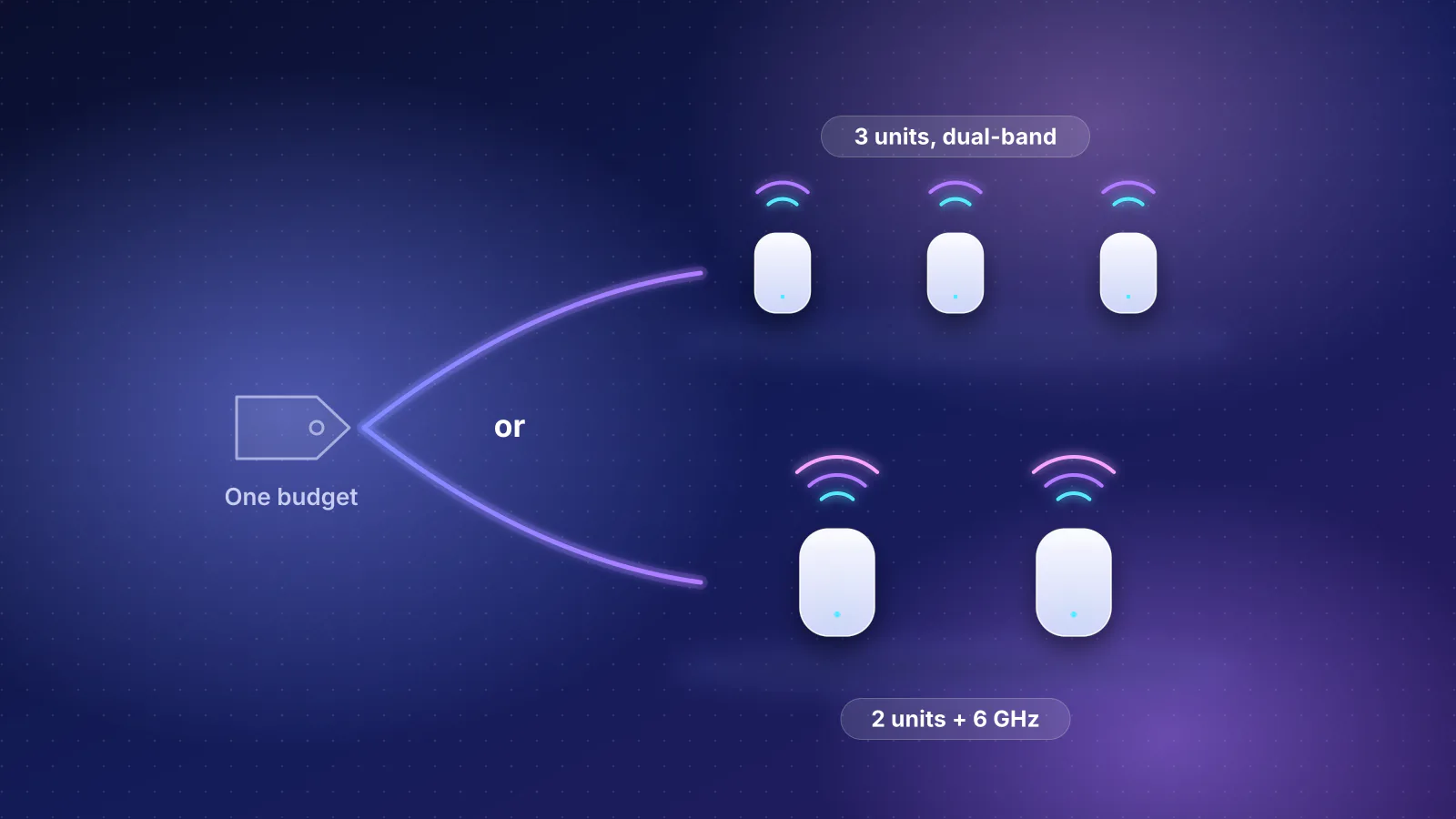
- Decide whether you need 6 GHz. Only if your PC, laptop or console has a 6 GHz radio; otherwise the dual-band TUF BE6500 lists the same 2.5G ports as the tri-band BE9400 for $60 less.
- Count the recurring costs. Route services (WTFast GPN, GTNet) are subscriptions after a trial; TP-Link's advanced HomeShield is paid; the ROG Strix models' 6 GHz AFC service carries charges after four years.
- Then weigh the gaming software as an extra, and compare against the non-gaming match above. If the match does everything you need for less, the gaming features are what the difference buys.

If you're still deciding whether to buy a gaming router at all, start with which to buy by symptom; for budget Wi-Fi 7 options outside the gaming lines, see Wi-Fi 7 routers at $200 or less.
Frequently asked questions
Which gaming router has the fastest gaming port?
The ASUS ROG Rapture GT-BE98 Pro and GT-BE19000AI, which use their 10 Gbps LAN port as the gaming port. It only runs at 10 Gbps for a device with a 10 Gbps network card; Microsoft lists the Xbox Series X's Ethernet port as 10/100/1000, so a console like that links at 1 Gbps on any of these routers. TP-Link doesn't say which port is the gaming port on its Archer GE models.
Do I need a gaming router for a console?
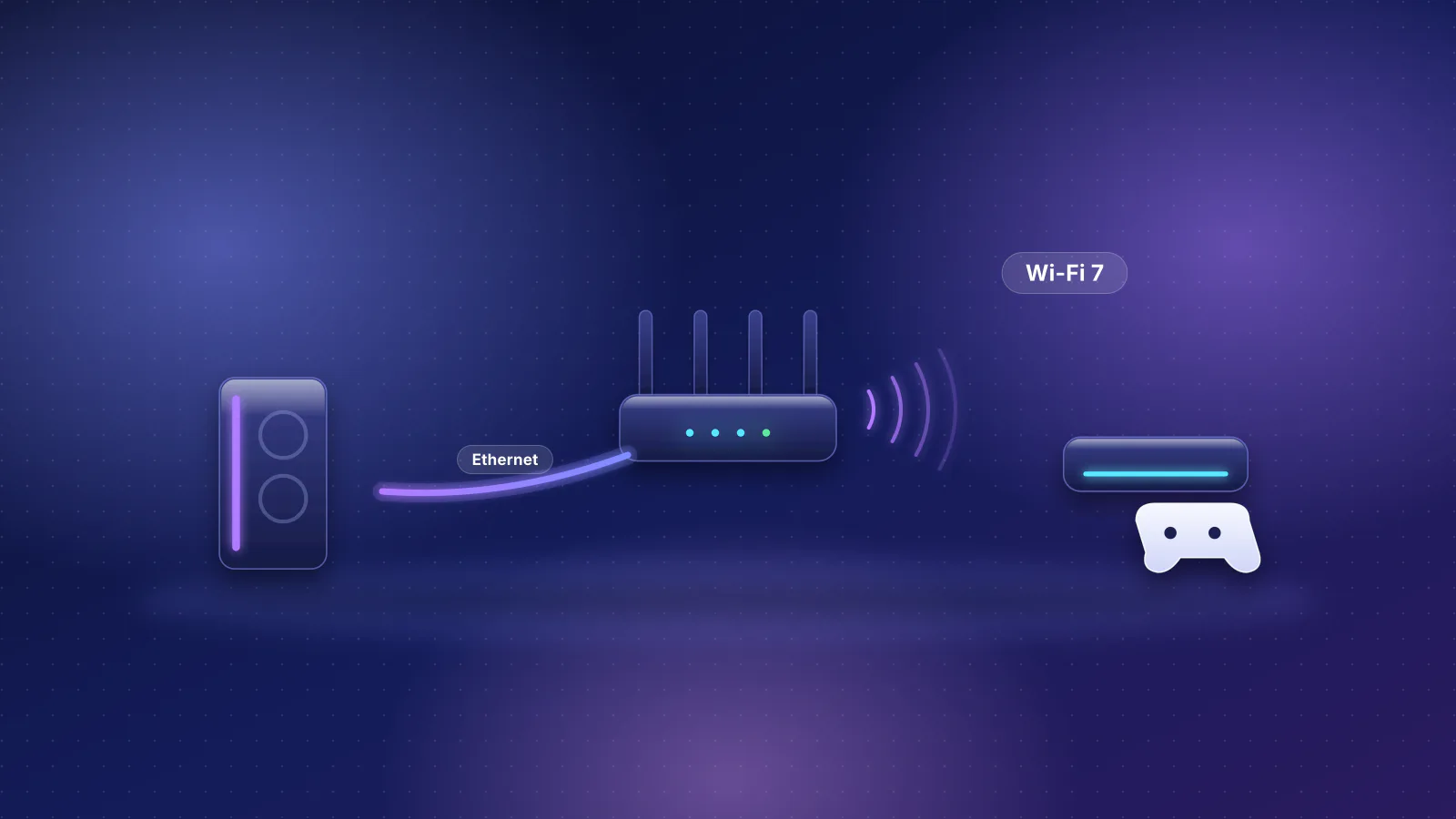
Not for speed or NAT. A console with a gigabit Ethernet port, such as the Xbox Series X, gets its full wired speed from any router with a gigabit LAN port, and port forwarding or UPnP for an open NAT type is standard on ordinary routers. Gaming routers add priority presets and route services on top.
Is the TUF Gaming BE3600 the same as the RT-BE58U?
On paper, the hardware is the same: ASUS lists identical Wi-Fi rates (688 plus 2,882 Mbps), two-stream radios, 160 MHz channels and the same ports. The TUF model adds Game Boost, Mobile Game Mode and a 1 Gbps gaming port, and costs $30 more by catalog price.
Do these routers need a subscription?
Not to route traffic or run Wi-Fi. The paid parts are optional: WTFast GPN or GTNet route services after a trial, TP-Link HomeShield's advanced tiers, and on the ROG Strix models, the 6 GHz AFC service after its first four years.
Sources
Read on October 29, 2026.
- ASUS: TUF Gaming BE3600 tech specs and product page
- ASUS: TUF Gaming BE6500 tech specs and product page
- ASUS: TUF Gaming BE9400 tech specs and product page
- ASUS ROG: ROG Strix GS-BE12000 specs and product page (AFC footnote); GS-BE18000 specs and product page
- ASUS ROG: ROG Rapture GT-BE98 Pro specs and product page
- ASUS ROG: ROG Rapture GT-BE19000AI specs and product page
- ASUS ROG: GT-AX6000 specs and product page; GT-AXE11000 specs; GT-AXE16000 specs and product page
- ASUS: [ROG Gaming Router] Triple-level Game Acceleration - Introduction and [Gaming Network] The Evolution of Triple-level Game Acceleration
- ASUS: How to Use ASUS Subscription Offers to Optimize Game Server Acceleration with GTNet
- ASUS: Introduction and settings of QoS on ASUS Router and How to set up VPN Fusion (VPN Client) as Internet default connection
- ASUS: RT-BE55 tech specs, RT-BE58U tech specs and RT-BE59 tech specs
- TP-Link: Archer GE400, Archer GE650 and Archer GE800 product pages and specifications
- TP-Link: How to set up WTFast GPN on a TP-Link gaming router and HomeShield
- GL.iNet: Flint 3 (GL-BE9300) (and its datasheet, 2x2 per band) and Flint 3e (GL-BE6500) product pages; SQM and Mesh documentation
- MikroTik: hAP be lite
- Ubiquiti: UniFi Express 7 tech specs and UniFi Gateway - Smart Queues
- Microsoft: Xbox Series X specifications
- RouterHaus catalog data (family, wanPorts, lanPorts, bands, features.sqm, msrpUsd and price basis fields)