The short version
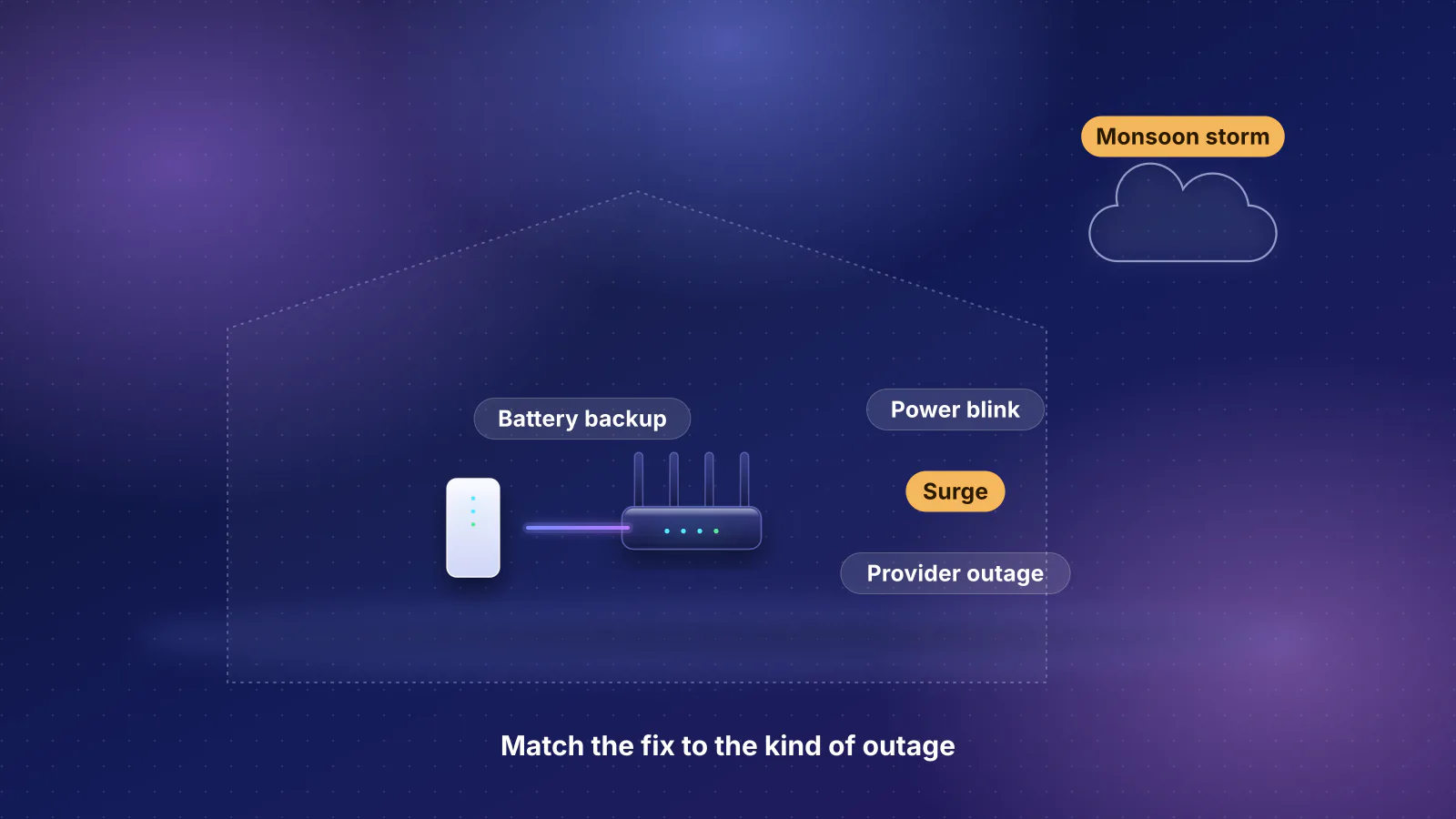
- The base station has its own battery; your router and modem don't. In a power cut, a base station that reports over Wi-Fi or Ethernet loses that path when the router goes dark, even though the base station is still awake. In an internet outage, the router stays on but has nowhere to send the signal.
- Cellular backup skips your router and provider, but it depends on mobile coverage where the base station sits and, with every maker below, on your plan. Abode's own pages disagree on which of its plans include it.
- The siren is local; the notification isn't. Ring says that when its base station goes offline, "the Ring Alarm siren will still function." A siren in an empty house only helps if someone hears it.
- Test it the maker's way, not with a real alarm, and fix the network (main always-on network, supported band, Ethernet where there's a port) before you buy anything.
This article is about the alarm's reporting path. For the battery backup that keeps the modem and router on, see what size UPS you need for a modem and router; for a second internet line, see dual-WAN and 5G failover at home. If it's a doorbell or camera that keeps dropping, start with why a video doorbell keeps going offline.
How an alarm gets a signal out
The sensors talk to the base station or panel over the maker's own radio. SimpliSafe, for example, says its "Sensors, Smart Locks, and the Key Fob all use Radio Frequency (RF) to communicate with the Base Station." That link doesn't use your Wi-Fi. In an outage, what matters is how the base station reaches the monitoring center and your phone. There are three paths.
- Wi-Fi or Ethernet through your router. Ring's base station connects by Ethernet or by 2.4 or 5 GHz Wi-Fi, "but not both"; SimpliSafe's needs a 2.4 GHz network; Abode's hubs take Ethernet or 2.4 GHz Wi-Fi. This path needs the router, the modem and the provider's network all working and powered.
- Cellular. A radio in the base station sends signals over a mobile network. Ring says its "Alarm Cellular Backup uses a third-party carrier"; ADT lists the ADT Base's cellular radio as "CAT-1 (FirstNet and Verizon)." This path doesn't depend on your router, but it does depend on coverage where the base station sits and on your plan.
- A phone line. Older panels dial out over a home phone line. If your home phone now runs through your provider's equipment, that line depends on the provider's box and its power. Verizon's Fios Digital Voice terms, for example, say the service "will not function during a power outage without a back-up power source," and that its battery backup "will not power cordless phones, Internet or TV service, or alarm system equipment." If your alarm still reports over a phone line, ask your monitoring company how that line is delivered today.
When a system uses two of these, the makers call it backup or dual-path. Qolsys says "The advantage of using Dual-path allows for redundancy of signals as a fail-over." Alarm.com's help pages describe what's left when one route fails: with the cellular path down, a panel "is only communicating through broadband network/Wi-Fi"; with broadband down, it "is without backup communication and will stop working if cellular communication also fails."
- Door and motion sensors Maker's own radio to the base station; no Wi-Fi involved
- Base station On its own battery in a power cut
- Home Wi-Fi Or an Ethernet cable to the router
- Router and modem No battery of their own: off in a power cut
- Provider's network Down in an internet outage
- Monitoring center and your phone Reached only if a path is still up
Which path survives which outage
This table is our reading of the paths above and the makers' pages below. It says which path is still available, not whether any signal will arrive; coverage, plan and the base station's battery all still apply.
| What fails | Wi-Fi or Ethernet path | Cellular path |
|---|---|---|
| Power at your home | Down when the router and modem lose power, unless they're on a UPS | Available on the base station's battery, if your plan includes it |
| Your provider's internet | Down, even with the router on | Available, if your plan includes it |
| Your router or Wi-Fi (changed, rebooting, out of range) | Down until the base station reconnects | Available, if your plan includes it |
| Mobile coverage where the base station sits | Available | Weak or down |
| The base station's battery runs out | Down | Down |
What each maker documents
Each entry is from the maker's own support page, spec page or knowledge base, read November 27, 2026. These are the makers' statements about their current products, not RouterHaus measurements; older generations may differ.
| Maker and product | Battery backup the maker gives | Cellular backup, as the maker describes it | Home network |
|---|---|---|---|
| SimpliSafe Base Station | "up to 24 hrs" | Built-in network backup that, "with a professional monitoring plan, will operate on a cellular network instead of Wi-Fi" | 2.4 GHz Wi-Fi only; WPA2, WPA3 (firmware 2.29 or later) or mixed mode |
| Ring Alarm Base Station | "up to 24 hours"; works normally for the first 15 minutes, then keeps monitoring sensors and sending alarm signals with other features shut off | "requires a compatible Ring subscription"; uses a third-party carrier | Ethernet, or 2.4 or 5 GHz Wi-Fi, "but not both" |
| Ring Alarm Pro Base Station | Two Ring pages differ: the outage page says "up to 24 hours in Low Power Mode", with most functions and Wi-Fi turned off; the setup page says the battery keeps it online "for a few hours". Ring Power Packs add "up to eight hours" each | 24/7 Backup Internet with 3 GB of cellular data a month, plus Alarm Cellular Backup; both need a compatible subscription | Is the home's router (built-in eero Wi-Fi 6), connected to the modem by Ethernet |
| ADT Base | "lasts a minimum of 24 hours" | "requires Pro-Protect monthly monitoring plan with ADT 24/7 professional monitoring" | 2.4 or 5 GHz Wi-Fi, WPA or WPA2 |
| Abode Security Hub | "Up to 12hrs (variable by usage)" | "4G Cellular Backup (requires plan)"; which plan, see note below | Ethernet and 2.4 GHz Wi-Fi |
| Abode Iota | "short-term power in the event of an outage. Length is dependent on usage" | Requires a plan; which plan, see note below | Ethernet and/or 2.4 GHz Wi-Fi |
| Qolsys IQ Panel | "UL certified to last 24 hours", shorter with heavy activity | Dual-path cellular and Wi-Fi or IP to Alarm.com; the page names no plan, so ask your service provider | Wi-Fi with WPA or WPA2 |
Notes from the same pages:
- SimpliSafe says that during a power outage "you will only be able to use the Keypad to arm and disarm your system," with the app usable again once power is restored. It also says customers since "2019 or earlier" may need to update their network backup.
- Ring's plans page lists Cellular Backup as a plan feature and says some features work without a plan, but it doesn't say whether cellular backup is one of them; check your subscription in the Ring app. For the Alarm Pro, Ring's 24/7 Backup Internet page says that once the monthly data limit is reached, "Backup Internet will turn off, and Ring Alarm Pro will continue using Alarm Cellular Backup for emergency notifications."
- ADT has many systems; these figures are for the ADT Base. ADT's monitoring page says that if Wi-Fi drops, "alarm events can still be sent out from the ADT Base over Cellular Data and/or Cellular SMS connection." For a professionally installed ADT panel, ask ADT what yours uses.
- Abode's pages disagree on which plans include cellular backup. Its help page "Cell Backup & SIM Cards" (dated July 1, 2026) says it comes "As part of the Pro Plan" and that the Standard Plan "does not include cellular backup", and its plans page (last modified April 22, 2026) also places it with Pro. Its Iota product page FAQ (last modified November 26, 2026, by the page's metadata) says "Cellular backup is available with the Standard and Pro plans." We can't tell which is current; confirm with Abode before relying on it. Abode also says it "cannot guarantee that the cellular radio in the hub will work at every location."
- Alarm.com, which Qolsys panels report to, says its panels "support at least 24 hours of standby operation during a power outage."
Plan names and what they include change; the maker's current plan page is the authority.
Local siren versus remote notification
These are separate, and an outage can take one without the other.
- The siren is in the base station. SimpliSafe and Abode build sirens into their base stations (100 dB and 93 dB by their own figures), Ring lists a "104 Decibel Siren measured at 1 ft", and ADT lists 85 dB at 10 feet for the ADT Base.
- Professional monitoring needs a path out. Ring describes its professional monitoring as watching for alarm signals and having "the monitoring center request emergency response." Without a working path, the signal doesn't arrive.
- Self-monitoring leaves the call to you. Ring says that with self-monitoring "your Ring Alarm siren will go off, but you'll need to call for emergency responders yourself." That depends on your phone getting the alert.
- App features vary by maker in an outage. SimpliSafe says the keypad, not the app, is how you arm and disarm during a power outage. ADT's monitoring page says some features, "including mobile notifications, video streaming and video recording, require working internet and Wi-Fi," while its ADT Base page says that with Pro-Protect, "critical alerts will still be sent to your phone through the ADT+ app using the cellular network" during internet outages. Check your own maker's page for which alerts use cellular.
Fire, smoke and carbon monoxide monitoring is a separate question. What a fire or life-safety system must have, including how it reports, is set by local code and your monitoring provider, not by a router setting. If your system includes those sensors, ask your monitoring provider what it requires.
Check it with each maker's own test
If you have professional monitoring, use the maker's test or practice mode so the monitoring center knows it's a test, and don't press panic buttons or trigger a sensor while the system is armed outside those modes.
- Read the system's status first. Ring's app shows a banner, "Your Ring Alarm is Offline", when the base station has lost its connection, and the power icon flashes yellow when it's on battery. Alarm.com-based systems report trouble conditions such as "Dual-Path Communication Failure - Cellular" or "- Broadband". SimpliSafe's app shows a connection indicator between each device and the Base Station, which is about that link, not the internet.
- Run the maker's test.
- SimpliSafe: on the Keypad, press Menu, enter your Master PIN and select Test Mode. SimpliSafe says "Entering Test Mode does not affect your Monitoring Status." Press each sensor's button and the Base Station announces it; with monitoring, an automated call from the Monitoring Center and a "User Initiated Test" event in the app follow. SimpliSafe warns not to press the Keypad's panic button after you exit Test Mode.
- Ring: with professional monitoring (US and Canada), Ring's practice mode lets you "go through an automated call from the Ring Monitoring center." Ring's pages read for this article don't describe a separate cellular test.
- Abode: Abode's cellular test starts by confirming "you have an active Pro Plan". Then "Remove the Ethernet cable from your hub (if applicable) and wait 3 minutes" (for an Iota on Wi-Fi, temporarily turn off home Wi-Fi), open and close a door with a sensor, and confirm the events appear on the app timeline. Reconnect afterwards.
- Qolsys IQ Panel: Qolsys lists cellular signal status under About, a Cellular Test under System Tests, a Wi-Fi test and a Dual-Path test. The Dual-Path settings sit behind the installer code, so your dealer or monitoring company may need to run that one.
- Note where the base station sits. Abode says placing the hub "on the floor, in a closet, or in a basement can weaken the cellular signal," and Qolsys says to install the panel "in an area with good LTE coverage for the carrier of the SIM card."
What each result means
| What you see | What it likely means | Go to |
|---|---|---|
| Test passes, monitoring center confirms it, no trouble conditions | The test signal got through on the path in use at the time. It doesn't show that a second path works. | UPS only if you want Wi-Fi to last through power cuts |
| Abode's test passes with Ethernet unplugged | The hub reached Abode over cellular from where it sits, at the time of the test | Nothing to change |
| Abode's test fails with Ethernet unplugged, a Qolsys Cellular Test fails, or "Dual-Path Communication Failure - Cellular" | No cellular path: possibly plan not active, weak coverage at the base station, or an old radio | Placement, then equipment and monitoring |
| "Your Ring Alarm is Offline" or "Dual-Path Communication Failure - Broadband" | The Wi-Fi or Ethernet path is down: the router, the Wi-Fi settings or the provider | Network changes |
| Base station offline after a new router, new Wi-Fi password or provider change | It's still trying to join the old network | Network changes |
| No cellular backup in your plan | Every report depends on your router, modem and provider | UPS, then monitoring change |
Network changes that keep the base station connected
These are free to change and on your side of the modem.
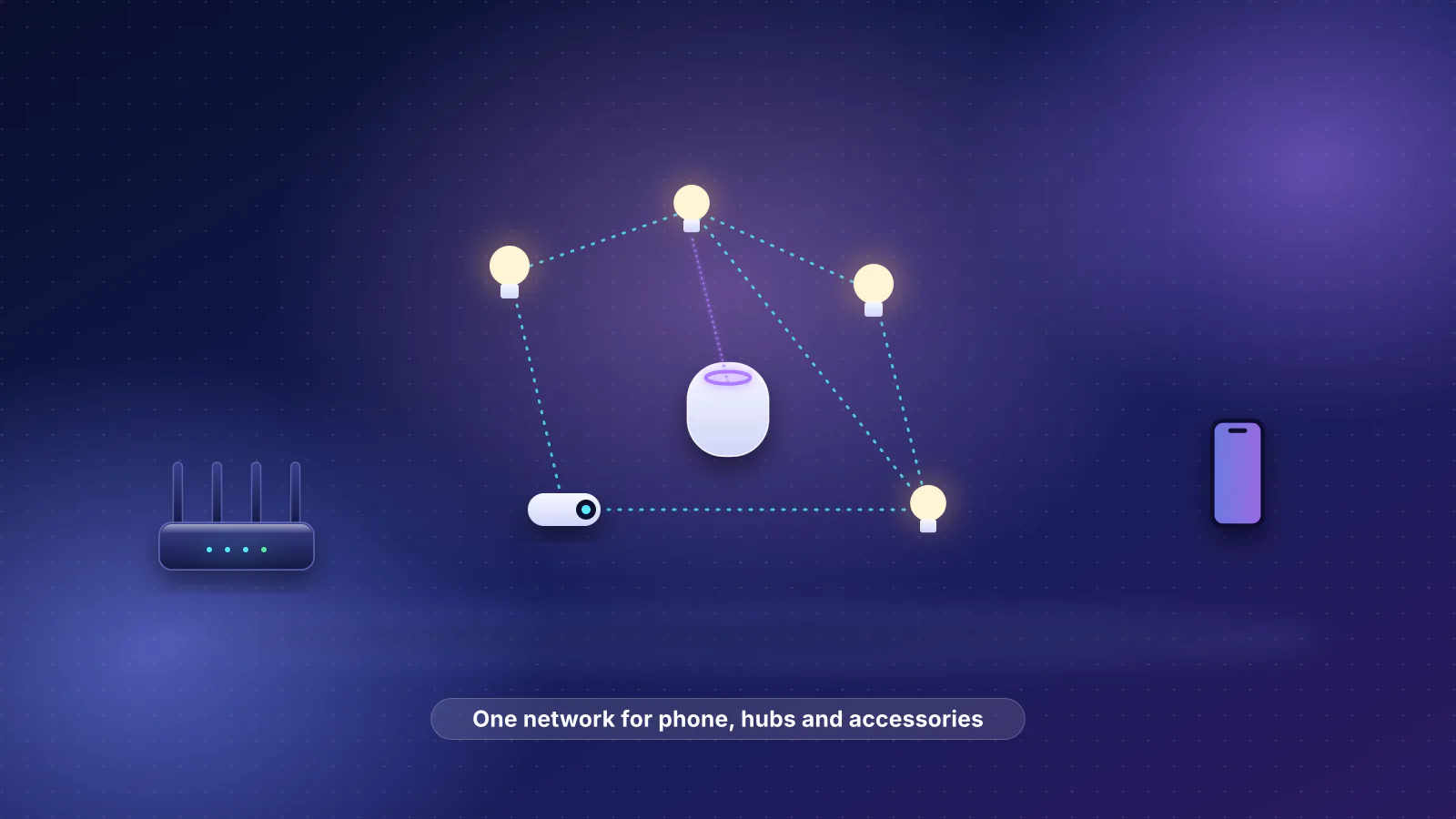
- Keep it on your main network. Put the base station on the network you leave on all the time, not a guest network, a scheduled one, or one a parental-control profile pauses. SimpliSafe lists networks that "require portal login" as unsupported. If you keep smart home devices on a separate network, make sure it's always on and can reach the internet; guest network, IoT network or full VLANs explains the trade-offs.
- Match the band. SimpliSafe says "Your Wi-Fi network must be broadcasting 2.4GHz" and recommends keeping the 2.4 and 5 GHz networks "separated and not merged together"; Abode's hubs also use 2.4 GHz. If your router combines bands under one name, connecting 2.4 GHz-only devices has each router maker's way to get setup through.
- Check the security mode. SimpliSafe supports WPA2, WPA3 (on base station firmware 2.29 or later) or mixed mode, with a network name and password of 31 characters or fewer each. ADT's Base and Qolsys ask for WPA or WPA2. So switching a router to WPA3 only could leave some base stations unable to join.
- Use Ethernet where the base station has a port. Ring's offline troubleshooting suggests connecting its base station directly to the router with an Ethernet cable, as the only device on that connection; once plugged in, Ring's base station removes its Wi-Fi credentials. Abode's Security Hub also takes Ethernet.
- Mind placement. Ring suggests a higher, central, open spot or one closer to the router. SimpliSafe asks for "a centrally-located area" in "an open space", at least 3 feet off the ground, not inside a cabinet or closet, and "at least 3-5 feet away" from routers and other wireless devices. Alarm.com's broadband trouble page says the router "might be too far away from your panel" and suggests moving it or adding a Wi-Fi extender.
- Reconnect it after any router or provider change. Ring's troubleshooting points to changes in your Wi-Fi network, password, equipment or provider; its app's Retry Connection, or Join Network to set up again, points the base station at the network. A new router with the same network name, password and security mode avoids this for many devices; finding your router's admin page covers where those settings live.
If the problem is cellular coverage
Move the base station before you change anything else. Abode says to "Try moving your hub to another part of your home," and Alarm.com's cellular trouble page suggests moving "metal or electrical objects away from the panel." Run the maker's test again after each move.
A UPS for the router and modem
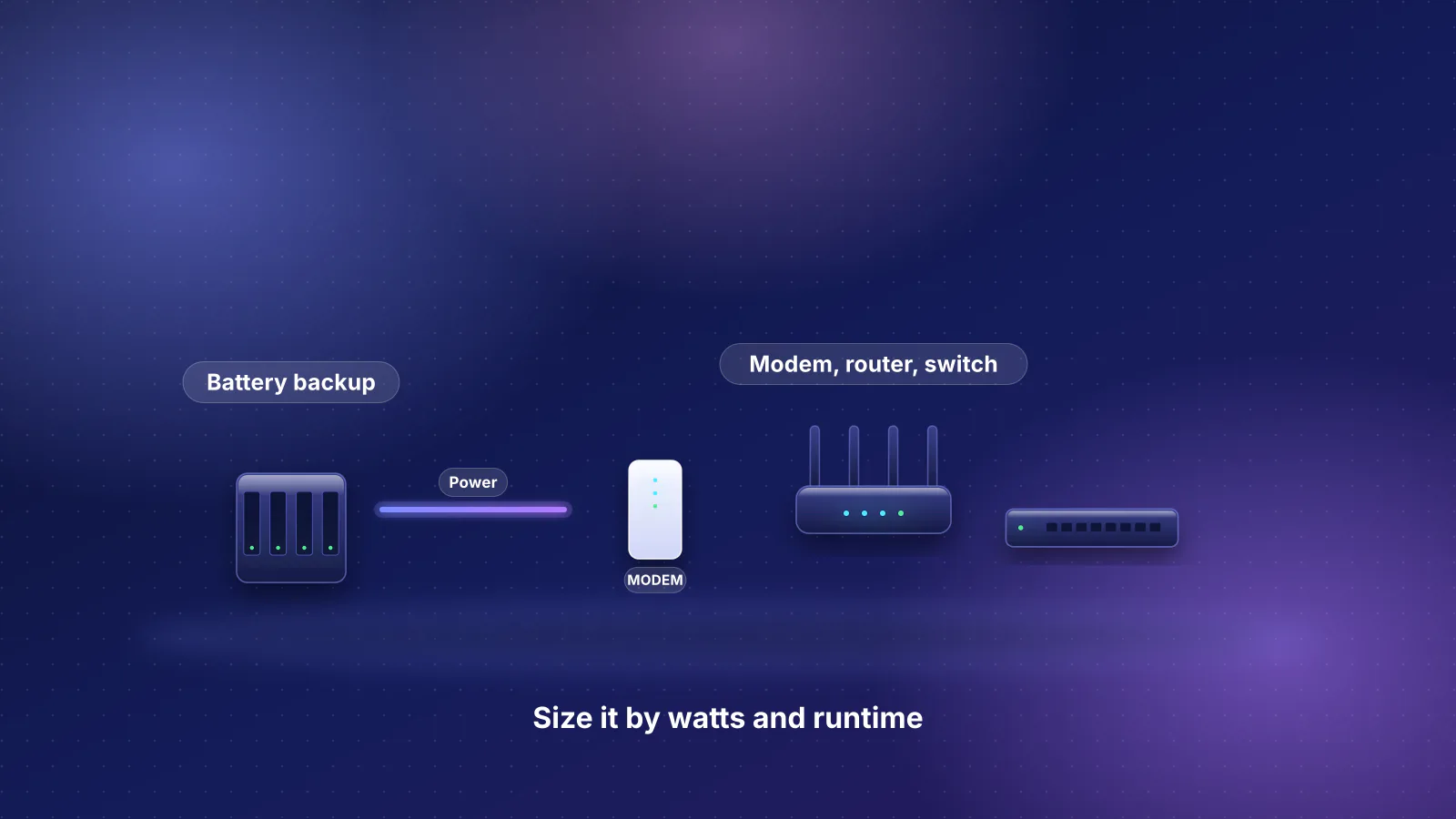
A UPS keeps the Wi-Fi path alive through a power cut at home, not a provider outage. It matters most when your plan has no cellular backup.
- Size it by runtime. How long a UPS lasts comes from the UPS maker's runtime chart for your load. Adding up the load from the makers' figures walks through it, and setting it up and testing it covers which outlets to use.
- A provider's battery may cover only the phone. Verizon's terms above are one example; your provider's battery backup explains what such units cover.
If the worry is provider outages rather than power cuts, the alarm's own cellular backup is the direct fix; a second internet line for the whole house is a bigger step, covered in choosing a backup line.
When new equipment or a monitoring change is justified
Buy nothing until the maker's test shows what's missing. A change makes sense when:
- You want reports during outages and your plan has no cellular backup. The smallest change is usually a plan with the maker you already have that includes it, as that maker's plan page describes. A UPS covers home power cuts only.
- The cellular radio is old. The FCC lists "home security systems" among devices that "may be using 3G network services" and says that if a device isn't labeled, "contact the monitoring company or other service provider to confirm how the device connects." SimpliSafe tells customers from 2019 or earlier to check whether their network backup needs updating. An outdated radio is a question for the maker or monitoring company, not a reason to replace the router.
- Cellular coverage stays weak after moving the base station. Ask the maker or monitoring company what options exist for your panel.
- The base station can't join your network at all. A new router is justified only if yours has no way to offer a band, security mode and always-on network the base station supports.
- The Wi-Fi path drops because the base station is far from the router and Ethernet isn't possible: a mesh unit or access point near it can serve the alarm and the rooms around it. The doorbell guide's section on extending Wi-Fi covers the options.
None of the makers' pages above ties alarm reporting to internet speed. What they describe is whether a path exists, so a faster internet plan isn't the fix.
When to get help
- Your monitoring company for installer menus, plan changes, which paths your account uses, cellular radio upgrades and any fire or life-safety requirement. Alarm.com's trouble pages send panel problems back to your service provider.
- The maker's support when a test fails after placement and network fixes.
- Hands-on network work. An Ethernet run to the base station, a UPS and closet layout, or an access point near a distant panel. Running Ethernet in an existing home shows what's involved. Hardwired alarm panel wiring stays with the alarm installer.
When the job needs hands on site, RouterHaus can connect you with a licensed contractor through a consultation request.
Frequently asked questions
Does my alarm still work if the power goes out?
The base station runs on its own battery (SimpliSafe, Ring and ADT give up to or at least 24 hours, Abode up to 12 hours for its Security Hub, all depending on use). Whether a signal reaches monitoring depends on a path still being up: your router and modem lose power unless they're on a UPS.
Does my alarm still work if the internet goes down?
The siren is in the base station, and Ring, for example, says its siren still functions when the base station is offline. Reports to a monitoring center or your phone need another path. SimpliSafe, Ring, ADT and Abode each offer cellular backup and tie it to a plan, so check what yours includes.
Is cellular backup included with my alarm?
It depends on the maker and the plan. SimpliSafe ties it to a professional monitoring plan, Ring to a compatible Ring subscription, and ADT to its Pro-Protect plan for the ADT Base. Abode's pages tie it to a paid plan but disagree on which. The maker's current plan page is the authority.
Should my alarm base station be on Wi-Fi or Ethernet?
Ethernet where there's a port and a cable is easy to run, as Ring's troubleshooting suggests. On Wi-Fi, use your main, always-on network and a band it supports. Either way, the path depends on the router, modem and provider.
Do I need a UPS for my alarm?
Not for the base station, which has its own battery. A UPS on the modem and router keeps the Wi-Fi path up through home power cuts while its battery lasts, not through provider outages.
Sources
All read on November 27, 2026. Ring's pages show only a relative "last updated" date and Qolsys's and some ADT pages show none, so treat their statements as of that day.
- SimpliSafe: Will my SimpliSafe system still work if I lose power or Wi-Fi connection? (updated September 3, 2026)
- SimpliSafe: How to test your system (updated June 26, 2026)
- SimpliSafe: Base Station (Gen 3) overview and installation guide (updated June 30, 2026) and SimpliSafe: Base Station
- SimpliSafe: System and Wi-Fi requirements and Can't connect Base Station to Wi-Fi during setup (both updated November 19, 2026)
- SimpliSafe: Device battery usage and signal strength in the SimpliSafe mobile app (updated June 26, 2026)
- Ring: What to know if your Ring Alarm goes offline
- Ring: Troubleshooting Ring Alarm Base Station stuck on Alarm Cellular Backup
- Ring: How to connect Ring Alarm Base Station to Ethernet and wifi and Ring: Alarm Base Station (tech specs)
- Ring: Using Ring Alarm Pro during power and internet outages, Setting up and using your Ring Alarm Pro Base Station and Understanding 24/7 Backup Internet and extra data
- Ring: Understanding 24/7 Professional Monitoring and self-monitoring and Ring: Plans
- ADT: ADT Base (specifications and FAQ) and ADT: Home security monitoring plans and services
- Abode: Cell backup and SIM cards (July 1, 2026) and Abode: Security Kit FAQ (May 21, 2026)
- Abode: Security Kit (Security Hub specifications), Abode: Iota All-In-One Security Kit (modified November 26, 2026) and Abode: Plans (modified April 22, 2026)
- Qolsys: How long will the IQ Panel backup battery last? and How to set up dual-path communication
- Qolsys: Loss of cellular connectivity, IQ Panel 2
- Alarm.com: Dual-Path Communication Failure - Cellular (modified August 12, 2026) and Dual-Path Communication Failure - Broadband
- Alarm.com: Does home security work without power or Wi-Fi? (updated January 14, 2026)
- FCC: Plan ahead for phase out of 3G cellular networks and service (PDF) (last reviewed October 7, 2022)
- Verizon: Fios Digital Voice terms of service (effective November 17, 2017)