The short version
- Check before you buy. Apple lists HomePod mini, HomePod (2nd generation) and Thread-equipped Apple TV 4K models; Google lists Nest Hub (2nd gen), Nest Hub Max, Nest Wifi Pro, Google TV Streamer (4K) and Google Home Speaker (2026); eero lists its Wi-Fi 6, 6E and 7 models. Many homes already have one.
- Model matters, not just the product name. Apple's Thread list leaves out the Wi-Fi-only Apple TV 4K (3rd generation, 64 GB) and the original HomePod, and Apple's model pages list no Thread for either. Use the maker's list, not the box it came in.
- Different brands can share one Thread network, but only if they get the same credentials. The Thread Group says border routers with shared credentials form one mesh, while with separate credentials each one "forms its own Thread mesh network." Thread 1.4 adds a standard way to share credentials; SmartThings documents it on its hubs, and eero documents Thread 1.3.0 on its models.
- Buy one when you have none in the ecosystem you use, when a single border router is all that stands between you and locks or sensors you rely on, or when accessories sit out of reach (a far floor, a garage). Otherwise, what you own is probably enough.
- Choose by ecosystem and placement, not by brand. The border router should be one your app can use, plugged in near your Thread accessories, on the same network as your phone.
This is the buying companion to fixing unreliable Thread networks and border routers, which covers diagnosis, fragmentation and placement. If a Thread device won't finish setup right now, start with Matter setup failures instead.
What a Thread border router does
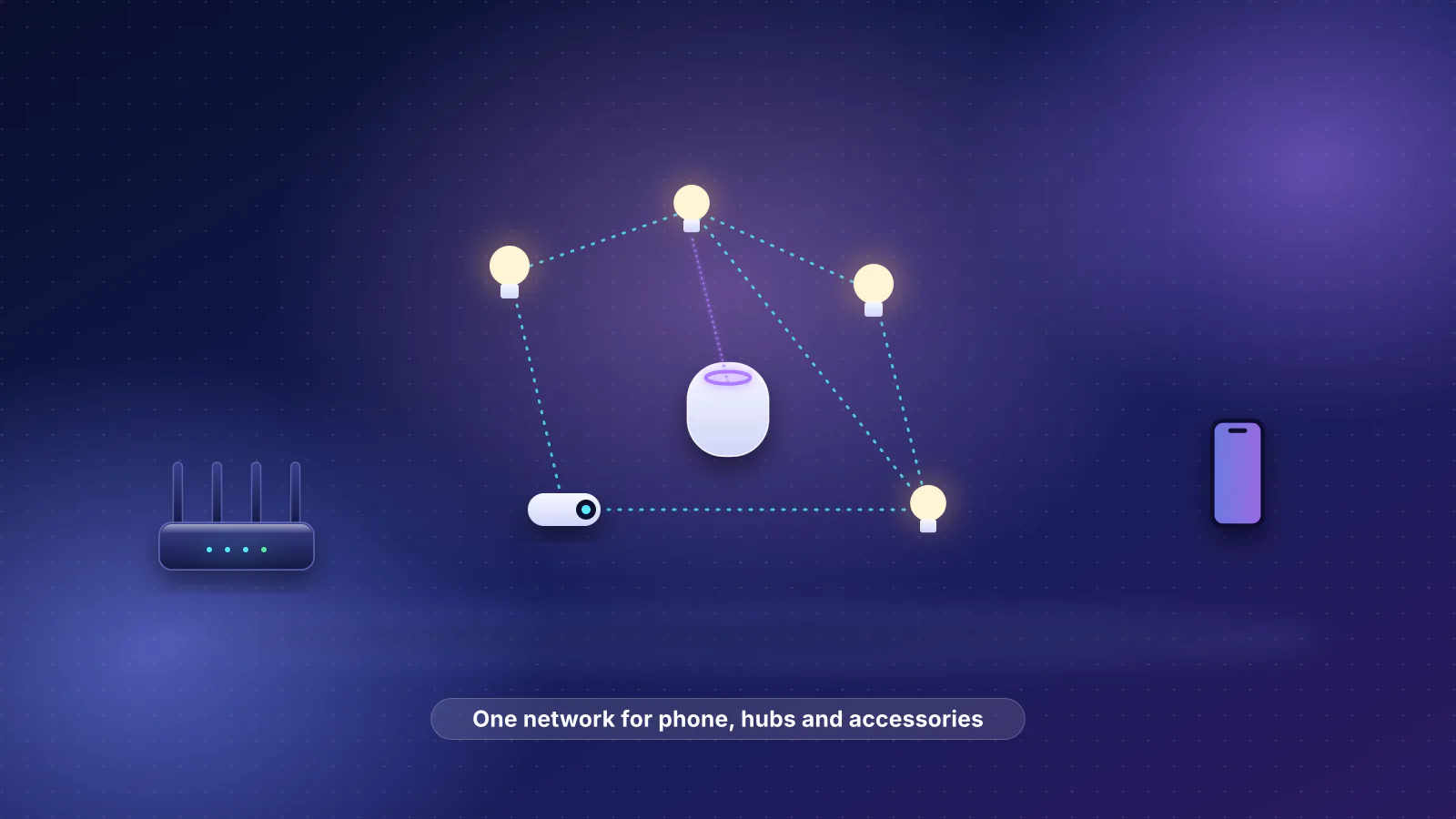
Thread is a low-power mesh radio that smart-home accessories use instead of Wi-Fi. The Connectivity Standards Alliance, which runs Matter, says Matter "natively supports Wi-Fi, Ethernet, and Thread" and describes Thread as suited to low-power devices such as "sensors, locks, switches." Your phone and router don't speak Thread, so something has to connect the two.
That's the border router. The Thread Group's border router white paper defines it as "a device that is able to route packets to and from the mesh", connecting Thread to Wi-Fi, Ethernet or other IP networks. It adds that a Thread mesh can technically work without one, but "in practice, a Border Router is required to enable the majority of use-cases." Apple's developer documentation puts it the same way: the border router "routes IP traffic between Thread and Wi-Fi or Ethernet networks, and enables iOS devices to communicate with Thread devices."
Three things follow for buyers:
- It's usually a feature, not a product. Border routers are built into speakers, streaming boxes, displays, hubs and routers. Apple names "HomePod and HomePod mini" as examples.
- More than one is normal. Border routers on the same Thread network back each other up; how many border routers, and where covers counts and placement.
- It isn't the same as a Matter controller or home hub, although one device is often both. A Thread accessory needs the border router to reach your network; your app needs a controller to run it. Our Apple Home guide explains how Thread works in more detail.
Devices each maker lists as a Thread border router
Each row comes from the maker's own page, read on November 27, 2026; the date of the maker's page is given where it shows one. This is a record of what makers document, not a list of recommendations, and no maker is ranked. A device missing from a maker's list isn't documented by that maker as a border router.
| Maker | Devices the maker documents as Thread border routers (or with Thread built in) | Not on the maker's list, or the maker says no | Source and date |
|---|---|---|---|
| Apple | HomePod mini, HomePod (2nd generation), Apple TV 4K (2nd generation), Apple TV 4K (3rd generation) Wi-Fi + Ethernet. Newer spec pages list "Thread networking technology" for Apple TV 4K (4th generation), HomePod mini 2 and HomeView | Apple TV 4K (3rd generation) Wi-Fi, which lists no Thread; HomePod (1st generation), whose model description lists no Thread. The Apple TV 4K (1st generation) isn't on Apple's Thread list | Apple's Thread alert page (January 13, 2026), home hub page (November 12, 2026), Apple TV model page (November 13, 2026), HomePod models page and spec pages |
| Google Home Speaker (2026), Nest Hub (2nd gen), Nest Hub Max, Nest Wifi Pro (Wi-Fi 6E), Google TV Streamer (4K) | Other Google speakers, displays and Wi-Fi units aren't on the list | Google Nest Help: How Google products use Thread | |
| Amazon | Amazon says "Thread-enabled Amazon Echo and eero devices have built-in Thread Border Routers" on Thread 1.1, 1.3 or 1.4, and keeps the model list in its developer documentation | Amazon's page loads its per-model list separately, and the list didn't appear when we read it, so we don't reproduce it; check your Echo's exact model there | Amazon Developer: Understand Smart Home Thread Support |
| eero | eero 7, eero Pro 7, eero PoE 7, eero Outdoor 7, eero Max 7, eero Pro 6E, eero 6+, eero Pro 6, eero 6, eero PoE 6, eero Pro (Wi-Fi 5) and eero Beacon (Wi-Fi 5), which eero says "all support Thread border routing and are Thread 1.3.0 compliant" | The same article also says "The Wi-Fi 5 eeros and first generation eero don't support Thread", so confirm the Wi-Fi 5 models in the eero app | eero: What is Thread? |
| Samsung SmartThings | SmartThings 2018 Hub (IM6001-V3P01) and Aeotec Smart Home Hub, named as Samsung Matter controllers on a page that says Thread devices need "a Matter controller that includes a Thread Border Router"; Aeotec Smart Home Hub 2 is in SmartThings' Thread 1.4 release notes and its Thread network unification announcement | SmartThings says the 2015 Hub "does not contain a Thread router." Samsung's June 19, 2023 newsroom piece says SmartThings Station "adds support for" Matter and Thread, but we found no Samsung or SmartThings page that calls the Station a Thread border router, and it isn't on the controller list or in the 0.58.10 notes | SmartThings x Matter Integration; hub firmware 0.58.10 notes (September 19, 2025); SmartThings blog (October 1, 2025); Samsung newsroom (June 19, 2023) |
| Aqara | Hub M200 ("acts as a Thread border router"); Aqara's comparison table also marks Hub M100 and Hub M3 as Thread border routers | That table compares only these three hubs; other Aqara hubs aren't covered by it | Aqara Hub M200 product page; Aqara's Hub M3 announcement (January 8, 2024) |
| Nanoleaf | As of August 21, 2021, the controllers of Nanoleaf Lines, Shapes and Elements panels, added by a firmware update, per Nanoleaf's announcement | We found no newer Nanoleaf page we could open that restates the list; check the panel's current firmware notes | Nanoleaf newsroom post (August 21, 2021) |
| Home Assistant | Home Assistant becomes a border router "using the Thread radio of Yellow, Connect ZBT-1, Connect ZBT-2, or another compatible radio." Nabu Casa says SkyConnect and Connect ZBT-1 have "the exact same hardware" | Home Assistant's ZBT-2 page says working as a border router without Home Assistant "is not built into" the ZBT-2, and that it "cannot do both Zigbee and Thread simultaneously" | Home Assistant Thread documentation and Connect ZBT-2 page; Nabu Casa SkyConnect and ZBT-1 page |
Two notes on reading the table. Apple's spec pages say Thread on its devices is compatible only with HomeKit- or Matter-enabled Thread accessories. And eero's Matter article lists the eero models that support Matter, with a built-in Matter hub, separately from its Thread list; being a border router doesn't make a router a Matter controller. Our smart-home platform records list the routers in our catalog that makers name as Thread border routers or Matter hubs.
How to tell whether yours is one
- Apple TV: Apple's model page lists the Apple TV 4K (4th generation) as A3593, the 3rd generation Wi-Fi + Ethernet model as A2843 (128 GB, with Gigabit Ethernet and Thread) and the 3rd generation Wi-Fi model as A2737 (64 GB, no Thread). The Apple TV 4K (2nd generation) is A2169. An Ethernet port on a 2022 Apple TV is the quick tell.
- HomePod: Apple says the 1st generation has "a nondetachable cable" and the 2nd generation "a detachable cable". Both HomePod mini models support Thread.
- Which Apple hub is in charge: in the Home app, More, Home Settings, then Home Hubs & Bridges; Apple says "Your active home hub appears at the top of the screen."
- eero: eero's Thread settings are under Settings, Advanced networking, Wireless, Thread in the eero app.
- Anything else: match the exact model name on the device or in its app against the maker's list above. If you run Home Assistant, its Thread panel lists every border router it finds on your network, of any brand; our Thread diagnosis guide describes it and other tools.
Do border routers from different brands join one network?
They can, and the standard intends them to. The Thread Group's border router white paper says Thread's value "is best realized when Border Routers come together and share the same mesh." What decides it is credentials, not the logo. The Thread Group's 2023 post on multiple networks spells out both cases: with shared credentials, "all the Thread devices form part of the same Thread mesh network"; with separate credentials, "each of the Border Routers forms its own Thread mesh network."
Separate networks aren't a dead end. The same post says that because Thread runs on IP, devices on the various Thread networks can still "see" and work with each other, and that the Thread network "is independent of a particular Matter ecosystem." What you lose is the shared mesh: each network has fewer routers and less backup, which our diagnosis guide explains.
Thread 1.4 adds a standard way for a new border router to get an existing network's credentials, but it helps only when the border routers and apps on both sides support it. What Thread 1.4 changes, and who has shipped it covers the details and what Apple, Google, Amazon, eero and Home Assistant each document about credentials and versions.
What SmartThings documents about joining
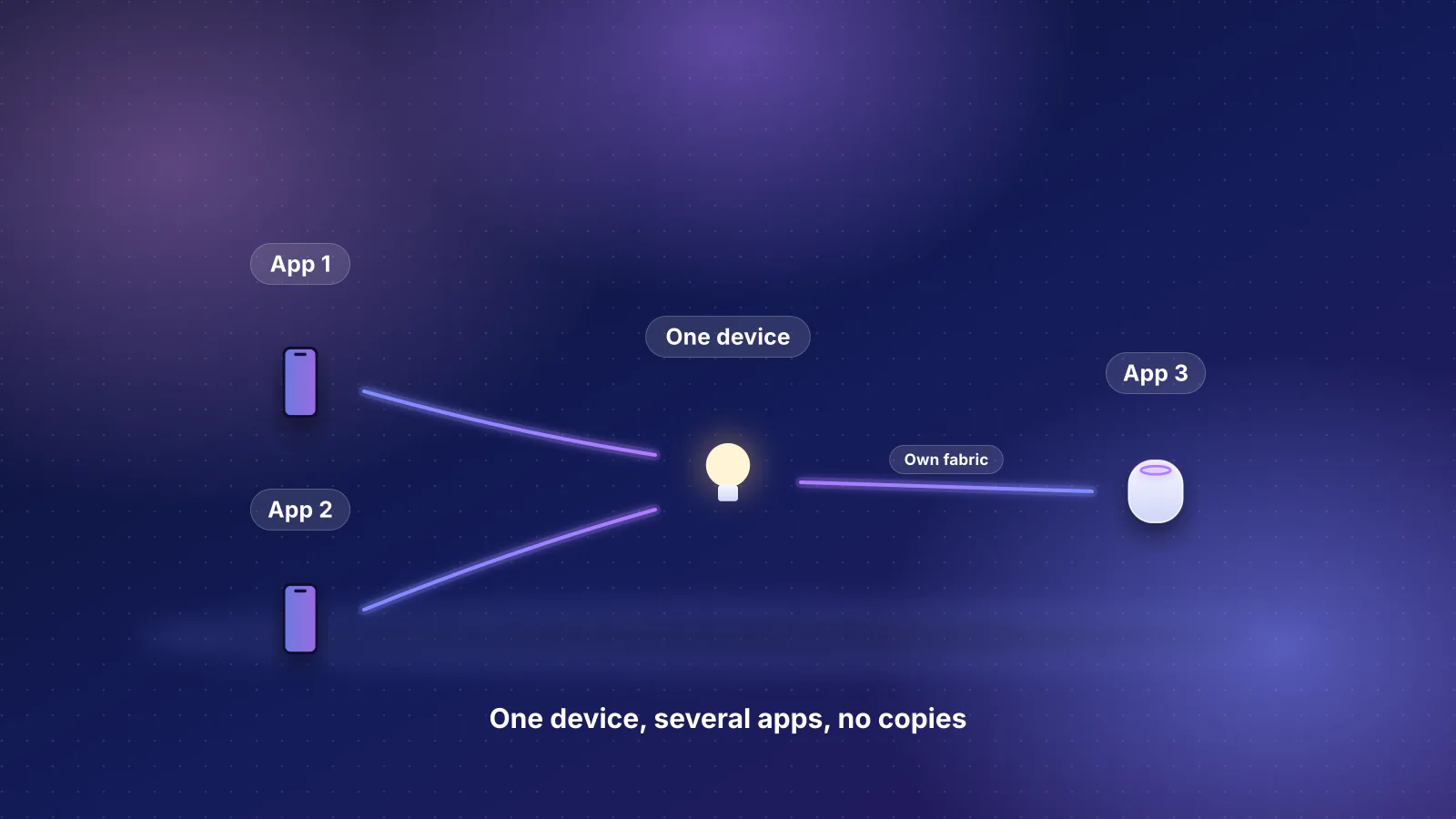
Samsung's SmartThings blog (October 1, 2025) says a new SmartThings hub can "join an existing Thread network" or "allow a Border Router (BR) from another ecosystem to join" the network SmartThings uses, starting with the Aeotec Smart Home Hub and Hub 2, and that other ecosystems update "on their own timelines." Where a maker's pages are silent, we don't fill the gap with a guess. Using one accessory in several apps is a separate feature, Matter multi-admin, which the CSA says lets you "share devices across multiple platforms"; our Apple Home guide covers multi-admin.
What to check before buying one
- Which app will run your home? Start with the ecosystem you use. Google says a Thread border router is required to set up a Thread device with the Google Home app; Apple says that, besides its own Thread-enabled hubs, you can "use a compatible third-party Thread border router." A device on your ecosystem's own list is the documented path.
- Do you already own one? Go through the table above, including the TV box, the kitchen display and the mesh router, before spending anything.
- Is the accessory actually Thread? Wi-Fi and Ethernet Matter devices don't need a border router at all. Check the accessory's own spec page for Thread.
- Where will it live? It needs constant power and a spot near the Thread accessories it serves. Some models take Ethernet (Apple TV 4K 2nd generation, 3rd generation Wi-Fi + Ethernet and 4th generation, per Apple); HomeView's spec page lists Wi-Fi 6E and no Ethernet port.
- Will it share a network with what you have? If you already have border routers from another brand, check what each maker documents about joining, above. If both sides don't document a way to share credentials, expect a second Thread network.
- Does it need an account or a second hub? eero says its Matter hub needs you to "link your eero and Amazon accounts in the eero App." Home Assistant says its Connect ZBT-2 "cannot do both Zigbee and Thread simultaneously", and that border routing without Home Assistant "is not built into" it.
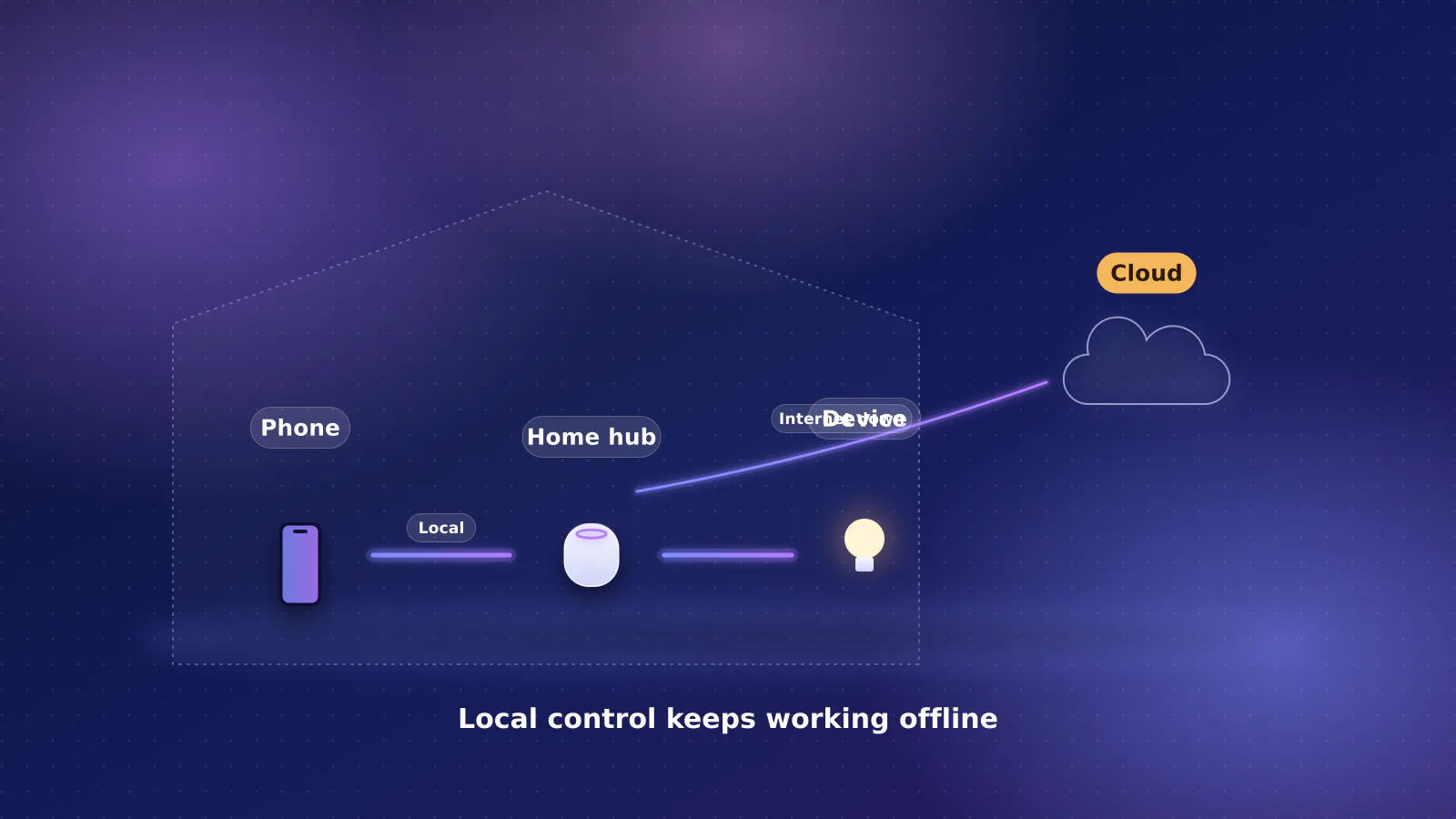
- Does it need the internet? A border router connects Thread to your home network; remote control and some app features also depend on the platform's cloud. See what keeps working when the internet is down.
- Will your network let it talk to your phone? Thread discovery depends on your phone, hubs and border routers sharing one network. If you split smart devices onto a VLAN, read HomeKit and Matter across VLANs first.
Replacing your router anyway? A mesh system with a border router built in, such as eero's Thread-capable models or Nest Wifi Pro, can fill the role without another box. Don't replace a working router just to get Thread.
When you already own enough
This table is RouterHaus guidance built on the makers' lists above, not a maker's rule. For how many border routers to have and where, including locks and sensors you rely on, accessories on another floor and homes with several brands' border routers, see how many border routers, and where.
| Your situation | Buy a border router? | Why |
|---|---|---|
| You own a listed device in the ecosystem you use, and your Thread accessories work | No | You already have what the accessories need |
| You have no device on your ecosystem's list (for example, only a Wi-Fi-only Apple TV 4K or an original HomePod) | Yes, one from your ecosystem's list | Without one, a Thread accessory can't reach your network in that ecosystem |
| Your only border router is from a brand outside your main ecosystem | Check first | Apple and SmartThings say their apps can use a third-party Thread border router; we didn't find that statement on the other makers' pages we read |
If the right spot for a hub needs an Ethernet run or a new outlet, that's work with hands on site; RouterHaus can connect you with a licensed contractor when the job needs it, through a consultation.
Frequently asked questions
Do I need a separate Thread border router for each smart home app?
Not necessarily. A border router connects the Thread network to your home network, and the Thread Group says devices on Thread networks stay reachable over IP whichever ecosystem set them up. Apple says Apple Home can use a compatible third-party border router, and SmartThings says the same for its app. We didn't find that statement on the other makers' pages we read, so a device on your own ecosystem's list is the documented path.
Is my Apple TV a Thread border router?
It depends on the model. Apple lists Thread for the Apple TV 4K (2nd generation), the 3rd generation Wi-Fi + Ethernet model and the 4th generation. The 3rd generation Wi-Fi-only model, with 64 GB and no Ethernet port, lists no Thread.
Will a new border router from another brand join my existing Thread network?
Only if it can get your network's credentials. The Thread Group says border routers with separate credentials each form their own network. Thread 1.4 adds a standard way to share credentials, which SmartThings documents on its hubs; Apple and Google don't state a Thread version in their support pages, and eero says its models are Thread 1.3.0.
Is a Thread border router the same as a Matter controller?
No, though one device is often both. The border router connects Thread to your Wi-Fi or Ethernet network; the controller is what your app uses to set up and run Matter devices. eero, for example, keeps separate lists of its Thread border routers and the models that support Matter.
How many Thread border routers should I have?
No maker publishes a number. Our Thread diagnosis guide gives RouterHaus guidance, built on the Thread Group's point that border routers on the same network back each other up.
Sources
Read on November 27, 2026.
- Thread Group: Thread Border Router white paper (July 2022, PDF) (definition, sharing one mesh)
- Thread Group: Multiple Thread networks and the seamless interconnectivity of IP (August 24, 2023)
- Connectivity Standards Alliance: Matter FAQs (Thread, multi-admin)
- Apple Support: If you see a "Thread Border Router Required" or "Needs Thread Network" alert (January 13, 2026), Set up your HomePod, HomePod mini, Apple HomeView, or Apple TV as a home hub (November 12, 2026), Identify your Apple TV model (November 13, 2026) and HomePod models
- Apple tech specs: Apple TV 4K (4th generation), Apple TV 4K (3rd generation), Apple TV 4K (2nd generation), HomePod mini 2 and Apple HomeView
- Apple Developer: ThreadNetwork framework
- Google Nest Help: How Google products use Thread in a smart home
- Amazon Developer: Understand Smart Home Thread Support (Echo and eero border routers, Thread versions)
- eero: What is Thread? (border router models, Thread 1.3.0, app settings) and Does eero support Matter? (Matter models, Amazon account link)
- SmartThings: SmartThings x Matter Integration, Hub firmware release notes 0.58.10 (September 19, 2025) and SmartThings introduces two-way Thread network unification (October 1, 2025); Samsung Newsroom: The Power of Simplicity: Meet the Innovators Who Brought SmartThings Station to Life (June 19, 2023)
- Aqara: Hub M200 product page (with hub comparison) and Aqara unveils Hub M3 (January 8, 2024)
- Nanoleaf: Everything you need to know about Nanoleaf's new Thread Border Router (August 21, 2021)
- Home Assistant: Thread integration documentation and Home Assistant Connect ZBT-2 (Zigbee or Thread, border routing with Home Assistant)
- Nabu Casa: What is the difference between Home Assistant SkyConnect and Connect ZBT-1?