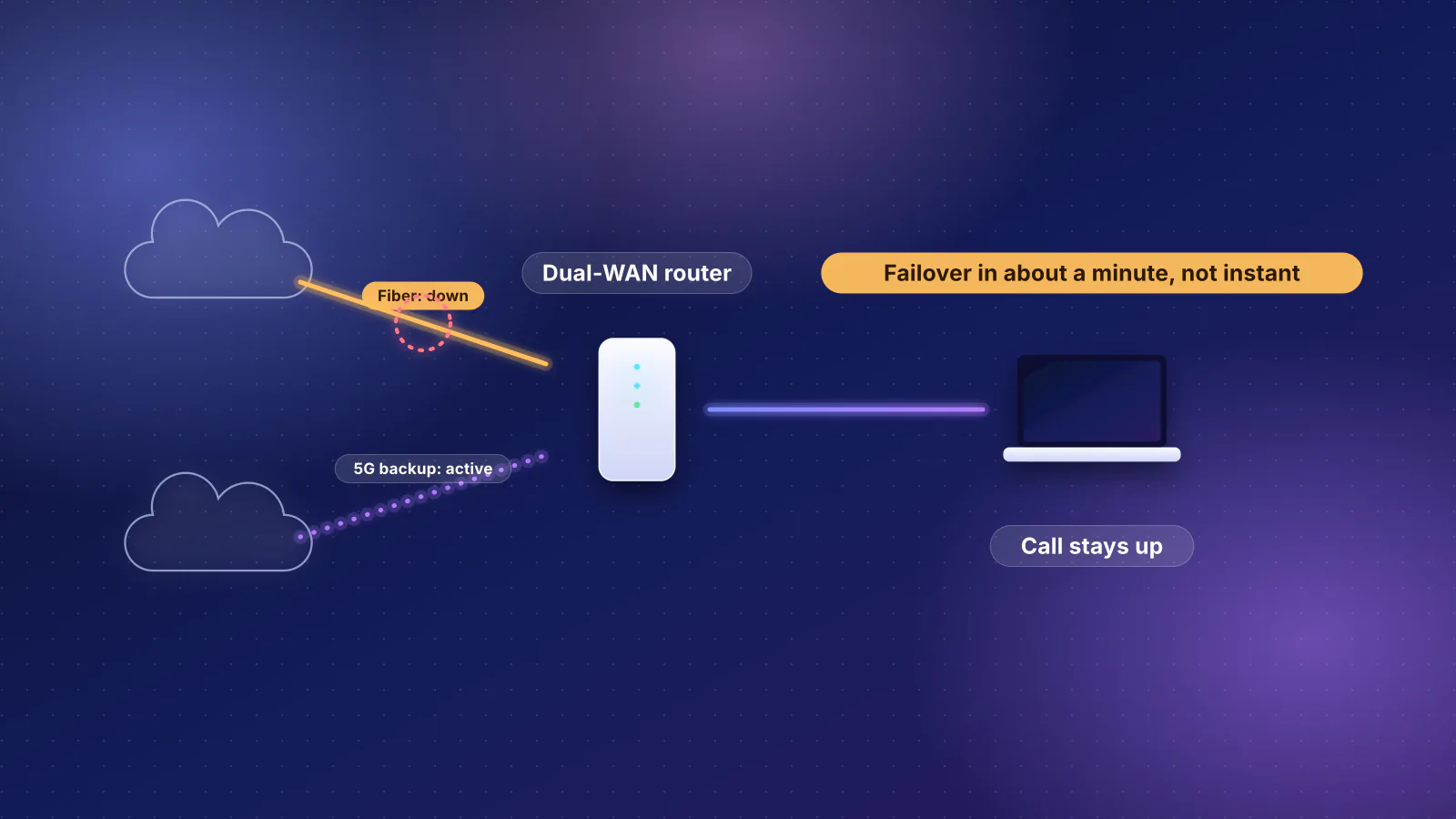
This guide is the business setup. How routers detect a dead line, why calls and VPNs reconnect after a switch, and the basic unplug-the-line test are in our dual-WAN and 5G/LTE failover guide; read its section on what doesn't survive a failover first if you take calls on a VoIP system.
What the backup has to carry
Start with a list, not a product. For most shops, offices and restaurants, the services that must keep working in an outage are few and light:
- Card payments. Verizon pitches its backup tiers for "low data usage devices like card readers". If your terminals have their own cellular connection, they may not need your backup at all; whether yours work that way is a question for your processor, and our guide to cellular and processor-managed terminals covers what the PCI Security Standards Council says about them.
- Phones. A hosted VoIP system needs the internet for every call. Calls in progress usually drop at the switch; new calls should work once the backup carries traffic. A phone line that plugs into the provider's own modem never passes through your router, so your backup can't move it.
- Cloud apps. Email, scheduling, accounting and inventory systems are light, but staff will notice a slow backup.
Some point-of-sale systems can also store payments for a while with no connection at all. That is a second layer, not a replacement: ask your point-of-sale provider whether yours has such a mode, how long it lasts and who carries the risk of a payment that later declines.
Write down what must not use the backup, too: guest Wi-Fi, cameras that upload to the cloud, computer backups, software updates and video streaming. Those are what drain a data allowance; the data section of our failover guide covers caps and probe traffic on several platforms.
Ways to add a cellular line
Business gear offers four routes. Examples are named from each maker's own documentation, read November 28, 2026; none is a pick, and other makers offer equivalents.
| Route | Examples in makers' documentation | Worth knowing |
|---|---|---|
| Modem built into the gateway | Meraki MX67C and MX68CW, which Meraki says have an embedded LTE module for cellular failover | One box, no extra cable. The modem is wherever the gateway is, which is often the worst place for signal. |
| A separate cellular gateway or adapter on a cable | Meraki MG cellular gateways, which Meraki's design guide cables to an MX's WAN 2 port; the Ericsson Cradlepoint L950, which Cradlepoint calls "a branch continuity solution for failover" and cables to a router by Ethernet; a carrier's own gateway | The cellular unit can sit by a window or outdoors while the gateway stays put. Cradlepoint says to keep the L950's Ethernet run within "100 meters/328 ft." |
| A USB modem | Meraki MX with a listed USB modem; other makers' gateways with a supported dongle (see our failover guide's hardware list) | Cheapest to add, but limited: Meraki gives USB modems on MX 18 firmware or newer best-effort support only and recommends its integrated-modem or MG models instead. |
| A carrier's packaged backup service | AT&T Internet Backup, which AT&T says "uses a backup router that includes up to 12 hours of battery backup"; Verizon's backup plans with a Verizon or compatible router | The carrier supplies the device and the plan together. AT&T sells its backup as an add-on to AT&T internet service. |
A fifth design replaces the gateway with a router built around cellular, such as some of Peplink's B One and MAX models. In Peplink's B One manual, cellular is a WAN like any other and can be set to Backup priority, which "will not be used when one or more higher priority dependent WAN connections are connected." For UniFi's LTE and 5G backup devices, Omada's USB modems and eero Signal, see the hardware list in our failover guide.
- Main line Fiber, cable or DSL into the gateway's first WAN port
- Cellular unit by a window or outside Cabled to the gateway's second WAN (or a LAN port, on UniFi)
- Gateway policy Decides which networks may use cellular, and caps it
- Allowed on backup Payment terminals, phones, staff computers
- Held back Guest Wi-Fi, camera uploads, cloud backups
Placement and signal: the part most setups skip
The makers' advice converges:
- Avoid metal and concrete. Meraki: "Watch out for metal! Most metals have a very significant negative impact on cellular signals." Ubiquiti's Help Center says to avoid "placing the antenna near metal objects or inside enclosures that may block signal". A steel rack, a metal roof or a server cabinet counts.
- Go near a window, or outside. Ubiquiti's Help Center says: "For better reception, place the device near a window or outdoors." Meraki says "All MG models are IP67-rated, so an outside placement is the best option", and recommends mounting them "in an elevated position" oriented "toward the closest known cell tower", mostly protected from direct wind, rain and sunlight. Cradlepoint's L950 guide likewise says to avoid "direct sunlight or in locations where it may be exposed to extreme weather conditions".
- Survey first with the right SIM. Meraki suggests walking the building with a smartphone carrying the SIM you intend to use, and running "multiple tests in each location to account for variability". A phone on a different carrier tells you nothing about this one.
- Use the maker's antennas. Meraki calls dipole antennas the "best all-around option" for its MGs, says directional patch antennas help only when aimed correctly, and states: "The use of 3rd Party antennas are not supported."
Bars are coarse; Meraki's USB modem page maps one bar to "≤ -102" dBm and five to "≥ -40" dBm. Many gateways' status pages also show two finer readings: RSRP (received signal strength, in dBm) and RSRQ (signal quality, in dB). A Ubiquiti Help Center article publishes these bands; it doesn't say which Ubiquiti products they apply to, and its own detail sections use slightly different cutoffs:
| Ubiquiti's label | RSRP (dBm) | RSRQ (dB) |
|---|---|---|
| Excellent | > -80 | > -5 |
| Good | -90 to -80 | -10 to -5 |
| Weak | -100 to -90 | -15 to -10 |
| Poor | < -100 | < -15 |
Other makers draw the lines in other places, and Cradlepoint notes that the values "vary by technology and by network operator", so treat the bands as a guide for comparing spots in your building, not a pass mark. Peplink adds a setting that uses signal directly: "If signal threshold is defined, this connection will be treated as down when a weaker than threshold signal is determined," so a link with too weak a signal can be counted as down.
The plan and the SIM
Carriers' backup plan terms differ more than their names suggest. From their own pages, read November 28, 2026 (prices left out; check the current page and terms before you sign up):
| Carrier plan | Data, as the carrier states it | Other terms worth reading |
|---|---|---|
| Verizon Backup and Flexible Use Internet | "Includes 500 MB/mo/line", 1 GB or 3 GB, by tier (the 1 GB tier "not available in all locations"); over the allowance, 1 GB blocks are added on the two smaller tiers | Needs a Verizon or compatible router; "Backup power source req'd for use during power outage"; "No domestic or int'l roaming." Verizon also describes low-data service as a possible primary connection for "low data usage systems and applications". |
| AT&T Internet Backup | "Get unlimited wireless data usage during the outage" | An add-on to AT&T internet service, over AT&T's 4G network; "Once the AT&T Internet for Business connection is restored, service reverts to normal operation." |
| T-Mobile Business Internet | "unlimited data with no hard cap"; "During periods of network congestion, customers using more than 1.2TB per month may experience reduced speeds due to data prioritization." | "Available as a standalone backup plan with no annual contract." "Static IP is available as an upgrade on select business grade routers." |
| T-Mobile Home Internet Backup (for comparison) | "100 hours of unlimited data" per billing cycle, then reduced speed until the cycle resets | A home plan, "intended for use only as a backup in the event of a separate, primary internet provider outage" |
Three checks before you buy the hardware:
- The device has to support the carrier and the plan. Meraki's guidance on choosing a carrier starts with making sure "your device supports the specific network technology". Check the maker's carrier certifications and any plan type it requires before you buy a SIM, and the carrier's terms before you put its SIM in someone else's device (our hardware notes list what several makers certify).
- The SIM may need preparing. For USB modems on an MX, Meraki says the SIM PIN must be turned off, a modem that requires a username and password won't connect, custom APNs have to be applied by Meraki Support, and IPv6 isn't supported through a USB modem.
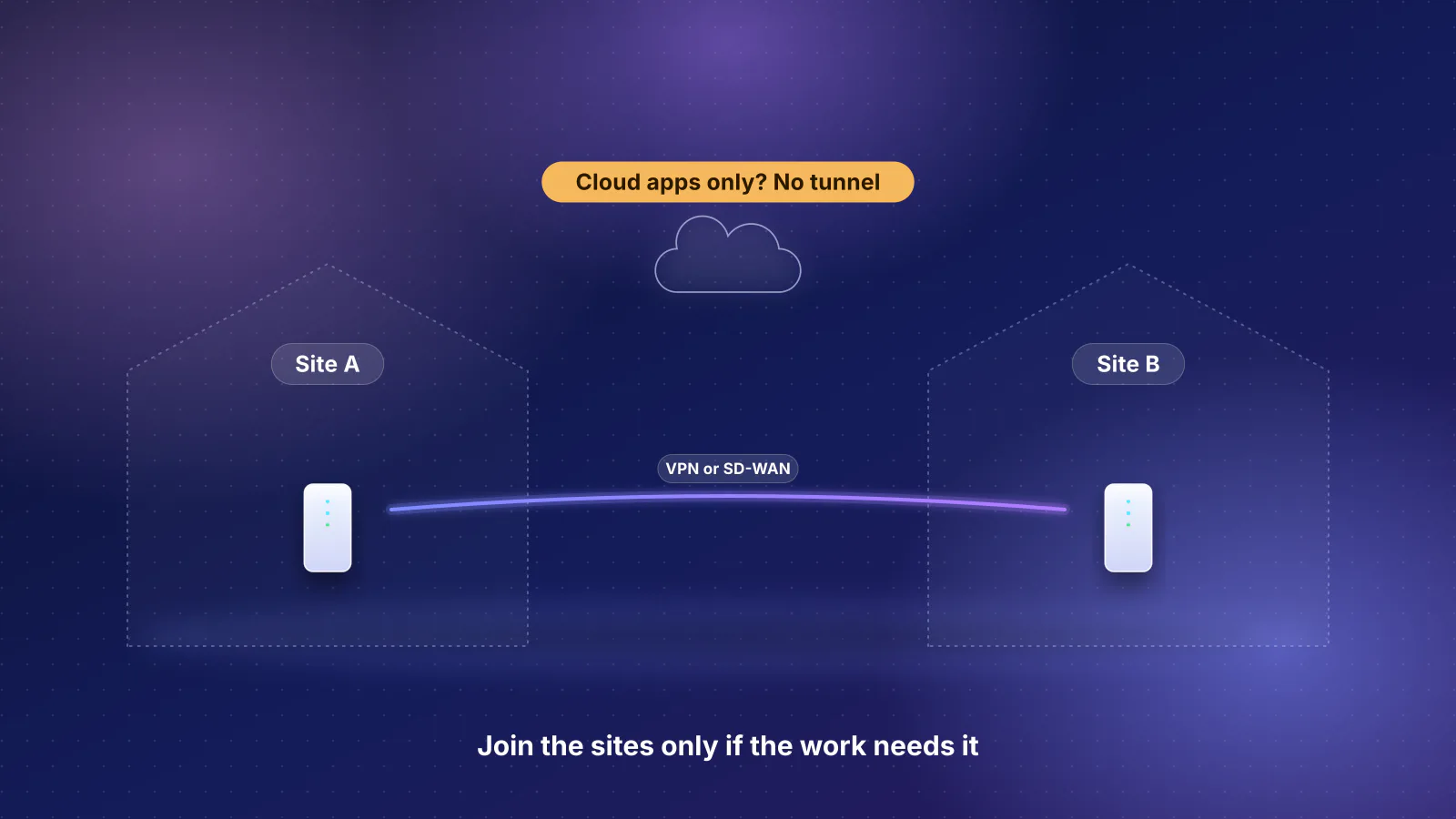
- Expect no incoming connections. Cellular connections often use shared public addresses (CGNAT, explained in our guide), so a VPN server, camera recorder or anything else reached from outside stops answering while the backup carries traffic. A static IP upgrade, where a carrier offers one, changes that; otherwise see tunnels that work behind CGNAT, and for a site-to-site link riding on the backup, the public IP question for two locations.
Two SIMs, eSIM or two modems
If one carrier is weak at your address, a second carrier is the next layer. How much it helps depends on whether the device has one modem or two:
- Two SIMs, one modem: one carrier at a time. Cradlepoint: "For dual-SIM devices, only one interface can connect at a time." The second SIM waits until the first fails. Meraki lists one SIM on the MG21 and two on the MG41, MG51 and MG52, and notes that a cellular device "will not failover to an alternate SIM if the device only loses dashboard connectivity", so a SIM that can still reach the carrier but not the internet may not trigger the switch.
- eSIM. On a single-modem router, Peplink says "Only one of the eSIM profiles can be active. Another eSIM profile will be on standby," which it calls active standby mode and pairs with basic failover. Its footnote adds: "BYO eSIM only supports Consumer eSIMs." Meraki lists eSIM on the MG52 as "(Coming Soon)" when we read its page.
- Two modems: both carriers live. With more than one cellular modem, "Multiple eSIM profiles can be used simultaneously," which Peplink calls active-active mode and pairs with its Hot Failover and bonding features. The MAX BR2 Pro, for example, lists "2x 5G" embedded modems. This is the route when the backup itself must not have a gap; our section on bonding through a tunnel explains how that keeps sessions open.
Peplink's SIM settings offer a custom priority order between SIM A, SIM B and other sources, or an option to "Alternate between SIM A and SIM B periodically". Alternating keeps both SIMs exercised; a fixed order keeps your preferred plan in front.
Decide which traffic may use it
Failover moves everything by default. Restricting it is what keeps a small plan from running out halfway through a long outage, and keeps the backup's speed for the register. What the business platforms document:
- Meraki MX: a cellular bandwidth limit on the Traffic Shaping page, which applies to "the total network throughput limit and not per-client throughput limit", plus cellular firewall rules that are checked after the normal outbound rules and apply only while cellular is active. That second feature is how you block guest Wi-Fi or camera uploads on cellular without touching them on the main line.
- Peplink: a monthly allowance per WAN, with email alerts at 75% and 95%, and an option under which "this WAN connection will be disconnected automatically when the usage hits the monthly allowance". Disconnecting protects the bill; it also ends the backup for the rest of the month, so choose deliberately.
- UniFi: cellular backup is on for every network by default and can be turned off per network under Settings > Networks, and Ubiquiti warns that "U-LTE automatically purchases additional data unless a limit is set". Other platforms are in the failover guide's data section.
This is easier when the business already runs separate networks for guests, payments, staff and cameras, because each rule then names a network rather than a list of devices. If yours doesn't, the four-network layout for a shop is the place to start. A rule of thumb for the backup, as RouterHaus's suggestion rather than any maker's: allow payments and phones without limits, allow staff devices with a speed limit, and block guest Wi-Fi, cameras, backups and updates outright.
How long the switch takes on business gear
None of the makers cited here promises a failover time, and their documented defaults differ widely. The figures below are what each maker publishes for its own checks; your total also depends on the line, the carrier and how quickly each app reconnects.
- Meraki MX. "If a physical link is not detected, the failover would take place immediately." Otherwise the MX runs DNS and internet tests every 150 seconds while healthy and more often after a failure, and declares the line down after more than 300 seconds without success, which is why Meraki says a soft failure can take "approximately five minutes". When the main line recovers, the MX waits about 15 seconds before switching back; in the default Graceful mode (MX 17 and later), "Existing flows will remain on the backup path until expiry" while new ones use the main line.
- Meraki cellular on standby. As a backup, cellular is tested only every 4 hours; if the tests fail, Meraki says the MX repeats them "every few seconds until they succeed", and "there may be more utilization than expected on the link." The dashboard's "Ready" status means the cellular link has reached the carrier and exchanged data with the dashboard, so it can take over; check that it says Ready, not just that a modem is plugged in.
- Peplink. In the B One manual, the default health check is a DNS lookup every 5 seconds with a 5-second timeout, 3 retries before a line is marked down and 3 recovery retries before it's trusted again. Cellular WANs have their own health-check options, which the manual lists without detailing; check your model's manual.
For UniFi, Omada, ASUS, pfSense, GL.iNet and eero timing, see the detection table in our failover guide. If a five-minute gap is too long for the register, shorter checks are the lever where the platform exposes them (with more chance of a false alarm), and so is a POS offline mode that covers the gap.
An after-hours test for a business
The general failover test covers the mechanics: fail the main line upstream rather than at the router, time the switch with a continuous ping, and watch the switch back. For a business, add these checks. Do it outside opening hours, tell staff, and keep notes.
- Check the backup before you start. Signal reading (RSRP and RSRQ) at the cellular unit, the status page showing it ready, the data counter, and a usage alert set so the test can't surprise you.
- Fail the main line as the general test describes, and note how long until traffic moves. On a Meraki MX with the default checks, a failure upstream of a live cable can take minutes, not seconds.
- Run a real payment. Take a sale on each type of terminal, following your processor's guidance for test or low-value transactions and refunds. Confirm the terminal shows it approved, not stored offline.
- Call in and call out. From a mobile phone, call the business's main number and check that a desk phone rings; then call out from a desk phone. If calls fail, ask your phone provider how its system handles a change of public address.
- Open the cloud apps staff use (point of sale back office, email, scheduling) and check they load at a usable speed.
- Check the blocks. From a phone on guest Wi-Fi, confirm the internet is blocked or limited as you intended, and that camera uploads and backups aren't running over cellular.
- Restore the main line and confirm the gateway switches back and the terminals and phones recover.
- Read the data counter and multiply up to judge a full day's outage against the plan's allowance.
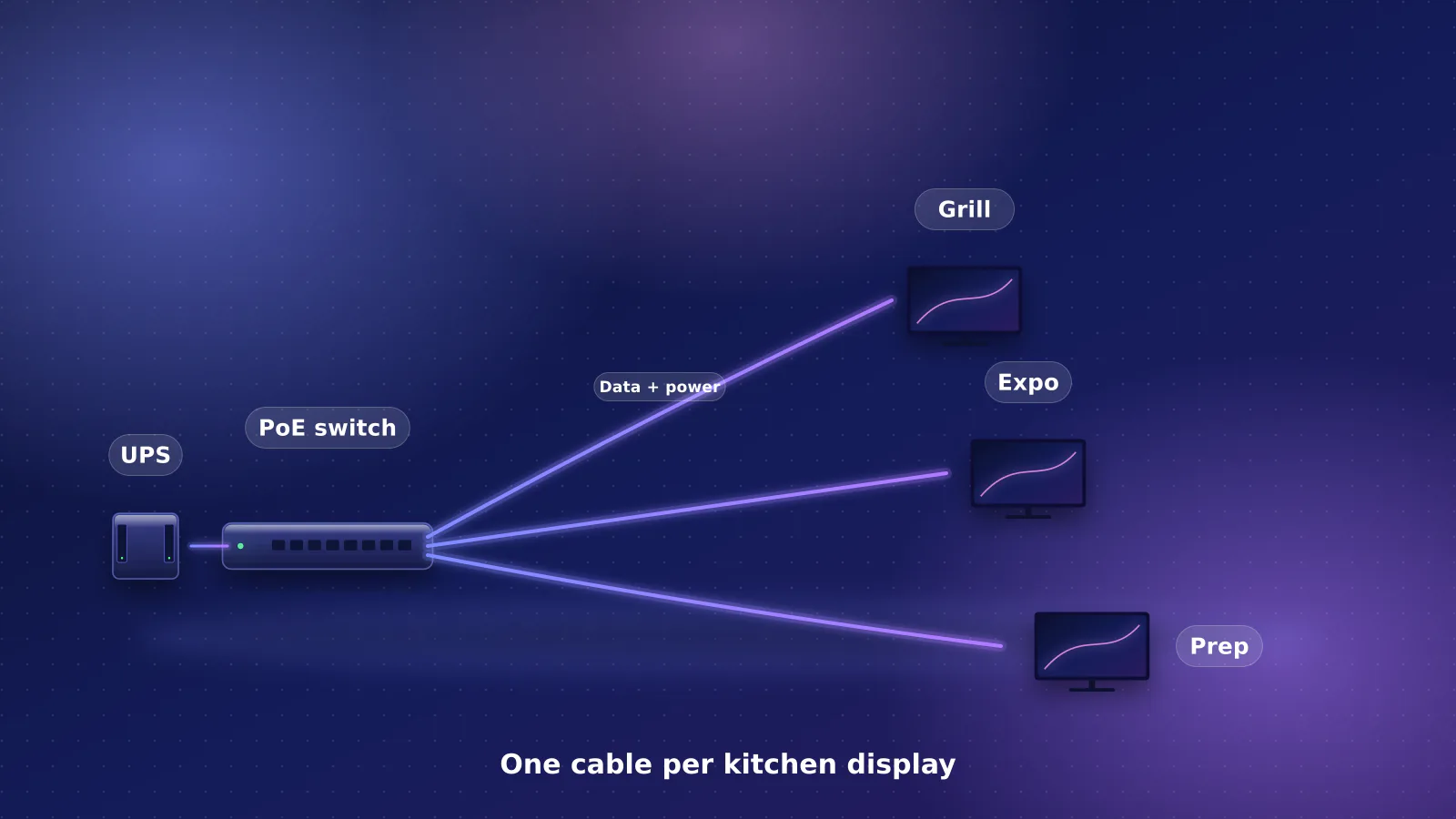
- Pull the power. Unplug the UPS from the wall and check that the modem, gateway, any PoE switch and the cellular unit stay up. Verizon says a backup power source is required during a power outage, AT&T says its backup router includes "up to 12 hours of battery backup", and T-Mobile's home backup plan page says "Your 5G gateway needs power to work"; our UPS guide shows how to add up the load.
Repeat the test after firmware updates, a change of plan or SIM, or moving the cellular unit, and check the backup's status page and data counter on a regular schedule between tests. A backup that's tested only every few hours by the gateway, as on a Meraki MX, can sit broken for a while before anyone notices.
When new equipment is justified
- Buy nothing new if your gateway already has a second WAN port and the carrier's backup service supplies its own device, or if your terminals already run on their own cellular connection and nothing else must stay up. Configure the policy, set the alerts and run the test.
- Add a separate cellular unit when the gateway has a built-in or USB modem but the survey shows weak signal where it sits, so the radio can move to a window or an outside wall.
- Add a second carrier when one carrier's signal is weak or unreliable at the address. A second SIM on one modem gives a standby carrier; two modems give two live ones.
- Replace the gateway only when it can't fail over at all, can't restrict what uses the backup, or the business needs sessions that survive the switch. If you're also weighing management platforms, our licensing comparison covers what each charges for, and the managed networking comparison shows how each platform is managed.
When to get help
An outdoor or rooftop mount, an antenna on the building, or a cable run through walls or ceilings is work for someone on site who can do it safely and within the building's rules; a landlord may also have a say about anything fixed to the outside. RouterHaus can connect you with a licensed contractor when the job needs hands on site, through a consultation request. For anything about how your terminals connect or behave on a cellular line, your payment processor is the authority.
Frequently asked questions
Will my card terminals work on a cellular backup?
If the terminals reach the internet through your network, they use whatever line the gateway is on, and card payments need little data. Some terminals have their own cellular connection, and some point-of-sale systems can store payments offline for a limited time, on terms set by the provider. Run a real test transaction on the backup and ask your processor how your terminals connect.
How much data does a small business backup plan need?
It depends on what you let use it: payments, phones and email are light; guest Wi-Fi, camera uploads and backups are heavy. Verizon's business backup tiers include 500 MB, 1 GB or 3 GB a month per line, while AT&T says its add-on backup data is unlimited during the outage. Block heavy traffic on the backup, set an alert, and read the data counter after a test.
Where should I put the cellular modem?
Where the signal is best, which is rarely the network closet. Meraki warns that metal badly weakens cellular signals and calls an outside placement the best option for its IP67-rated gateways; Ubiquiti suggests near a window or outdoors. Survey first with a phone carrying the same carrier's SIM.
Is a dual-SIM router the same as two carriers at once?
No. With one modem, Cradlepoint says only one SIM can connect at a time, so the second carrier waits until the first fails. Only a device with two cellular modems can keep two carriers connected at the same time, which Peplink calls active-active.
How fast does a business router switch to cellular?
None of the makers we read promises a time. Meraki says a lost cable link fails over immediately, but a line that stays up while the internet behind it fails can take about five minutes on its default checks. Peplink's default wired health check runs every 5 seconds with 3 retries. Time it on your own setup with an after-hours test.
Sources
Read on November 28, 2026. Plan terms change often; check each carrier's current page before you buy.
- Cisco Meraki: Connection monitoring for WAN failover (test types and intervals, five-minute soft failure, immediate failover on link loss, 15-second failback, Graceful and Immediate modes on MX 17 and later, cellular tests every 4 hours, alternate SIM note)
- Cisco Meraki: 3G/4G cellular failover with USB modems (failover when both WANs fail, standby traffic, cellular traffic shaping and firewall rules, SIM PIN, APN, IPv6, best-effort USB support, signal bars)
- Cisco Meraki: How to configure MX and Z-Series uplink settings (MX67C and MX68CW embedded LTE, Ready cellular state)
- Cisco Meraki: MG cellular best practices (metal, outdoor and elevated mounting, smartphone survey, antennas, SIM counts and eSIM by model, WAN 2 connection, carrier compatibility)
- Peplink: B One Series User Manual, firmware 8.6.0, August 2026 (PDF) (connection priority, health check defaults, signal threshold, bandwidth allowance alerts and disconnect, SIM priority and alternating)
- Peplink: eSIM technology (active-standby and active-active modes, BYO eSIM) and MAX BR2 Pro (dual 5G modems, eSIM)
- Ericsson Cradlepoint: Configuring a connection set (one interface at a time on dual-SIM devices) and L950 Series LTE Adapter quick start: location considerations (what the L950 is for, placement, cable length, weather)
- Ericsson Cradlepoint: Measurements of signal strength and quality (values vary by technology and operator)
- Ubiquiti Help Center: UniFi 5G and LTE backup best practices (U-LTE automatic data purchase, data cap, per-network backup, LAN-connected placement)
- Ubiquiti Help Center: Understanding cellular signal strength and quality (RSRP and RSRQ bands, placement; names no products)
- Verizon Business: Backup and Flexible Use Internet (data tiers, router options, backup power, no roaming, card readers)
- AT&T Business: AT&T Internet Backup (4G backup router, battery, data during an outage, add-on to AT&T internet)
- T-Mobile for Business: 5G Business Internet (standalone backup plan, data and prioritization, static IP) and T-Mobile Home Internet: Backup Internet Plan (home plan, backup-only use, 100 hours, gateway power; not a business plan)