The short version
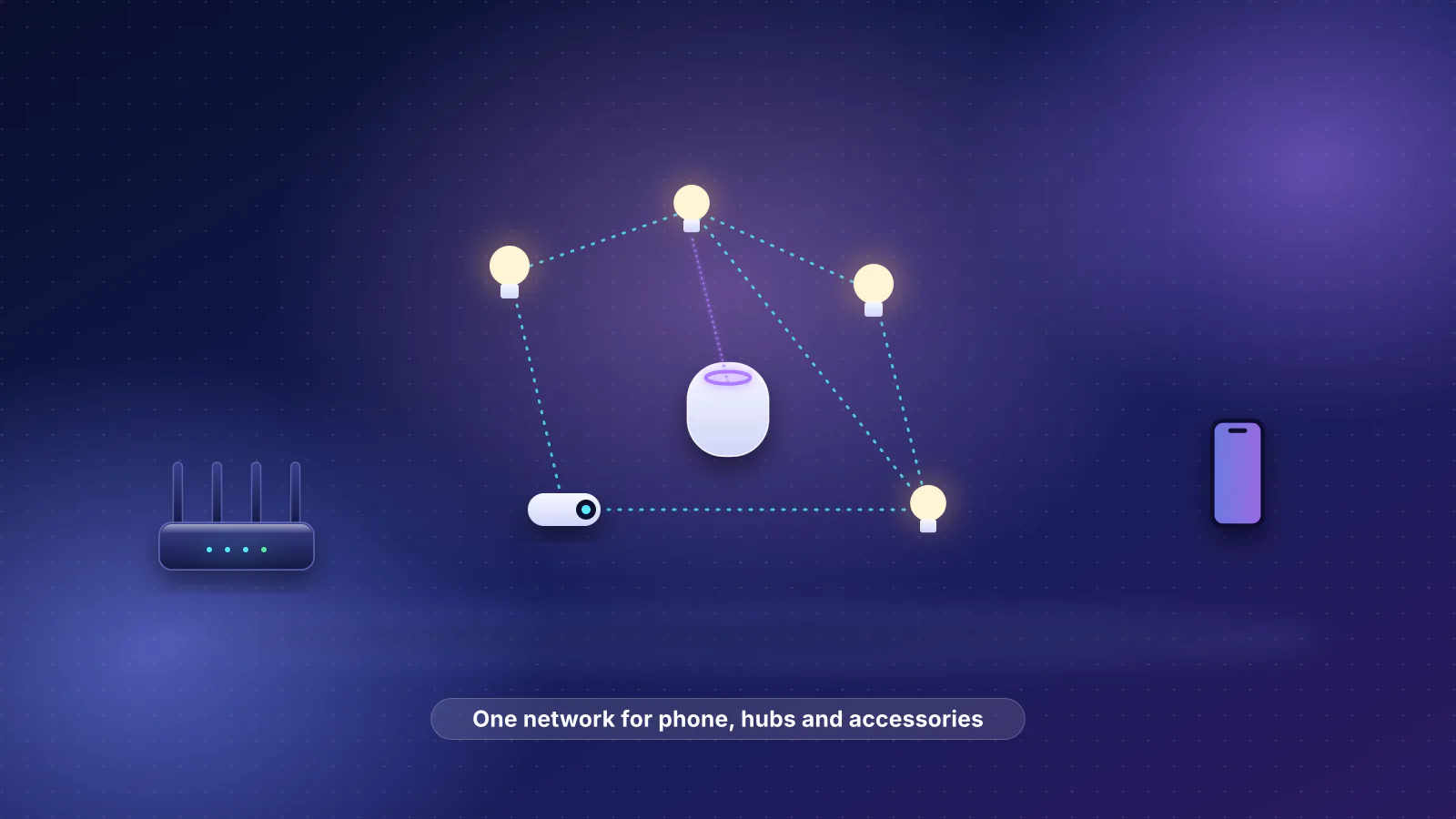
- One device, several apps, no second purchase. The Connectivity Standards Alliance (CSA) calls it multi-admin: it "allows users to connect their Matter devices to multiple platforms". Each platform is a separate "fabric" with its own keys, and the Matter data model sets a device's supported fabrics at 5 to 254.
- You share from the app the device is already in. That app opens a new pairing window and usually shows a temporary code for the second app. Amazon says most customers "don't realize they must first open the original administrator app" to get it.
- Each app needs its own hub on your network. Google says "You need one Matter-certified smart home hub for each Matter-certified app." All of those hubs have to reach the device, so they belong on the same network.
- Control carries over; your setup doesn't. On/off state and the device's Matter features are shared. Names, rooms, routines, scenes and features a brand offers outside Matter are not described anywhere as copying between apps: you set them up again in each one.
- Thread is a separate layer. Sharing a Thread device with a second app doesn't move it to that app's Thread network. Merging Thread networks is a different step, documented differently by each company.
- Remove from one app, not by factory reset. Apple's Settings can remove an accessory from one connected service or from all of them. A factory reset is the platforms' start-over step, so expect to add the device to every app again after one.
What multi-admin is: fabrics, not copies
The CSA's Matter FAQ says users "choose which apps and platforms can access each device". Underneath, each app that controls a device holds its own security credentials for it. Google's Matter developer primer (last updated July 13, 2022) defines the group of devices that share one security domain as a fabric, and says "Nodes may also be commissioned on more than one Fabric", which "is often referred to as multi-admin." Each fabric handles its own encrypted communication and operates independently.
Two things are shared between all of a device's fabrics, per the same primer:
- The device's state and functions. "the Cluster Attributes, Events, and Actions are common between Fabrics." Turn a light off in one app and the other apps see it off.
- Its network connection. The Wi-Fi or Thread credentials are "shared between all the Fabrics and part of the node's DM, not the Fabric credentials." A device sits on one network, however many apps control it.
Google's help page adds a nuance: several platforms can control one device, but "only one platform can actively control the device at a given moment." Its example is the shared state above: turn a light off in Google Home and its status changes to off in the other app too.
How many apps one device can join
| Source | What it says |
|---|---|
| Matter data model (Operational Credentials cluster, Matter 1.5, in the project-chip/connectedhomeip repository) | The device's SupportedFabrics value is constrained to between 5 and 254, and CommissionedFabrics can't exceed it. So a device built to the data model accepts at least 5 fabrics; some accept more. |
| Samsung SmartThings | "each device can only be connected to 5 different services." To add a sixth, "you will need to remove it from one of the services before you can share it again". |
| Apple, Google, Amazon, Philips Hue | We found no stated limit on the pages we read. |
A second phone isn't a second app: Apple says paired Matter accessories "sync using iCloud Keychain regardless of which device or app you used to set them up". If a device won't take another app, remove one you no longer use first, as SmartThings describes; Home Assistant's fabric list (below) shows which controllers a device holds.
Before you share: one hub per app, all on one network
Sharing a device to a second app works only if that app's hub can reach the device afterwards. Google's help page says each Matter app needs its own Matter hub, which "might be a smart speaker, a smart display, or other type of smart device that can work as a hub for Matter." Amazon's developer documentation says "The Echo device is the Matter administrator used to discover and connect Matter devices to Alexa locally." SmartThings says that to connect with another service "you must have that service's app installed and set up". Which devices count as a hub for each platform is recorded, from each maker's own lists, on our smart home platform records; check there before buying a hub you may already own.
The network rules are the ones that apply to any Matter setup. One way a device can end up working in one app and showing offline in another is a second ecosystem's hub sitting on a guest network or a separate VLAN; HomeKit and Matter across VLANs covers what to do if you segment your network.
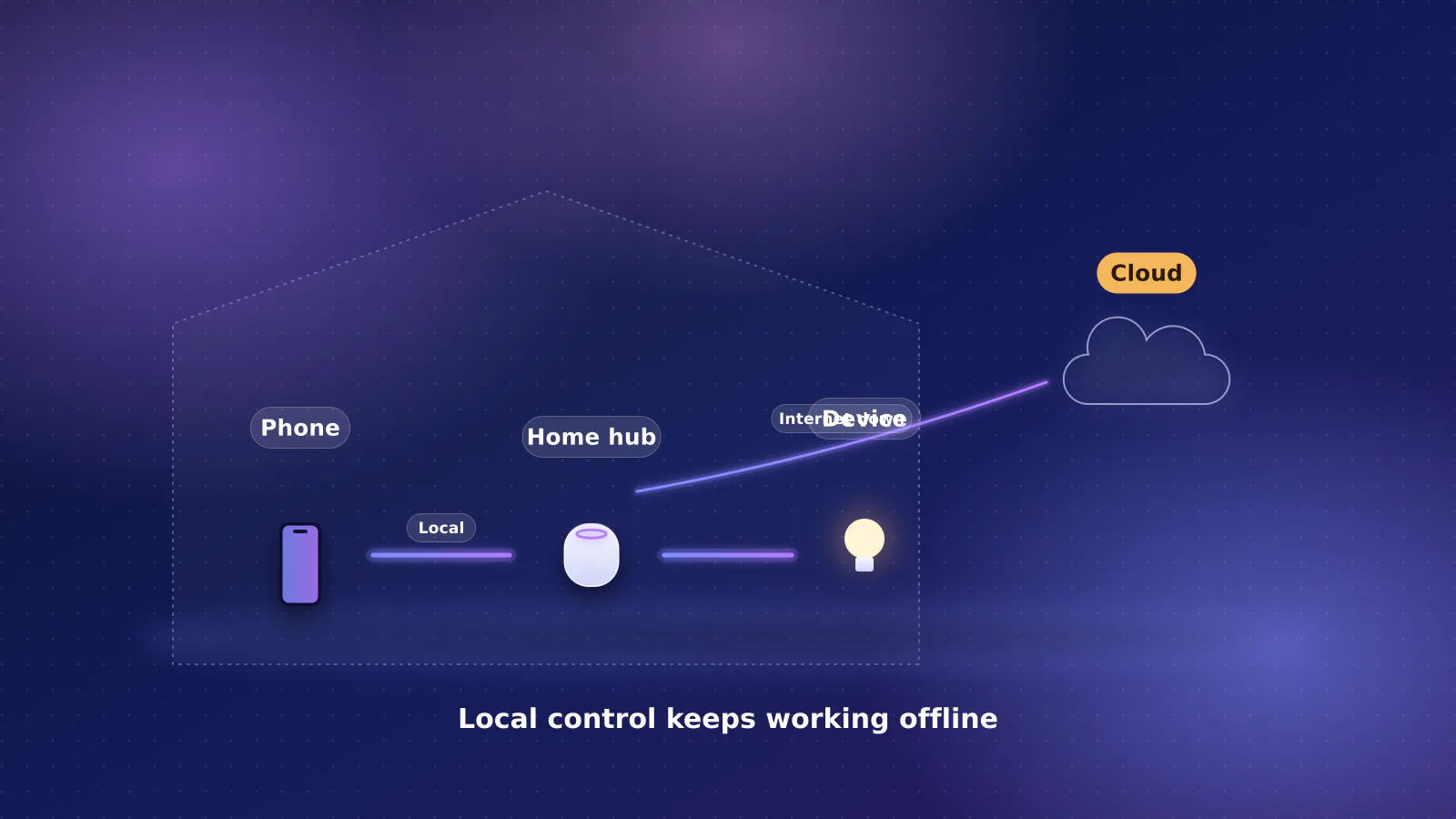
Whether each hub keeps working when the internet is down is a property of each platform, not of Matter sharing; local versus cloud smart devices has what each one documents and a safe way to check.
The sharing steps each platform documents
All read November 27, 2026. Where a page shows a date, it's given. Most flows end the same way: the first app produces a temporary code or QR code, and you enter it in the second app's "add device" screen. None of the Apple, Google, Amazon or SmartThings pages we read says how long a code lasts; Amazon's developer documentation says only that the commissioning window "closes after several minutes", and TP-Link's multi-controller guide (updated August 28, 2026), written for TP-Link's own devices, gives 3 to 15 minutes depending on the app.
From Google Home
Google's help page Set up, manage, and control Matter-enabled devices with Google Home (no date shown) gives these steps:
- Install the app you want to share with first: "you must first install the Matter-certified platform app you wish to share it with."
- In the Google Home app, touch and hold the device's tile, then tap Settings, then Linked Matter apps & services.
- Tap Link apps & services and choose from the listed apps. Google Home "automatically opens the secondary app you chose and shares the device details". Alternatively, tap Use pairing code or Share with QR code for "a temporary pairing or QR code". A QR code needs a second phone with the other app on it to scan it.
- In the other app, add a new device, enter the code or scan the QR code, and finish any prompts. Google: "you can control it from both platforms simultaneously."
To bring a device into Google Home that's already in a maker's app, Google says you "may be prompted to share those devices with Google Home"; if not, follow the maker's instructions.
From Apple Home
Apple's Pair and manage your Matter accessories (published May 7, 2026) documents the direction into Apple Home: tap Add, then Add Accessory, and "If your Matter accessory was previously paired to another app, tap More options then select your Matter accessory." For the other direction, it says to "follow the manufacturer's instructions to add a new accessory and select the previously paired accessory." Apple's developer page on Matter in iOS explains how that works: other Matter apps "can request to pair to nearby Matter accessories or access to accessories that were previously paired with other ecosystem apps and are stored in iOS Settings", with the user's permission.
TP-Link's guide also describes a manual route in the Home app: in the accessory's settings, tap Turn On Pairing Mode, then Copy Code, and enter the code in the other app. That wording is TP-Link's. We didn't find this step on Apple's Matter support page or the iPhone User Guide's Home pages, so the button name may differ on your iPhone.
From Amazon Alexa
Amazon's consumer help pages for this (titled Set Up an Alexa-connected Matter Device to Another Voice Assistant and Remove Matter Device from Another Voice Assistant Using Alexa) block automated reading, so we couldn't read their steps. Amazon's developer documentation (Best Practices to Commission Matter Devices with Alexa, last modified April 8, 2026) describes the mechanism: the current administrator tells the device to open a new commissioning window, then "presents the new, temporary 11-digit manual pairing code", which the other app uses to add the device "onto the new fabric".
TP-Link's guide gives the Alexa app path as Other Assistants and Apps, then Add Another, which creates an 11-digit setup code. That wording is TP-Link's, not Amazon's; we couldn't confirm it on an Amazon page, so follow the Alexa app's own help if the menu differs.
From Samsung SmartThings
SmartThings' SmartThings x Matter Integration article says to select the device and choose Share with other services from the More (⋮) menu. "The app will generate a QR Code and Setup Code on the screen", and "This code is generated for the sharing process specifically". This is where the five-service limit above applies. To add a device from another ecosystem into SmartThings, the page says it "can still be shared to SmartThings with the help of Matter", using the other service's sharing steps.
From Home Assistant
Home Assistant's Matter documentation (no date shown) uses Share device on the device page, then scan the QR code or enter the sharing code in the other platform's app; "There is no need to press a hardware button on the device". It also documents the reverse: in the Companion app, answer "Yes. It's already in use." and choose the controller the device is in now.
What doesn't carry over
Sharing gives the second app control of the device. It doesn't give it your setup from the first app. None of the CSA or platform pages we read describe names, rooms, routines or scenes being copied from one ecosystem to another, and each documented flow ends with you finishing setup in the new app. Three specifics the pages do document:
- Routines and automations are per app. Google says moving a device to another home in Google Home "resets the device settings and any Automations or Routines you have set up". None of the pages we read describes routines moving between apps, so plan to rebuild them. Our suggestion, not a platform rule: keep each automation in one app only, so two apps aren't both scheduling the same device.
- Only Matter features travel. Amazon says Alexa supports "a subset of device types from Matter 1.5.1 and lower", and Google points to a list of supported device types. Brand features outside Matter stay in the brand's own app. Philips Hue, for example, lists gradient lighting, dynamic scenes and entertainment sync among the "advanced features" its Bridge enables; its Matter guide doesn't say they reach other apps.
- Names can be one exception. Home Assistant says its Companion app's "Add to Apple Home" option "adds the device directly, with its Home Assistant name." Other flows we read didn't say what name the device arrives with.
Here is how the pieces divide, drawn from the sources above:
| Item | Carries over to the second app? | Why, per the sources |
|---|---|---|
| On/off, brightness, lock state and other Matter functions | Yes | Cluster attributes, events and actions are "common between Fabrics" (Google primer) |
| The device's Wi-Fi or Thread network | Yes: it stays on the one network it joined | Network credentials are shared by all fabrics, not per fabric (Google primer) |
| Security credentials | No: each app gets its own | Each fabric has its own encrypted communications and operates independently (Google primer) |
| Device name and room | Not documented as shared; set them in each app | Each flow ends with setup in the new app; Home Assistant's Add to Apple Home is the one documented name hand-off we found |
| Routines, automations, scenes made in an app | No | Not described as shared; Google resets them when a device moves to another home in Google Home |
| Brand-only features (effects, entertainment, advanced settings) | No | Platforms support listed Matter device types (Amazon, Google); Hue ties its advanced features to its Bridge |
| The second app's ability to work locally | Depends on that app's hub | Each app needs its own Matter hub (Google); Echo is Alexa's local Matter administrator (Amazon) |
Thread: sharing a device doesn't merge networks
A Matter fabric and a Thread network are different layers. Google's primer says a device's Thread or Wi-Fi credentials are shared by all its fabrics, so when you share a Thread light from Apple Home to Google Home, the light stays on the Thread network it joined and the second app's hub reaches it over IP. The Thread Group's blog (August 24, 2023) says that "thanks to its IP protocol", Thread devices on different Thread networks can "see" and work with each other, and that "most end users would not see a practical issue with having multiple Thread meshes". What merging buys is mesh reach and backup border routers. Why you have more than one Thread network explains that trade-off, and Thread 1.4 status by ecosystem has what each maker documents about sharing Thread credentials.
One documented join prompt worth knowing: Google's help page for the Google TV Streamer (4K) says it "can create a new Thread network or join an existing one". If the Google Home app finds an existing iOS Thread network, it asks whether to add the streamer to it; Don't Allow sets up a separate Thread network.
SmartThings and Apple Home on one Thread network
Neither company documents this as a single flow. What each one says:
- SmartThings. Hub firmware 0.58.10 (release notes posted by SmartThings, September 19, 2025) adds a Manage Thread network menu that can "unify the Hub's Thread network with nearby Thread networks", "by utilizing the network credentials already stored in the mobile OS". It needs SmartThings app 1.7.37 (iOS) or 1.8.37 (Android) or later, and the release covers the dedicated SmartThings and Aeotec hubs it lists. The same menu holds the option to reset the hub's Thread network.
- Apple. Apple's ThreadNetwork documentation says apps store Thread credentials in iCloud Keychain, and that retrieving the preferred network's credentials "requires a person's consent".
Putting the two together, which is our reading rather than a step either company spells out: run the unify option from the iPhone you use for Apple Home, since that is where Apple's Thread credentials are kept, expect to be asked for consent, and leave the reset option alone unless you mean to start a new network. The release notes don't say what happens to accessories already on the hub's old network. If the menu isn't there or the join fails, separate Thread networks still work together over IP, per the Thread Group; getting back to one network covers the wider clean-up.
Removing a device from one app without breaking the others
Don't reach for a factory reset. The platforms describe it as a start-over step: Google says "If you no longer use the device, make sure to factory reset it after you remove it", and Amazon's developer documentation lists a hidden "bound" state "due to prior commissioning" among the reasons setup fails. None of the pages we read spells out what a reset does to a device's other apps; our reading is that a reset is meant to return the device to that unbound, new state, so plan on adding it to every app again afterwards. To remove it from one app only, use that app's own removal or the fabric list:
| Where | Documented way to remove one app only | Note |
|---|---|---|
| iPhone or iPad Settings | Settings, General, Matter Accessories, tap the accessory, Edit, Delete, Remove, then Remove From [Connected Service] | Apple also offers Remove From All Services and Remove from Keychain; pick the one-service option to keep the others. Apple says you need at least one Matter accessory paired to see Matter Accessories in Settings |
| SmartThings | For a device shared out of SmartThings, "follow the steps on the third-party app to remove the device" | Removing it frees one of the five service slots |
| Home Assistant | Device page, three-dot menu next to Share device, Manage fabrics, then select the controller to remove | "If you want to remove Apple Home, also remove the Apple Keychain entry." Delete removes it from Home Assistant itself |
| Google Home | Touch and hold the device's tile, Settings, Remove device, Remove | Google's page doesn't say how this affects other linked apps, so check them afterwards |
| Alexa | Amazon has a consumer page on removing a Matter device from another assistant; we couldn't read it | Check the Alexa app's help for the current menu |
After removing a device from one app, open the others and confirm it still responds. Then delete any routines in the old app that used it, so they don't fail silently.
Retiring a whole ecosystem's hub is a bigger step if that hub is also a Thread border router: Thread devices that depended on it need another border router on the same network. Check how many border routers you need, and where before you unplug it. Don't regenerate a border router's Thread credentials to tidy up: eero says, of its own routers, that regenerating "creates a new Thread network and Thread credentials", and "In most cases, you may experience downtime and need to re-set up all Thread products on the new network."
When new equipment is justified
- Usually it isn't. Sharing a device you own with a second app costs nothing. If you already have a hub for each app you use, you're set.
- A hub for a new app. If you want a device in an app whose hub you don't have, that hub is the purchase Google's one-hub-per-app rule implies. Check the platform records linked above first: a speaker, display, TV or router you already own may count.
- A device that's out of slots. Remove an app you no longer use from its fabric list before replacing anything.
- Not for Thread merging alone. Separate Thread networks still interoperate over IP. A new border router is justified by coverage gaps, which fixing unreliable Thread networks helps you confirm, not by wanting one network.
When to get professional help
Multi-admin itself is app work you can do from a phone. Hands-on help makes sense when the network underneath is the problem: hubs on separate VLANs or buildings, Ethernet runs to place border routers, or access points that need reconfiguring for multicast. RouterHaus can connect you with a licensed contractor when the job needs hands on site; ask for a network plan.
Frequently asked questions
Can I use Apple Home, Google Home and Alexa with the same Matter device?
Yes. Matter's multi-admin feature lets one device join several platforms, each as its own fabric. You add it to the first app with the printed code, then generate a temporary code in that app to add it to the next. Each app needs its own hub on your network.
How many ecosystems can one Matter device join?
At least five. The Matter data model sets each device's supported fabrics between 5 and 254. SmartThings' help page says each device 'can only be connected to 5 different services'. The other platforms' pages we read state no limit.
Do my rooms, names and routines copy over when I share a device?
Not according to anything we found. The device's state and Matter features are shared, but each app keeps its own setup, so you name it, place it in a room and build routines again in the second app.
Does sharing a Thread device with Google or SmartThings merge my Thread networks?
No. The device stays on the Thread network it joined, and the second app's hub reaches it over IP. Merging networks is a separate step: SmartThings documents unifying its hub's network with credentials stored on the phone, and Google documents the Google TV Streamer (4K) joining an existing iOS Thread network. Each maker's own path is in our Thread border router guide.
How do I remove a Matter device from one app but keep it in the others?
Use that app's removal or the device's fabric list, not a factory reset. On iPhone, Settings, General, Matter Accessories lets you choose Remove From a single connected service. A factory reset is a start-over step, so expect to add the device to every app again after one.
Sources
Read on November 27, 2026.
- Connectivity Standards Alliance: Matter FAQ
- Matter SDK (project-chip/connectedhomeip on GitHub): Operational Credentials cluster data model, Matter 1.5 (copyright Connectivity Standards Alliance, 2025)
- Google Home Developers: The Fabric (Matter primer, last updated July 13, 2022)
- Google Home Help: Set up, manage, and control Matter-enabled devices with Google Home
- Google TV Help: Connect Thread smart devices with Google TV Streamer (4K)
- Apple Support: Pair and manage your Matter accessories (May 7, 2026)
- Apple Developer: Matter support in iOS
- Apple Developer: ThreadNetwork, Managing Thread network credentials
- Amazon Developer: Best Practices to Commission Matter Devices with Alexa (last modified April 8, 2026)
- Amazon Developer: Connect Your Device to Alexa with Matter (last modified November 4, 2026)
- eero Support: What is Thread?
- Samsung SmartThings Support: SmartThings x Matter Integration
- SmartThings: Hub Firmware Release Notes 0.58.10 (posted by SmartThings, September 19, 2025)
- Home Assistant: Matter integration
- Philips Hue Support: Philips Hue and Matter, complete setup and support guide
- Thread Group: Multiple Thread Networks and The Seamless Interconnectivity of IP (August 24, 2023)
- TP-Link Support: How to Add Your Matter-Certified Device into Multiple Controllers (updated August 28, 2026)