The short version
- GTA VI launched on November 19, 2026 for PS5 and Xbox Series X|S. Rockstar describes it as a single-player experience. A cable will not raise frame rate or improve rendering in a locally installed single-player campaign.
- Budget up to 212 GB of free storage. That is Rockstar's installation-space requirement, not a verified 212 GB network download for every device or edition.
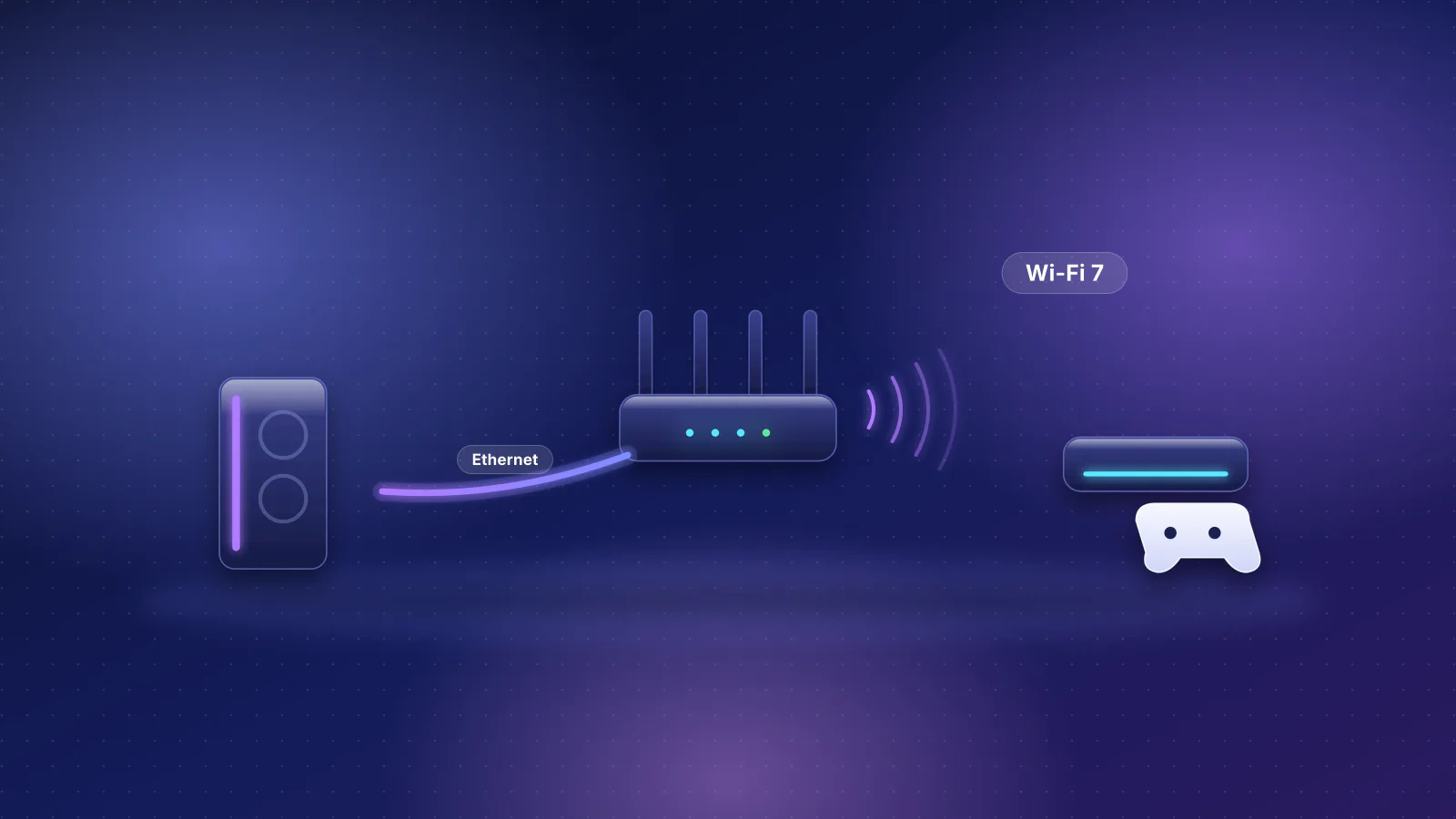
- The Xbox Series X|S still uses dual-band Wi-Fi 5 (802.11ac). Standard PS5 models support Wi-Fi 6; PS5 Pro supports Wi-Fi 7. All three product families have a gigabit Ethernet connection.
- Wire for predictable downloads and cloud streaming, not for a marketing claim. Good Wi-Fi can download and play GTA VI. Ethernet avoids local wireless congestion and retries when the connection is actually the bottleneck.
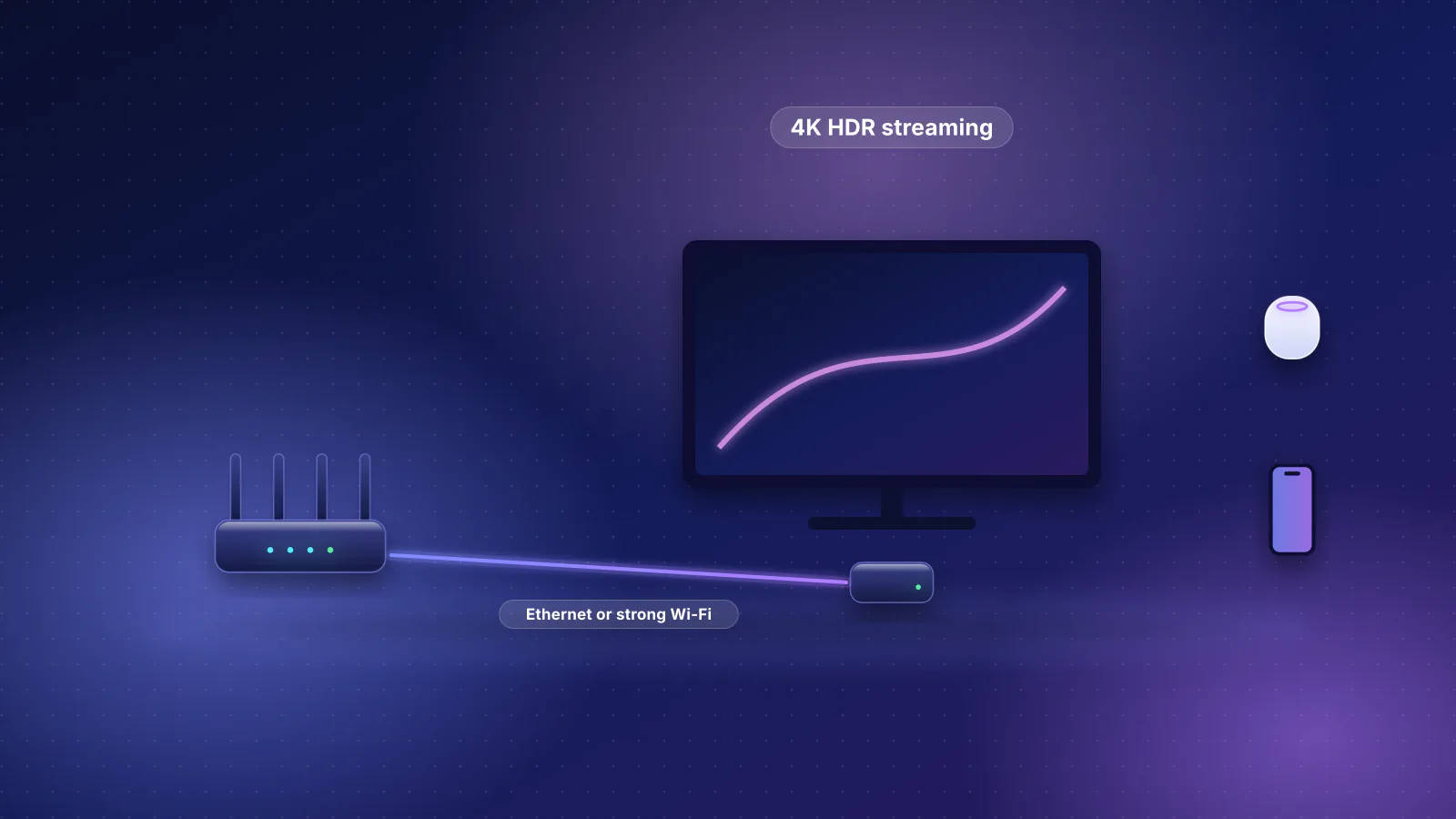
- Xbox Cloud Gaming changes the decision. Microsoft offers GTA VI through the cloud on Xbox One and Xbox Series X|S. Continuous streaming is more sensitive to spikes and packet loss than a locally installed single-player game.
This is a source-based setup guide, not a RouterHaus benchmark. We have not measured GTA VI downloads, console radio throughput or cloud streaming latency in a controlled home test.
The 212 GB requirement is not the download size
Rockstar says GTA VI requires up to 212 GB of available space depending on the device. PlayStation separately asks PS5 owners to clear at least 212 GB ahead of installation. Neither statement establishes how many gigabytes your console will download today. Installed data, transferred compressed files, patches and the free space needed to unpack them are different quantities.
Look at the installation queue on your own Xbox or PlayStation for the actual transfer amount. Make sure there is enough storage first: swapping a router does not fix a full SSD. The game became available on November 19 after pre-loading began November 10; the exact transfer remaining depends on what your console already installed.
The table below shows illustrative times for a hypothetical 100 GB transfer using decimal gigabytes and ideal sustained throughput. It is not a measured GTA VI download size or a promise from a console store.
| Actual sustained download rate | 100 GB example transfer | What to check |
|---|---|---|
| 100 Mbps | About 2 hours 13 minutes | Whether the internet plan or Wi-Fi link is the limit |
| 300 Mbps | About 44 minutes | Whether other downloads are consuming capacity |
| 1,000 Mbps | About 13 minutes | Whether the platform server and device sustain the rate |
Formula: file size in decimal GB × 8,000 ÷ sustained Mbps = seconds. Real downloads normally take longer because of network overhead, server limits, installation work and fluctuating speeds. You can enter the size actually shown on your console in the RouterHaus download-time calculator.
Xbox Wi-Fi 5 versus PS5 Wi-Fi 6 and PS5 Pro Wi-Fi 7
Console wireless specifications are not interchangeable. Microsoft still lists dual-band 802.11ac for Xbox Series X and Series S. Sony lists 802.11ax for the standard PS5 models and 802.11be for PS5 Pro. Sony and Microsoft list 10/100/1000 Ethernet for these consoles.
| Console | Documented onboard Wi-Fi | Wired networking | Practical decision |
|---|---|---|---|
| Xbox Series X / Series S | Wi-Fi 5, dual-band 802.11ac | Gigabit Ethernet | Wire when Wi-Fi is crowded or downloads vary widely |
| Standard PS5 / PS5 Slim | Wi-Fi 6, 802.11ax | Gigabit Ethernet | Keep strong Wi-Fi if it behaves; wire for consistency |
| PS5 Pro | Wi-Fi 7, 802.11be | Gigabit Ethernet | Wi-Fi 7 can help on compatible networks; Ethernet still removes a radio hop |
Those are standards supported, not guaranteed connection speeds. Client radio design, antenna placement, access point, signal strength, channel occupancy and the internet service determine the actual result. A Wi-Fi 7 router does not upgrade the radio inside an Xbox. Equally, Wi-Fi 5 is not automatically too slow for an online game: interactive game traffic typically needs consistency more than extreme bandwidth.
Gigabit Ethernet also sets a useful upper bound: paying for a 2 or 5 Gbps internet plan cannot make a console's single gigabit Ethernet port transfer 2 or 5 Gbps. A faster home network can still help other devices use the connection at the same time. For the mechanisms behind airtime contention and jitter, read Ethernet vs Wi-Fi for gaming.
Installed GTA VI and cloud-streamed GTA VI are different network workloads
The PlayStation listing describes GTA VI as a one-player title with offline play enabled. On a local install, rendering happens on the console, so a better router cannot change resolution, visual detail or frames per second. Connection quality matters to getting the title installed, downloading updates and using any connected services.
Microsoft also announced GTA VI availability through Xbox Cloud Gaming at launch, including Xbox One. Microsoft says the streamed version uses Xbox Series S graphics settings and that availability and purchase requirements vary by market and account. The game is purchased separately. If you choose cloud play, your display is receiving a continuous video stream while controller inputs travel back to a remote system. That makes latency variation, packet loss and a stable connection much more consequential than they are for an offline campaign.
Decision: For locally installed single-player GTA VI, prioritize enough SSD storage and a completed download. For Xbox Cloud Gaming, Remote Play or other interactive streaming, prioritize a stable network path, ideally Ethernet at the console when practical.
What to do before buying a new router
- Check the storage and the actual queue. Confirm available capacity and the transfer remaining on the console. Do not assume the storage requirement is the current download size.
- Test a direct cable once. Connect the Xbox or PS5 straight to your router or a wired switch. Compare an ordinary sustained download and connection stability under similar conditions, without pretending that two different store-server sessions are a controlled benchmark.
- If wired is better, diagnose the wireless hop. Improve placement and reduce walls between the console and access point. Prefer a suitable 5 GHz connection when signal is strong; PS5 Pro can use newer wireless features with compatible networking gear. Check interference and channel utilization before replacing hardware.
- When the router is far away, use wired backhaul. An Ethernet run is ideal. Existing coax may permit MoCA if the home's wiring and services are compatible. A short console cable into a mesh node that itself uses wireless backhaul still crosses Wi-Fi between that node and the main router.
- Do not mistake internet queueing for a weak radio. If ping rises sharply whenever someone uploads or downloads, investigate bufferbloat and smart queue management. If only the console's Wi-Fi path struggles, fix that link first. Use the RouterHaus latency diagnostic to choose the next test.
A cable is frequently the simplest reliability improvement. But if your PS5 Pro sits near a clean Wi-Fi 7 access point and performs consistently, buying a different router just to play an offline game has no established benefit. See the existing GTA VI network setup decision guide for the wider household checklist and how to run Ethernet in an existing home when a cable route is possible.
Frequently asked questions
Does GTA VI need Ethernet on Xbox or PS5?
No. GTA VI is a single-player experience on compatible consoles, with offline play listed on PlayStation. Ethernet is useful for stable downloads, cloud streaming and minimizing local wireless variation, not for increasing offline graphics quality.
Is GTA VI a 212 GB download?
Not necessarily. Rockstar states up to 212 GB of available installation space, which is not the same as the bytes your individual console needs to download. Read the console's queue for the actual transfer.
Is Xbox Series X Wi-Fi weaker than PS5 Pro Wi-Fi?
The Xbox Series X and S officially support Wi-Fi 5 while PS5 Pro supports Wi-Fi 7. That is a standards difference, not a measured comparison in your room. Strong Wi-Fi 5 can work well for gaming; Ethernet is a predictable choice when available.
Can I stream GTA VI on Xbox One?
Microsoft announced GTA VI through Xbox Cloud Gaming on Xbox One from launch, subject to market, account and purchase eligibility. The streamed version uses Xbox Series S graphics settings.
Sources
- Rockstar Games: Grand Theft Auto VI now available (November 19, 2026)
- Rockstar Support: installation requires up to 212 GB free space (November 3, 2026)
- PlayStation: GTA VI system, installation and offline-play details
- Microsoft Store: Xbox Series X specifications (802.11ac)
- Xbox: Series S specifications (802.11ac)
- PlayStation Blog: standard slim PS5 network specifications (802.11ax)
- PlayStation Blog: PS5 Pro network specifications (802.11be)
- Xbox Wire: GTA VI cloud play on Xbox One and Series X|S (November 10, 2026)