_with_Touch_Remote_Control_(51268992247).jpg)
Streaming
The best network setup for Apple TV 4K and several streaming TVs
Apple TV 4K network specs by model, what 4K streaming really needs, the router settings Apple recommends, and a layout for two to four TVs.
Topic
Buffering is rarely about your plan's headline speed. It's usually the Wi-Fi link to the TV, or a busy network.

Streaming services publish their own speed recommendations, and even 4K needs only a fraction of a typical modern plan. When a TV buffers on a fast plan, the cause is usually a weak or crowded Wi-Fi link in that room, an older TV radio, or other traffic competing at the same moment.
Casting and AirPlay add a second requirement: the phone and the TV have to be on the same network segment to find each other, which guest networks, separate IoT networks and double NAT can break.
From the catalog
A third radio lets mesh units talk to each other without sharing the band your TV uses. 27 current kits in our catalog are tri- or quad-band; the lowest-priced:
| Model | Wi-Fi | Pack | Manufacturer price |
|---|---|---|---|
| Wyze Wi-Fi 6E Mesh Router Pro | Wi-Fi 6E | 1-pack | $173.99 |
| Linksys Velop Pro 6E (MX6200) | Wi-Fi 6E | 1-pack | $199.99 |
| eero Pro 6E | Wi-Fi 6E | 1-pack | $199.99 |
| Google Nest Wifi Pro | Wi-Fi 6E | 1-pack | $199.99 |
| TP-Link Deco XE75 | Wi-Fi 6E | 2-pack | $219.99 |
| eero Pro 7 | Wi-Fi 7 | 1-pack | $299.99 |
| MSI Roamii BE Pro Mesh System (MRBE110) | Wi-Fi 7 | 2-pack | $299.99 |
| ASUS ZenWiFi BT6 | Wi-Fi 7 | 2-pack | $369.99 |

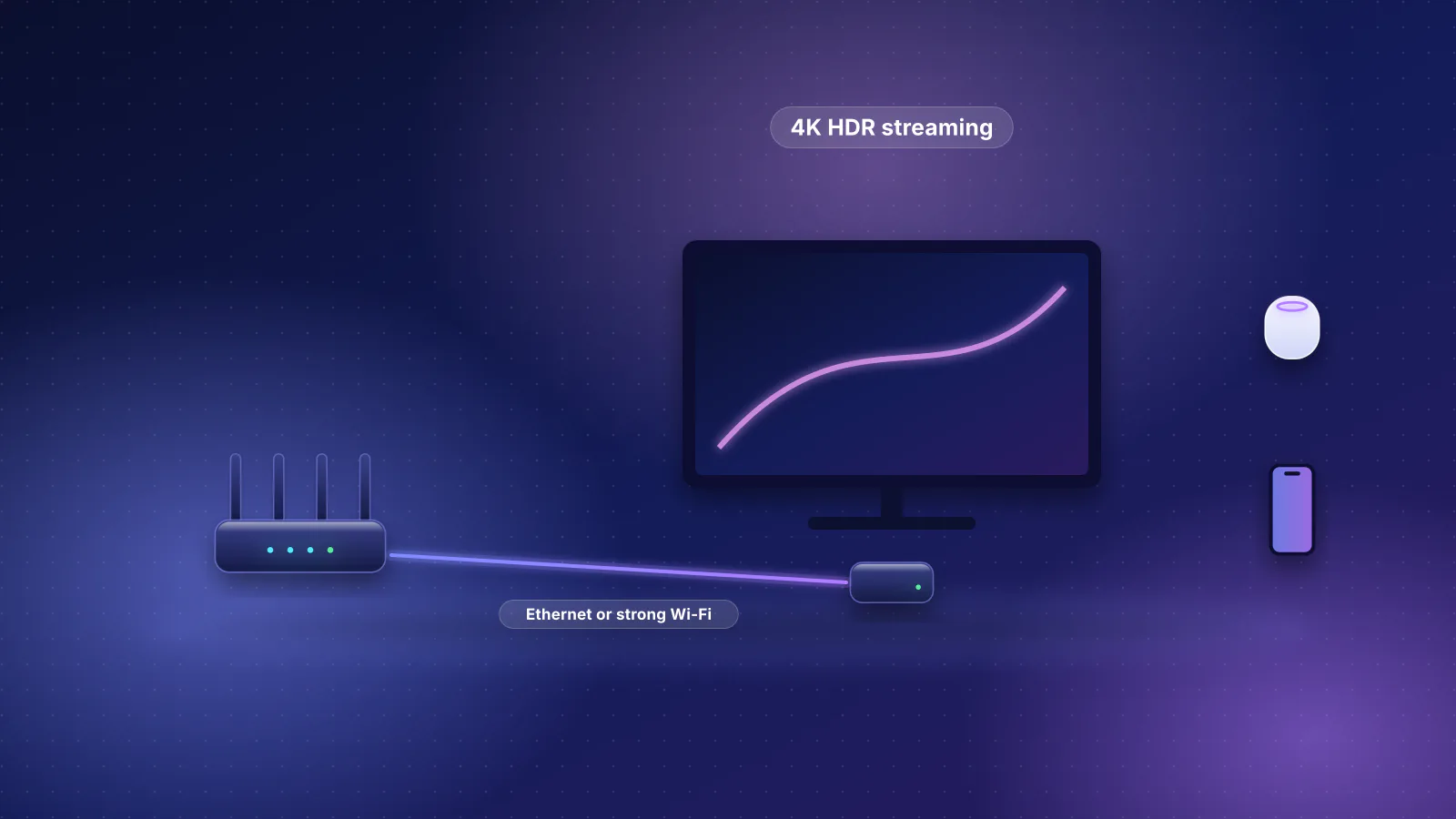
Streaming
Apple TV 4K network specs by model, what 4K streaming really needs, the router settings Apple recommends, and a layout for two to four TVs.
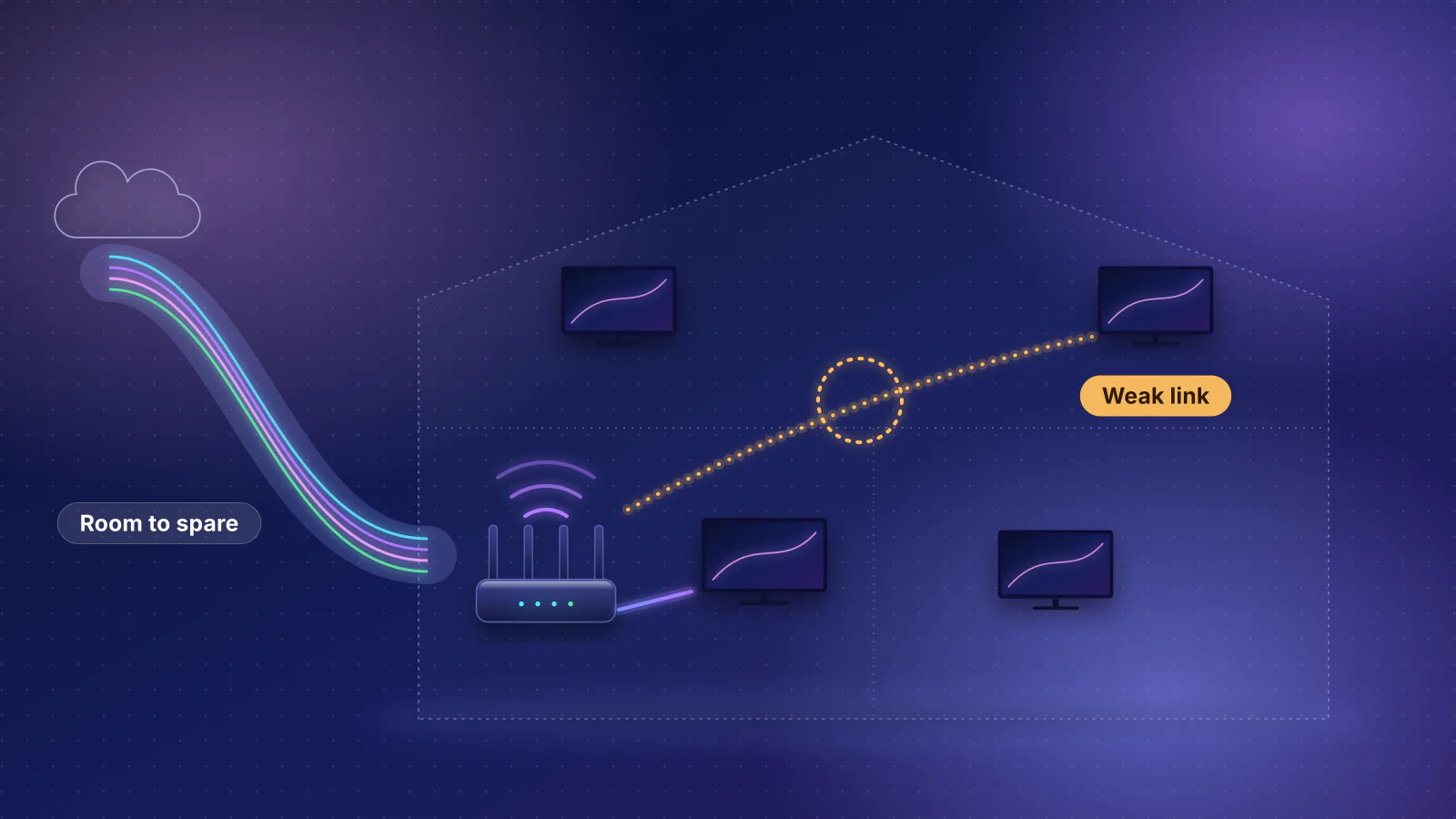
Streaming
Every major service's own speed recommendations, data use per hour, arithmetic for several 4K TVs, and what actually causes buffering.
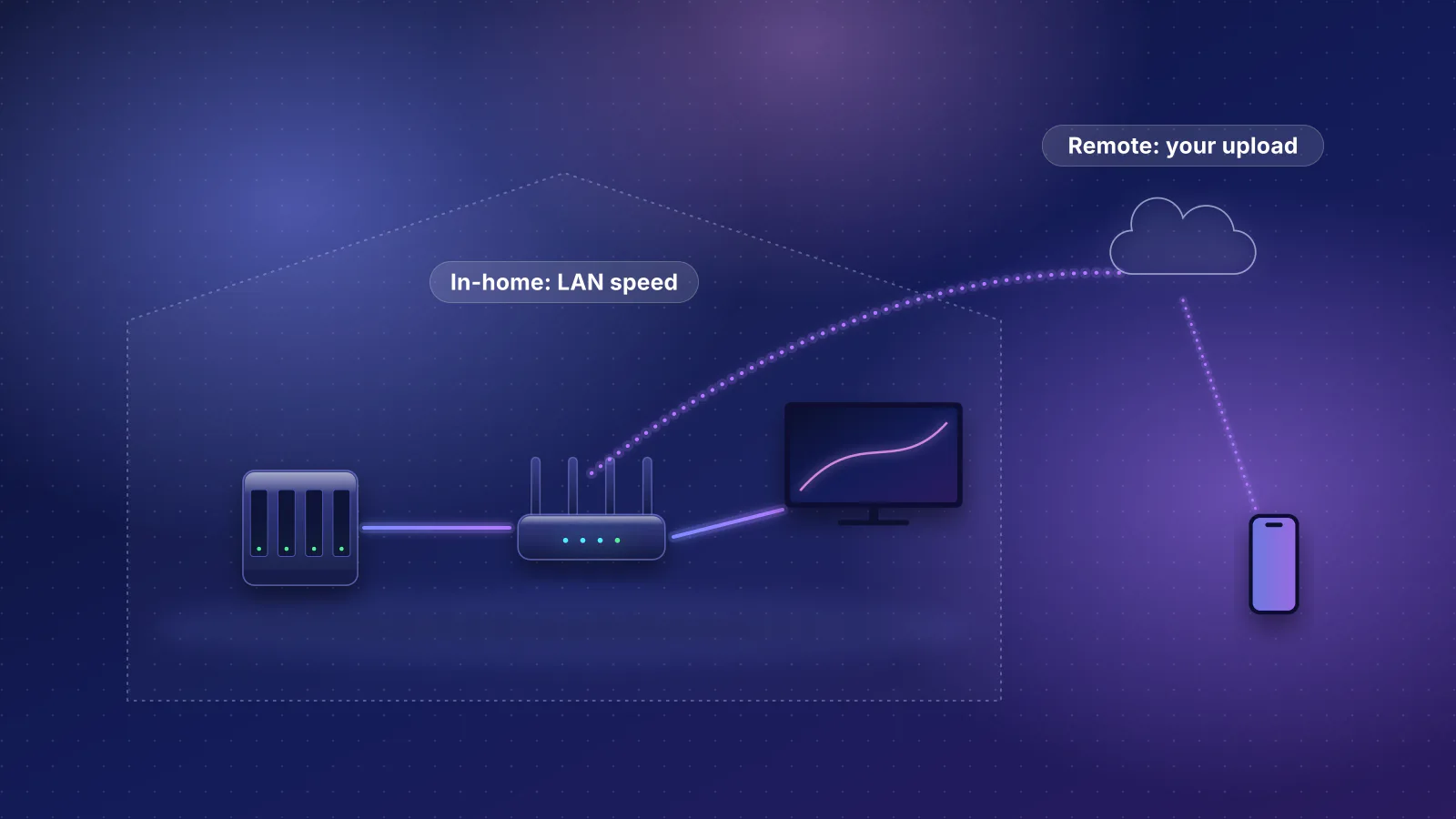
Streaming
Where the server goes, how many streams a 1 or 2.5 GbE link carries, and why remote access fails.
Planned for this topic. Each article is published only after it has been fact-checked and approved.